

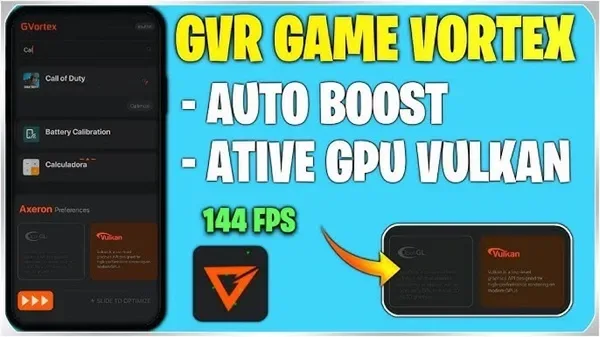
GVR Game Booster is an app designed to enhance game performance. It helps you easily adjust background performance and prioritize game tasks, improving game performance, reducing latency, and increasing frame rates without any issues. It dynamically adjusts system resource allocation, reducing CPU load, optimizing FPU performance for better visual effects, and reducing power consumption to increase battery life. In addition, GVR Game Booster offers video recording functionality, allowing you to quickly record videos and capture every amazing moment!
Tips
Enable Auto-Acceleration - Activate the auto-acceleration function to optimize your device every time you launch a game.
Customize Game Settings - Adjust CPU, GPU, and network settings for each game to achieve optimal performance.
Use Low-Latency Mode for Multiplayer Games - Improve connection speed and reduce online game latency.
Clear Background Apps - Manually close resource-intensive apps before playing games for a smoother gaming experience.
Optimize Device Storage - Ensure sufficient free space to prevent slowdowns.
Keep Your Phone Cool - Play games in a cool environment and use power-saving mode to avoid overheating your phone.
Regular Updates – Keep your GVR Game Booster APK updated for the latest performance enhancements.
Features
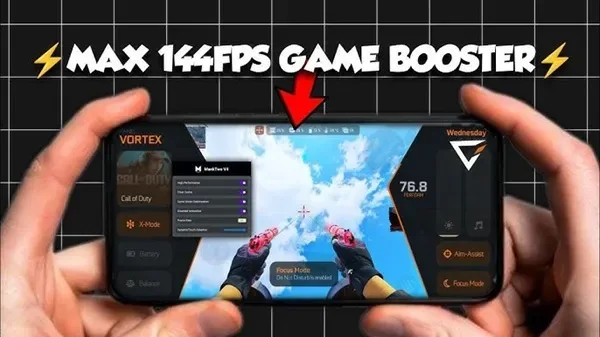
An application designed to optimize memory and free up system resources, ensuring smoother, more seamless gameplay.
Reduces latency and frame rate drops for a more stable gaming experience.
Energy saving mode balances performance and battery consumption, extending game time without overheating.
Prioritizes game traffic on mobile networks, reducing latency and providing a smooth gaming experience.
Background process cleaner.
Features screen recording functionality and audio recording.
Installation
A download button is available on the page; click it to obtain the GVR Game Booster APK file.
Open your Android device's "Settings" and then go to "Security Settings".
Enable the "Unknown sources" option now.
Open a file manager app and go to the "Downloads" folder.
Tap the GVR Game Booster APK file.
Select the "Install" option.
FAQs
How does the GVR Game Booster APK improve game performance?
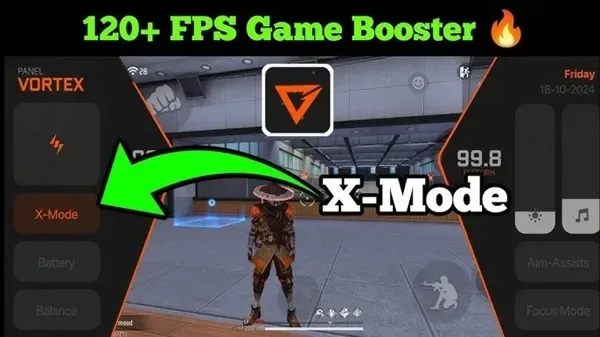
This application improves game performance and smoothness by intelligently allocating system resources and optimizing memory, CPU, and GPU usage. It also reduces background processes and improves network stability.
Can GVR Game Booster APK improve the performance of all Android devices?
Yes, GVR Game Booster APK works on a wide range of Android devices, from high-end smartphones to entry-level models. It automatically adjusts settings based on your device's performance to maximize game performance.
Does GVR Game Booster APK require root access?
No, GVR Game Booster APK does not require root access to run. It works on standard Android devices and does not require root access, making it available to a wide range of users.
Which games can GVR Game Booster APK optimize?
GVR Game Booster APK can optimize almost all Android games, including resource-intensive games such as first-person shooters, open-world games, and online multiplayer games. The application adjusts system settings to ensure optimal performance for every game you play.
Summary
Battery life is one of the most important concerns for mobile gamers, and GVR Game Booster solves this problem by offering a low-power mode, extending gameplay time without excessive battery drain. The app also includes a customizable game space, allowing users to easily manage and launch their favorite games. GVR Game Booster optimizes system performance without manual adjustments, ensuring a smooth and immersive gaming experience every time. If you want to maximize your mobile gaming experience, this app is undoubtedly the ideal choice.








