VPhoneGaga is a powerful dual-app application that creates a separate virtual space on your device. You can clone and install applications within these virtual spaces, effectively having multiple instances of the same application. Each virtual space can be customized by changing its name, icon, and background, preventing privacy leaks. Furthermore, the application allows users to manage notifications for each virtual space separately, effectively avoiding the clutter caused by receiving multiple notifications from multiple accounts.
Click to load YouTube / 点击加载视频
YouTube ↗How to use:
- Launch the Virtual Phone Simulator
Start by opening the app to access the main interface of your virtual device. You will immediately see the home screen with various icons, menus, and basic settings.
- Explore Basic Navigation
Use familiar gestures such as swiping between screens, tapping icons, and opening menus. This helps you get comfortable with the simulation environment and understand how each part works.
- Customize the Home Screen
Open the customization panel and begin adjusting wallpapers, icon layouts, widgets, and themes. Apply changes to personalize your virtual phone. Experiment with different combinations until you find the design you like the most.
- Try Built-In Tools and Features
Explore functions such as messaging, quick settings, system menus, and utility apps. These tools allow you to interact with the simulated system and discover its capabilities. Each tool provides a different experience, making the exploration process fun and engaging.
- Adjust System Settings
Navigate through the settings panel to modify additional elements such as brightness, sound options, notifications, and interface behavior. This helps you shape your virtual environment even further.
- Experiment with Advanced Personalization
Use the deeper customization features to adjust icons, styles, animations, and more. These advanced options allow you to build a unique theme and expand your creativity. The system gives full control, encouraging exploration.
- Continue Exploring and Creating
Spend time navigating through different menus, testing features, and refining your layout. The more you experiment, the more possibilities you will discover. VphoneGaga Gold is designed for ongoing creativity, allowing endless customization.
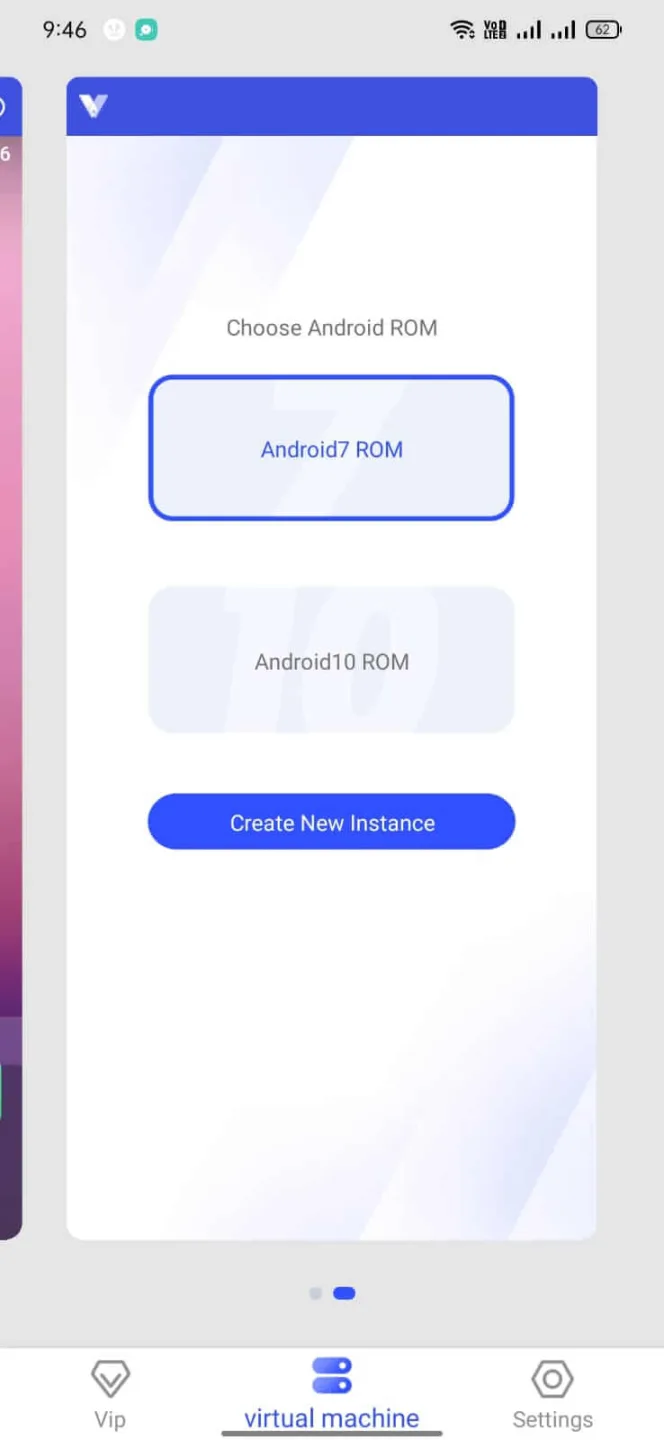
Features:
Clone Apps
If you want to use two accounts on the same phone, the App lets you clone the Apps and use a single application twice on your device. You can clone the Apps like WhatsApp and use two WhatsApp accounts on a single phone.
Have Your Private Space
You can have a private space of yours. The App allows you to install and save Apps in your personal area. And to secure your privacy, you can lock it with a password lock. So, no one can open it, even if they have access to your phone.
Multilingual
The Application supports multiple languages, so users from anywhere in the world can use it efficiently. There are 16 languages available to choose from. You can choose any of them according to your preference.
Unlimited Storage
The App offers you unlimited storage to save your important files and data. So. you can hide your personal data in this virtual space. It will save your device’s storage as well as keep your data hidden from others.
Easy to Use
The App has a simple and user-friendly interface making it easy to use. Anyone can use it easily; there is no rocket science in it. After installation, you can open the App and tap the Play button to start the virtual space. Once it is started, you can start using it.
No Root Required
If you are using the App, rooting your device is not necessary. You can use the App on both rooted and non-rooted devices. Although to use premium features, you may require a subscription.
Pros and Cons:
Pros:
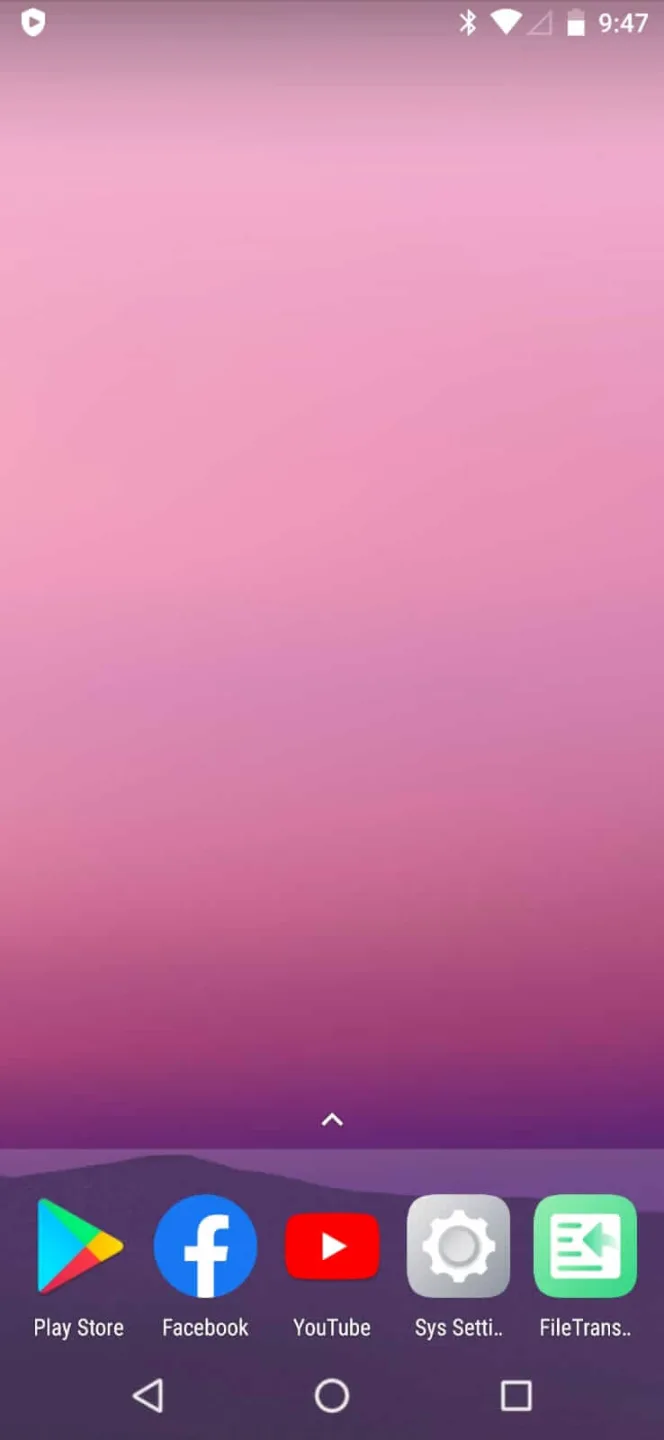
Seamless Virtual Environment: VPhoneGaga Kunoichi Trainer JutsuAPK provides a stable, independent Android system, ideal for testing new apps and managing multiple accounts without interference.
Lightweight: This app operates efficiently even on mid-range devices, ensuring that your primary system remains swift and responsive.
vphonegaga Kunoichi Trainer Jutsuapk latest version
Root Access: It grants advanced customization options and management features that normally require rooting, but without altering your actual device.
Multi-Instance: The ability to run multiple instances of apps simultaneously enhances usability, particularly for users managing various profiles or testing scenarios.
Security Sandbox: A critical feature that isolates risky or experimental apps, safeguarding your main system's data from potential threats.
Cons:
Limited Device Compatibility: Users with older or less powerful devices might find that VPhoneGaga Kunoichi Trainer JutsuAPK does not perform optimally, leading to lag or reduced functionality.
vphonegaga Kunoichi Trainer Jutsuapk vip unlocked
Learning Curve: The app's advanced features, while powerful, can be complex for those without technical background or prior experience with virtualization apps.
FAQs:
What is VPhoneGaga?
It is a powerful virtual machine that helps you to clone your favourite social apps and games with multiple accounts in a single android device.
Is VPhoneGaga safe to use?
Although VPhoneGaga is a third-party app, you can trust us and get a trusted copy of it from our website. Just visit our website and download a safe and secure apk file.
Can I use VPhoneGaga on PC?
VPhoneGaga is designed for Android devices, so it does not have a direct PC version. However, you can use it on a PC through an Android emulator like BlueStacks or Nox Player. Simply install the emulator, add the APK file, and run VPhoneGaga within the virtual Android environment on your computer.
Conclusion:
VPhoneGaga is a high-performance virtual machine app for Android devices. It lets users clone apps and games to run dual accounts in parallel. So users can have the option to do multi-tasking seamlessly. Also, it is completely safe to use. If you want to download the app, we are offering you it for free and sharing the link on the page.