
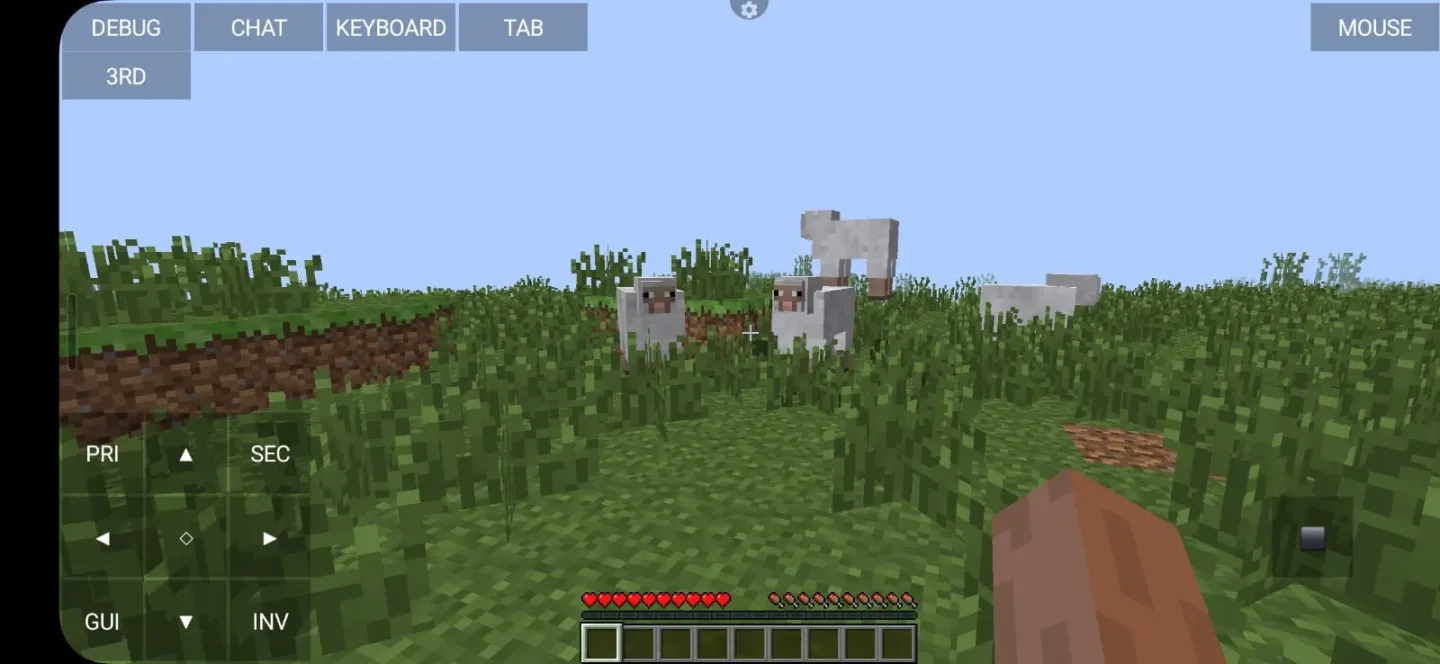
PojavLauncher is an open-source, cross-platform launcher that allows users to run Minecraft: Java Edition on Android and iOS devices. It breaks the limitation that mobile devices cannot natively run the Java version of Minecraft. Based on the Boardwalk project, it supports almost all versions of Minecraft Java Edition, from classic to the latest snapshots, and is compatible with mainstream mod frameworks such as Forge and Fabric, meeting the needs of different players for versions and mods. Furthermore, it introduces the LTW renderer, enabling smooth gameplay on low-spec devices with support for lighting and shadow effects, significantly improving the mobile gaming experience.
Click to load YouTube / 点击加载视频
YouTube ↗How to use:
Getting started is simple once you download PojavLauncher and prepare your login. The process below covers the basics so you can sign in, pick a version, and start playing with touch or peripherals.
Install the APK, open PojavLauncher, and allow any storage permissions the app requests so it can manage game files.
Sign in with your Microsoft account that owns Minecraft Java, then wait for the launcher to refresh your profile.
Create or select a profile, choose a release or snapshot version, and let the app fetch required assets before launching.
Open settings to adjust controls, choose a renderer, and set resolution. Connect a controller, keyboard, or mouse if you plan to use peripherals.
Start the game, test movement and menus, then join a singleplayer world or enter a server address to play with others.
Features:
From Boardwalk's ashes here comes PojavLauncher
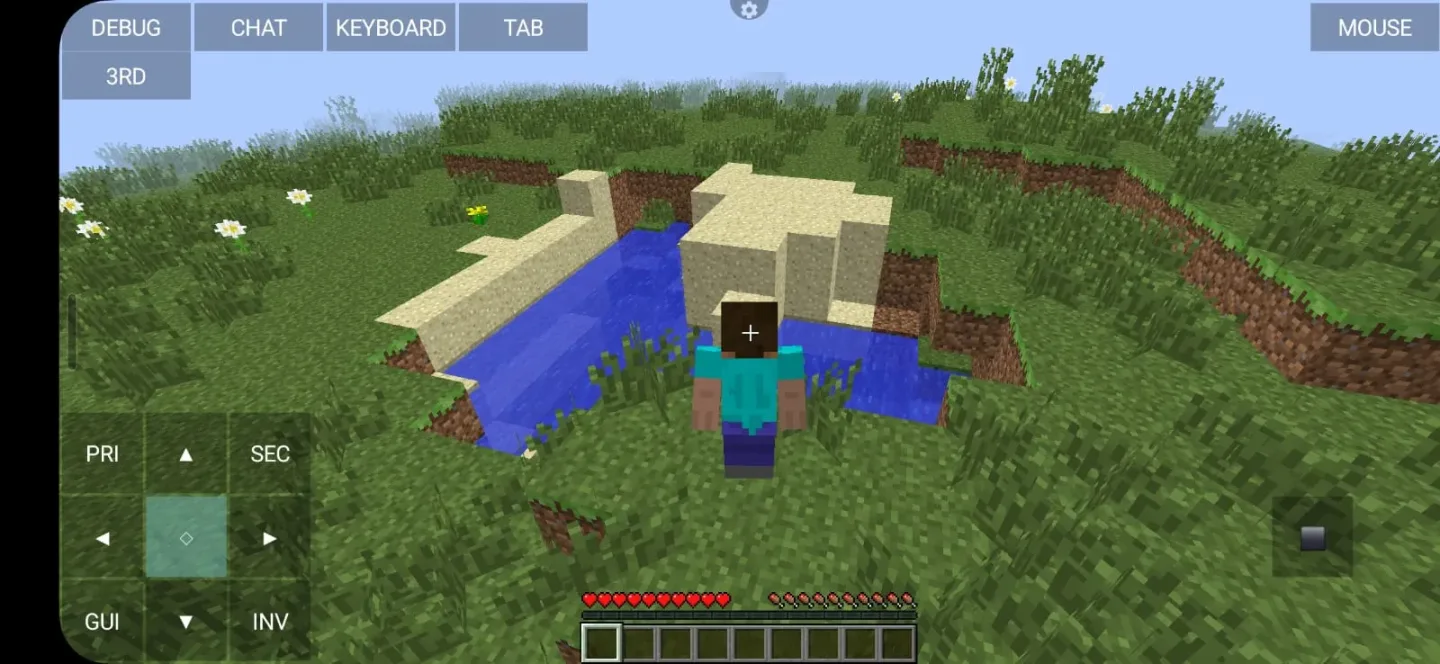
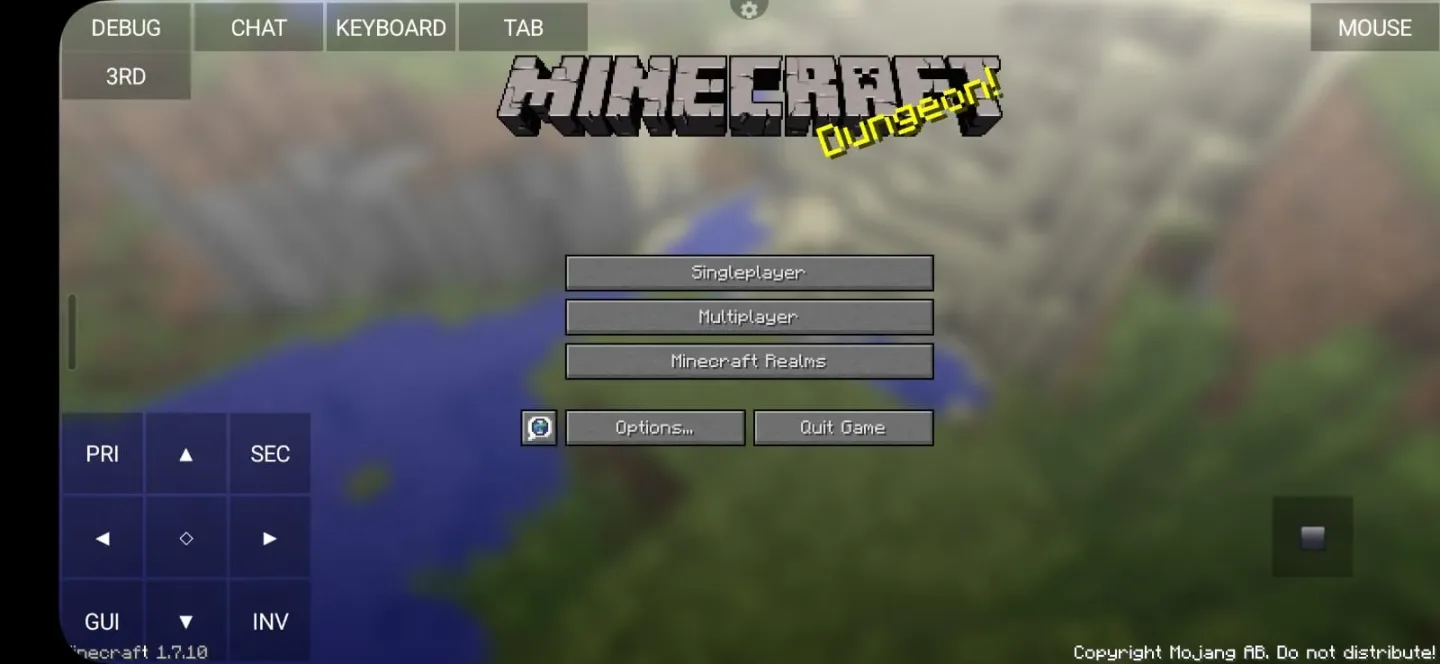
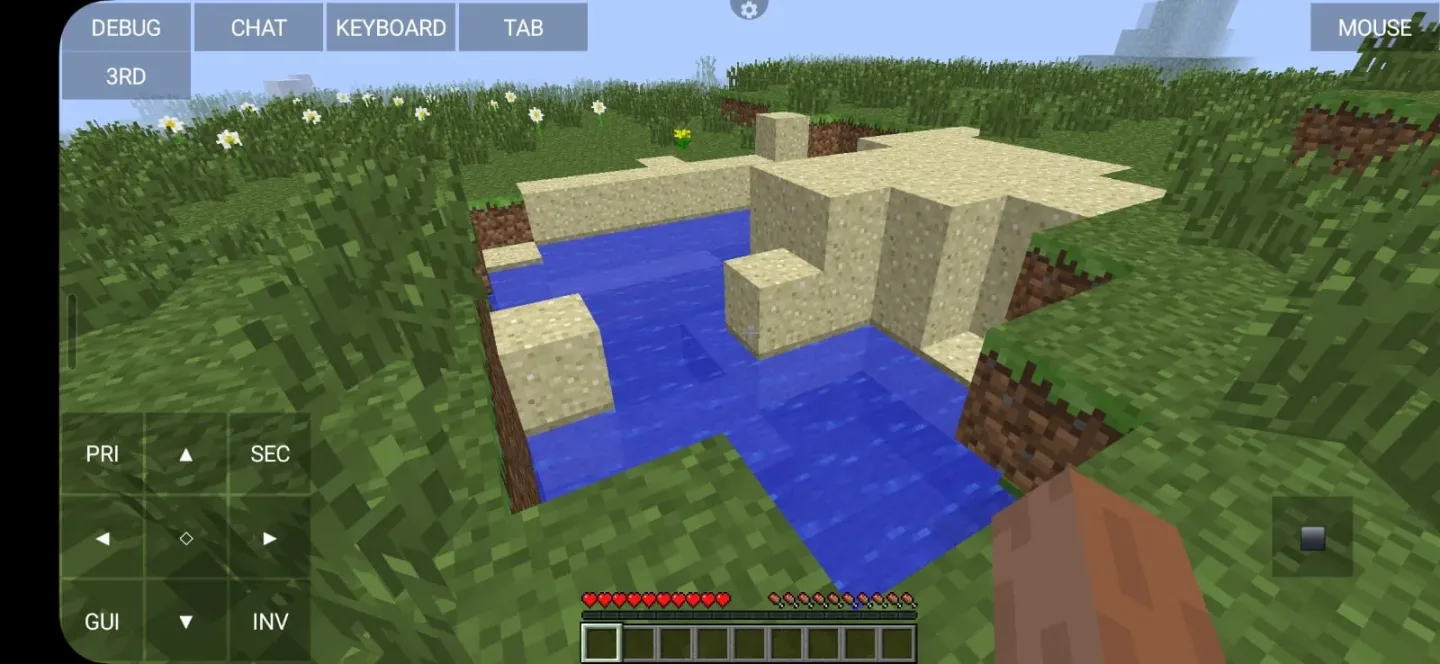
PojavLauncher is a launcher that allows you to play Minecraft: Java Edition on your Android device
It can run almost every version of Minecraft, allowing you to use .jar only installers to install modloaders such as Forge and Fabric, mods like OptiFine and LabyMod, as well as hack clients like Wurst, and much more
Documentation available
Examples available
Pros and Cons:
Pros
Can run older versions of Minecraft
Compatible with Microsoft accounts
Can store more than one account
Allows mods
Cons
Sometimes stops your game abruptly
Most versions require 4GB of RAM
FAQs:
Q. 1 What is Pojav launcher?
Ans: Pojav is an open-source application that helps Minecraft fans run Java Edition on Android devices. It enables you to play all Minecraft games anytime without any restrictions.
Q. 2 Is it a paid application?
Ans: No, it is not a paid application. It is completely free for everyone.
Q.3 Can I use mods with this Launcher?
Ans: Yes, you can use Minecraft mods with this Launcher. For this purpose, you need to install Forge or Fabric.
Q. 4 How do I install Minecraft with Pojav?
Ans: First of all, open Pojav, log in with your Minecraft account. Now, download the needed files, and you can choose your desired version from the settings to start playing.
Conclusion:
To sum up, Pojavlauncher is a powerful app that allows APK users to play Minecraft Java Edition on their smart devices. Playing the Java version on Android is something unique that provides this Launcher, users can play with full mods and custom settings. It is one of the best open-source projects for the Minecraft fanbase.It is the best option for Minecraft fans who want to play the PC version on their portable device. But device requirements are important for better performance; this app works best on high-end Android devices. If you need help contact us.








