

Nox Cleaner is an application for cleaning your device. With daily use, files accumulate, and if left unattended, this can affect the normal operation of your phone. Nox Cleaner can scan and clean unnecessary files on your phone, identify malicious components, free up space, improve device speed, and ensure security. Besides system cleaning, it also offers many practical functions, such as phone acceleration, Wi-Fi optimization, and CPU acceleration, all designed to give you a better mobile experience.
Using
After opening the Nox Cleaner app, it calculates all the junk files that can be deleted, thus saving device space. Some smartphones and tablets have limited storage space, making them easy to fill up. Fortunately, with Nox Cleaner, you can quickly clean up hundreds or even thousands of megabytes of space by deleting unnecessary files with just a tap.
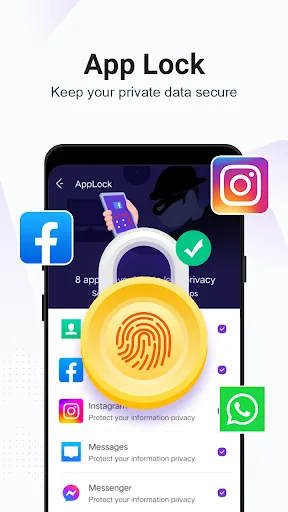
Nox Cleaner also allows you to stop all background processes. Regarding privacy, the app allows you to set a lock pattern for any installed apps, so only you can access them.
Features
Easy-to-Use Interface
The Nox Cleaner app boasts a clean and intuitive interface with a wealth of practical features to help you free up memory, improve security, speed up operation, and optimize the performance of your Android phone. Upon opening the app, users will see a main interface with key function buttons at the top, such as "Clean Up Redundant Data," and other functions below. Using Nox Cleaner can save you time and device storage space.
Clean Up Junk Data
Nox Cleaner offers many convenient features, such as automatic junk scanning, which deletes all useless files and folders, optimizes memory space, and helps improve phone performance. Nox Cleaner's virus scanning function also helps prevent malicious files, protecting your device from security threats.
In addition, Nox Cleaner provides a cleaning scan function to help users scan all file data stored in memory. Redundant, outdated, or duplicate files and images will be deleted to free up memory and improve device performance.
Using Nox Cleaner, the cleaning process is fully automated and very simple. Just tap the "Clean" button, and the app will automatically clear junk files, cache, and unused resources from your phone's internal storage. You can even schedule cleanups to run automatically, keeping your phone at its best.
Virus Removal and Information Security
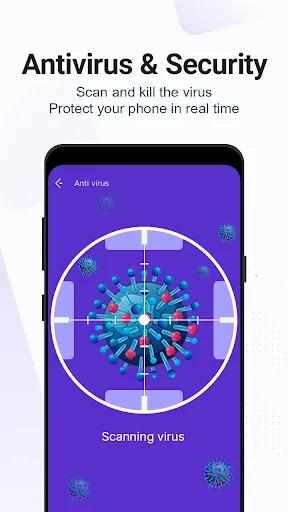
Nox Cleaner's most notable antivirus feature is its ability to perform a full system scan. This app searches for and removes malware from your system, including applications and other files. Furthermore, Nox Cleaner scans your entire phone, looking for outdated apps, browser vulnerabilities, malware within applications, and other security threats.
In addition, Nox Cleaner's antivirus features allow you to customize the scan. You can choose to scan the entire system to ensure all malware is removed, or choose to monitor only specific IP addresses or only installed applications from reputable sources. This helps minimize performance loss while uncovering hidden security threats.
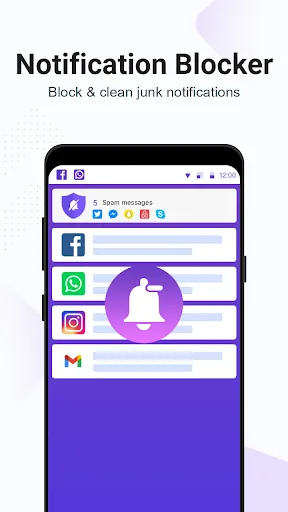
Besides finding and removing malware, Nox Cleaner offers other protection features to keep your phone safe. You can use security alerts to block malicious code, ad services, and unwanted threats. Furthermore, protecting your personal data helps ensure the safety of important information on your phone.
Application Management
Nox Cleaner provides a feature to help manage the applications and processes running on your device. By cleaning up all unnecessary background applications on your system, Nox Cleaner eliminates lag and improves speed and performance.
Furthermore, Nox Cleaner offers intelligent app management features. This allows users to view detailed information about apps on their phone, such as storage capacity, power consumption, and network metrics, enabling better management of app performance and saving phone resources.
Highlights
A major highlight of Nox Cleaner is its professional cleaning system, which ensures that only junk files and unnecessary data are deleted while protecting user privacy. This means users can clean their devices with confidence without worrying about losing important files or compromising privacy.
In addition to its powerful cleaning capabilities, Nox Cleaner offers a built-in VPN service. Users can create secure virtual private network connections within the app. Nox Cleaner routes network traffic to its servers, providing users with an encrypted and anonymous network connection, effectively protecting user data from hackers, ad trackers, and other potential threats.
Nox Cleaner's VPN service is crucial for maintaining network security and privacy. It can monitor and block potential malware, malicious links, and ads in real time, protecting user devices from cyber threats. In addition, this VPN can block ad trackers and prevent third parties from tracking and sharing users' private data.
Advantages and Disadvantages
Advantages
Comprehensive toolset for device optimization
User-friendly interface
Effectively improves game performance
Real-time antivirus protection
Disadvantages
The effectiveness of various functions may vary across different devices.
Summary
In conclusion, Nox Cleaner provides a comprehensive solution for maintaining and improving the performance of Android devices. Its powerful features and user-friendly interface make it a reliable choice for users who want to optimize their device performance. However, it should be noted that the effectiveness of some functions may vary depending on the device model and usage.








