

Lexis Audio Editor is an outstanding audio editing utility that helps users easily perform tasks such as recording organization, audio recording, and audio clip trimming, allowing for precise control. The application presents a powerful yet lightweight and convenient audio editing program for a wide user base, offering a rich set of audio editing tools, including professional noise reduction and equalizer functions. It supports a wide range of audio file formats, allowing users to easily manage target files in an intuitive and clear list, experiencing outstanding audio editing features.
Click to load YouTube / 点击加载视频
YouTube ↗Attractive Characteristics of Lexis Audio Editor
Smooth Motion: This motion mechanism is designed to create a smooth listening experience. Recordings will remove sections with sound defects or noise. Additionally, some clips are adjusted for a smoother and more aesthetically pleasing result.
Advanced Effects Control: The application uses various sound effects to enhance recording quality. Users can choose any effect that matches the recording. Compatibility affects the overall quality of the recording.
Precise Editing Functionality: The application allows users to perform multi-step editing to improve recording quality. Every part of the recording is carefully adjusted. Noise and silence are cut out to improve the mixing experience. Furthermore, the equalizer is activated to create the best sound quality.
Wonderful Features of Lexis Audio Editor
Recording and Basic Editing
Record clean footage first, then make precise adjustments using familiar tools.
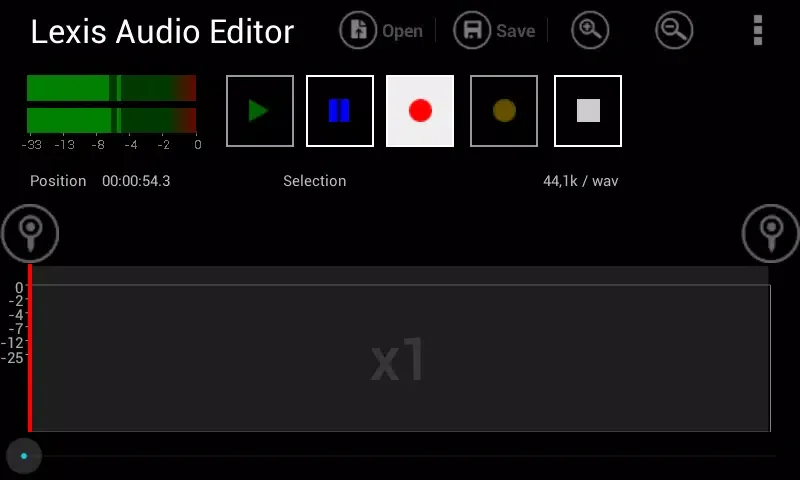
A recorder and player for quick recording and playback
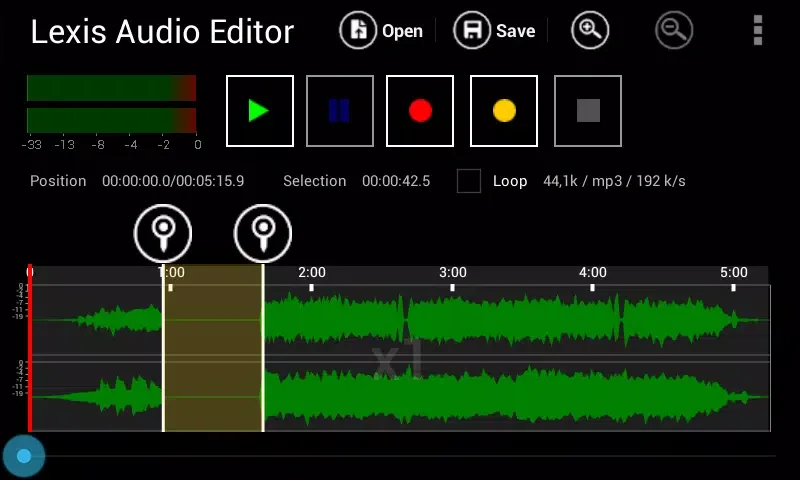
Cut, copy, and paste sections
Delete, insert silence, and trim unwanted sections
Fade in and out for smooth transitions
Sound Improvement and Tuning
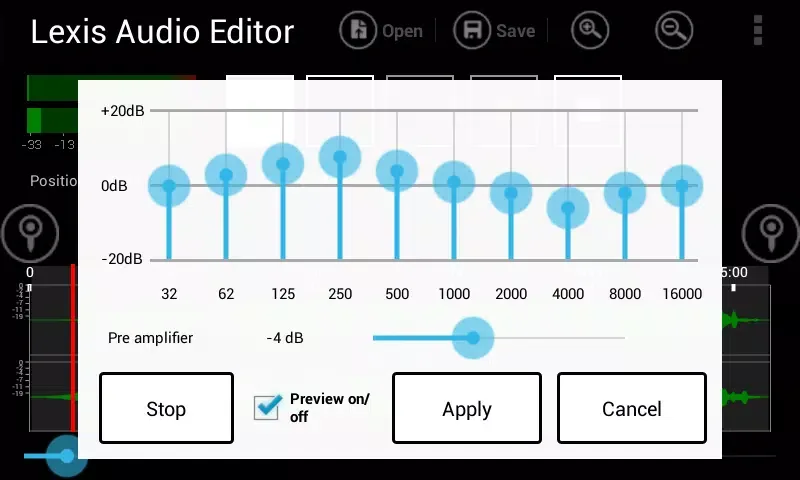
After completing basic editing, fine-tune your audio. Balance volume and reduce background noise using normalization and noise reduction. Adjust pitch with a 10-band equalizer and compressor for more controllable dynamic range. Adjust tempo, tempo, or pitch when rhythm or tonality needs correction.
Merge Tracks and Separate Vocals
When your project requires multiple audio sources, Lexis Audio Editor helps you build the desired result.
Record to an existing file
Import a file from an existing file
Mix the current file with another file
Sing and accompany in separate parts
Format support and import
Supports saving and processing common audio formats, including mp3, wav, flac, m4a, aac, and wma. Supports importing audio from video files in mp4, 3gp, and 3g2 formats. The trial version supports saving as wav, m4a, aac, flac, and wma formats, while mp3 format is only available in the paid version. Ensure sufficient free space before editing. For 10 minutes of 48kHz stereo audio, it is recommended to reserve at least 500MB of free memory.
Fantastic Highlights of Lexis Audio Editor
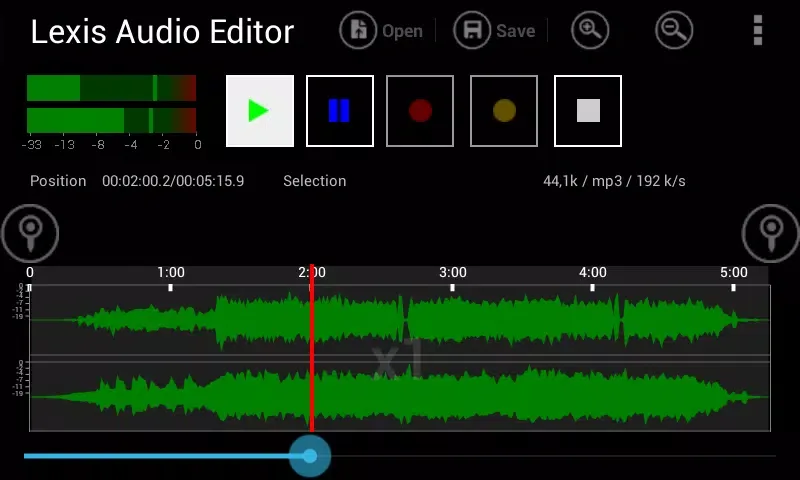
Cut, copy, and paste
Delete, insert mute, trim, fade in, fade out
Normalize, reduce noise
Record to existing file, import file to existing file
Mix current file with other files
10-band equalizer
Compressor
Change tempo, pitch
Separate vocals and accompaniment
Pros and Cons of Lexis Audio Editor
Pros
A comprehensive suite of editing and audio effects tools
Supports multiple audio formats and video audio extraction
High-quality noise reduction and normalization
Professional features include vocal separation, equalizer, and compressor.
Operation is intuitive once you're familiar with the interface.
Cons
Landscape view only may not suit all users
Lack of search functionality in file import and save dialogs
MP3 export is only available in the paid version
Final Verdict
Overall, Lexis Audio Editor is a simple yet powerful audio tool that allows you to easily record and edit tracks. It offers a complete set of editing options and features to help you achieve optimal sound quality and desired effects. The user interface could be improved, but otherwise, it's an excellent option worth trying.








