

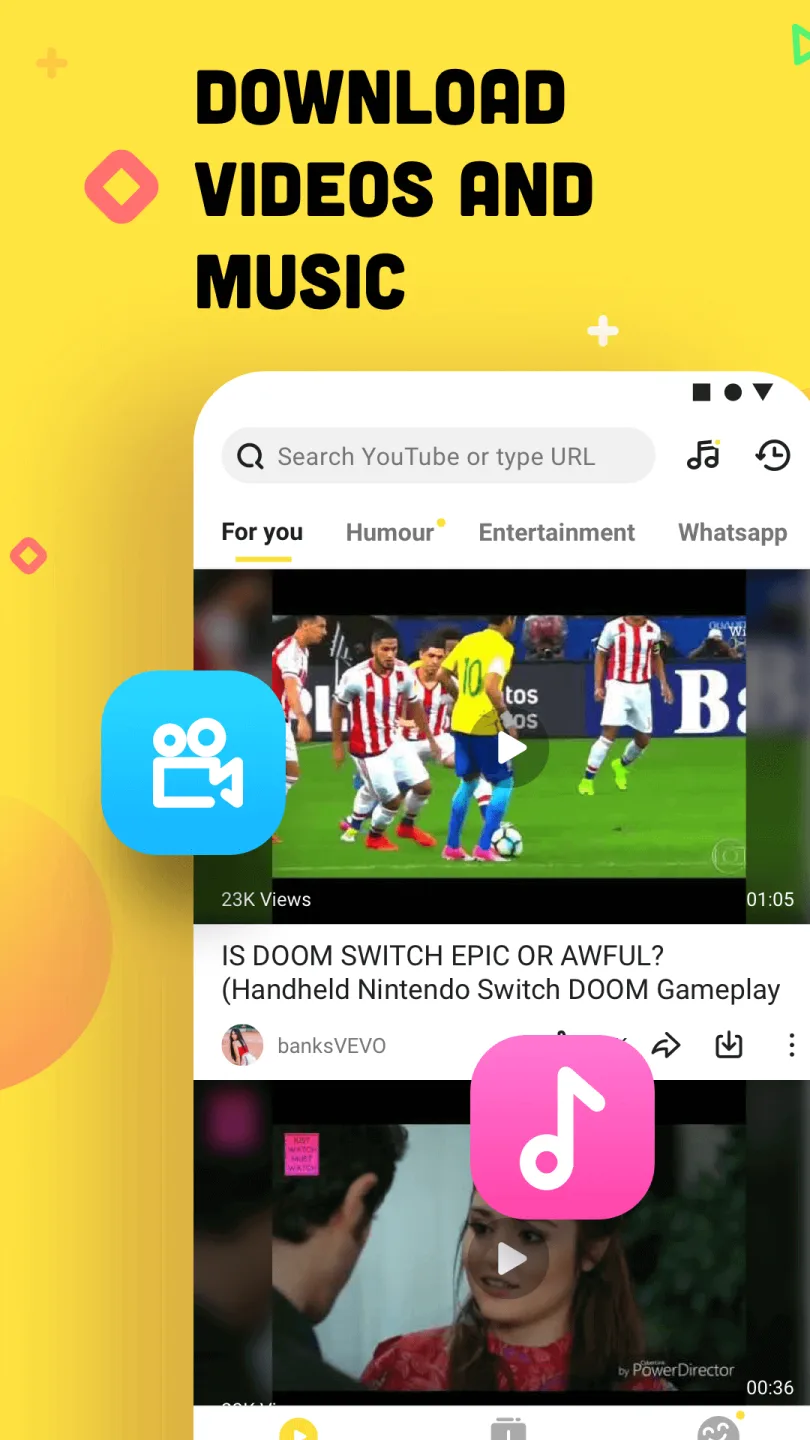
Snaptube is a powerful, free multimedia downloader that supports downloading video and audio content from over 100 platforms, including YouTube, Facebook, Instagram, and TikTok. It automatically identifies links and performs one-click parsing. Videos support resolutions from 144p to 4K and even 8K, catering to the storage and playback needs of various devices. Furthermore, it includes a multimedia player that can directly play downloaded audio and video files, supporting quality adjustment and playback control. Files are categorized by platform or type for easy searching. It's compatible with Android devices and allows users to save resources locally for offline viewing.
Click to load YouTube / 点击加载视频
YouTube ↗How To Use:
1、Download from SnapTube
Step 1 Search for your favorite video
Step 2 Click the SNAP red download button
Step 3 Choose the video & audio format and resolution
Whoof, done! You can check download tasks in the Download Manager.
You can also start downloading by pasting the video link in the search bar.
2、Download from YouTube and other video apps
Step 1 Share the video you want to download
Step 2 Choose the option ‘Download Video’ to share to SnapTube
Features:
Download HD Videos
Play and download your favorite videos in all possible resolutions with Snaptube. We allow you to choose from 144p to 4K resolution when downloading videos. Enjoy an immersive HD video experience after downloading.
YouTube to MP3
Music lovers can use Snaptube to download any video in MP3 and M4A audio formats. This application features a built-in video-to-audio converter capable of downloading songs at 256 kbps.
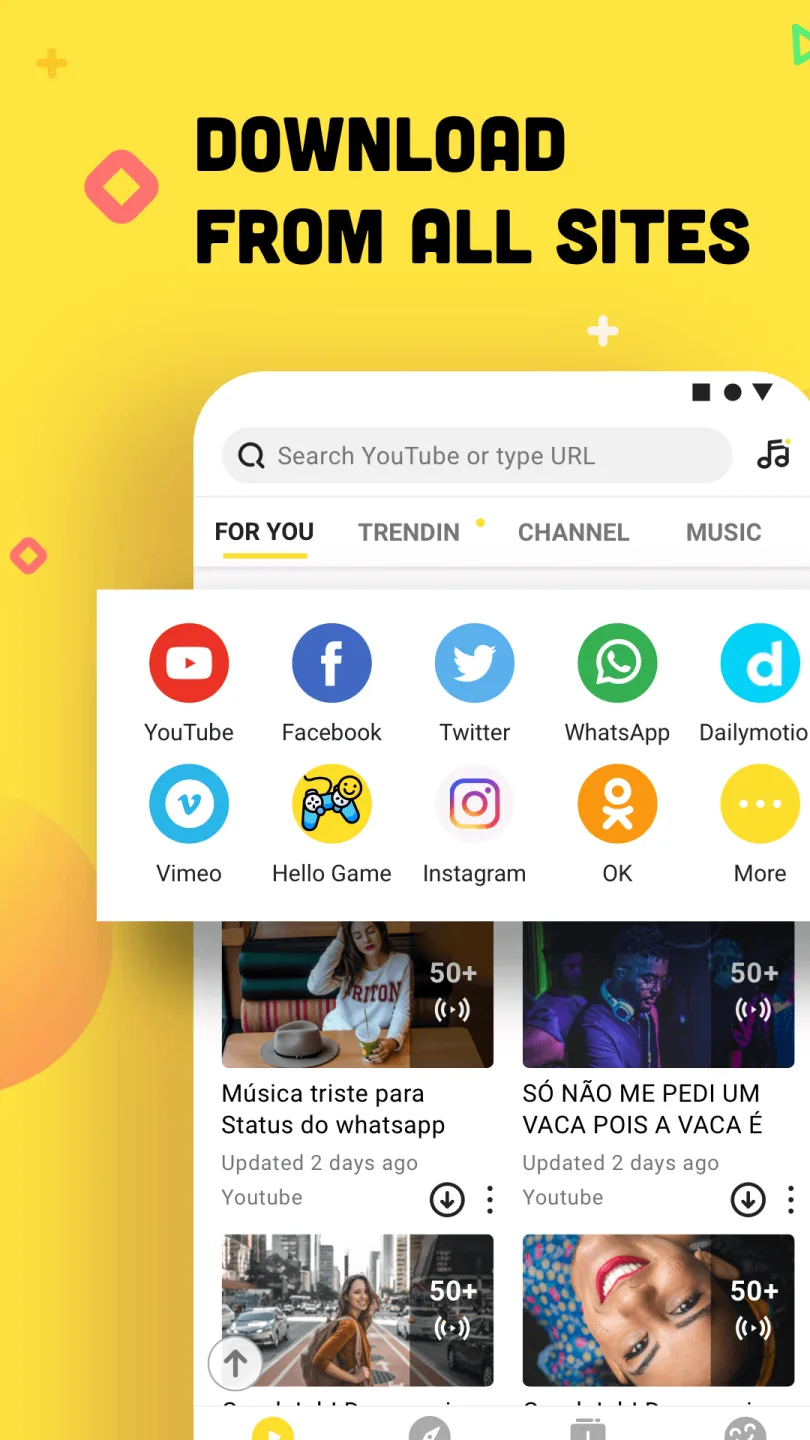
Supports 50+ Websites You Use Every Day
Snaptube lets you access over 50 websites to download engaging videos. We've bookmarked popular websites like YouTube, Instagram, Facebook, and WhatsApp for easy access.
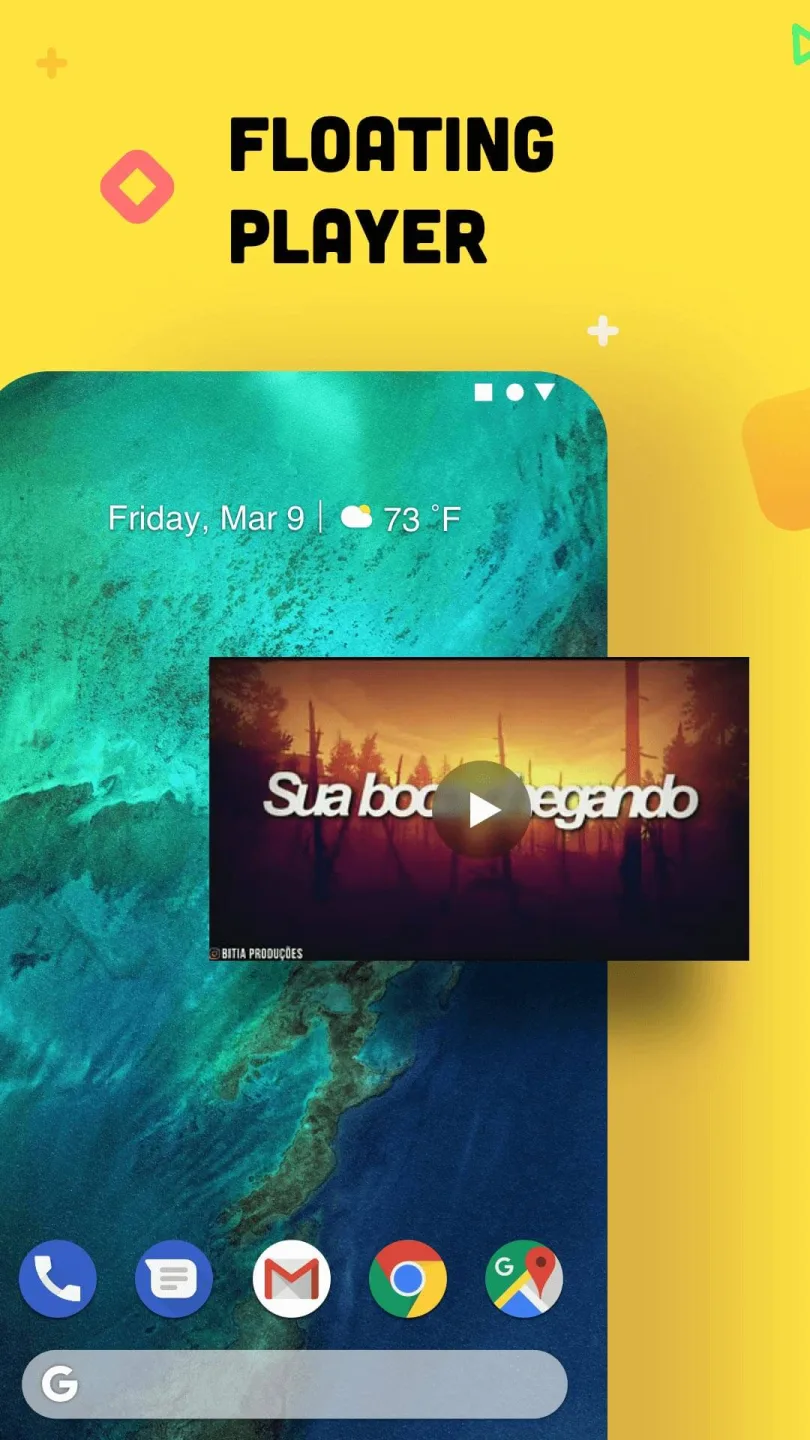
Floating Playback Window
Help you multitask by playing videos in a floating window. While using other applications, let Snaptube play your favorite videos in floating mode, which you can adjust at any angle as needed.
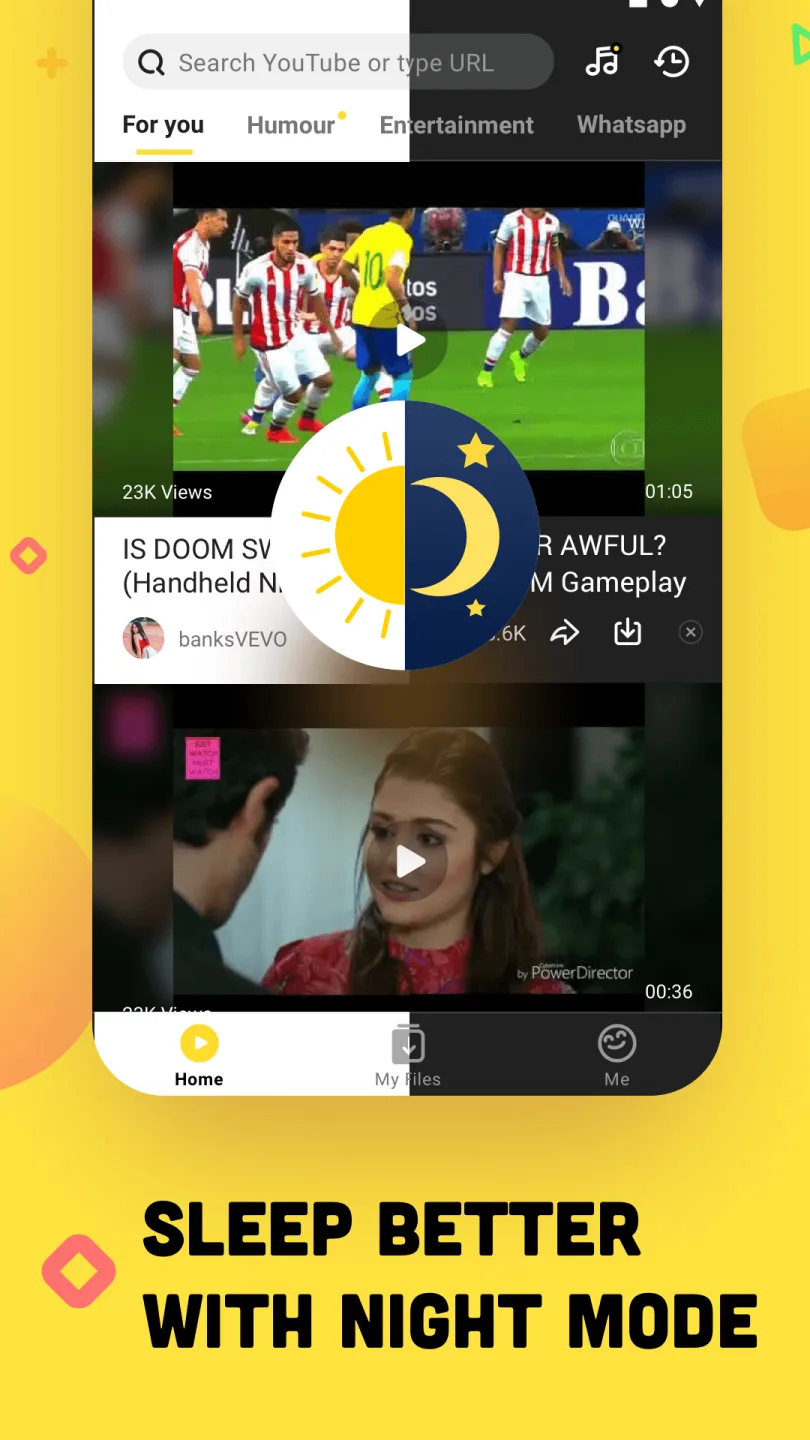
User-Friendly Interface with Night Mode
Give your eyes maximum comfort when using Snaptube in all lighting conditions. If your eyes are hurting when watching videos at night, turn on "Night Mode" with a dark theme.
Ad-Free Entertainment on YouTube
If you're tired of skipping tedious ads on YouTube, switch to Snaptube for uninterrupted entertainment.
Premium Service, Completely Free
All features offered in Snaptube are absolutely free for every user. Premium features such as 4K downloads and ad-free entertainment are available without any subscription fees.
Highlights:
Create a Music library to listen to premium songs.
Inbuilt media player with simple controls.
Runs without lag or buffering.
4K resolution.
Perfect source for entertainment.
Let you download all videos from YouTube.
Supports media sharing.
Kids content.
Show fewer ads compared to other apps.
Supports offline and live streaming.
Fixed bugs and the latest collection of media.
Friendly UI with effortless downloads.
FAQs:
Which platforms offer the Snaptube latest version download?
You’re on the app's official website now. It’s safe to get it here. You can also find the APK file on other secure platforms like APKPure and Uptodown. If you have a Huawei or Xiaomi phone, the app is also available in their app stores. These are all reliable places to download the APK file.
How can I find my downloaded videos and music within the Snaptube app?
Open the app and tap "Play" in the menu to access the "Downloaded" list, where all downloaded videos and music are arranged by date or file type.
How can I ensure I'm using the Snaptube latest version?
To check for updates, go to the app’s settings, click "About," and then click "Update." If this is the latest version, a line of text will pop up confirming it. If not, the app will prompt you to download Snaptube latest version apk.
My device is blocking Snaptube installation. How can I fix this?
If your device blocks installation, follow these steps: 1. Go to your device Settings. 2. Navigate to Security or Privacy settings. 3. Find and enable "Allow installation from unknown sources" or similar option. 4. If prompted, select your browser app to allow installations from it. 5. Try installing it again.
What to do if Snaptube is not working?
If you encounter issues with the app not downloading videos or music, don’t worry. We recommend first updating it to the latest version. Then, make sure your phone is connected to a strong network. If you have a VPN enabled, please turn it off. If these steps don’t resolve the issue, click on "Settings" in the app, then select "Feedback" to send us the problem with screenshots. We’ll assist you once we receive your feedback.
Final Words:
Snaptube Apk is one of the most popular Android apps for downloading videos and audio from various social media sites such as YouTube, Instagram, TikTok, and others. If you enjoy music, what are you waiting for? Download your favorite songs in audio formats such as mp3 and m4a using the app’s audio converter capability.








