

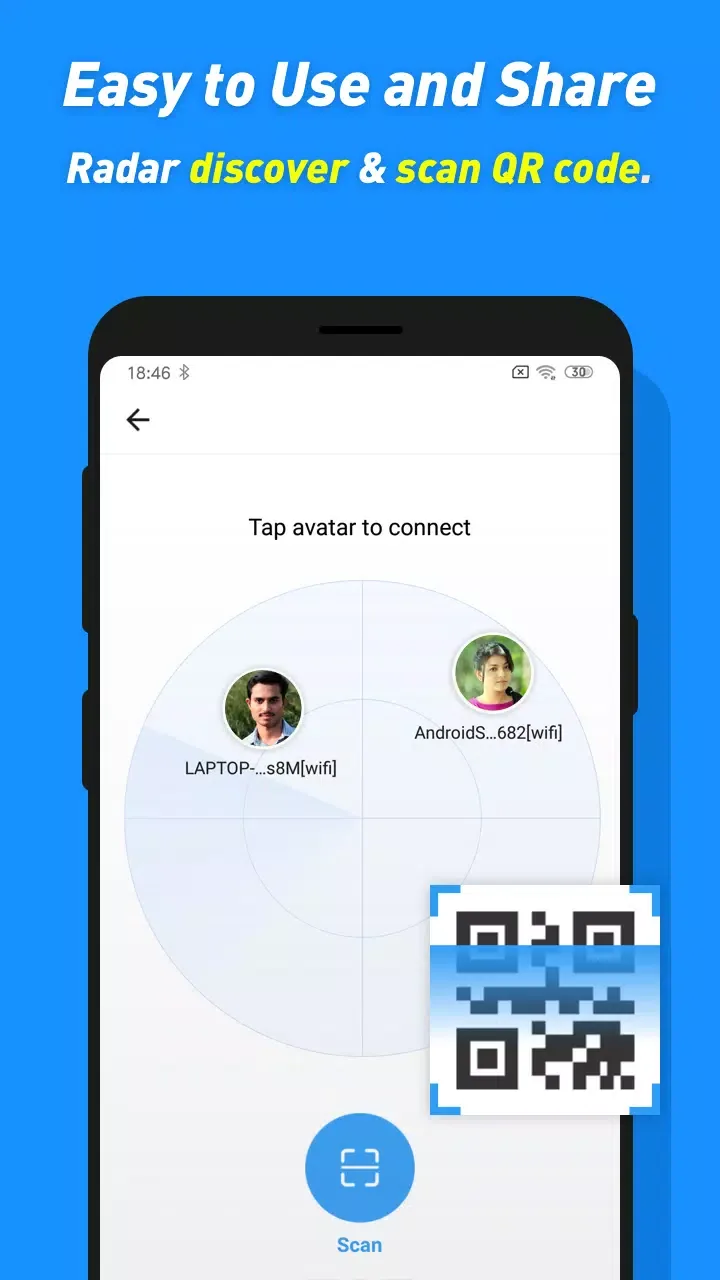
Share Karo is a file transfer software designed specifically for Indian users. It has no file size or network environment limitations, allowing users to transfer and share files, pictures, videos, software, and more with others at any time. Connecting is also very easy; simply scan a QR code to connect and start transferring files. The software also supports file management functions, allowing users to quickly find needed files or delete unnecessary files using keyword searches. The software is continuously being updated, with more supported file formats and new features constantly being added, providing users with a more convenient transfer experience.
Click to load YouTube / 点击加载视频
YouTube ↗Features of Share Karo:
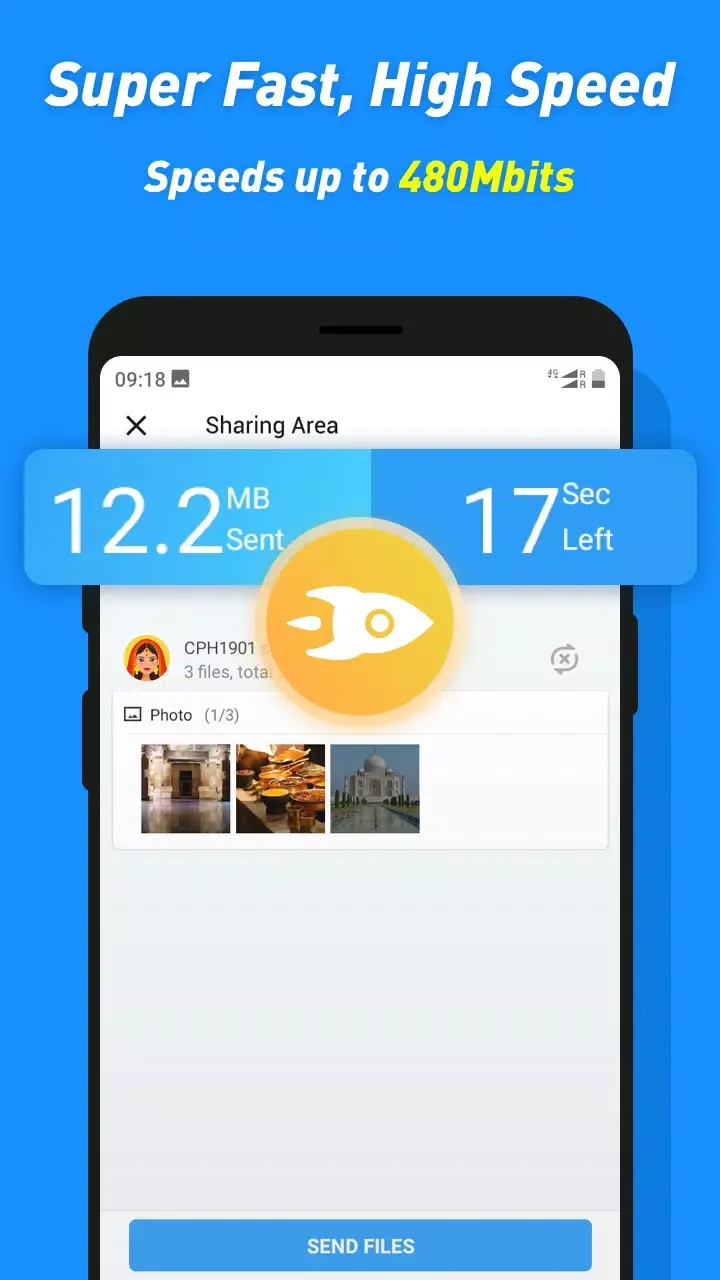
High-Speed Wireless Transfers: ShareKaro uses local Wi-Fi and direct connections instead of Bluetooth, giving you much faster speeds without eating into your data plan.
Built-In Media Player: Received videos and music files open instantly inside the app. You don’t need to switch to another player just to check what you received.
Simple File Manager: Browse folders, preview files, and select exactly what you want to send without jumping between multiple apps.
Batch File Sharing: Send dozens of files or entire folders at once. ShareKaro handles batch transfers smoothly without crashing or losing progress.
Smart Storage Cleaner: The built-in cleaner helps you free up space by identifying junk files, leftover cache, and large unused items — especially useful before sending or receiving big files.
Highlights of Share Karo:
File Transfer Capabilities: Share Karo employs WiFi Direct technology, allowing users to transfer large files at impressive speeds, independent of internet or mobile data. Transfers are not restricted by file size, accommodating everything from single documents to entire galleries of videos and images. The app supports cross-platform compatibility, facilitating sharing between Android devices and even across manufacturers.One standout aspect is the lack of transfer limits, although interruptions during transfer can corrupt files, requiring users to restart the process from scratch.
File Management Features: Beyond sending and receiving files, ShareKaro includes a basic file management utility. Users can browse their device’s storage, organize files, delete unwanted items, and monitor space usage. This management tool also offers suggestions for clearing up space, making it practical for users with limited device storage.
Performance and Reliability: Transfers are impressively fast, leveraging WiFi Direct for maximum speed. The connection process is straightforward, relying on QR code scanning or manual selection for device pairing. Most transfers complete smoothly, but larger files or sudden interruptions—like app closures or network signal drops—can disrupt the process, necessitating a full retransmission.
FAQs of Share Karo:
Does ShareKaro ensure the security of transferred data?
Yes, ShareKaro prioritizes user privacy and data security. The app utilizes advanced encryption protocols to keep all data safe and secure during transfers, ensuring reliable file sharing for its users.
What types of files can ShareKaro transfer between devices?
ShareKaro transfers various file types, including photos, videos, documents, music, contacts, and other files. It supports sharing files of any size without limitations, making it a versatile solution.
How much does a subscription for ShareKaro cost?
ShareKaro offers auto-renewable subscriptions in weekly, 1-month, and 1-year durations. Purchases are charged to your iTunes account and automatically renew unless canceled at least 24 hours prior to renewal.
Can ShareKaro resume interrupted file transfers?
Yes, ShareKaro includes a history feature that allows users to keep track of their transfers. This functionality enables easy resumption of any interrupted transfers, ensuring convenience and reliability.
Is ShareKaro compatible with different device platforms?
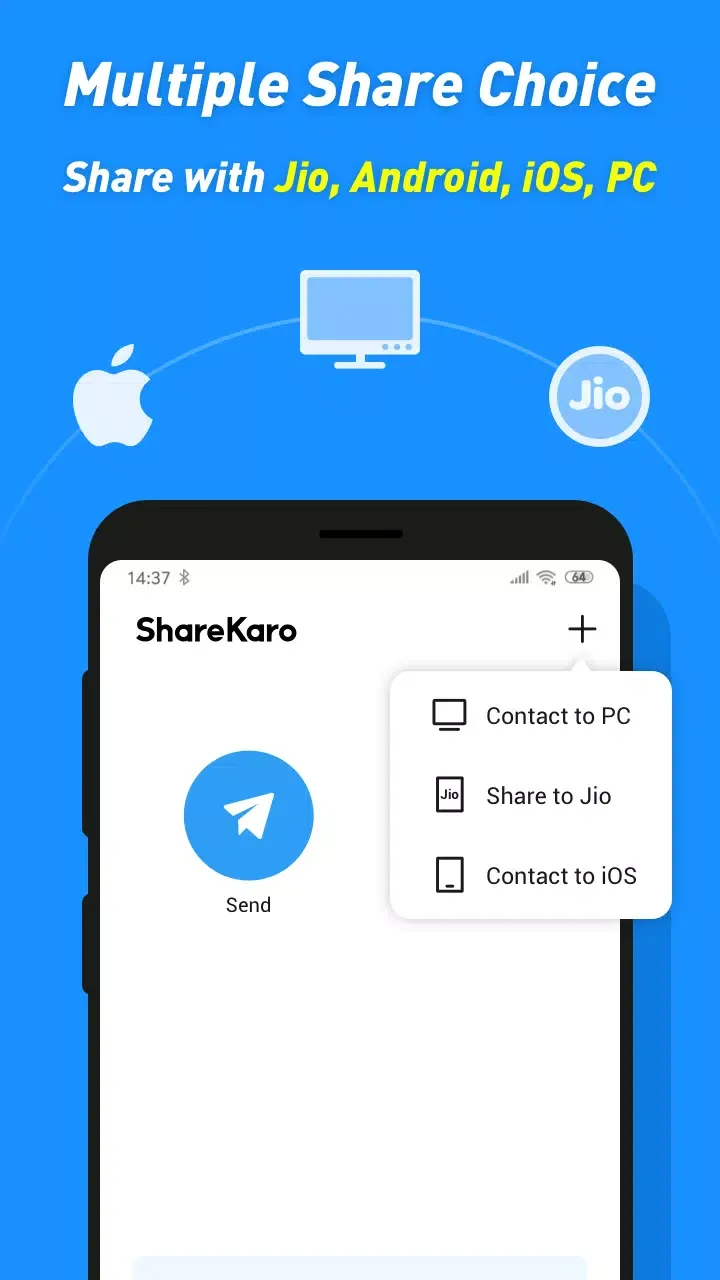
Yes, ShareKaro supports cross-platform sharing. It bridges the gap between devices, allowing users to share files between various platforms without compatibility issues, facilitating universal access.
Conclusion:
Looking for a super simple way to share photos, videos, or even your favorite apps with friends and family—without worrying about internet connectivity? Share Karo keeps things easy and quick. With this handy tools app, you can send just about anything from one device to another without running into size limits or complicated setup steps. Sharing files, music, movies, and more? It’s all straightforward and super speedy.








