We all know that PDF is a difficult format to edit, but Sejda - PDF Editor can help you handle PDF files better! Here, you can easily adjust PDF files to your desired format through simple text, display, and page adjustments. It can also help you merge multiple PDF files without changing their order or formatting. With Sejda, you can better compress files and convert common formats, whether it's PDF to Word, PDF to PPT, or even converting back and forth, it's all very convenient. In addition, it provides password protection for users, allowing you to set passwords for your important files, ensuring your privacy and security.
Usage
Open the editor.
Click the text tool in the top menu.
Click on existing text to start editing and change the text. Add text to a PDF page.
Add an image to the page. Click and drag to move, resize, or rotate the image.
Fill out PDF forms and add a signature. You can draw, type, or upload a signature image.
Annotate PDF pages, highlight text, and mark changes with strikethrough.
Add new links to web pages or pages in the document. Easily edit existing hyperlinks in PDFs.
Easily find and replace all words appearing in a PDF file. Highlight sections of a page. Add shapes.
Click "Apply Changes" and save your edited document.
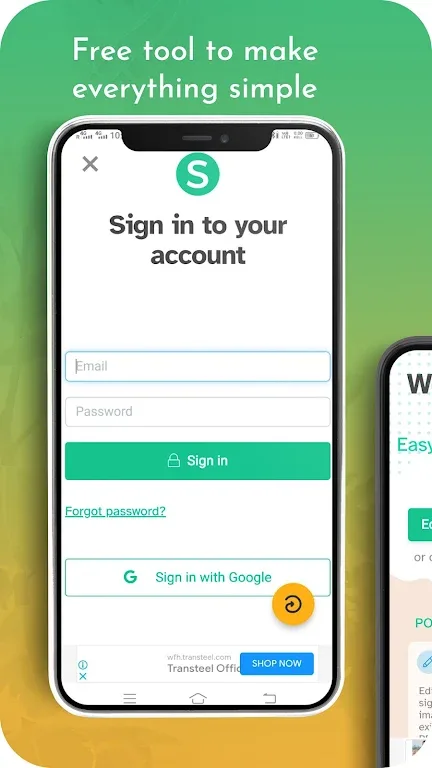
Features
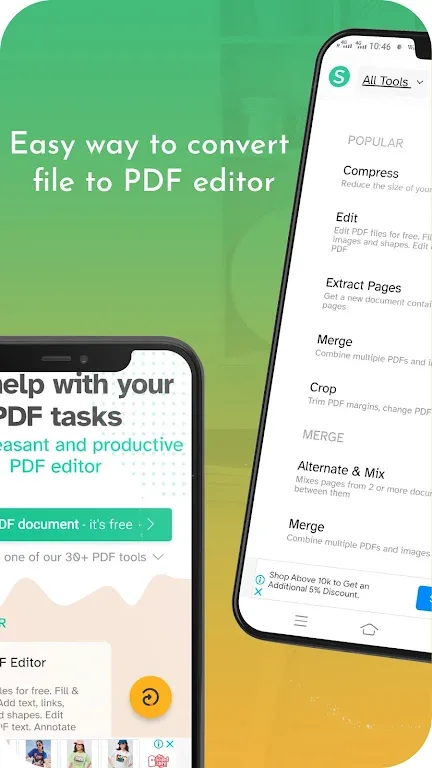
Edit PDF files with simple text adjustments, highlighting, and page-level adjustments.
Merge multiple PDF files into one, preserving document order and formatting.
Split documents by range or extract precise pages to create smaller files.
Compress PDF files to reduce file size, speeding up sharing and uploading.
Convert between PDF and popular formats such as Word or images as needed.
Reorder, rotate, or delete pages to quickly organize your documents.
Fill out forms and add secure signatures for approval anytime, anywhere.
Protect files with a password, or remove restrictions once permissions are granted.
Highlights
Sejda PDF Editor also boasts a modern and intuitive interface, significantly enhancing the user experience. The built-in PDF viewer allows for smooth document browsing, and the application supports offline access, allowing users to work without an internet connection. Sejda PDF Editor places great emphasis on user privacy. All files are securely stored on your device, ensuring that personal data is not collected or shared.

Conclusion
Sejda PDF Editor includes over thirty built-in tools to meet all your needs. The free version allows you to handle up to three tasks per day, with each file up to 50 MB and 50 pages.