

DO Multiple Accounts is a fantastic app cloning utility that helps users easily log in to multiple accounts within an app on the same device, meeting your flexible work-life balance needs. The app presents a powerful, easy-to-use, lightweight multi-account program for a wide user base. Users can easily switch accounts in simple steps, experience excellent privacy protection, and enjoy convenient notification management. The app supports excellent device compatibility, allowing you to easily balance work and life tasks.
Wonderful Function of DO Multiple Accounts
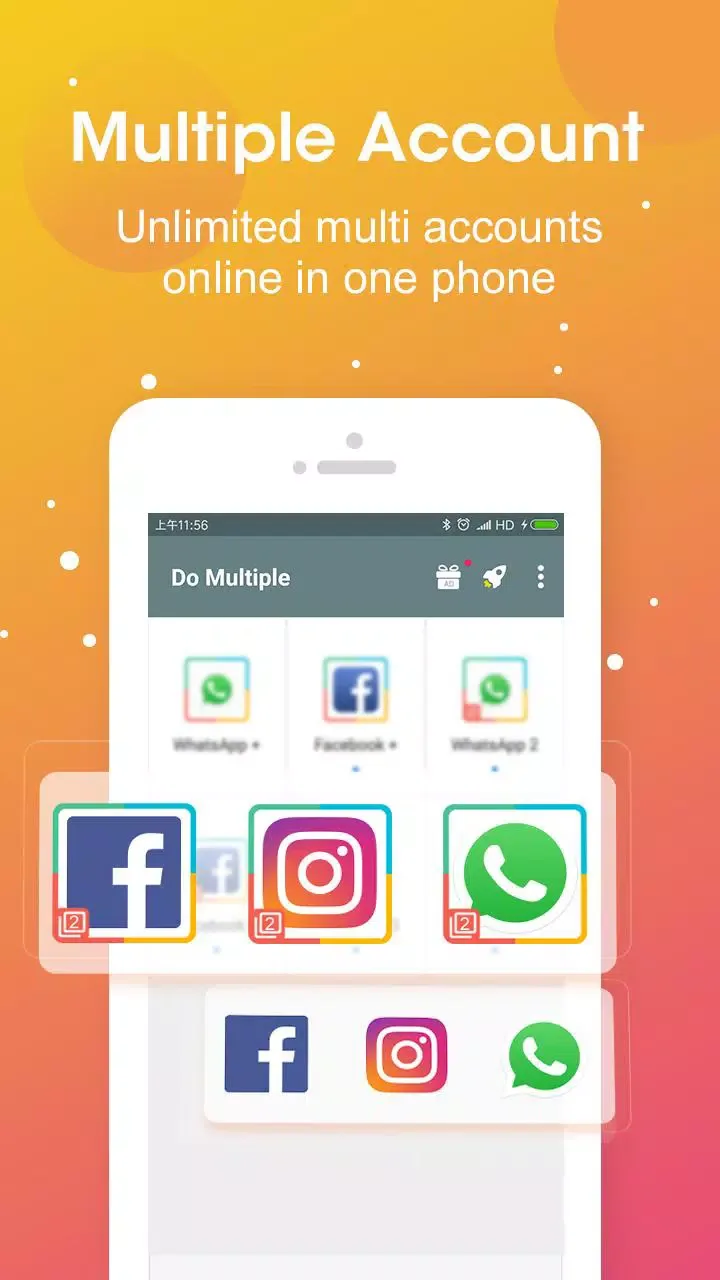
A utility that lets you clone various applications on your device. With this app, you can log in to an unlimited number of accounts and keep them online simultaneously, as they run independently.
With this app, you can use multiple different accounts simultaneously without needing a different phone for each account. In other words, with DO Multiple Accounts, you can use two or more accounts to send and receive messages within the same app.
Furthermore, this app uses a top-tier cloning engine: River Stone Tech, which helps you clone apps to other parallel spaces. DO Multiple Accounts also allows you to manage cloned apps. More importantly, the streamlined mode maximizes the use of the cloned app's memory and battery power.
Fantastic Highlights of DO Multiple Accounts
Log in to multiple instant messaging, gaming, and social apps
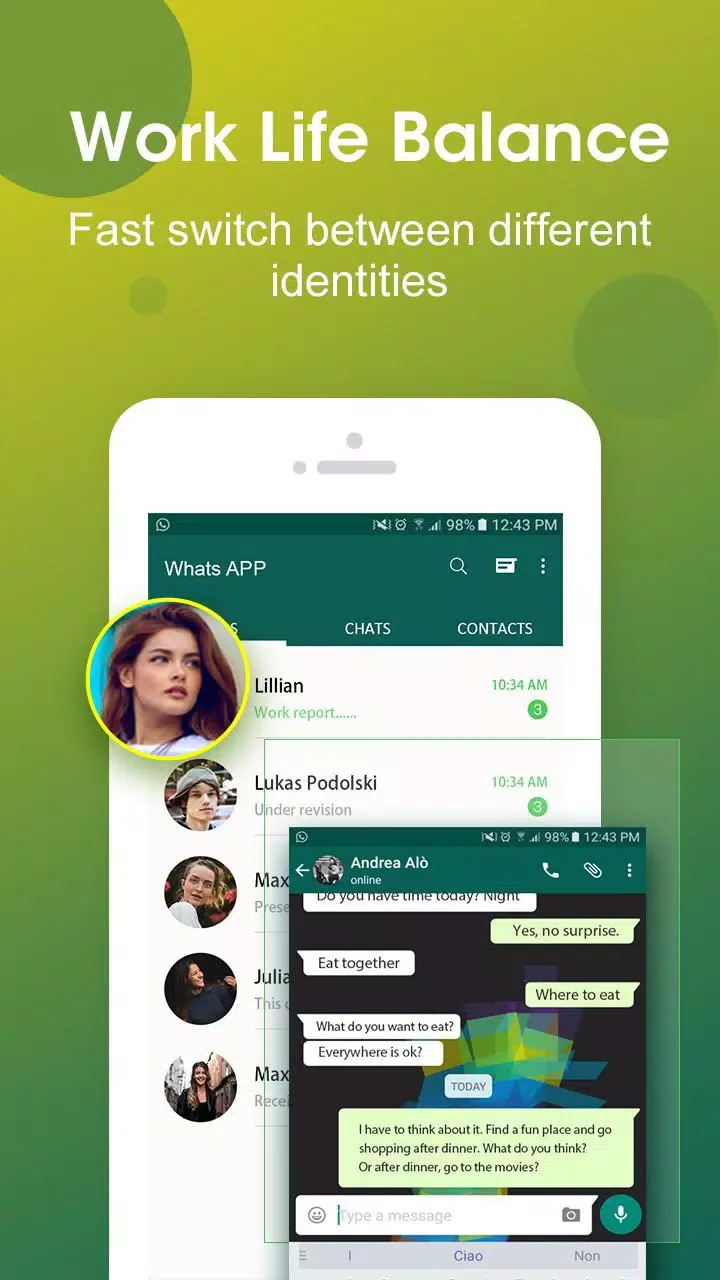
Easily balance life and work with multiple accounts.
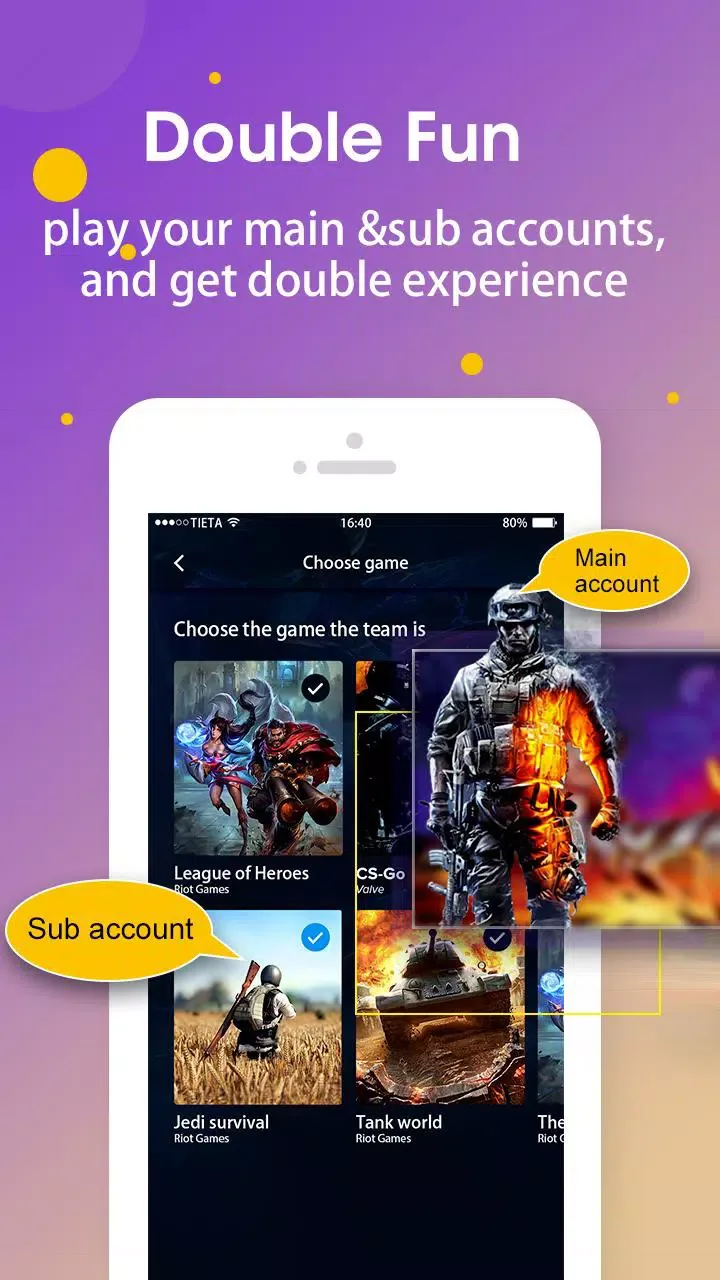
Double your gaming accounts, double the fun.
The cloned app and the original app have separate data.
Quickly switch between two accounts with just one tap.
Run two accounts simultaneously and create icons with a clone tag.
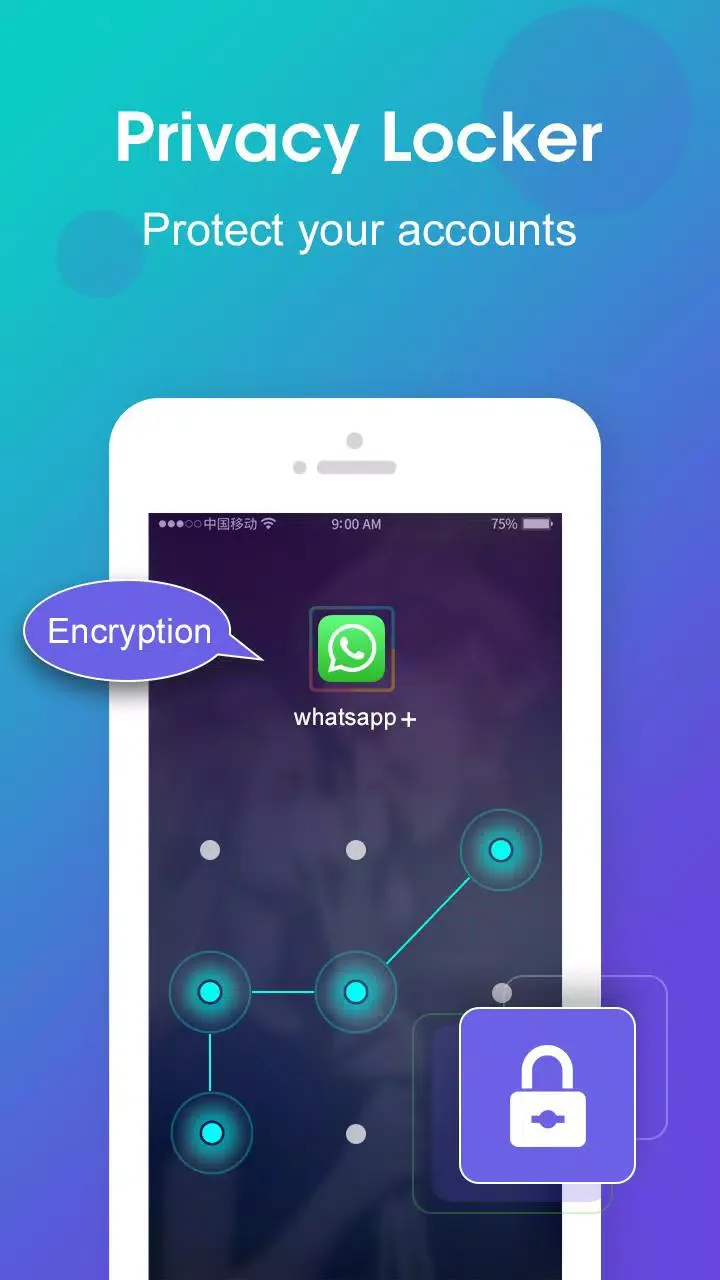
Privacy lock to protect your cloned account
Lightweight mode for optimal power consumption and memory efficiency
Clone notification management settings
User's Comments of DO Multiple Accounts
A great cloning app for multiple accounts. I have multiple accounts of games and social media, and this app helps a lot. The good thing about this particular app is that unlike most cloning apps, which require the user to purchase VIP in order to have more than 3 accounts; this app doesn't require the user to pay to have more than 3 accounts. You can get an additional clone of the app by simply watching a short ad. There are ads, but for a free app, it is pretty much reasonable.
This is probably the only of MANY dual apps I've tried that 1.) doesn't make you download a 64bit version and take up storage, and 2.) lets you clone the same app more than once. It also doesn't have completely irrelevant / unnecessary ads or anything that is annoying. Doesn't crash, works pretty fast and smoothly! If you're looking for a cloner app, I suggest this one. I have no idea how it will function for you, but this one is my favorite color of probably 7+ I've tried. (:)
This app is awesome! First of all, it asks for the usual storage permission and to make phone calls, which you can deny and still use. It's a bit laggy, but as I use it, it's less laggy. Secondly, you can have as many as you want! It's also easy to manage, and you can use any app you wish. This app is great; I will edit it if I have any problems. This is an edit. It started to lag my device a bit, so I got rid of it, but it's probably because I had so many gacha lives. Buffed my rate up to 5.
Pros and Cons of DO Multiple Accounts
Pros
Supports accounts for multiple instant messaging, social, and gaming apps.
Allows cloning the same app multiple times in independent parallel spaces.
Lightweight cloning engine with a lean mode designed to improve memory and battery efficiency.
Privacy lock and notification control for cloned apps.
No separate 64-bit plugin, and ads are relatively inconspicuous.
Cons
The initial loading of some cloned applications may be very slow.
Cloned devices may sometimes fail to open and return to the home screen.
Device may freeze and require a restart.
The extensive permissions required by cloned applications may raise concerns for privacy-conscious users.
Final Thoughts
DO Multiple Accounts is compatible with most instant messaging apps, games, and social networks. Therefore, if you're looking for a simple and straightforward way to differentiate your accounts (e.g., work and personal accounts), DO Multiple Accounts will definitely not disappoint.








