

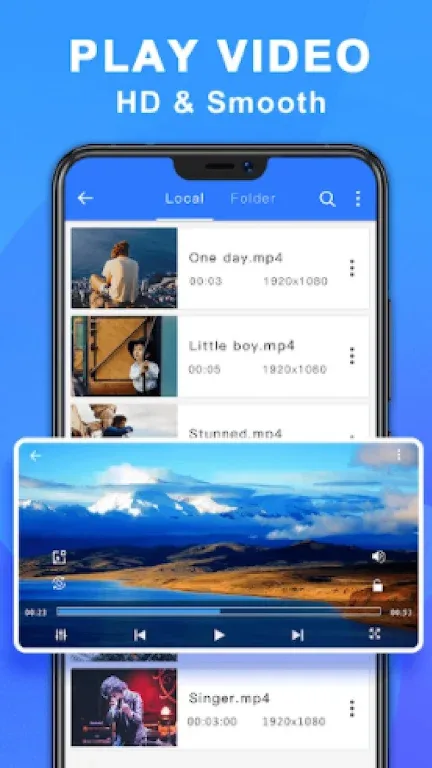
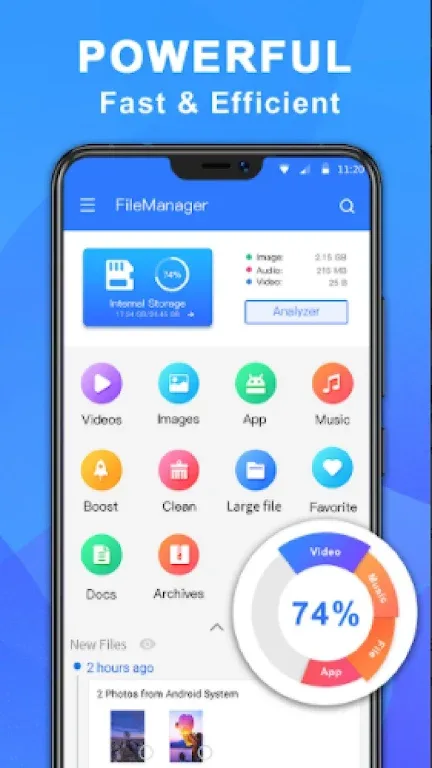
ES File Explorer Root - File Manager is a file manager application. Here you can easily manage all your file resources and access any content on your mobile device. Whether you're uploading photos or watching movies, you'll always have a more convenient user experience. The application also provides compression and decompression functions; you can decompress ZIP or RAR files and access various file types. In addition, ES File Explorer Root lets you link your files from anywhere, whether transferring to a computer or managing files on an FTP server—it's all a breeze!
Usage
This application allows all Android users to easily manage all their resources, access any content on their mobile devices, and share as needed. Uploading photos, watching movies, and managing 3G connections are now even more convenient.
When working with files, you can use the same classic options as on a desktop computer, such as copy, paste, cut, create, delete, and rename. Furthermore, you can send files to anyone via email.
You can also decompress ZIP or RAR files, access document content of various file types, and even access content on your computer via Wi-Fi.
Features
ES File Explorer and File Transfer
• Wi-Fi File Transfer: Wirelessly edit phone files via FTP using your computer.
• Root Explorer: For advanced users, explore, edit, copy, paste, and delete files in the phone's root storage partition for development work. Explore system root folders such as the data folder and cache folder.
Clean Master - Speed up your device and optimize storage space
• ES File Explorer scans and deletes junk files
Remote File Connection – Link your files from anywhere
• Transfer to Computer: Transfer files to your computer via WiFi and SMB protocols on your smartphone.
• Use as an FTP Client: Manage files on an FTP server like you would on an SD card.
Library and More – Find any file in seconds
• ES File Manager: Categorize, open, stop, uninstall, and back up your applications.
• Document Editor: Easily edit files anytime, anywhere. Supports various text file types such as HTML, XHTML, TXT, etc. You can edit files even if your phone is rooted.
Advantages and Disadvantages
Advantages: Makes navigation easier. Provides cloud storage management. Supports compressed files.
Disadvantages: Click fraud issues.

FAQs
How much storage space does ES File Explorer Root - File Manager require?
Please reserve at least 6.9 MB of space. After installation, please reserve an additional 100-500 MB of space for smooth updates and cache management.
What are the system requirements for ES File Explorer Root - File Manager?
Your device should be running Android 5.0 or higher (first released around November 2014). If your phone does not meet the requirements, you can download an older version of the application.
How long does the download take?
The ES File Explorer Root - File Manager installation package is 6.9 MB. Download time may vary depending on your network connection. Typical speeds are as follows: - 4G: 30-100 MB/s - 5G: 170-400 MB/s - Wi-Fi: 50-500 MB/s
Why can't I download or install it?
Common reasons for download or installation failures include: 1. Insufficient device storage space; 2. Device incompatibility; 3. Poor network connection.
Conclusion
ES File Explorer Root - File Manager is a file manager for Android that helps you manage and share all files stored on local storage and your microSD card. With its Material Design, this file manager is an excellent file manager and file transfer tool, making your Android device more convenient to use.








