

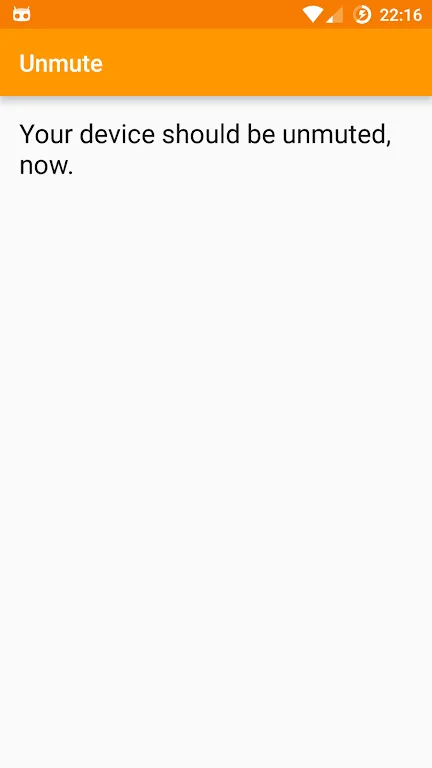
Unmute helps you turn your phone back on after it's been muted! The app provides numerous practical phone sound functions to prevent your phone from making noise in situations where it should be silent. It allows you to mute or unmute with a single tap. It floats in a corner of the screen; if you need it, simply tap the button to mute and tap again to turn the sound back on, avoiding embarrassing situations caused by noise!
Usage
Search and Save Location: Search for locations on the map. You can also drag and drop markers to specific locations and save them. Set a range in meters; when you approach the location, your phone will automatically switch to silent mode; when you leave the range, your phone will automatically switch to normal mode.
App Settings: Used to turn the app on/off.
Mute Zone List: View all the silent zones you've set. Long press to remove a silent zone location.
Mute Zone Location: View the location of a specific silent zone on the map.

Functions
One-tap mute/unmute.
After unmuteing, the volume will return to its previous level. Simply drag and drop to place it anywhere on the screen.
Long press to hide, tap the notification to show it again.
The button's position on the screen is automatically saved based on screen orientation (portrait and landscape).
The button position automatically adjusts when adjusting volume.
The volume percentage is displayed next to the floating button.
FAQs
How much storage space does Unmute require?
Please reserve at least 695.9 KB of space. After installation, please reserve an additional 100-500 MB of space for smooth updates and cache management.
What are Unmute's system requirements?
Your device should be running Android 2.2 or higher (first released around May 2010). If your phone does not meet the requirements, you can download an older version of the application.
How long does the download take?
The Unmute package size is 695.9 KB. Download time may vary depending on your network connection. Typical speeds are as follows: - 4G: 30-100 MB/s - 5G: 170-400 MB/s - Wi-Fi: 50-500 MB/s
Why can't I download or install?
Common reasons for download or installation failures include: 1. Insufficient device storage; 2. Device incompatibility; 3. Poor network connection.
Conclusion
Your device is muted, but you want to turn the sound back on? Use the Unmute app!








