
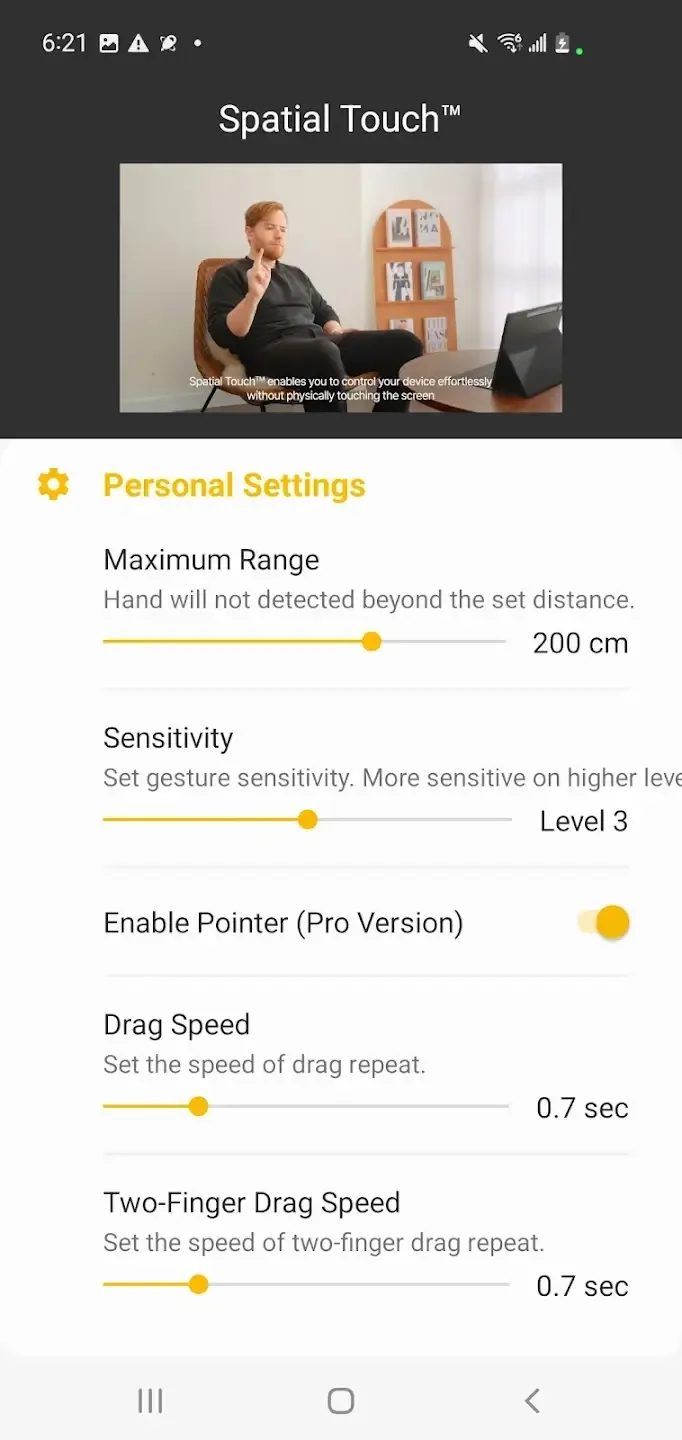
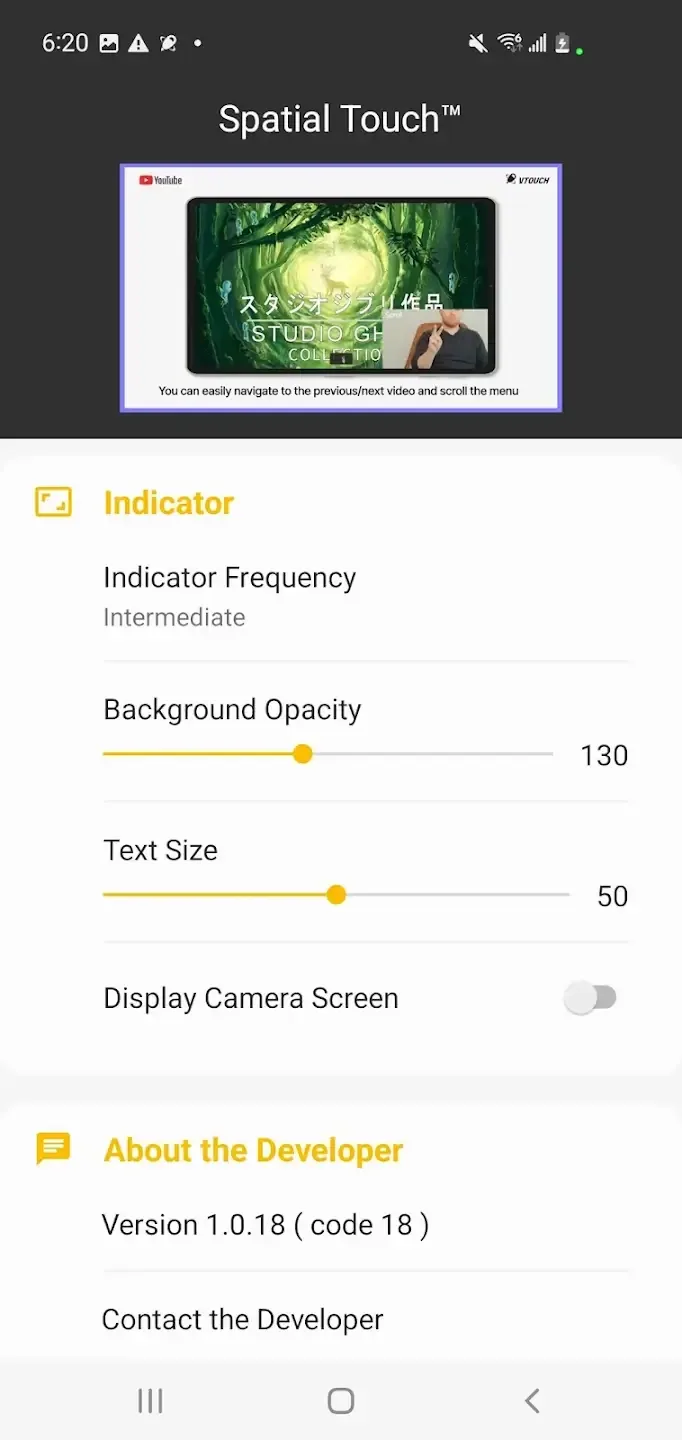
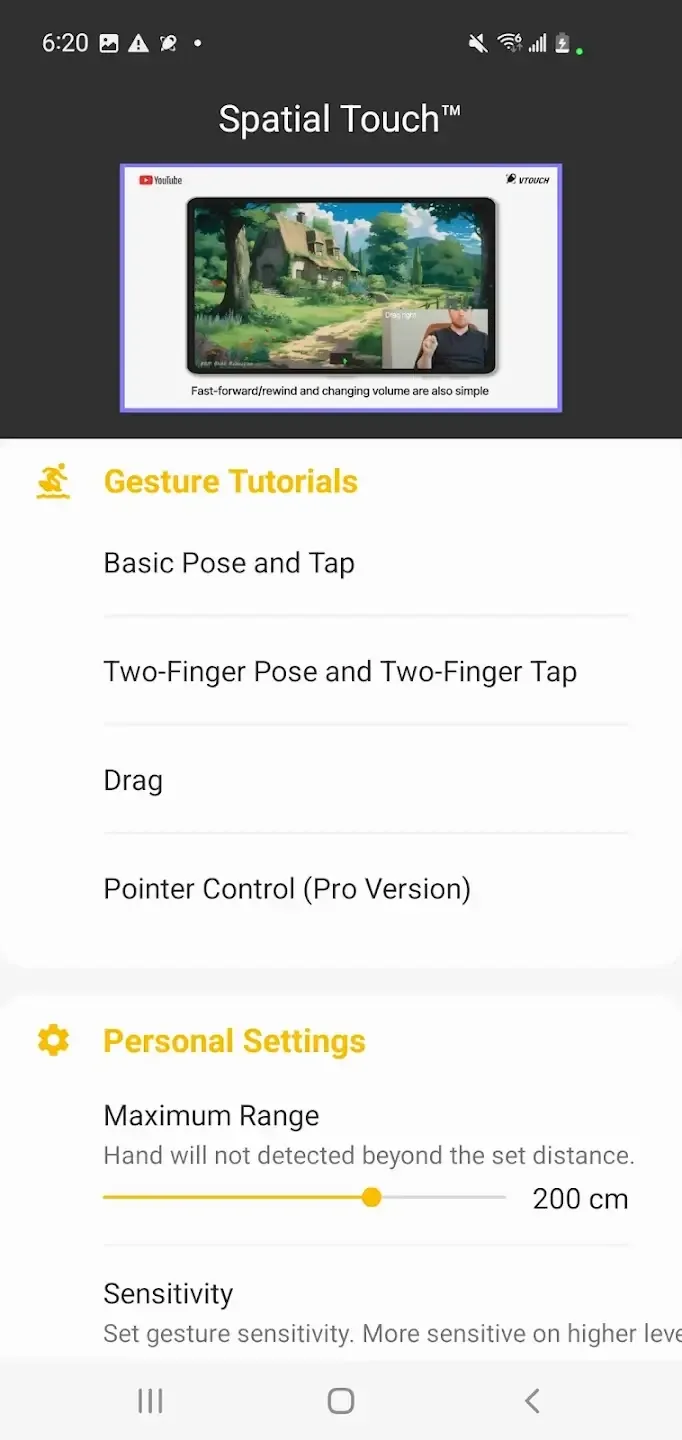
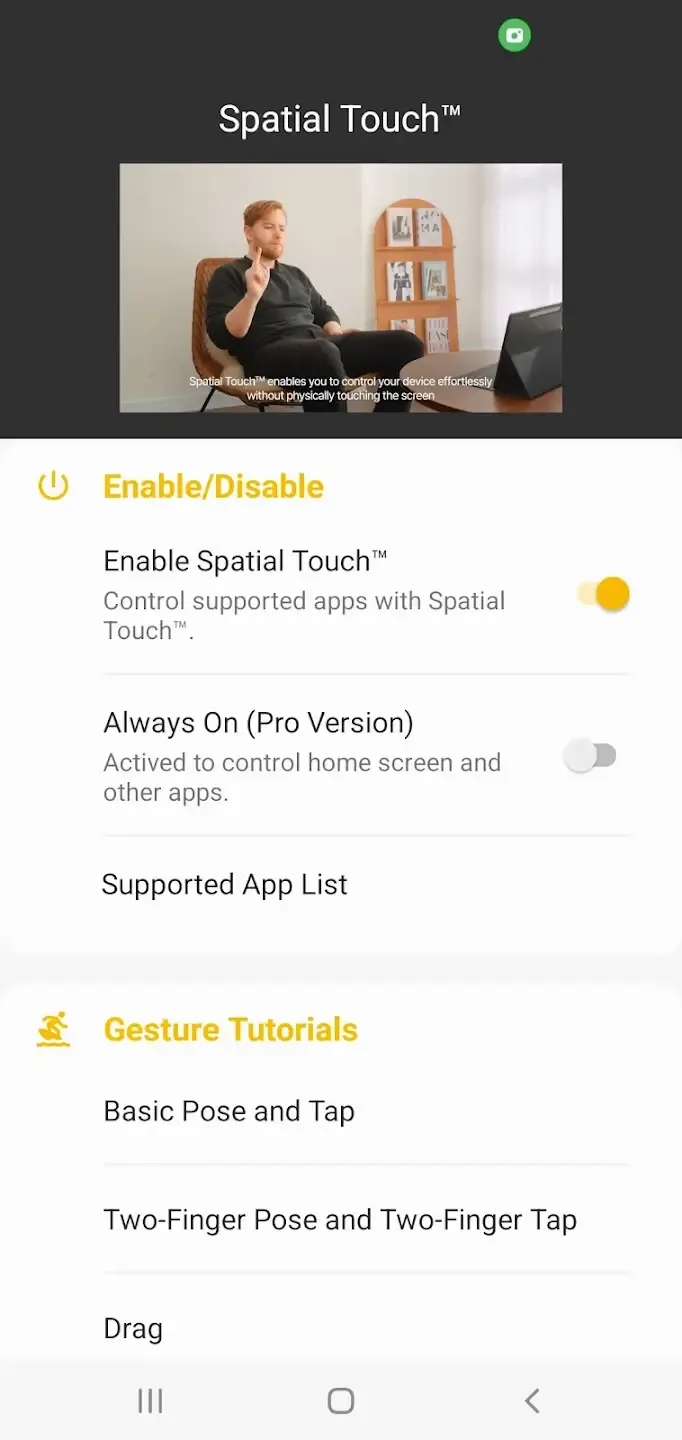
Spatial Touch is an AI-powered air gesture control app that allows users to remotely control media apps on their phones and tablets without touching the screen. It supports functions such as play/pause, volume adjustment, fast forward/rewind, page scrolling, and full-screen switching, all controlled via gestures. It supports control up to 2 meters away and works stably in various postures and environments, even with wet hands or when touching the screen is inconvenient. The app incorporates AI technology to minimize power consumption and does not significantly increase device battery usage.
Click to load YouTube / 点击加载视频
YouTube ↗Features:
Tap: Play/pause video, skip ads (YouTube), skip opening (Netflix), next video (Shorts, Reels, Tiktok), etc.
Drag left/right: Video navigation (fast forward/rewind).
Drag up/down: Adjust the volume.
Two-finger tap: Enable/disable full-screen mode (YouTube), previous video (Shorts, Reels, Tiktok).
Two fingers left/right: Scroll left/right, go to previous/next video.
Two fingers up/down: Scroll down/up.
Highlights:
1.Air Gestures:Control media playback, perform pauses, navigate, adjust volume, and scroll using air gestures without direct screen contact。
2.Remote Control:Operate your device remotely from a maximum distance of 2 meters, functioning effectively in diverse settings and positions。
3.Advanced Gesture Recognition:Achieve minimal false detection rates with various hand filter options. Customize settings for ease of use or stability as needed。
4.Background Auto-Start:After installation, the app doesn't require manual activation. Launching compatible apps, such as YouTube or Netflix, will trigger Spatial Touch™, Running efficiently in the background。
5.Robust Security:During operation, Spatial Touch™ uses the camera without storing or relaying any external images or videos. Processing remains confined within the device itself— the camera activates while supported apps function and deactivates afterwards。
How to Install Spatial Touch APK on Your Android Smartphone?
It’s very simple to install an APK file. But for your convenience, we are sharing the step-by-step guide to help you through the entire process.
•
First of all, download the app APK file from the provided download link.
•
Once downloaded, locate the file and then tap on it. Select the “Install” button to start the installation.
•
Please be patient, as the installation may take a few seconds to complete.
•
Once done, tap on “Open” to start this app and configure it for the best experience.
•
##
FAQs:
Q: Is my privacy secure when using the app?
A: Yes, it prioritizes user privacy. The application does not store or transmit images externally; all processing occurs locally on the device. The camera is only activated when supported apps are used and automatically disabled otherwise.
Q: How far can I be from my device while using the app?
A: You can control your device from a distance of up to 2 meters, providing flexibility in various scenarios and environments.
##
Conclusion:
Spatial Touch is changing how we control devices. Its AI understands hand gestures, making it cool, convenient and accessible. For Android users wanting touch-free control, Spatial Touch is a great choice. Say goodbye to fingerprints and hello to the future of interaction!