DuckStation is a free and open-source console emulator that emphasizes high compatibility, high frame rates, and enhanced HD graphics, allowing players to relive classic PS1 games on PCs, mobile phones, Switch, and other devices. The software supports three modes: OpenGL, Vulkan, and software rendering. High-end devices can choose Vulkan for higher image quality, while lower-end devices can choose software rendering for stability, resulting in extremely wide compatibility. It also supports custom resolution upgrades, MSAA anti-aliasing, texture filtering, true color output, and PGXP geometric precision optimization, specifically addressing common texture jitter and polygon distortion issues in older PS1 3D games, maintaining stable and clear visuals even at high resolutions.
Click to load YouTube / 点击加载视频
YouTube ↗Function:
OpenGL, Vulkan, and software rendering
Upgrades in hardware renderers, texture filtering, and true color (24-bit)
Widescreen rendering support (no stretching!)
PGXP for geometric precision, texture correction, and depth buffer simulation (fixes texture "jitter"/polygon conflicts)
Adaptive downsampling filter
Post-processing shader chain (GLSL and experimental Reshade FX)
Achieve up to 60fps in supported PAL games
Customizable game settings (enhancements and controller mappings can be set individually for each game)
Supports up to 8 controllers and multi-touch in supported games
Controller and keyboard rigging (controller vibration supported)
RetroAchievements (https://retroachievements.org) is supported in supported games
Memory card editor (movable save files, imports gme/mcr/mc/mcd files)
Built-in patch code database
Save status and preview screenshots
High-speed acceleration on mid-to-high-end devices
Simulated CPU overclocking to improve game frame rate
Fast forward and rewind (do not use on low-speed devices)
Controller layout editing and scaling (in the pause menu)
Highlights:
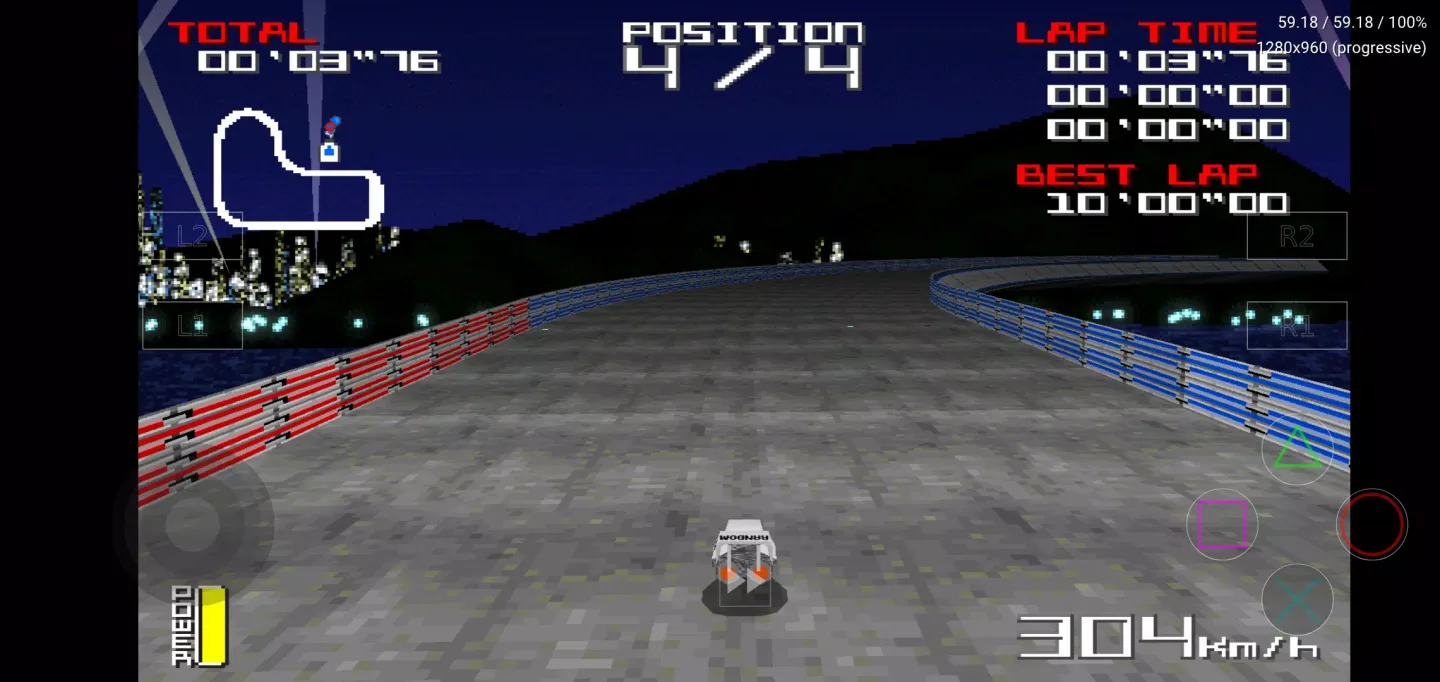
Compatibility with different formats: CUE, ISO, IMG, ECM, MS, CHD and PBP images.
OpenGL, Vulkan and software rendering.
Texture filtering.
Landscape display in supported games without stretching the image.
PAL games at 60 fps.
Possibility to map controls individually for each game.
Fast speeds on mid to high-end devices.
Pros and Cons:
Pros
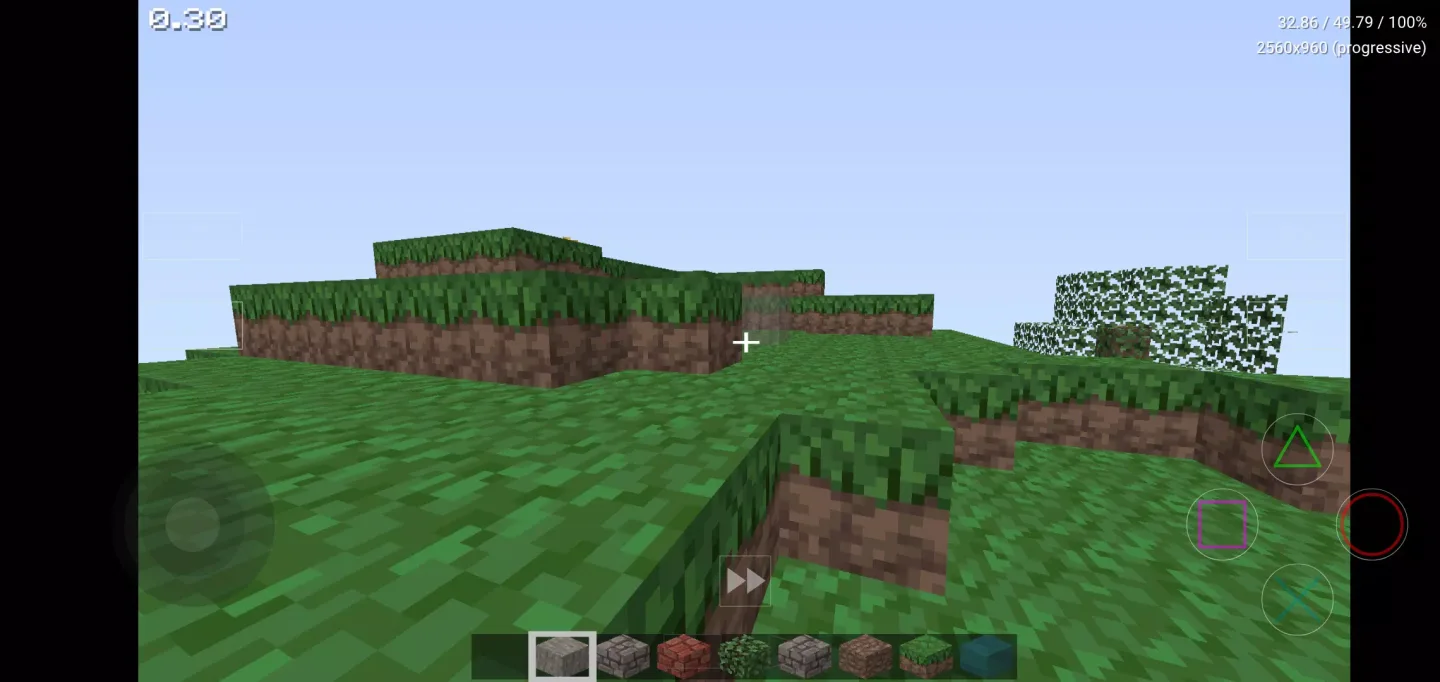
Full-featured frontend based on Dear ImGui
Supports automatic disk region
Offers auto-detection
Cons
No longer supports Windows 7 and 8
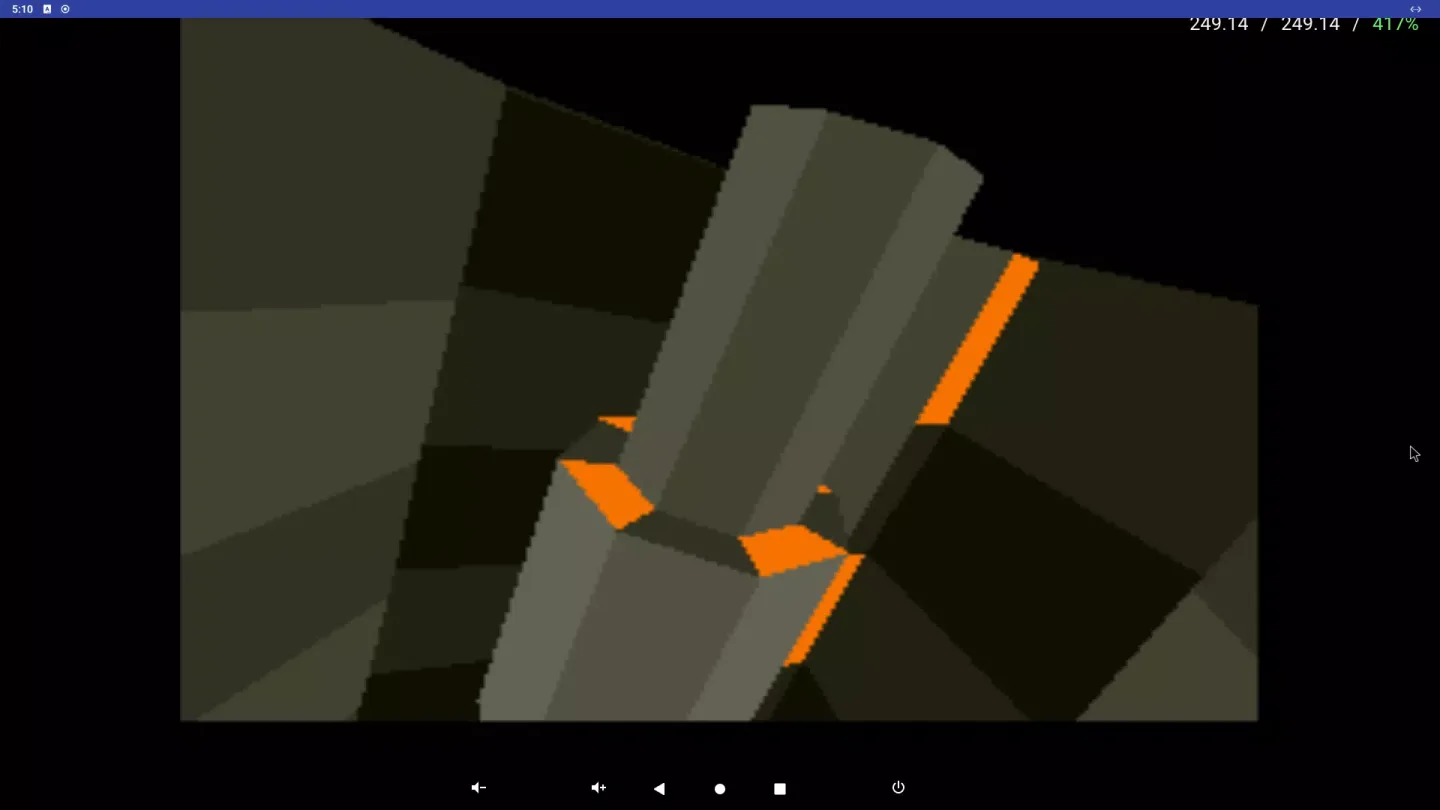
Changelog:
v0.1-8969
Multi-threaded rendering.
Merging of multi-disc games in lists/grids.
Custom game titles/regions.
Texture caching and replacement.
Added enhancements.
New patch code system.
Game compatibility improvements.
Updated user interface.
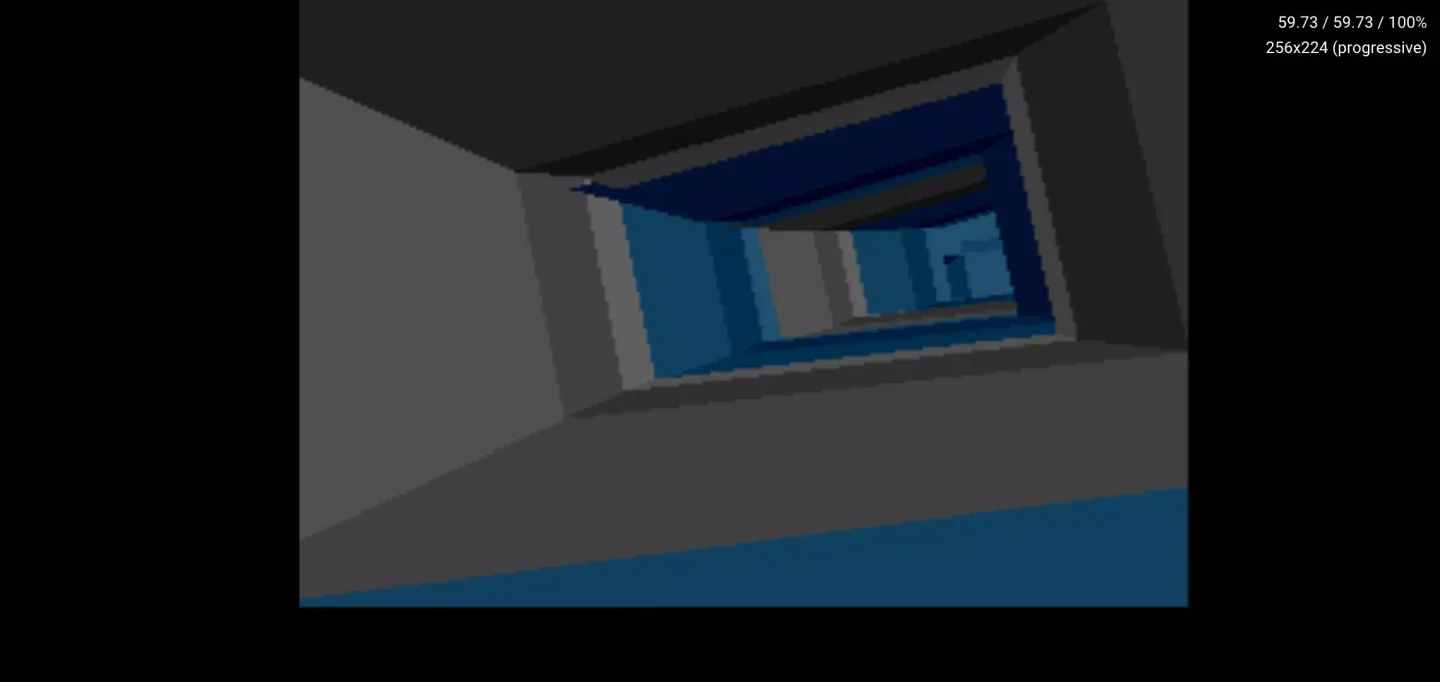
Conclusion:
DuckStation is an excellent PlayStation emulator for Android, allowing players to experience some of the best games ever made. While it may seem like there are too many options at first glance, in reality, you hardly need to touch any of them to start playing and using the app.