Xcast is a comprehensive professional screen casting tool for Android. It supports automatic searching for devices on the same Wi-Fi network and allows casting via four methods: scanning a QR code, manually entering the casting code, and USB wired connection. It's extremely user-friendly and even supports remote control of the large-screen device from your phone, allowing for volume adjustment, play/pause, fast forward, and rewind without an external remote. Furthermore, it automatically recognizes video, audio, and image files on your phone and SD card, supporting direct casting of local files and online videos to the TV. It also offers various playback modes such as shuffle and loop.
Click to load YouTube / 点击加载视频
YouTube ↗How to use:
- Install XCast on your Android phone or tablet.
- Install XCast TV Receiver on your Android TV or TV box.
- Make sure both devices are connected to the same Wi-Fi network or hotspot.
- Select your TV and start casting. Enjoy!
Functions:
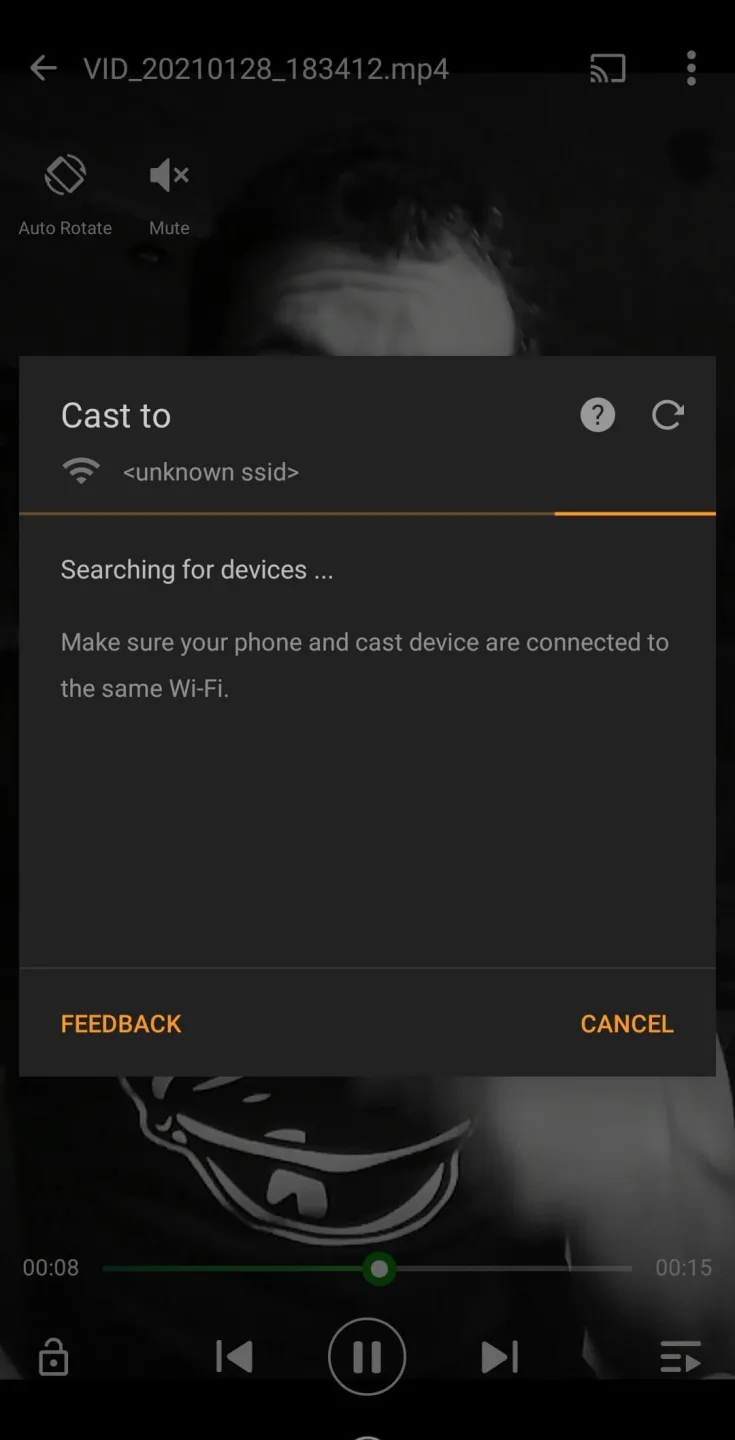
Remote control for forwards/rewind and volume.
Auto-search for cast and streaming devices.
Automatic identification of video, audio, and image files on the device and SD card.
Various play modes.
Supported by several systems and Apple TV is expected to be added to the list soon.
Tips:
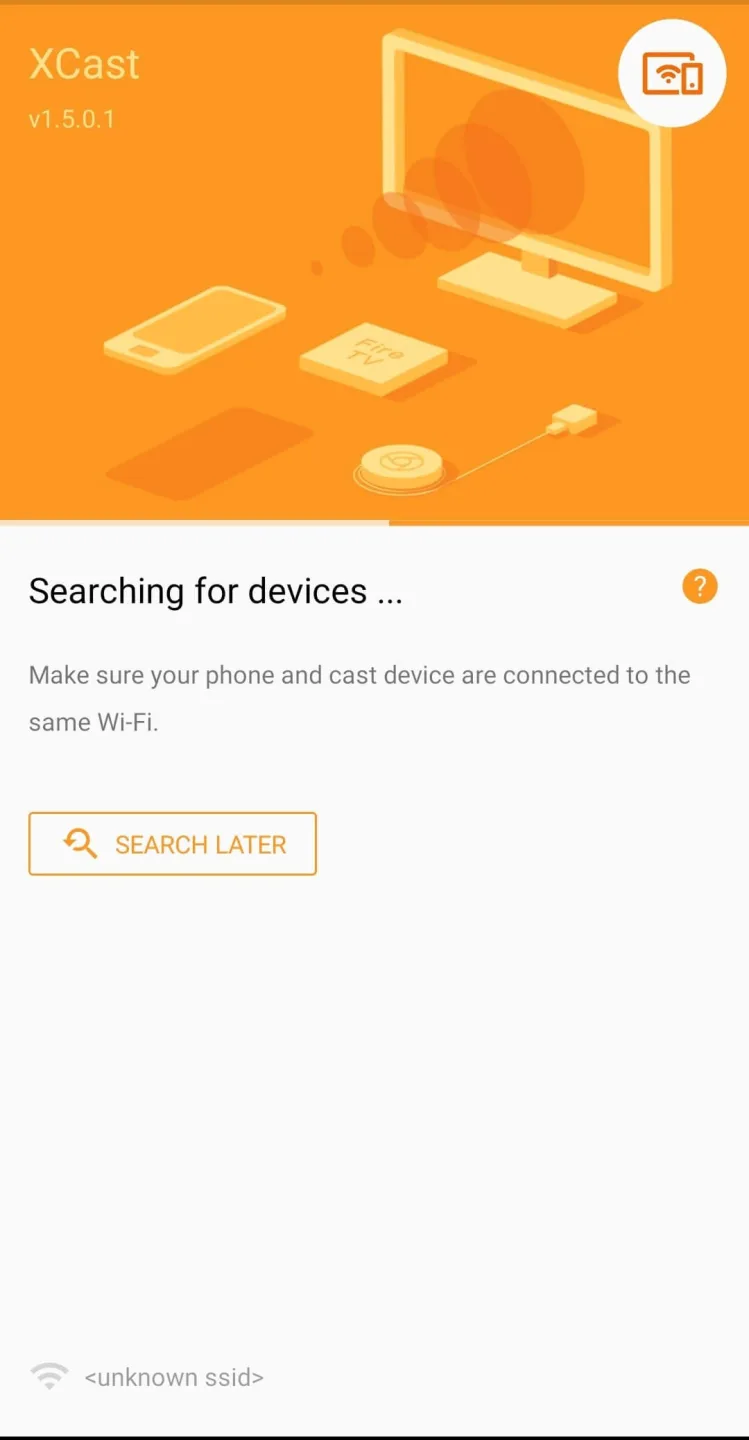
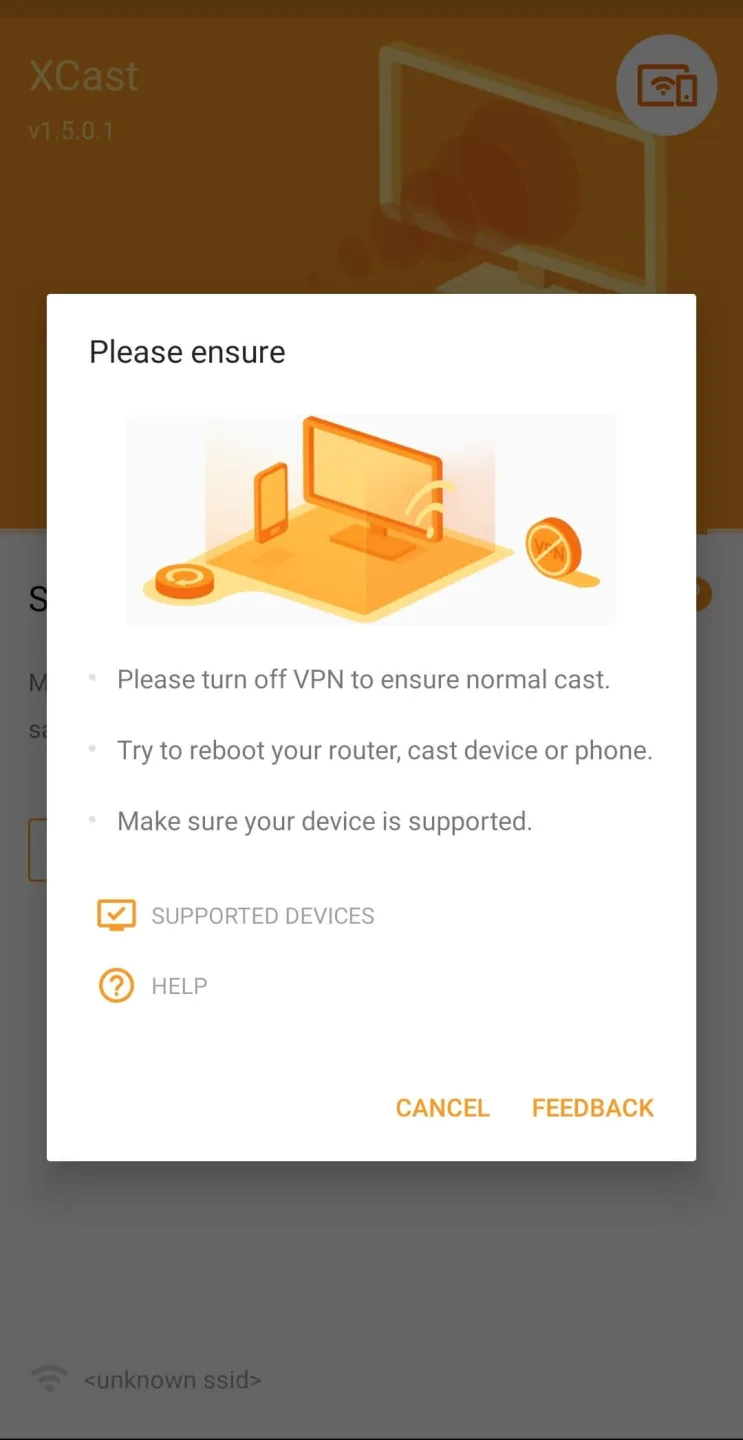
Strong Wi-Fi: Make sure your Wi-Fi is strong and stable for the best casting.
Update Your Devices: Keep your TV and your casting device updated for a smooth experience.
Charge Up: Don’t let a low battery stop the fun. Keep your device charged while casting.
Highlights:
Cast to Roku
Easy to connect and cast to Roku. You can cast videos and music to Roku without limitations. Fast forward and backward can provide you with an excellent experience for watching movies. Just search videos from your favorite website and cast to Roku now!
Cast to Chromecast
Cast local video, photo slideshow, and music from phone to Chromecast easily and fast. Cast to Chromecast, Fire TV and other smart TVs with no feature limited. Cast web video to Chromecast, and enjoy the best experience of watching videos.
Cast to Apple TV
Cast both local files and online videos to Apple TV with the airplay function. Cast to Apple TV with the remote control to adjust the video progress and volume.
Stream to TV From Phone
With Cast to TV, you can stream videos to tv from phone without limitation. It helps you instantly stream videos, music and photos to your Smart TV, Chromecast, Amazon Fire Stick, etc.
Conclusion:
Xcast apk is a video streaming application for Chromecast, Roku, Apple TV, Xbox, and Fire TV. With this application, you can stream videos, images, and music from your phone to other devices, such as computers and televisions. Furthermore, you can stream and play any video or music directly on your TV, whether it's short films, music videos, animations, or images. Additionally, this application supports different file formats, including MP4, MKV, MP3, JPG, PNG, HTML5 videos, m3u files, IPTV messages, or URLs.