

CapCut is a popular video editing tool that allows users to trim, splice, speed up, and fine-tune the timeline of videos, precisely controlling the quality of each frame. It also allows simultaneous manipulation of video, audio, and text, easily achieving complex editing effects. Finished videos can be exported in 4K resolution, ensuring the highest quality output. Furthermore, the software includes several AI-powered tools; users can simply send text to generate the desired effects, significantly lowering the creative barrier.
Click to load YouTube / 点击加载视频
YouTube ↗Features:
1 – Powerful Editing Options
Capcut is a video editing app. You might not know, but it has some powerful editing features that compete with the premium software programs available for computers. With powerful editing features like Timeline editing, audio synchronization and many others, you can make intuitive videos within a few minutes. Once you enter the app and start editing your favourite clips, the process is pretty simple. In short, it becomes easier to make videos on your smartphone with these editing features than any other tool or software on the computer.
2 – Effects
Video editing is incomplete without the effects and the transitions. It becomes easier to use the effects in your videos to make them look attractive. Capcut comes with many great features to use in your videos. There are many filter effects and transition effects at your disposal in this app. With the interesting effects you can use, making videos for social media is easier. We loved a ton of transition effects and have used the same for our online promotional videos long back.
3 – Simple User Interface
There is a common perception that video editing apps are quite hard to use. With the complicated interface, it becomes harder to complete the tasks. Fortunately, Capcut comes with a simple user interface. The interface is pretty simple and clean, without any clutter on the screen. With the simple UI, you can reduce a lot of time in editing the videos and publishing them on your platform. Also, it makes it easier to get used to the features and start working rapidly, even on your smartphone.
4 – Safe and Secure
There are numerous apps that ask for unnecessary permissions and access the data on your phone. But fortunately, the Capcut is pretty safe to use. It doesn’t ask for any unnecessary permissions except for the storage and location permissions. These are the necessary permissions. Also, the developer of this app, which is ByteDance is pretty popular and a reputed company in the world. So, they won’t indulge in such privacy-related controversies. In short, you have nothing to worry about your privacy issues while using Capcut.
Pros and Cons:
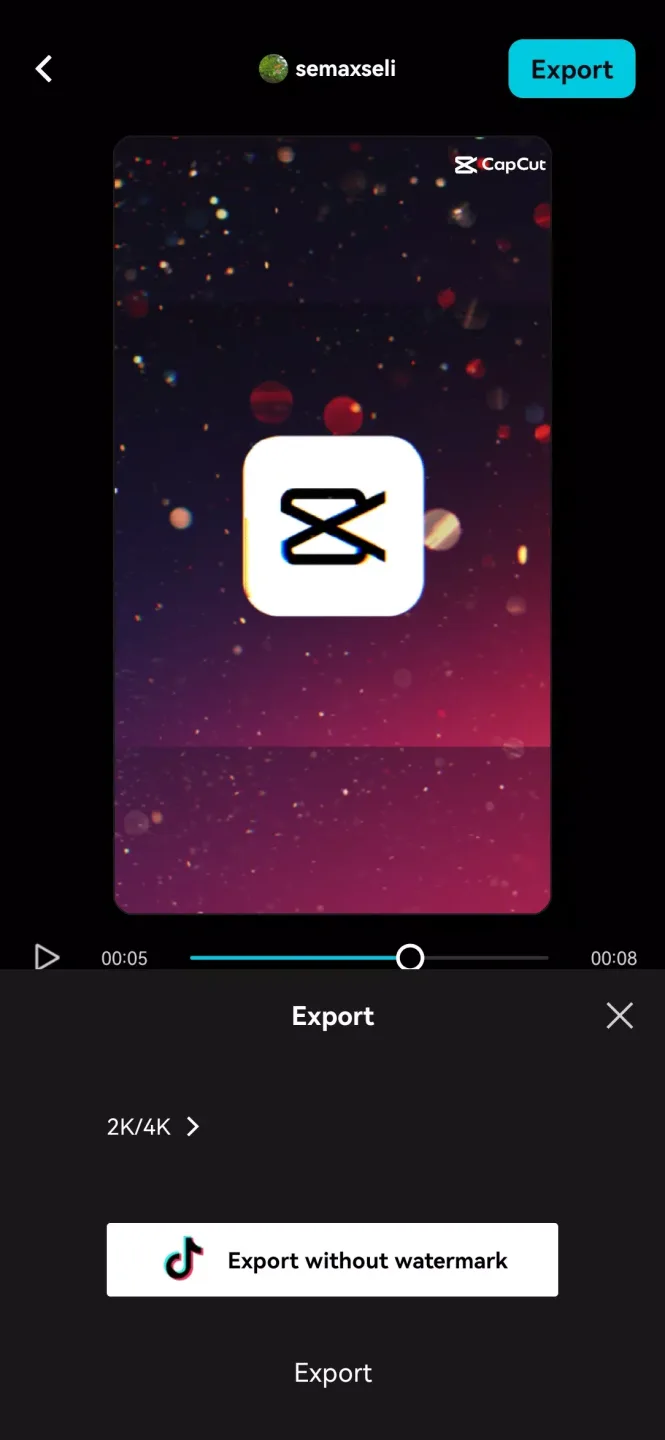
Pros
Free and easy-to-use with extensive editing tools
AI powered tools that automate tedious tasks
Secure and encrypted data
Cons
15-minute cap on edited videos
1 GB upload limit for free users
FAQs:
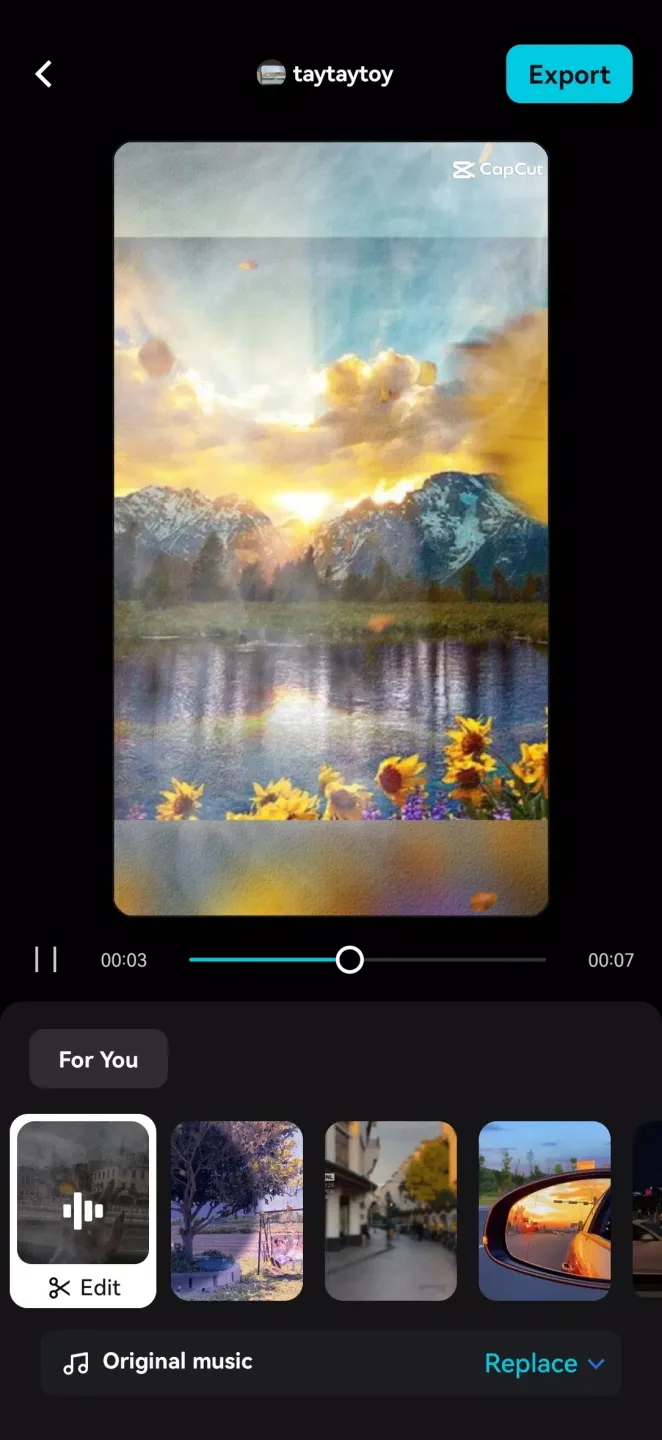
What is CapCut APK?
It is an editing app that is available for free. You can edit videos, vlogs, reels, shorts, and photos on this amazing app.
Is CapCut APK safe to use?
It is a third-party editing app. To stay secure, you should install this app from a trusted source.
How to download CapCut APK?
It is a free of cost process. Click on the download button, then install, and it is ready to be used.
Is CapCut free to use?
Yes, it is a free-to-use app with no subscription charges at all.
Is CapCut free on PC?
CapCut AI video Generator is free for PC, just like your mobile phone. You can easily use it on a PC for free.
What is CapCut Pro APK?
It is a premier version of CapCut with all the premier features unlocked.
Does CapCut APK offer premier features for free?
You can get access to all the premier features, such as templates, effects, AI features, and filters, on this mod version of the app.
Is CapCut APK a legal app?
It is not legally permitted to use third-party apps. Use them while considering your security issues.
Can I use CapCut APK offline?
Yes, you can. But make sure that while adding filters, effects, or using the templates, you are online. Otherwise, they don’t work in offline mode.
Conclusion:
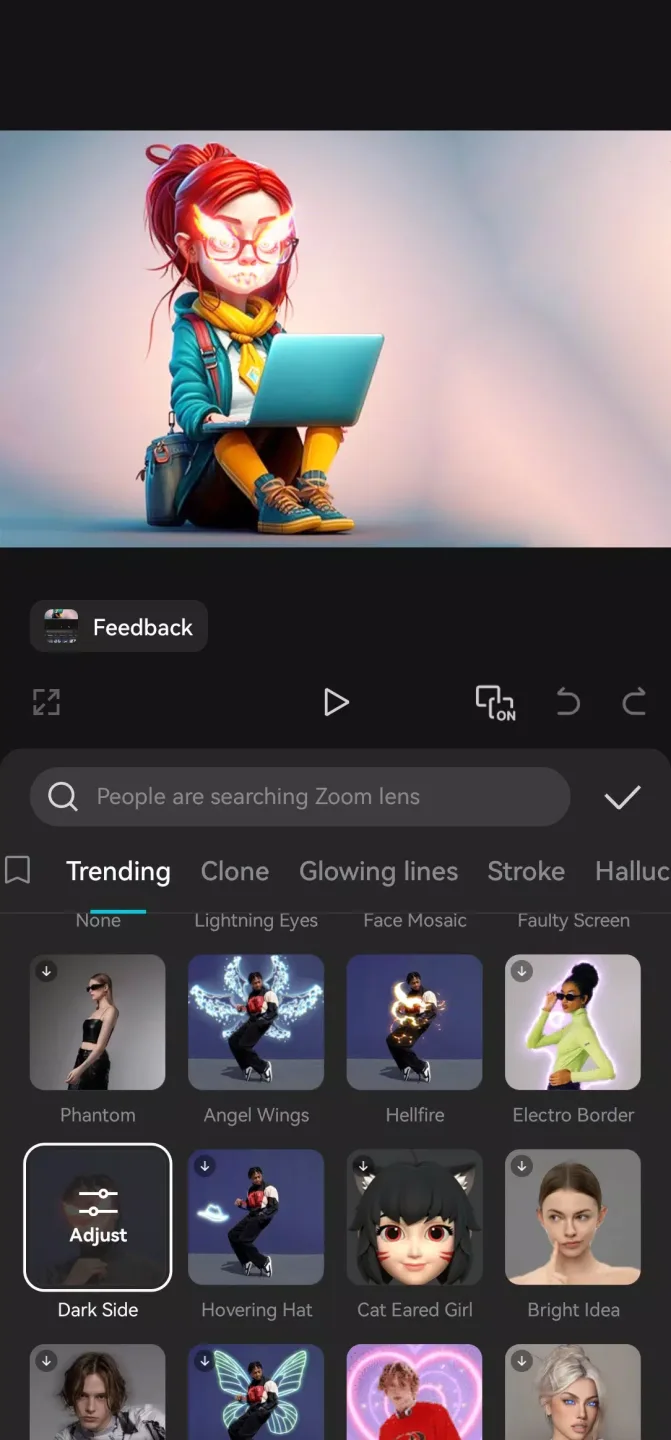
CapCut is one of Android's most powerful and versatile video-editing tools. If you want to try editing on Windows or Mac, on the other hand, there are desktop versions of CapCut, too. The vast majority of videos on TikTok, Instagram, and other social media platforms are produced either partially or entirely with this app, and the reason for that is simple— it's easy to use, offers amazing results, and has a large and active community. Without a doubt, this is a must-have app for content creators who want to create eye-catching videos on their Android devices.








