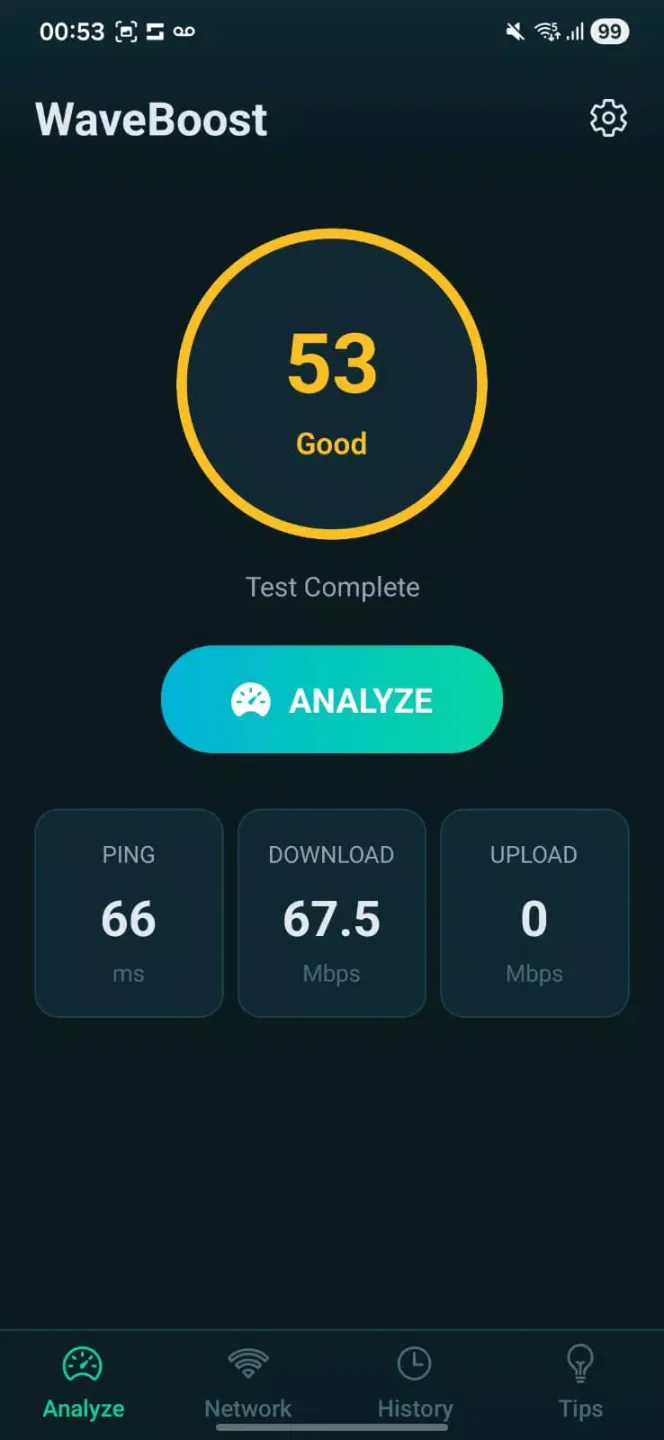
WaveBoost is an intelligent network optimization tool designed to improve internet performance. Users can use it to intelligently reduce latency and stabilize signal, effectively minimizing delays and dropped connections. It also automatically detects signal fluctuations to ensure smooth network operation. Furthermore, it boasts advanced traffic management features, prioritizing bandwidth for critical applications. The software interface is clean and intuitive, making it ideal for remote work, online classes, and other similar uses. Those interested should definitely give it a try.
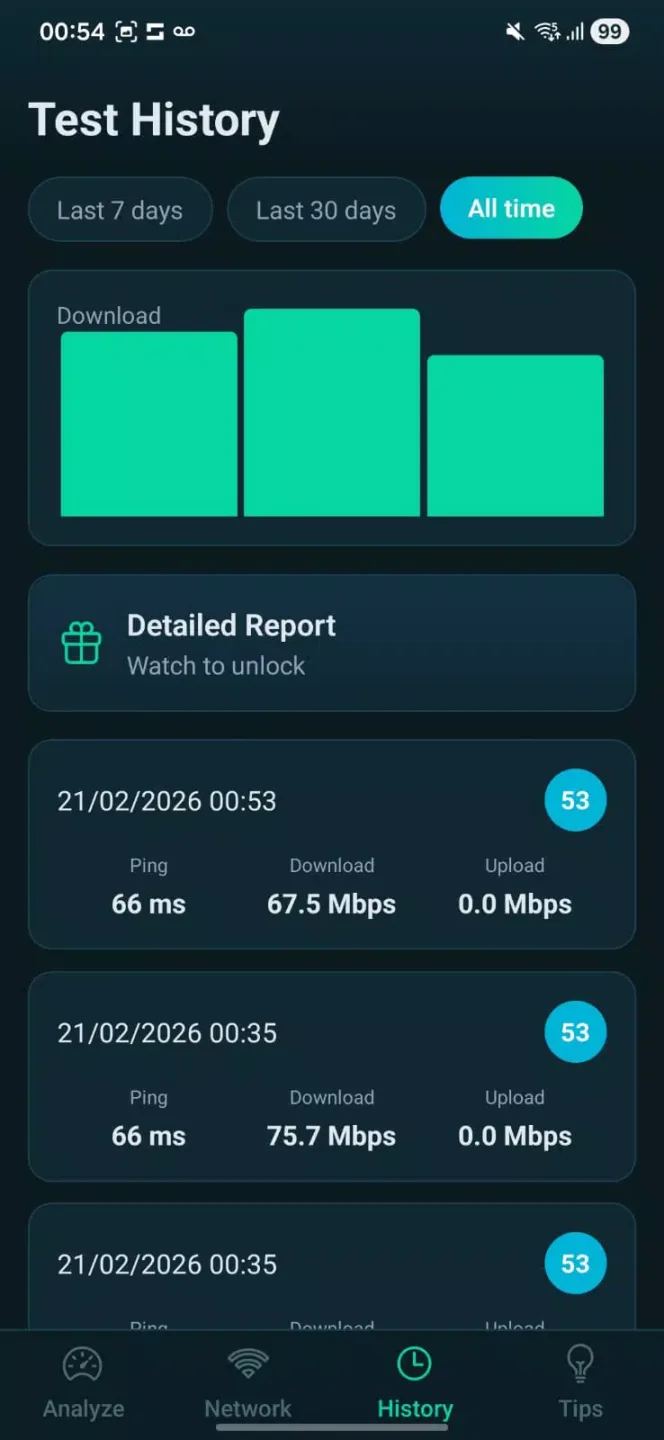
Features:
Intelligent latency reduction and signal stabilization to minimize delays and dropouts.
Real-time connection monitoring with automatic detection of signal fluctuations.
Priority-based traffic management so important apps and games get preferential bandwidth.
Background bandwidth cleanup that limits resource-hungry processes affecting your connection.
Modern, intuitive interface that makes optimization simple — WaveBoost applies adjustments automatically.
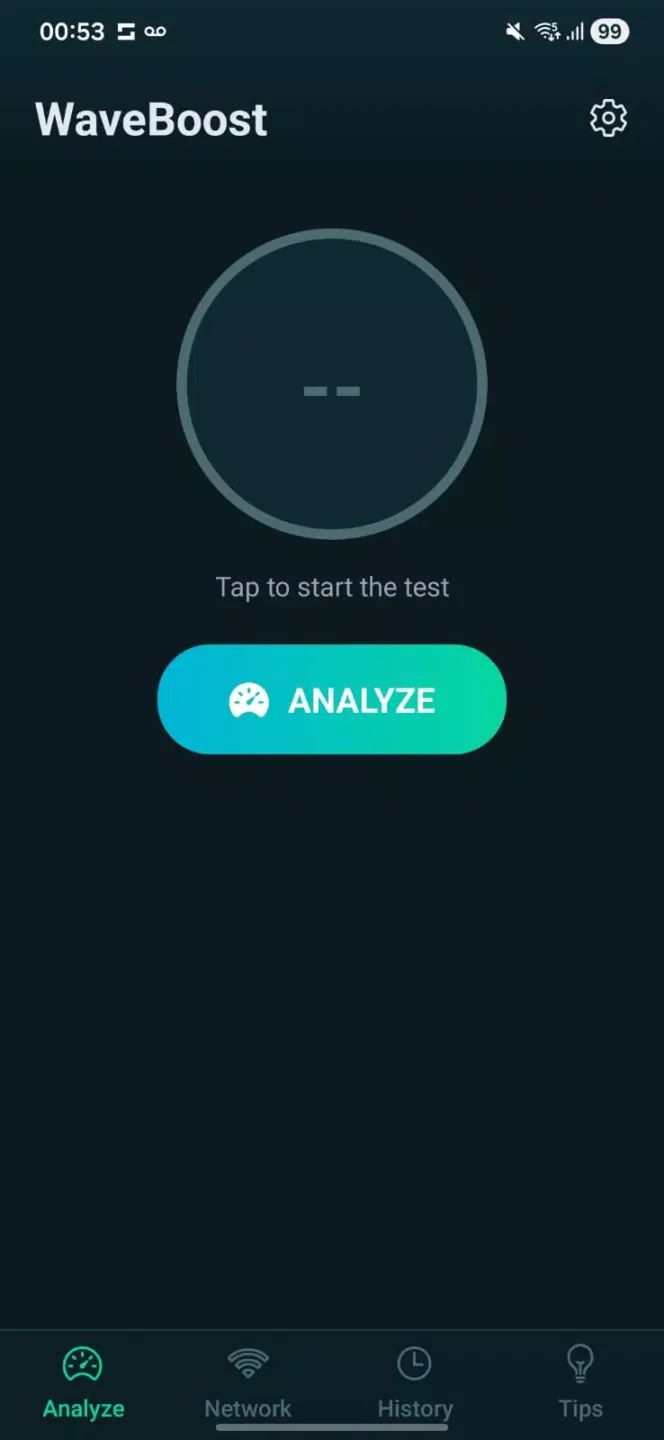
Pros and Cons:
Pros
WaveBoost delivers lower lag and smoother streaming by prioritizing critical traffic and reducing jitter.
Faster downloads and better browsing responsiveness thanks to adaptive network management.
Real-time diagnostics and automatic fixes reduce the need for manual troubleshooting.
Background cleanup keeps active applications consistently performant during intensive tasks.
Cons
Effectiveness can vary depending on the quality of the underlying network, router, or mobile carrier.
The app needs permission to run and make background adjustments, which some users may need to allow.
FAQs:
Why does "Get this app from Play Store" message appear after download?
Because the app developer has restricted installations to the official Google Play Store , often for security, licensing, or regional reasons. Click here to find more details.
How much storage space is needed to install WaveBoost?
Please keep at least 61.8 MB, and additional 100-500 MB free for smooth updates and cache management after installing.
What are the system requirements for WaveBoost?
Your device should have system version Android 7.0+ (firstly released around 2016-08) or newer.
Conclusion:
Getting started is straightforward: allow the necessary monitoring permissions, choose whether to enable automatic optimization, and set one or two profiles to cover your common scenarios. Check logs after a few days to let the adaptive features learn your typical patterns and adjust settings if desired. WaveBoost is intended as a practical assistant for a more consistent mobile internet experience, not a replacement for higher service tiers or hardware upgrades.