Samsung DeX is a convenient utility application. It boasts beautiful graphics and provides users with a unique desktop experience, offering a truly distinctive user experience. With Samsung DeX, you can connect keyboards, mice, and even monitors virtually, but this service is only available on high-end Samsung devices. Using the application, you can directly input text using the virtual keyboard or instantly view on-screen input using gesture shortcuts. Furthermore, users can turn their Android devices into a control center, easily handling daily work presentations and more complex tasks.
Click to load YouTube / 点击加载视频
YouTube ↗Highlights:
Desktop layout on bigger screens
Samsung DeX adjusts apps and menus to fit monitors or TVs, giving you a familiar working view. You can open apps and handle everyday tasks while your phone acts as the computing device. This suits longer typing or review sessions at a desk.
Phone as a presentation controller
You can control what appears on a large monitor from the phone. Type with the virtual keyboard, navigate with gestures, and show slides or documents. This works well for meetings where you move around while keeping the screen updated.
Supported devices and setup basics
DeX works on select high end Samsung models including Galaxy S9, S10, S20, S21, S22, S22 Plus, and S22 Ultra. New versions may add more devices. Before starting, confirm compatibility to avoid connection issues.
Features:
Add a seamless screen
Connect your Galaxy Tab or phone to an external Smart monitor to expand your workspace. Move apps across screens with a unified One UI interface.
Connect without the cable
With wireless Dex, you can easily connect to a Smart monitor³ or Smart TV to cast your content on the big screen without needing a cable.
Push to present
With just a few taps, your Galaxy device can connect connect with a smart TV and smart monitor. Now you’re all set, ready to own the room.
Controls from your phone
Use your Galaxy phone as a touchpad with intuitive multi-finger gestures and customizable functions, or as an on-screen keyboard with a larger display.
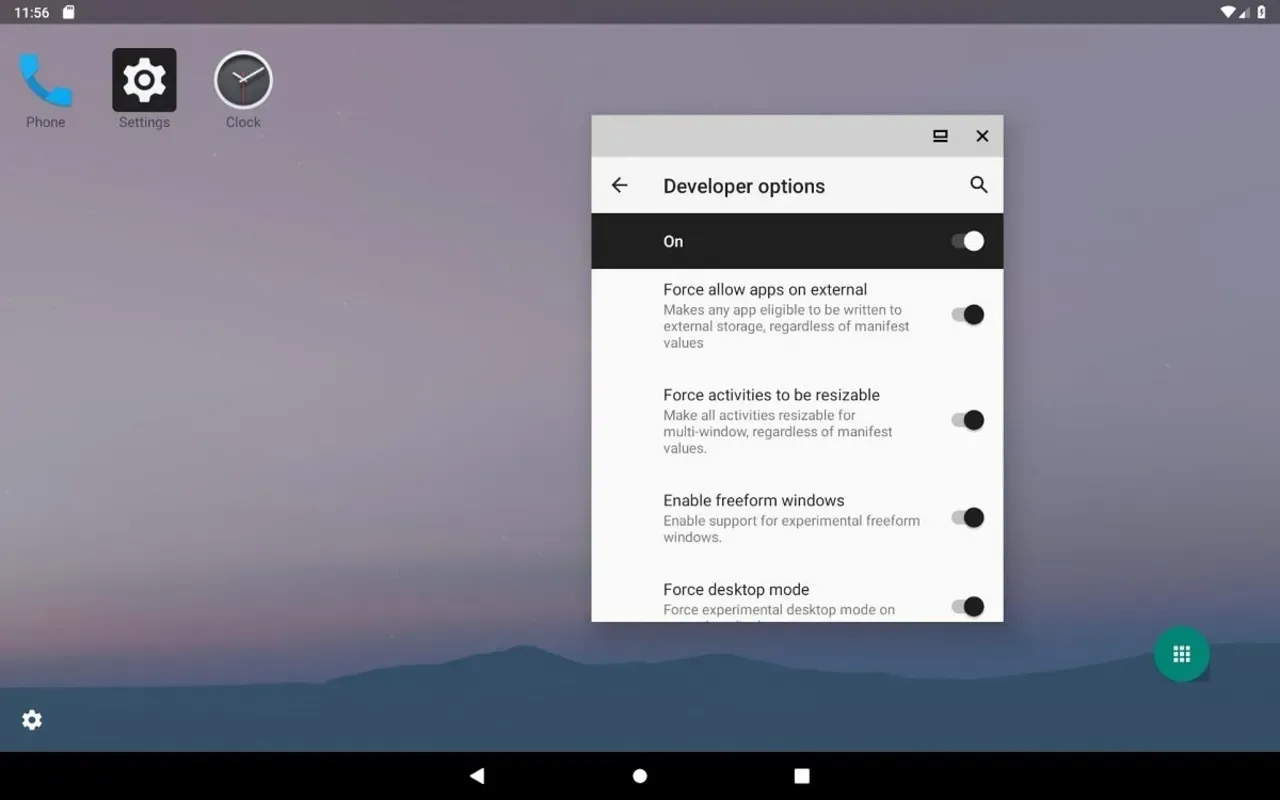
Wireless peripherals and display:
Connect a keyboard, mouse, or an external display without cables.
Keep your phone and the target screen on the same Wi Fi network.
Use the on screen keyboard and gesture shortcuts when no hardware is available.
Conclusion:
Download the Samsung DeX APK if you have a high-end Samsung device and want to get the most out of it, especially in a work environment. Thanks to this app, you can enjoy the classic experience of working on a PC from the comfort of your Android device. Only upsides.