Document Scanner is a practical document scanning tool that can convert paper documents, receipts, certificates, and books into high-definition electronic files with a single click. It features intelligent edge cropping and correction algorithms that automatically recognize page boundaries, correct tilting and remove shadows with a single click, restoring clear text. It supports various filters such as black and white, enhanced, and original to optimize image quality, and exports to PDF and JPG formats. The software has a small memory footprint, fast scanning speed, and local saving ensures file privacy.
Click to load YouTube / 点击加载视频
YouTube ↗Features:
Best Document Scanner:It has all of the features that a scanner should have.
Portable Document Scanner:By having this document scanner in your phone, you can save your time and efforts by quickly scanning anything on the fly.
Paper Scanner:The app offers third party cloud storage(Drive,Photos) where you can scan papers and save on cloud storage.
Best Document Scanner:Lite Scans are saved to your device in image or PDF format.
PDF Document Scanner:Scans PDF with edge detection feature additionally.
All type of Doc Scan:Scan in color, Grey, Sky Blue.
Easy Scanner:Scan and Instant print out documents in any size like A1, A2,A3,A4… etc.
Portable Scanner:The Doc scanner once installed can turn every smartphone into a portable scanners.
PDF Creator:Convert scanned images to the best quality PDF file.
High Quality Scans:The scan quality is of no match, You just get your documents digitally original.
Images to PDF Converter:You can select some image from Image Gallery and convert it into a PDF file as document.
Cam Scanner:Take a picture of the whiteboard or blackboard and produce it exactly same with the help of Doc Scanner at home even if you're offline. No internet required for the app to function.
Remove grain/noise from old document/picture:Remove Noise from old image Using various advanced filter techniques and make it more clear and sharp than before.
Flashlight:This scanner app also have Flash light feature that helps you in taking scans in low-light environment.
Highlights:
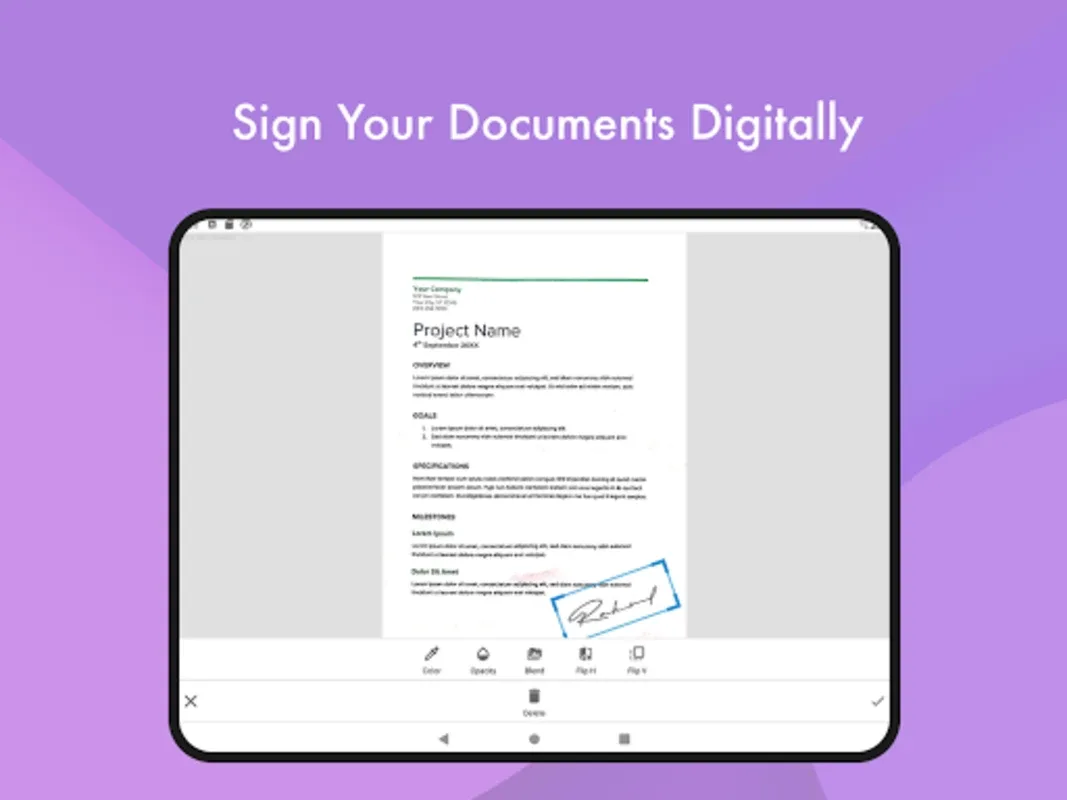
Fast capture, optional review, instant export
Clear, distraction-free interface
Live automatic document detection
Automatic crop, perspective correction, and enhancement
Export to shareable PDFs
Pros and Cons:
Pros
Free with unlimited scans
Offline functionality
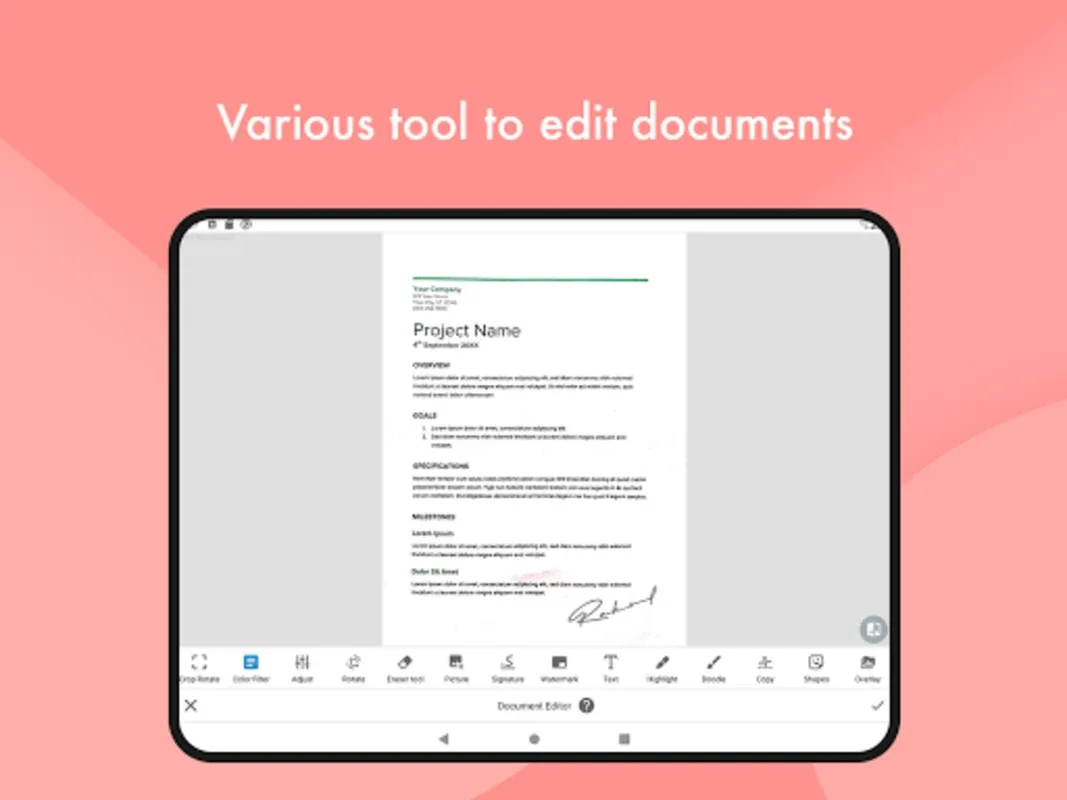
Versatile format conversion options
Simple and intuitive interface
Cons
Occasional bugs
No auto-crop feature
Inconsistent file format conversion
User Reviews:
This is really one of the best app for scanning, and I am using it from the very beginning of the 2021, but according to me the recent update is not user-friendly. It's more time consuming to create a pdf and the filters are not good. Please shift it to the last version. That interface was amasing and user-friendly.
Best app for documents scanning. I scanned 147 camera images directly to make it one pdf. I had Adobe scan for a very long time, and when I was scanning from that, it was just showing quitting unexpectedly!! Maybe couldn't handle the load. But then I got to the play store and found this app and used it, it was so smooth. Thank you guys. I scanned 147 pages into dpf very smoothly.
This application in my opinion is the best for scanning documents. Also it makes various options like rearranging pages in the pdf, highlighting and changing the colour for better clarity and also the best feature is that it detects the writing/printed part and crops out the unwanted part of the page (it is accurate 90% of the times). Only thing is that the number of ads should be reduced a bit. Other than that nothing to complain about.
Conclusion:
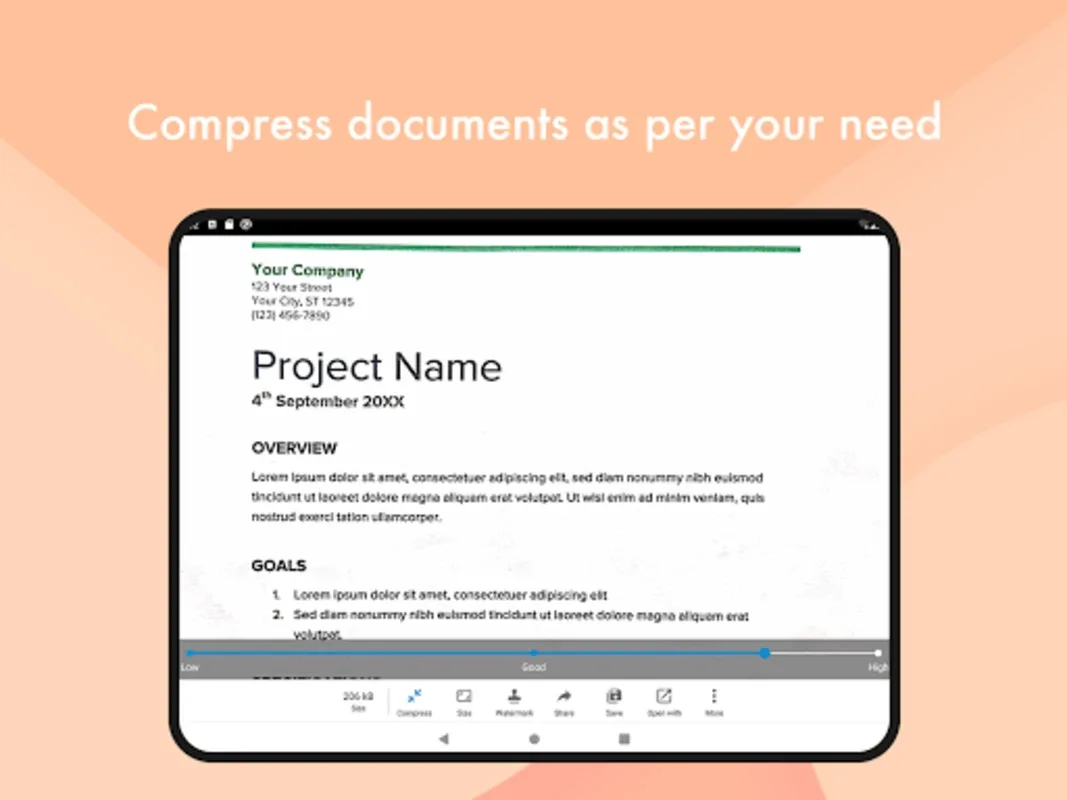
Document Scanner is a powerful, free tool for scanning and sharing documents on the go. With features like offline functionality, file compression, and format conversion, it stands out as a versatile choice for users.