
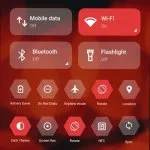
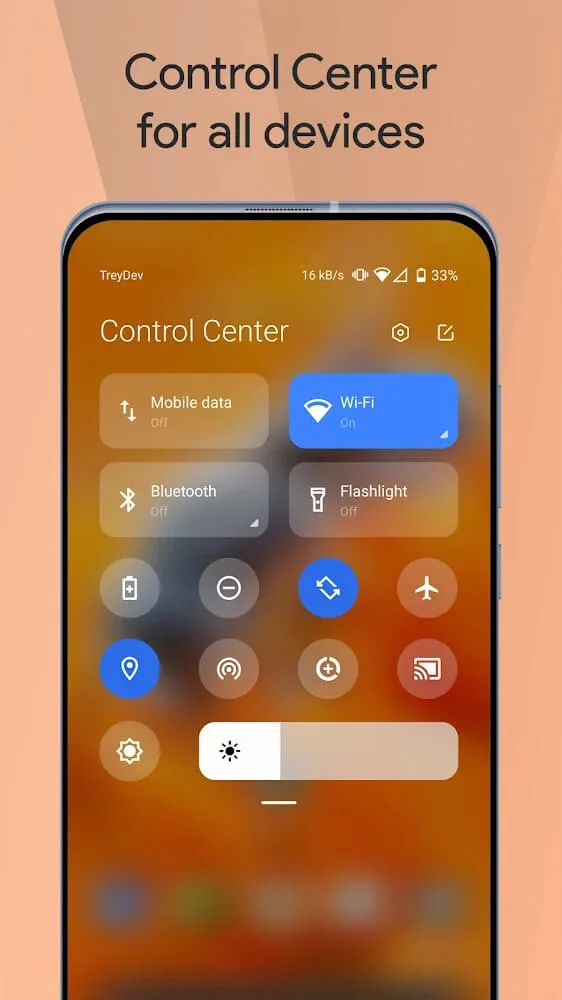
Mi Control Center is a theme tool application that allows you to customize your phone's notification bar interface. It offers rich customization options and provides convenient access to frequently used functions such as the camera, clock, and quick settings, all centralized in a clean interface. With Mi Control Center, you can quickly and completely transform your Android phone's interface into a MIUI or iOS interface in just a few simple steps. Your notification bar will have more different icons, or you can change its color to any color you like.
Highlights:
Adjustable background types: Choose a solid color, live or image static blur. Change the transparency and blur amount.
Advanced custom notification bar: Get, read, snooze or dismiss it.
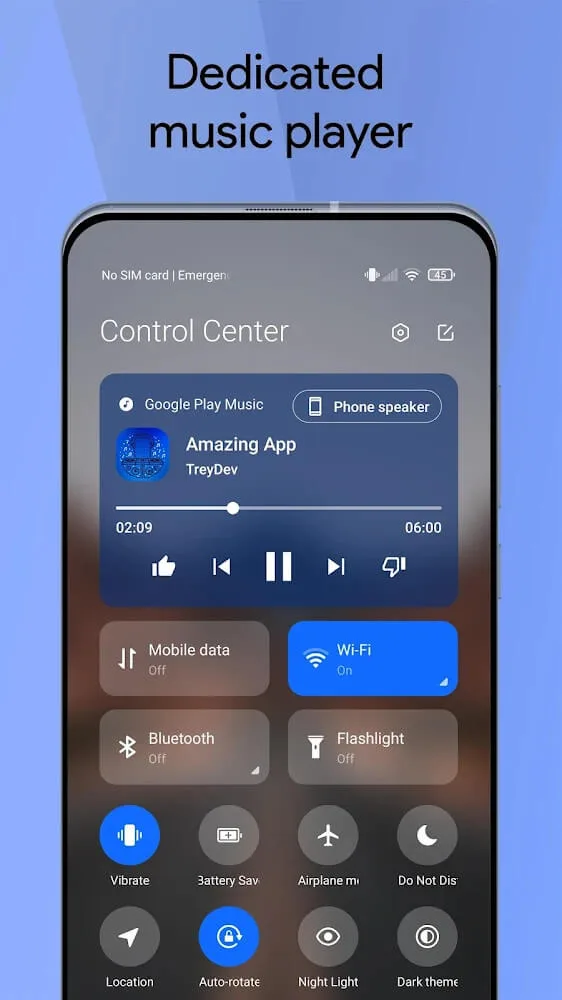
Advanced music: Dynamic colors based on the currently playing album artwork. You can skip to any part of the track right from the notification's progress bar.
Quick reply: Reply to your messages as soon as you see them. For all Android devices.
Auto bundled: Tired of that one app that spams you with notifications? Now they're all grouped together, for easy control.
Custom background picture: Pick your favorite image to be displayed in the shade. Customize mobile with unique control center easily!
Features:
Fantastic Control Center Customization: Mi Control Center allows you to personalize your phone with quick access to settings, actions, and more. Separate your quick settings from notifications for a seamless user experience.
MIUI and iOS Design Options: Easily change your Android device to MIUI or iOS design in just a few steps. Customize everything to your preferences, from layout to color scheme.
Advanced Customization Features: Enjoy full color customization, choose your profile picture, adjust background types, and more. Make your control center unique to your style.
Experiment with Different Layouts: Try out both combined notifications and quick toggles, and separate control center options to see which works best for you.
Tips and Tricks:
Intuitive Swipes: Or you can swipe your finger down from the left to open the notification bar and swipe your fingers to the right to open quick settings.
Decluttered Screens: With a simple and neat design, you can easily find and access the features you need quickly without wasting much time searching.
Camera Shortcut: You can use the features you frequently use right in the control center without having to access your phone’s home screen.
App Shortcuts: The application allows you to add features you frequently use or your favorite features to shortcuts in the control center panel so you can use them quickly and conveniently.
Task Automation: The app will automate tasks you frequently use without you having to navigate menus.
Final Words:
You can also send replies to your messages as soon as you see them or change your icons' arrangement, fonts, and colors. Mi Control Center is an excellent customization app that lets you radically change the default appearance and inner workings of your Android smartphone in a quick and easy way.








