
Split APKs Installer is an installation assistant designed specifically for mobile devices. It supports a wide range of file formats, including common APK, APKM, APKS, and XAPK files. Simply open the software, select the files you want to install, and the installation process begins without any complicated steps, ensuring files remain undamaged during installation. The software also supports backup and restore functions, automatically recording installed software and games, allowing for quick recovery even if accidentally deleted. Furthermore, it's a helpful tool for device management, supporting batch processing of software and games, such as updating, uninstalling, and sharing, to meet diverse user needs.
Click to load YouTube / 点击加载视频
YouTube ↗Features of Split APKs Installer:
Universal Format Support: The application will quickly support all formats for you. From basic formats to advanced formats, we help you choose and use them conveniently.
Large App Installation: With this application, you will be able to install large applications in the easiest way. You can install applications quickly and smoothly without any interruption.
Effortless App Backup: With this application, you will quickly be able to back up the applications you want easily. Bringing you extremely interesting and friendly user experiences. Without having to use professional backup devices.
Advanced App Management: You will own an extremely attractive advanced application management system. With the advanced system, your applications will be managed more tightly and effectively.
Secure and Fast: You can completely rest assured when using this application. Because the application will bring you the strongest and safest security system, you can use it without any worries.
Effortless Batch Installs: The application also allows you to support you in installing multiple applications at the same time without any limits. Helping you save your installation time when installing large applications.
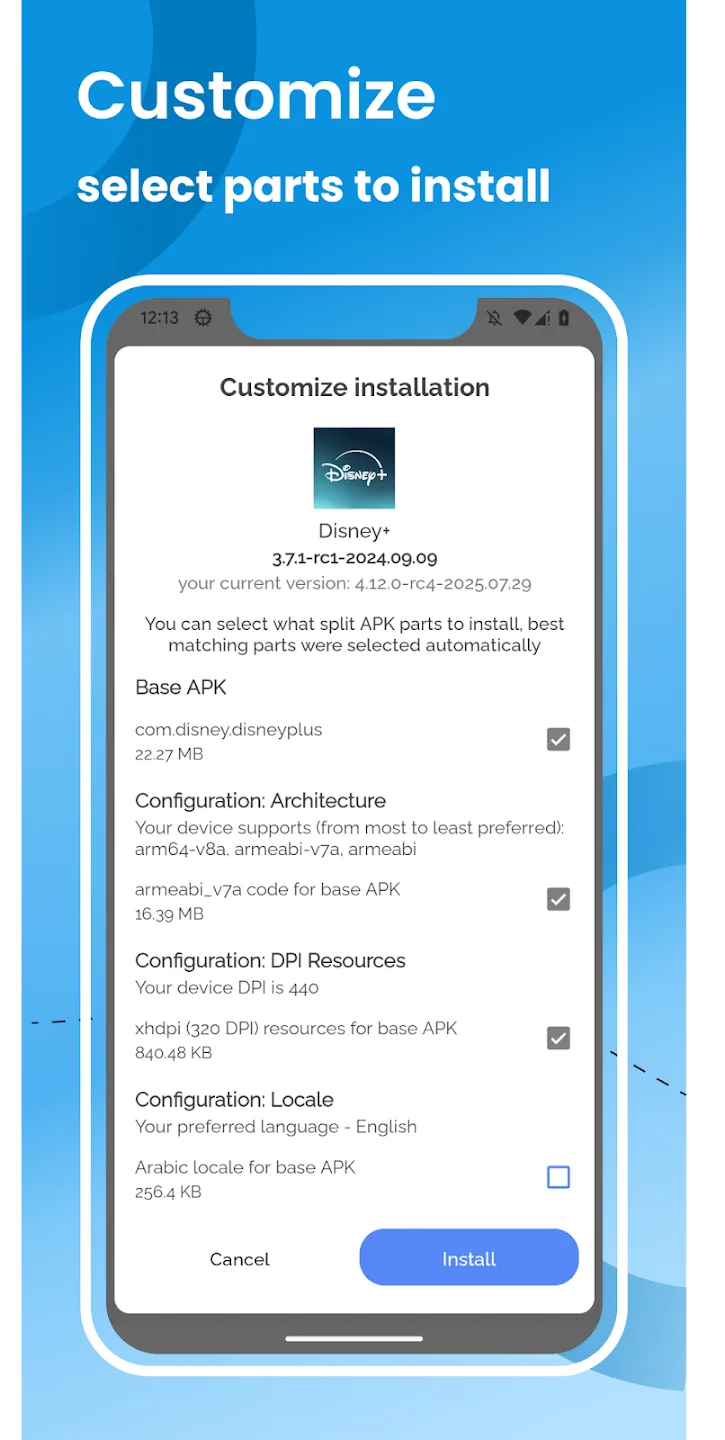
Highlights of Split APKs Installer:
While SAI provides a range of useful features, it is essential to note that the app only installs user-provided files. As a result, SAI does not take responsibility for the behavior of the apps installed through it. Users are encouraged to ensure that the APK files they are using are from trusted sources to avoid any potential issues.
Compatibility can vary, as some devices or custom ROMs may not be supported by SAI. This limitation arises from the implementation of the Android API in certain ROMs, which cannot be remedied from the app's side. Therefore, users should verify whether their device meets the requirements for using SAI before attempting to download and install the app.
For those seeking to install apps that rely on multiple APKs or specific configurations, SAI presents an efficient solution. The app's ability to handle split APKs effectively simplifies the installation process for users who might otherwise struggle with traditional methods. By offering various installation options, SAI accommodates a wide range of user preferences and needs.
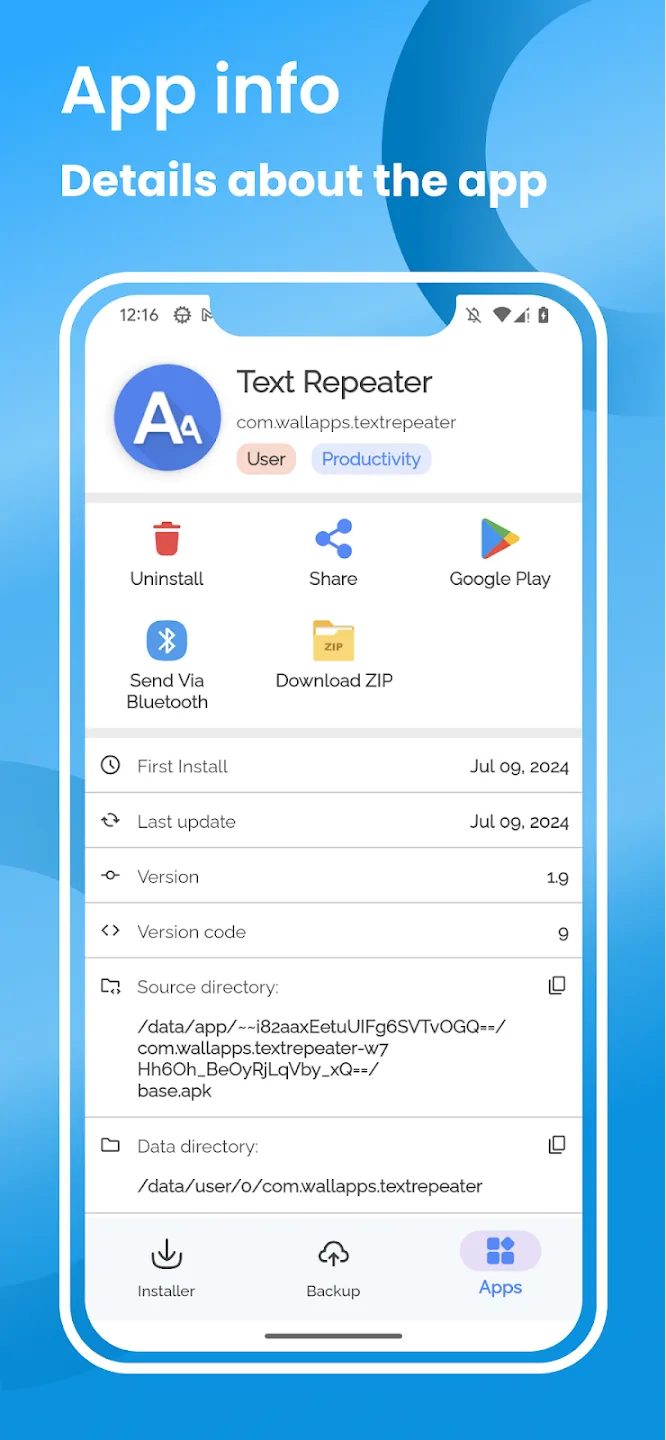
The backup and export capabilities further enhance the app's utility, allowing users to maintain control over their installed applications. This feature is particularly advantageous for professionals or enthusiasts who frequently modify their app setups. With SAI, managing app installations and versions becomes a more organized task.
In addition, SAI's open-source nature encourages community engagement and ongoing development. Users can benefit from the collective knowledge and contributions of developers who continuously work on improving the app's functionality and addressing any issues that arise. This collaborative environment ensures that SAI remains up-to-date with the latest trends and requirements in app management.
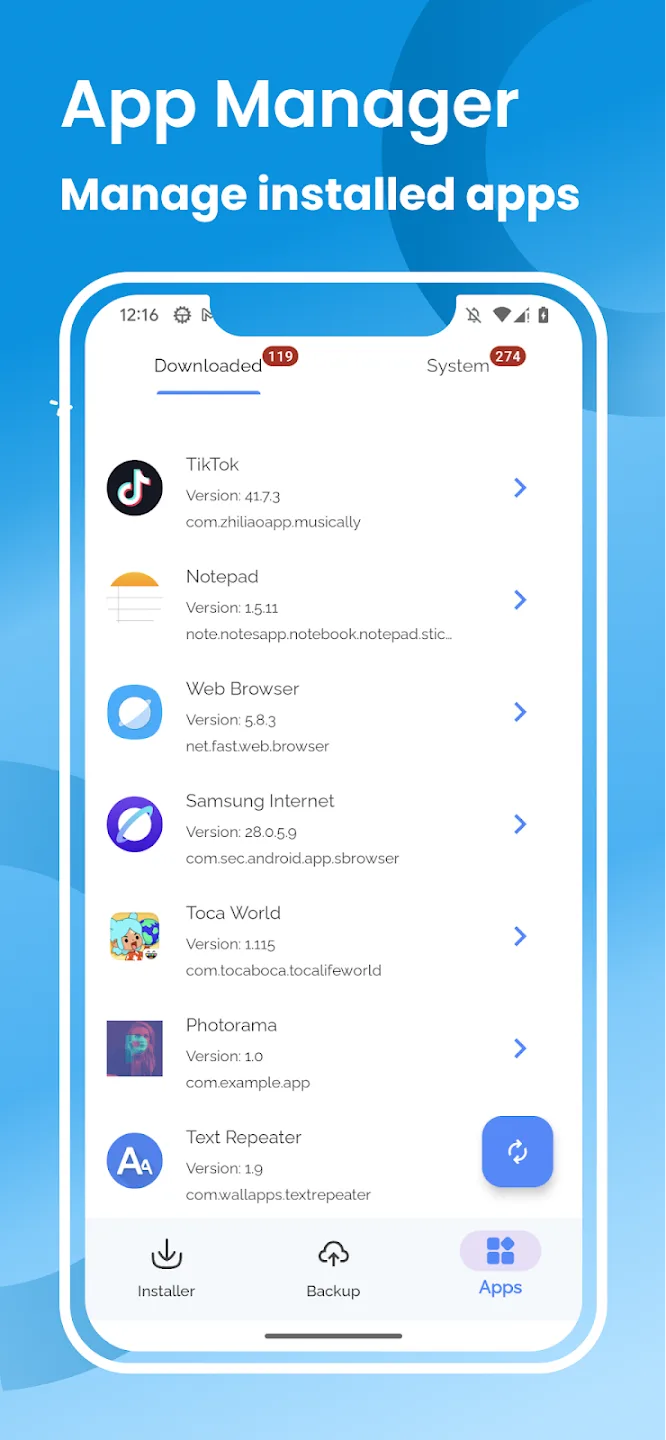
How to Use Split APKs Installer:
- Download the split APK Files for your App(s).
- Transfer the multiple APKs to Phone Storage.
- Download and install the latest version of SAI App from GitHub.
- Launch SAI App and grant all the Permissions it requires.
- Tap on Install APKs Option in SAI.
- Select all the three APK Packages from the Phone Storage you wish to install.
- Grant Permission to install App(s) from Unknown Sources.
- Let the Installation complete.
User Reviews of Split APKs Installer:
I haven't used the app much, but I like what I have seen. the UI is really good. I wanted to suggest a feature, Please add root installer so I do not have to wait for the install button and the app handles everything on its own. also real time logs would be appreciated, kinda like split apk1 installed or something similar.
It worked ! I had a split file. Walked me through. Gave me warnings. Asked me if I wanted to proceed anyhow. Voilà! My favorite older version of an app is now running on my phone! I only had to watch 6 ads.
The ultimate tool for handling split-package bundles. It effectively manages the complex 'stitching' process for APKs/XAPKs that the default Android installer fails to handle. It’s stable, lightweight, and essential for anyone managing modular app deployments outside the standard store. Highly recommended.
This app is absolutely good when it comes to installing of large gigabyte of apk file at first I was installing 3gb apk file and they said app not installed but when I installed this app and I went back to install the apk file it installed thanks alot.
Final Thoughts:
Split APKs Installer helps when an app is delivered as several APK files and a simple tap fails. It focuses on reliable, file based installs that you start yourself, so you always know what is going onto your phone. The app is also useful for users who test different builds or keep app copies for later.