

Filmora is a highly acclaimed and popular AI video editor. With its user-friendly interface and rich editing tools, it's easy for both beginners and professionals to use, creating their own films and quickly sharing them with friends. With Filmora, you can easily edit music videos, create impressive works, and upload them to your social media platforms or share them with family and friends. Furthermore, the app offers a large number of preset themes and AI features. When you don't want to do it yourself, you can directly choose from various preset themes and filters, or let the AI handle the processing.
Highlights:
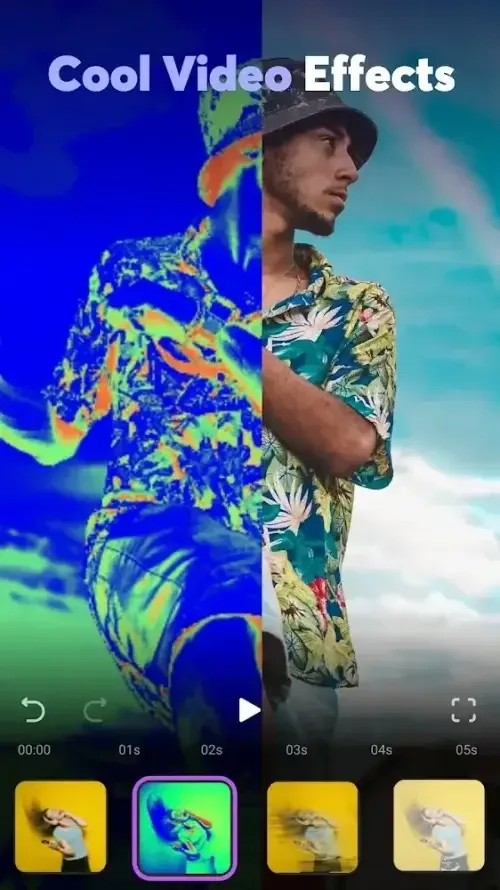
Versatile Effects and Tools: Users can access a wide range of AI video effects, advanced editing functionalities, and professional templates for creating visually stunning videos.
Easy Social Media Optimization: With customizable video ratios for platforms like Instagram, TikTok, and YouTube, creators can effortlessly tailor their content for maximum engagement.
Subscribe to Filmora Pro: By subscribing to Filmora Pro, users gain unlimited access to premium features and materials, ensuring a seamless editing experience without ads.
Video Editing Tools:
All-in-one Keyframe: More adjustment items support keyframes, combined with color and special effects, you can create more cool animations.
Speed Curve: Speed control with customizable & pre-set curves for various themes.
PIP (Picture in Picture): add multiple layers of video, images, stickers, special effects, text, etc.
Masking: Cover and mix video clips, get different video effects.
Smart tracking: Support stickers, text, and PIP intelligent tracking targets, whether you need to track faces, objects, or anything else.
Features:
AI creation tools
Filmora AI Video Editor can generate visuals from prompts and turn images or text into a video. Image to Video, Text to Video, and VideoGen help build sequences when you do not want to start from a blank timeline. You can also swap elements inside scenes with simple instructions. This keeps projects moving from idea to preview.
Audio and captions made simple
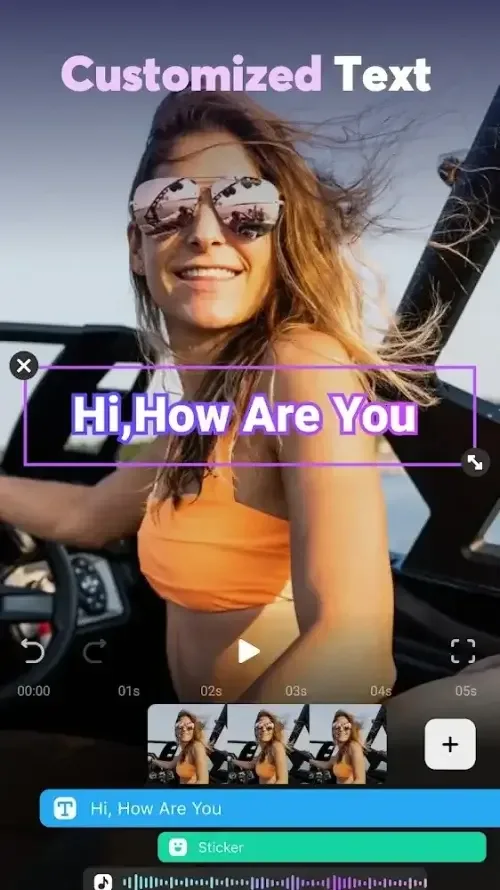
Filmora adds Dynamic Captions with automatic speech to text, so spoken words appear directly as on-screen text. You can create voiceovers with Text to Speech and pick AI Music or sound effects that match the scene. AI Beats helps align edits to rhythm, and audio extraction or splitting separates tracks for cleaner control.
Beginner-friendly editing workflow
Filmora offers 1-tap templates and drag-and-drop editing for quick assembly. You can trim, split, and merge clips without quality loss, then add filters, stickers, text, or emoji for context. Crop or rotate footage, adjust speed, and select social-ready aspect ratios to fit each platform. Each change stays visible on a clear timeline.
Advanced controls on mobile
Filmora includes keyframing in one place, Speed Curve presets, and Picture in Picture layering for multi-shot layouts. Masking helps shape reveals or isolate areas, while Smart Tracking follows faces, objects, and PIP assets across frames. These tools let you refine motion and composition directly on the Filmora app for Android.
Export for social platforms
Filmora prepares vertical and horizontal formats tuned for TikTok, Instagram, and YouTube. You choose platform-ready settings and share without extra conversion. This reduces guesswork before posting and keeps quality consistent. Finished videos match common social standards.
Pros & Cons:
Pros
Friendly drag-and-drop workflow for beginners.
Powerful AI tools accelerate social edits.
Large built-in stock and templates library.
Pro controls support advanced adjustments.
Easy multi-ratio exporting for major platforms.
Cons
Many AI features require a subscription.
Free exports may include watermark.
Heavy features strain low-end devices.
Final Words:
With its focus on AI-driven features and user-friendly design, this offering represents a significant step forward in mobile video editing. It democratizes the creative process, enabling more people to express themselves through video. As AI technology continues to evolve, expect even more innovative features to emerge, further enhancing the video creation experience.








