

All Video Downloader is a convenient and easy-to-use video downloader that allows users to directly download videos of different resolutions and formats from major popular short video platforms to their devices, enabling them to easily relive memorable moments anytime, anywhere. It's also very simple to use; just paste the video link into the software to download it to different locations on your device. The software includes a built-in private download function that strictly adheres to security policies and automatically encrypts the video content, ensuring user safety and peace of mind.
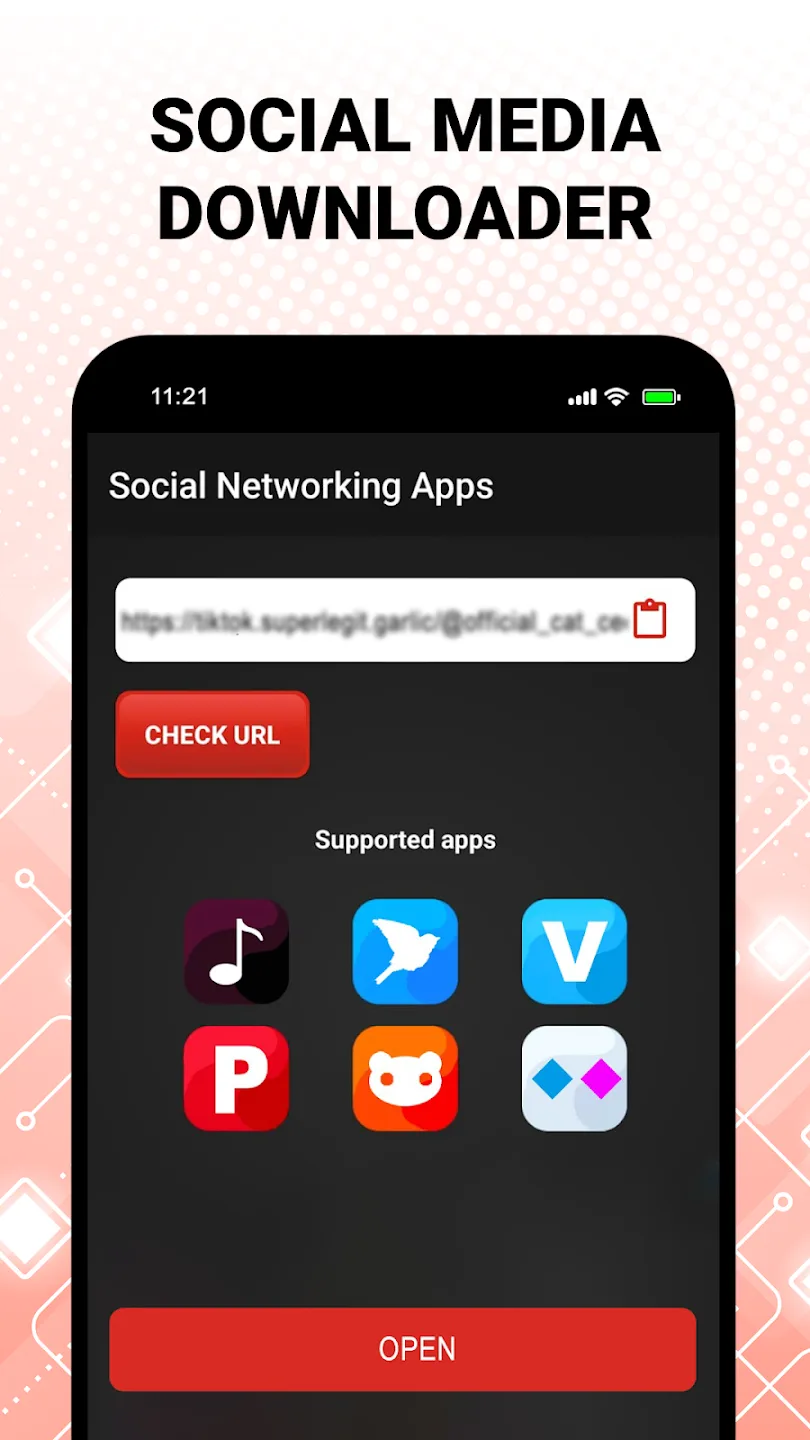
Features of All Video Downloader:
All‑in‑One Downloader: Use one place to capture short clips, long videos, and even full movies. This all video downloader handles everyday video files without the hassle.
Private Downloader Space: Keep your downloads for your eyes only. A dedicated private downloader area helps protect what you save.
Built‑In Browser & Detection: Browse with the built‑in explorer; the app can spot downloadable media and line it up for you to save.
Movie Downloader Mode: Queue multiple parts or full films at once. Handy when you’re building a watchlist for offline viewing.
Video Saver & File Manager: Organize as you go—rename files, sort them into folders, and play videos inside the app’s player.
Highlights of All Video Downloader:
Save different media in one app: All Video Downloader works as a video downloader for several types of online media. You can use it to save short clips, longer videos, movies, music, and images when the content is available for downloading. This makes the app useful for users who want one place to handle common media downloads on Android.
Choose video quality before saving: All Video Downloader supports quality choices such as 240p, HD, and 4K when those options are available from the source. You can select a smaller file for limited storage or choose a higher quality file for clearer playback. In this way, the app can work as an HD video downloader or a 4K video downloader depending on the media page and available formats.
Store and manage downloaded files: All Video Downloader includes video saver tools for handling files after download. You can organize saved media, rename files, and play downloaded videos inside the app. Because the files stay accessible from the app, it is easier to find saved content without switching between several folders.
Use private downloader mode: All Video Downloader also includes a private downloader mode for personal media files. This mode is designed to keep selected downloads separate from regular browsing and file viewing. For users who save personal or sensitive media, this option gives more control over how downloaded files are kept inside the app.
User Reviews of All Video Downloader:
I really like this app. You can download any video and you can download any video in less internet.
according to those that introduced it to me it's very fast and safe. if I will be opportuned to use it I'll rewrite my recommendation. Let's go there.
This is great 'All Social Video Downloader". It is very sensitive to notice a copied video link to be downloaded. Fast and user friendly. This is the best downloader, no doubt! Kudos to the developer(s)!
this app is best! i tried to download videos from different web sites in chrome but if the download faild it can't be resume but this app will make you download any video from any website.
I give 5 star to this app for the process of download. It works well fast and easy I didn't have any problems in using this app, good work creator.
Great App Easy video downloding and fast downloading Speed and very easy to use this app but I faces some problem and ads please solve my problem.

FAQs of All Video Downloader:
How do I use All Video Downloader to download a video?
Simply copy the video URL, open the app, and paste the URL into the designated field. Then, click the download button.
What video formats can I download with All Video Downloader?
You can download videos in various formats including MP4, FLV, and AVI depending on the source website.
Does All Video Downloader support background downloads?
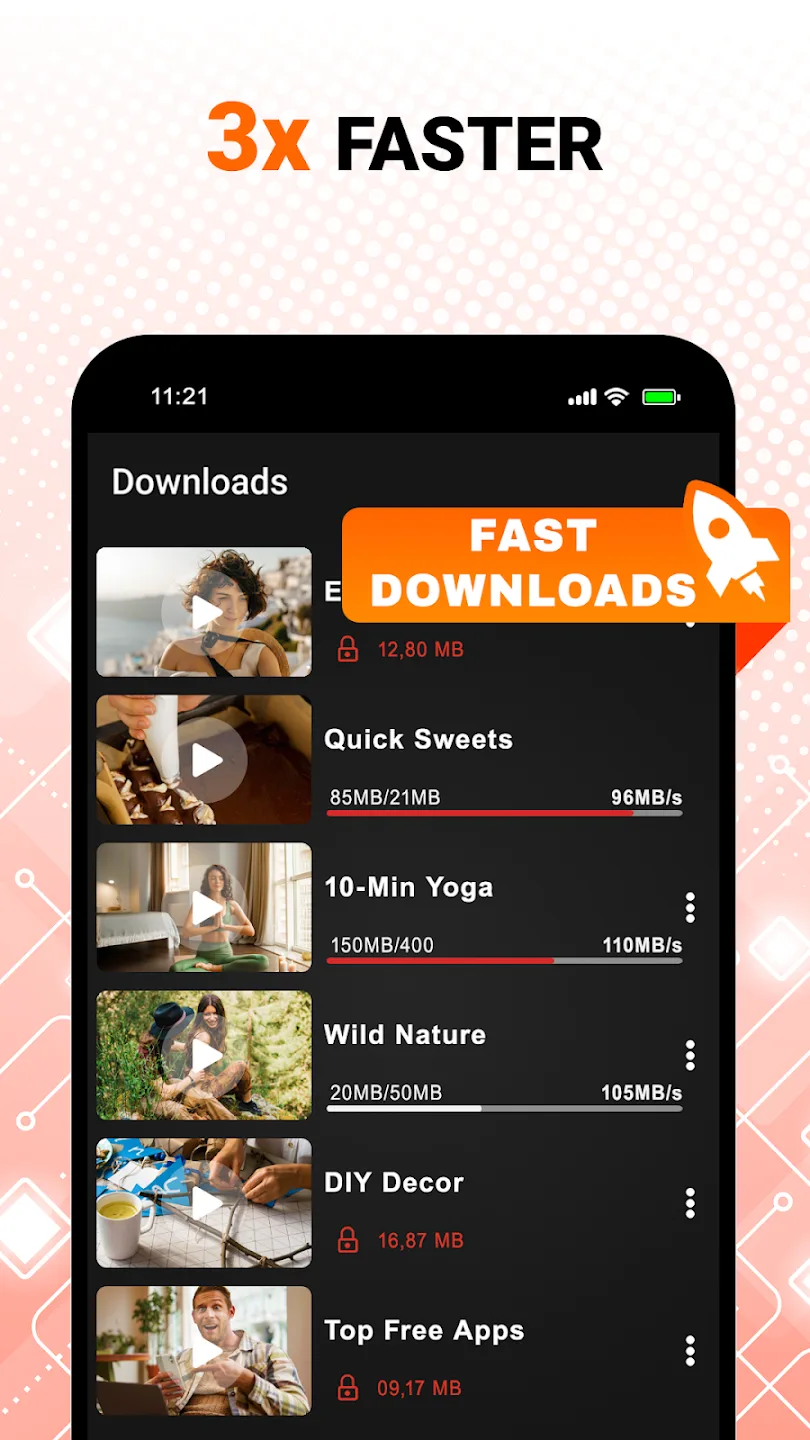
Yes, the app supports background downloads, allowing you to continue using your device while downloads occur.
Is there a limit to the number of videos I can download?
There are no set limits for downloading; however, downloading too many large files at once may affect your device's performance.
Can I download music videos with All Video Downloader?
Yes, you can download music videos as long as they are available on supported video sharing platforms.
Final words:
All Video Downloader aims to provide a single tool for saving videos from various online platforms directly to a phone. Its primary utility lies in consolidating this process, supporting downloads in multiple resolutions including HD formats.








