
InstaSave is a powerful video downloader. This app boasts a wealth of features and offers high-quality content, from beautiful photos to fun videos and inspiring stories, allowing users to freely choose what interests them for download. With InstaSave, you can share your favorite moments offline, whether it's a charming Reels video, a heartwarming post, or a captivating story. The app also provides various useful tools to easily download Instagram videos, Reels, and photos, ensuring your valuable content is always safe, reliable, and readily available.

Highlights:
No More Screenshots: Say farewell to a gallery cluttered with low-quality screenshots!
Save Stories Secretly: Grab those 24-hour gems without anyone knowing.
Offline Access: View saved content anytime, anywhere – no internet needed!
Easy Sharing: Share downloaded memories across different apps effortlessly.
Features:
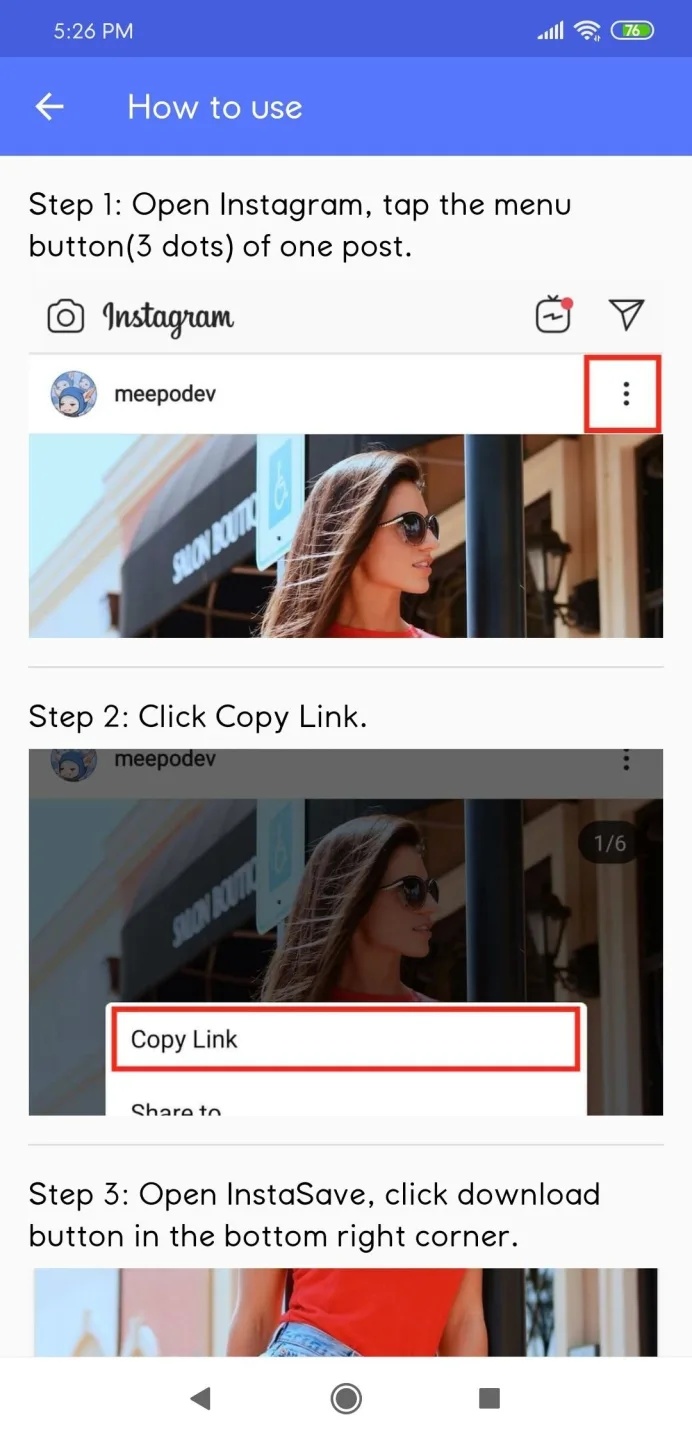
Install & Open the Instagram app
Select your favourite Instagram post
then Click on the three dots on the upper right corner
and choose COPY LINK option
Paste the Instagram URL on Insta downloader and
Hit on Download now button
Wait, It'll automatically convert Instagram to a downloadable link
Feature-packed:
Aside from allowing you to download and save video as well as photo contents from Instagram, Instasave gives you the liberty to zoom in and out on the Insta content you're looking in, as well. Insta videos seen with this utility, support video play features such as fast forward and rewind. Moreover, the hashtags used in the Insta post can be copied effortlessly, saving you some time.
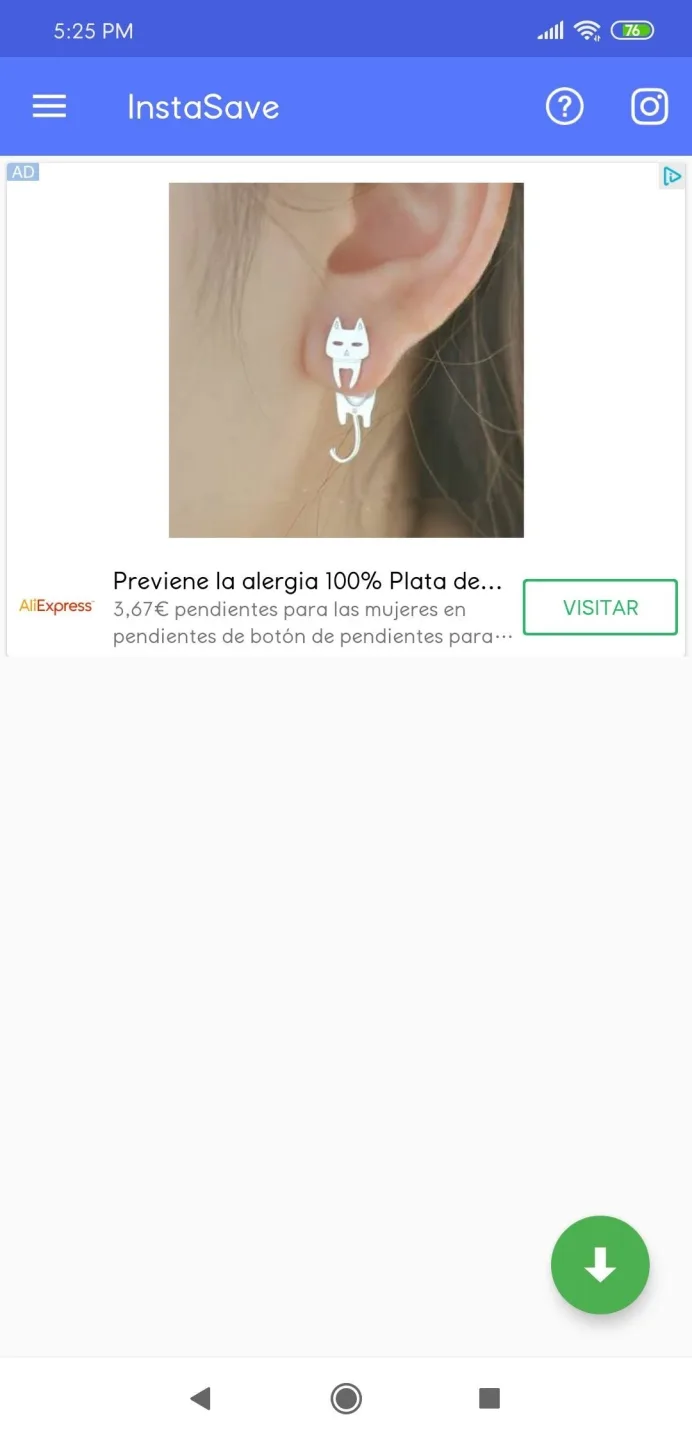
Not only on Instagram, but Insta posts can possibly be reposted and shared also on Facebook, Twitter, Vimeo, Weibo, WeChat, etc. This is such a powerful Instagram tool that can be used in the easiest way possible. In the app, there will be an Instagram icon placed in the top-right corner of the screen. It enables you to open your Instagram account directly from the app.
Once you have opened your Instagram, a three-dot menu button is seen just right above every Insta post. You will need to click on that and tap the 'Copy Share URL' button, afterward. To download the photo or video successfully, you must go back to the InstaSave application and paste the copied URL. To download, repost or copy hashtags, just click the right arrow button.
Pros & Cons:
Pros
Completely free
Download and repost
Copy hashtags with ease
Easy to use
Cons
Outdated application
Conclusion:
InstaSave is an app to download any photo or video from Instagram quickly, saving it straight to your Android's memory. The process is simple: copy the URL of the photo or video and click the download button. It's quick, easy, and effective.