
Xodo PDF Reader & Editor is a PDF viewer. It features a built-in high-speed viewing engine for smooth PDF navigation. It allows online PDF editing and can sync PDF content to various platforms. Users can edit PDF documents simultaneously online. It boasts powerful file management functions and a clean, user-friendly interface. The customizable page allows for optimal viewing comfort. It's feature-rich and supports reading, making it suitable for office workers.
Function
Fastest PDF viewing engine and smooth navigation
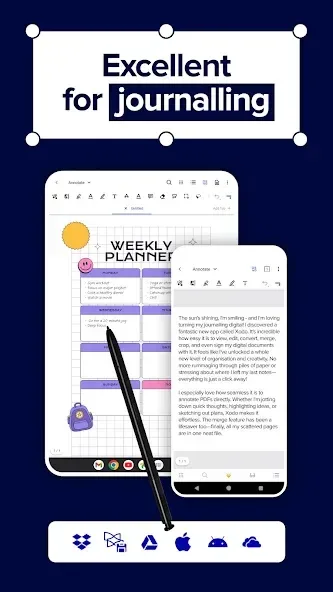
Write directly on a PDF, highlight and underline text, and more
Auto-sync your PDF edits with Dropbox, Google Drive, and OneDrive
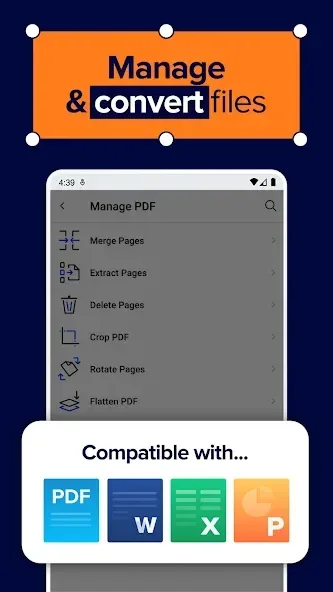
Open MS Office Word, PowerPoint, and Excel files for reading and annotating, and save them as PDF
Annotate PDFs with others in real-time
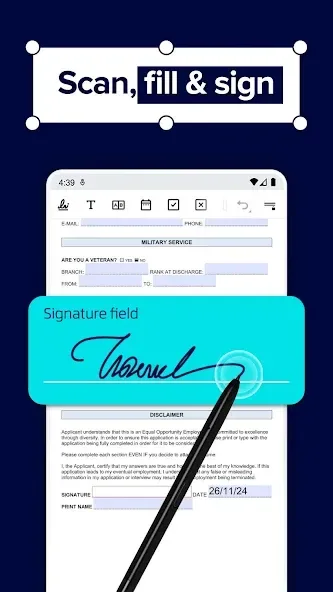
Fill out PDF forms and sign documents
Take notes on blank PDFs
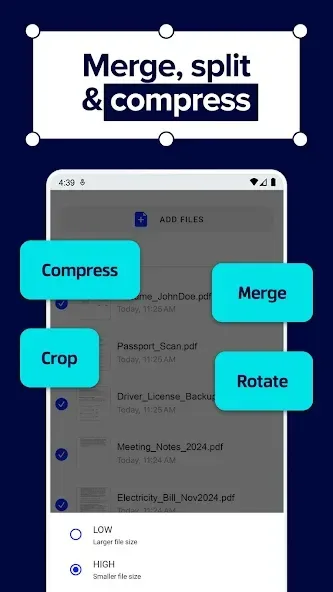
Powerful file organizer
Optimized for tablets and phones
Full-featured and a pleasure to use
Highlights
View and manage documents with a fast PDF viewer
Open files instantly with a smooth PDF viewer. This pdf reader scanner and editor lets you navigate pages, zoom, and review documents without interruptions.
Use it as your everyday PDF viewer for contracts, reports, and digital files. With reliable performance, this PDF reader scanner and editor keeps your documents accessible and easy to manage.
Edit, annotate, and fill forms
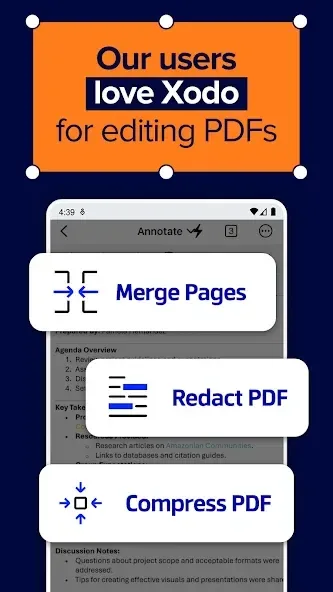
Work directly inside your files with a flexible PDF editor. Highlight, underline, draw, and add text using a PDF reader scanner and editor built for productivity.
Complete documents faster with a smart PDF form filler that can automatically detect form fields. From applications to business paperwork, this PDF reader scanner and editor helps you fill, edit, and prepare files efficiently. You can also sign PDF documents using built-in e-signature tools.
Scan and digitize with a document scanner
Turn paper documents into digital files with a built-in document scanner. Capture receipts, notes, and contracts using a fast PDF document scanner that delivers clear, readable results.
Advantages and disadvantages
Pros
Wide range of professional-grade PDF editing and annotation tools
Excellent cloud integration for cross-device access
Fast, high-quality OCR and file conversion features
Well-designed interface with multiple reading and organization options
Cons
Key features recently moved to subscription, limiting free usage
No one-time purchase option, only recurring subscriptions
User comments
This app does it all. Really isn't much you can't do with this app when it comes to looking and creating beautiful looking files, pdf's w/photos. Reading mode (auto fit to page, even when magnified large), highlighting, even continuous annotating. You can get, import, export any type of file. Send, receive from/to anywhere even to websites and the internet. This is free, but there is also a paid version that allows many other great features. This is the best tool I h
What ads? Does everything I need it to do for free. Based on other reviews I was expecting all these ads. I haven't seen any. If they're there I must be missing something. For reading pdf's, picking up where I left off, saving them in tabs until I remove them it's great.
Summarize
Xodo PDF Reader & Editor is a comprehensive reader and editor for PDF documents, thanks to which you can read, annotate, sign, and share PDFs. You can also fill in any form within the PDF and sync all the changes you make with Google Drive and Dropbox.








