

Brevent is a powerful and practical tool. Primarily designed for screen protection, it allows users to control applications to enter standby mode, providing precise management of background processes to improve device performance. With Brevent, you can precisely control software operation, forcibly stopping applications without root access to prevent prolonged operation. Its user-friendly and intuitive interface makes it easy to use; simply enable USB or wireless debugging in your device's developer options to precisely control background processes.
Click to load YouTube / 点击加载视频
YouTube ↗Features:
Targeted background control
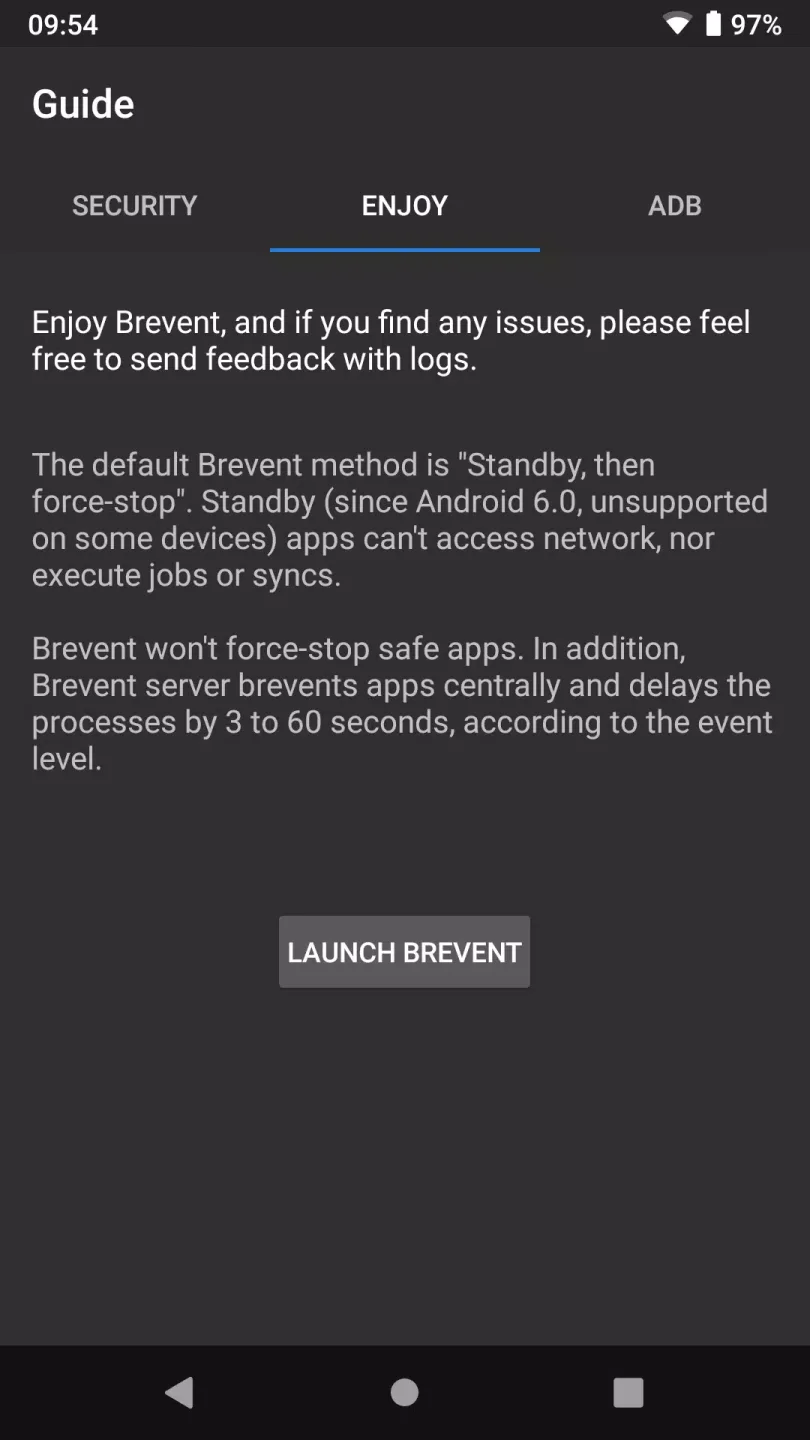
Brevent uses Android app standby and precise force stop logic to pause idle or misbehaving processes. After you exit an app, Brevent moves it to standby, then stops it if it times out, is swiped from recents, or runs without visible activity. This helps reduce wakeups that slow the device. At the same time, it avoids heavy handed blocks that could break normal use.
Manage only the apps you select
Brevent acts only on the apps you add to the Brevent list. Apps outside the list are never changed. This gives you clear control and makes it easy to try changes on a few apps first. You can adjust the list at any time if your usage changes.
Keep notifications with Allow sync
For apps you rely on for timely alerts, Brevent offers an Allow sync option. When enabled, the app can continue necessary background sync and still deliver notifications. This helps you reduce unwanted background runs while keeping important messages and updates arriving on time. You can turn Allow sync on or off per app as needed.
Simple one time activation
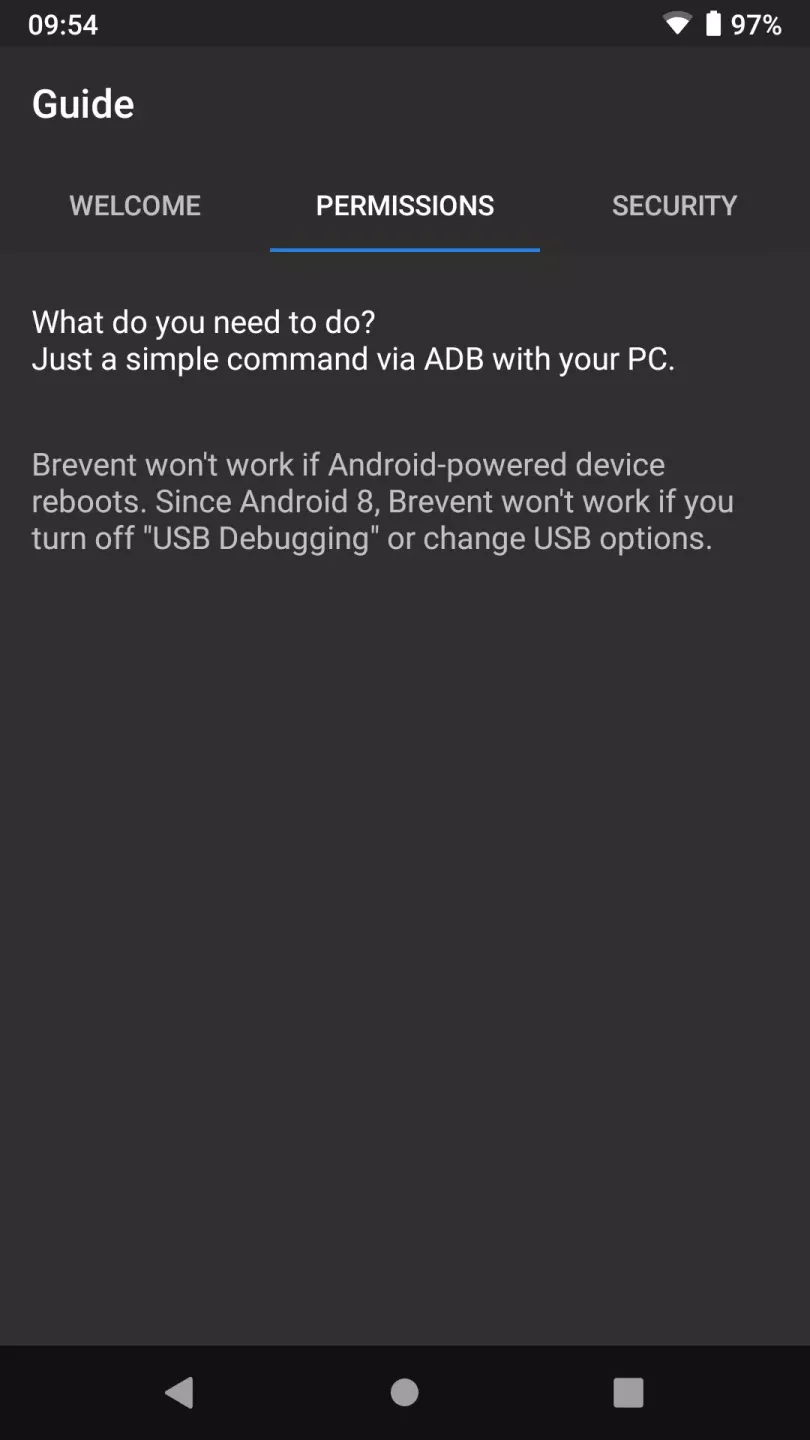
Activation is straightforward using WebUSB at brevent.sh in Chrome or Edge, or by running a single adb command from a computer. The process pairs your device, starts the Brevent service, and then the app keeps working until the next reboot. During activation you may see a prompt to confirm the RSA key on the device. After activation, you return to Brevent and start managing your list.
Wide Android compatibility
Brevent supports a broad range of Android versions and also works with Wireless debugging on supported devices. Because app standby behavior can differ by manufacturer, some models may not support every standby state. In those cases, Brevent still applies its force stop logic when conditions are met. This design helps it operate consistently across many phones and tablets.
Tips for Users:
Download Brevent Android for free and install it on your device.
Enable the "Developer Options" of your Android device.
Enable "Wireless Debugging."
Log in to "Wireless Debugging" and select "Link Device". Here, you'll get a sync code (this process is easier if you do it split-screen).
Enter this code into Brevent and you're good to go.
Changelog:
v4.2.31.1 (2026/06/29)
- try support Android 17
- try fix "Checking Brevent server"
v4.2.29.1 (2026/01/24)
- fix crashes on tablet introduced in 4.2.28
- remove some payment requirement
v4.2.28.2 (2026/01/20)
- fix some issues in android vitals
Final Words:
Setting up the tool is hassle-free, requiring just a simple activation of "USB debugging" or "Wireless debugging" in the device's developer options. The integration of Brevent extends a significant advantage to users by providing a more controlled and efficient environment for their devices, prioritizing essential tasks and minimizing the waste of precious resources.








