

Kiwi Browser is a secure and worry-free web browser. Users can browse various web pages and download corresponding files to their devices by entering keywords. They can also browse the latest local news, watch videos, and listen to music, meeting diverse user needs. The software also offers various extensions to help users block ads and pop-ups, chat and interact with others, enable night mode, and more, providing a convenient user experience. It also offers over 60 language options and supports a bookmarking function, allowing users to add their favorite web pages to a favorites list for easy access anytime.
Click to load YouTube / 点击加载视频
YouTube ↗Features ofKiwi Browser:
Desktop extensions on Android: Kiwi Browser supports many desktop style extensions so you can keep parts of your workflow on mobile. You can add tools for productivity, security, or content control and manage them from the browser’s extensions page. This approach helps the Kiwi Browser app feel closer to a desktop setup while staying lightweight on a phone.
Fast page loading and smooth scrolling: Pages start quickly and remain responsive even on heavy sites with lots of media. Rendering optimizations keep scrolling smooth as you move through feeds, articles, or long documents. This speed focus helps you switch between tabs and tasks without delay.
Ad, pop up, and notification blocking: Kiwi Browser apk reduces interruptions by blocking common ads, pop ups, and unwanted notifications across many sites. Fewer distractions can also help lower data usage on content heavy pages. You keep control of what shows on screen while you read or watch.
Privacy controls that put you in charge: Kiwi Browser includes built in tools to block invasive trackers across the web. You can disable AMP to open the original page and use private browsing to keep local activity separate. With these options, you decide how much information sites can access during each session.
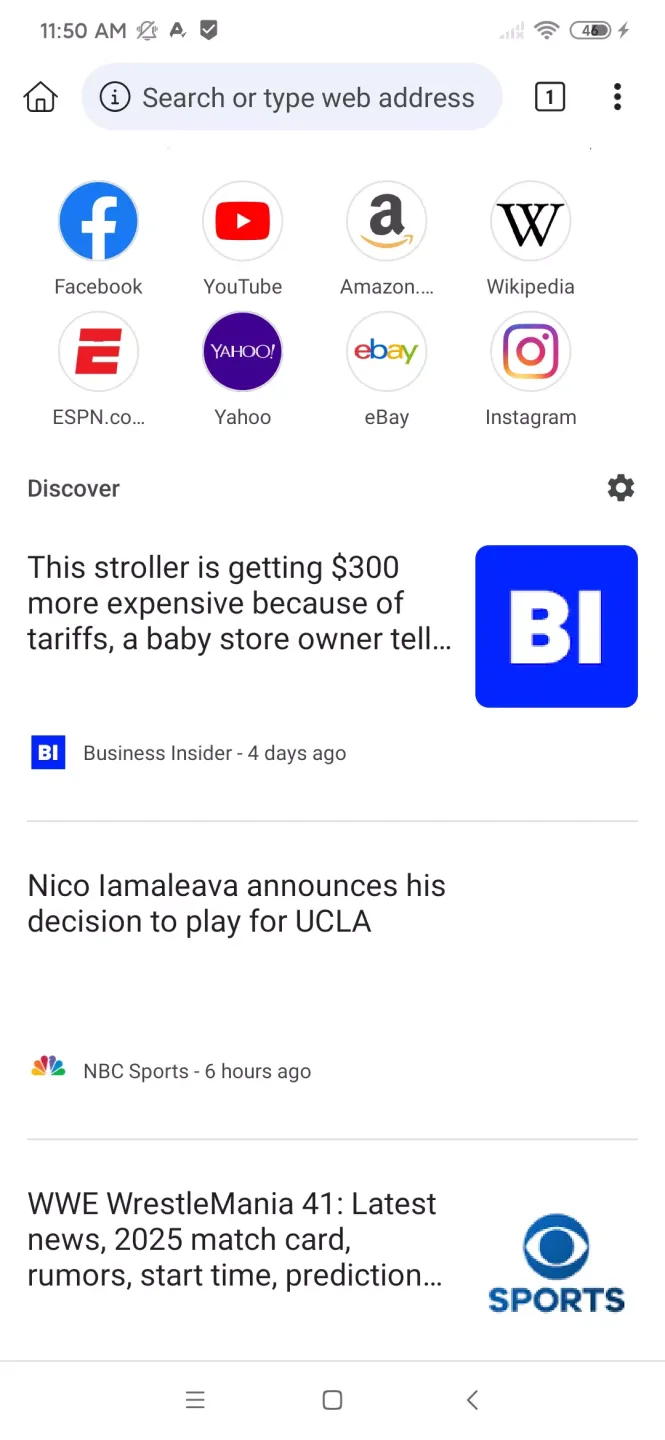
Highlights ofKiwi Browser:
Users who require translation services will find that Kiwi Browser supports translations into 60 languages. This feature can help bridge language barriers and make content more accessible to a diverse audience. Additionally, the app allows for the import and export of bookmarks, ensuring that users can easily manage their saved sites.
Another convenience offered by Kiwi Browser is the customizable downloads folder. This feature enables users to choose where downloaded files are stored, providing flexibility in file management. However, it is important to note that on certain Android versions, uninstalling an app may result in the removal of downloads, so users should keep this in mind when managing their data.
Kiwi Browser also unlocks Facebook Web Messenger, allowing users to chat with friends via the mobile version of Facebook without needing to install the official application. This can be particularly useful for those who prefer not to use multiple applications for messaging.
For users who enjoy a distraction-free environment, Kiwi Browser is equipped with settings to block notifications that can interrupt browsing sessions. This focus on user experience is complemented by the app's ability to load pages at high speeds, making it a suitable option for those who value efficiency.
Developers of Kiwi Browser are actively seeking feedback from users, encouraging them to report any crashes or bugs. This openness to user input suggests a commitment to continuous improvement and enhancement of the app.
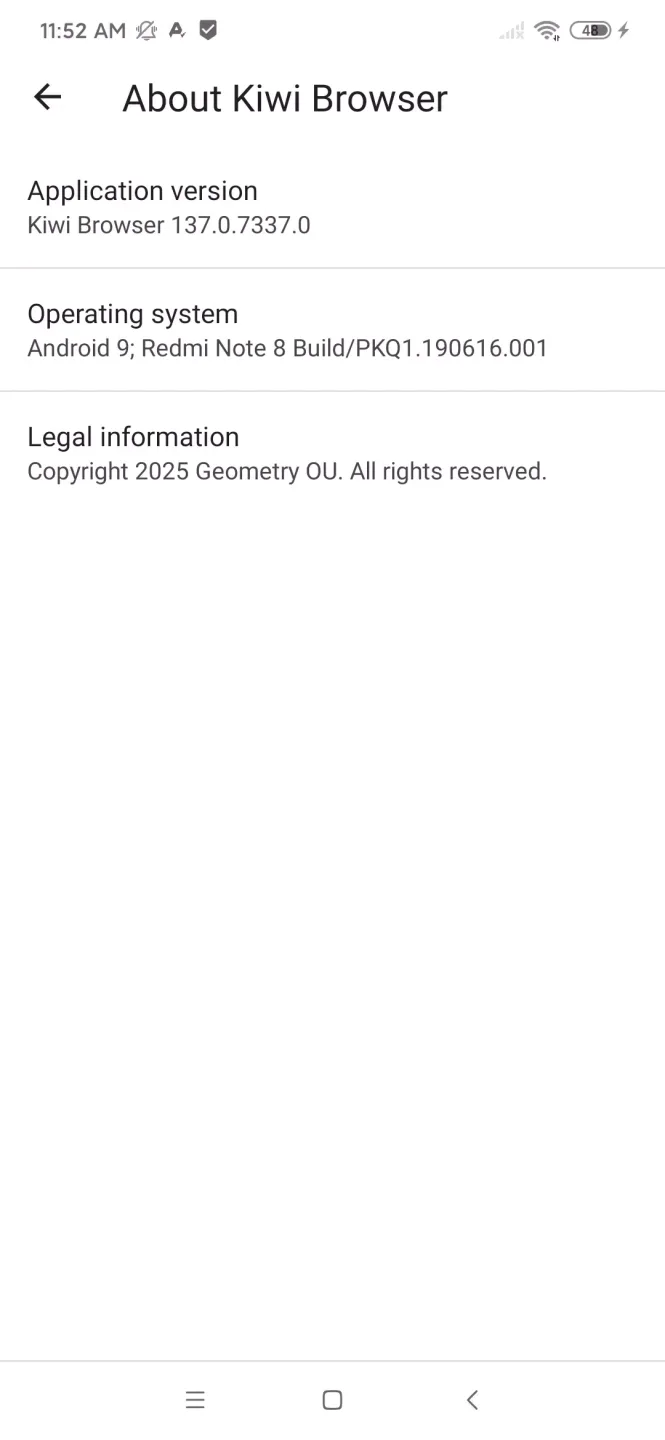
FAQs ofKiwi Browser:
What is Kiwi Browser?
Kiwi is a fast, secure, and light web browser based on Chromium.
Is Kiwi Browser safe to use?
Yes, Kiwi is fully safe to use. It’s based on the Chromium engine, just like Google Chrome.
Is Kiwi Browser FREE to use?
Yes, Kiwi is fully free and an open source with its code hosted on GitHub.
Can I use extensions on Kiwi Browser?
Yes, you can use extensions on Kiwi. It offers a wide range of customizable features.
Is Kiwi Browser for PC?
Yes, within any emulated environment one can run this browser on PC and enjoy ad-free browsing & endless downloading.
Final words:
Kiwi Browser delivers a smooth and customizable mobile browsing experience thanks to its Chromium foundation, extension support, and privacy-focused tools. Its lightweight performance and familiar interface make it appealing for everyday use, but official discontinuation raises long-term security and compatibility concerns.








