
Turbo VPN - Fast & Secure VPN is an excellent, high-speed VPN proxy tool. This application offers powerful features, including a secure and unrestricted VPN service that allows users to unlock any website and browse the internet anonymously. With Turbo VPN - Fast & Secure VPN, you can browse the internet securely and without restrictions, freely accessing restricted content without worrying about privacy breaches. With just a few clicks, you can connect to the VPN and start a safe and convenient internet experience.
Highlights:
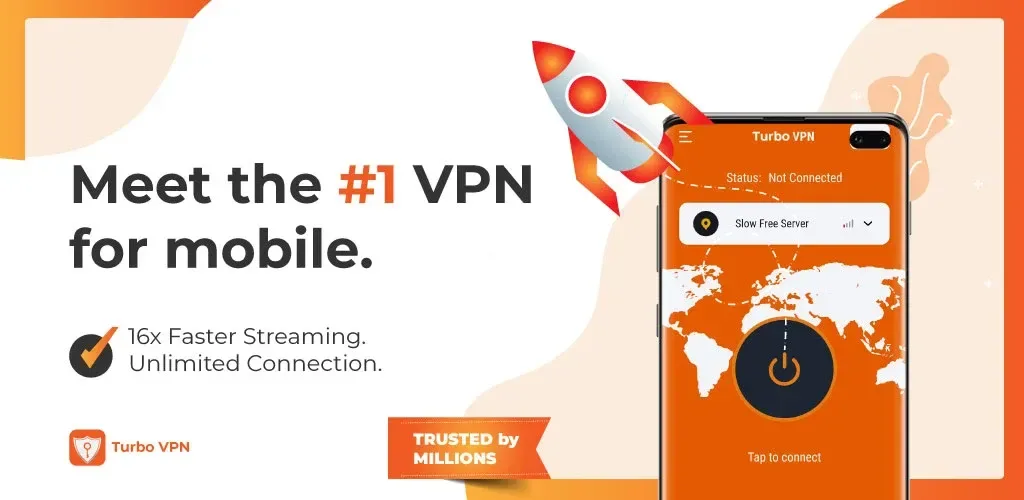
Fast VPN Connection: Connect to the fastest server available automatically.
Unlimited Access: Enjoy unlimited bandwidth for streaming, browsing, and gaming.
Global Servers: Access servers worldwide for better speed and content availability.
Secure and Private: Hide your IP address and protect your personal data from hackers.
WiFi Protection: Stay safe when using public WiFi networks.
One Tap Connect: Simple and easy to use, no setup required.
Features:
The Turbo VPN paid version
The availability of servers in these countries may vary. Moreover, many are only accessible with the premium Turbo VPN subscription. Purchasing the premium version will give you access to more countries and servers optimized for specific content. For example, there are servers designed for streaming platforms, both for live content and movies and series, and others optimized for games.
How to connect to a server with Turbo VPN
When you open Turbo VPN, simply press the connect button to initiate a connection to a server. The app selects the server based on parameters such as current server load and latency to ensure an optimal connection. If you aren't satisfied with the automatically selected server, you can manually choose another. In addition to this, the "smart location" option will connect you to the best available server.
Choose which apps use Turbo VPN
The split tunneling feature lets you decide which apps will and won't use the VPN. By default, all apps work through the VPN, but you can exclude some, such as games or social media. You can quickly adjust these settings so only selected apps use the VPN.
Access restricted content in your country
When you connect to a VPN, your connection goes through a proxy server. So, when you access a website, the visible IP address is that of the VPN server, not your real IP address. This allows you to access content blocked in your country or available only in other countries, bypassing geo-restrictions. Additionally, you're guaranteed greater privacy when browsing since no one will be able to find your real IP address.
FAQs:
Is the VPN service really free?
Yes, the VPN service is completely free to use. There are no hidden fees or subscription charges. Users can enjoy unlimited usage without any restrictions.
Will the VPN slow down my internet speed?
No, the VPN is designed to provide fast speeds without compromising on security. It ensures that users can browse the internet without experiencing any lag or slowdown.
Can I access blocked websites and content with this VPN?
Yes, the VPN allows users to bypass censorship and access blocked websites and content. It encrypts the user's internet traffic, making it difficult for any third parties to monitor or restrict their online activities.
Final Words:
It is used by users for private and secure browsing, online security, and protection from malicious websites and third parties. The platform's interface very easy to use and understand. You will find clean and simple elements that go along with controls that prioritize functionality so that users can use it intuitively.








