

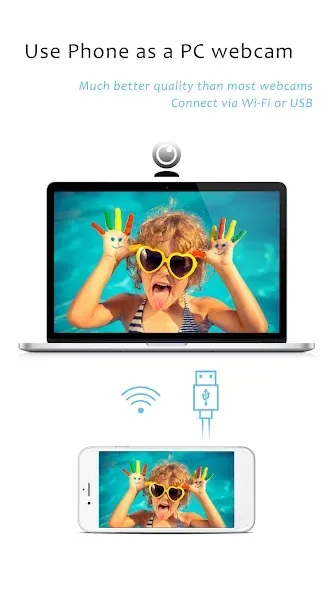
iVCam Webcam is a high-definition webcam auxiliary tool. It provides high-quality real-time video and efficient transmission speeds for mobile phones. It can automatically connect via Wi-Fi and USB. One phone can connect to multiple devices. It automatically adjusts resolution, camera exposure, and compensation. Frame rates can be configured. It supports real-time switching between portrait and landscape modes on the front and rear cameras, as well as background replacement. It completely replaces traditional USB webcams and is compatible with multiple platforms. When sharing across multiple platforms, they need to be on the same local area network. It has a user-friendly interface that allows users to quickly get started.
Features
High-quality, real-time video with low latency and fast speed
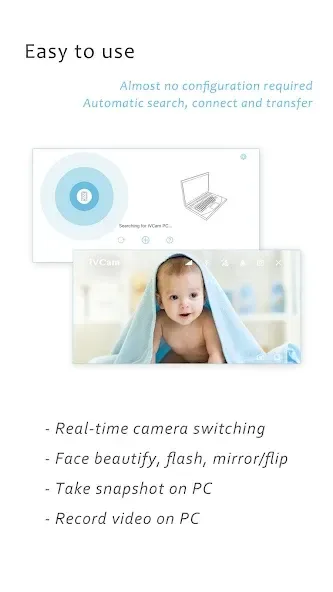
Automatic connection via Wi-Fi or USB and easy to use
Running in background, does not affect the use of other apps
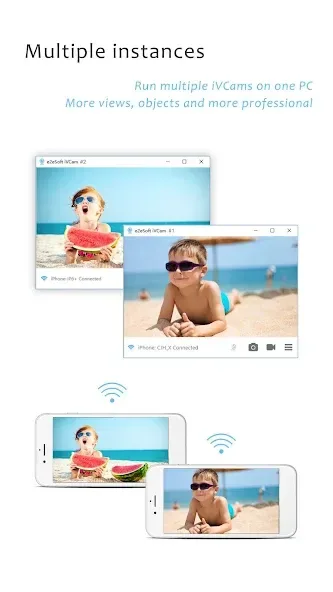
Connect multiple devices to one PC at the same time
Support common video sizes such as 4K, 2K, 1080p, 720p, 480p, 360p, etc.
Advanced camera settings AE/AF, ISO, EC, WB and Zooming
Configurable for video frame rate, quality and encoder
Function
Landscape and Portrait mode supported
Support front/rear, wide angle/telephoto cameras and real-time switching
Support for face beautify, flash, manual/auto focus and video flip/mirror
Background replacement Blur, Bokeh, Mosaic, Green Screen and more
Audio supported, use your smartphone as a wireless microphone for PC
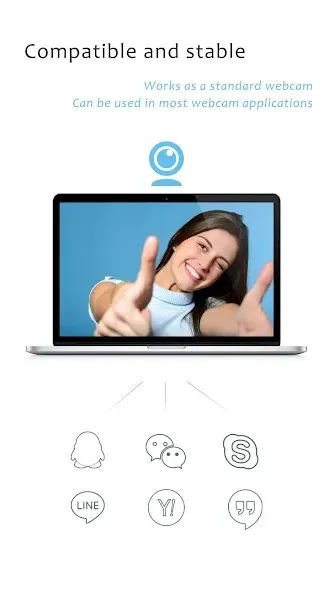
Completely replaces USB webcam or integrated webcam, compatible with most applications using webcam
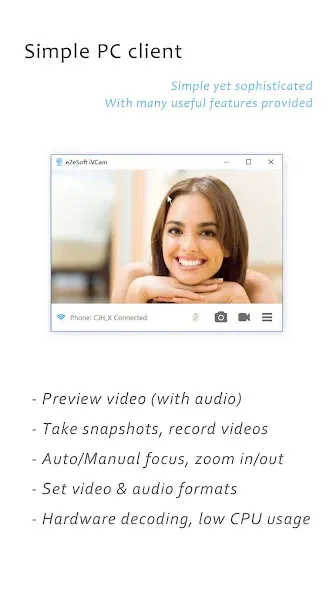
Preview video, take pictures and record video files with our Windows client software
FAQS
What devices are compatible with iVCam Webcam?
iVCam Webcam is compatible with Windows PCs, Android, and iOS devices, making it accessible across major platforms.
How do I connect my phone to my computer using iVCam Webcam?
Connect your phone and computer using Wi-Fi or a USB cable, ensuring both are on the same network for a seamless connection.
What are the main features of iVCam Webcam?
iVCam Webcam provides high-resolution video, real-time camera switching, background effects, and wireless audio support.
What are the pros and cons of using iVCam Webcam?
Pros include excellent video quality and user-friendly setup, while cons involve reliance on a stable network and limited customization options.
User comments
I found DroidCam first and had lag issues (about a half-second of video lag) that I couldn't resolve. Just by luck, I saw a random recommendation in a forum for iVCam Webcam, gave it a try, and now my phone works as a really good webcam! I really couldn't be more pleased, although I do have to shut off the autofocus because otherwise every time I move, the picture refocuses - but I can shut it off, so that's no problem! Great app!
Hey it works. Many others don't. Takes some getting used to when forcing it to use usb instead of wifi though. There is no way to ensure it is working via usb except to disable the wifi on the device. I'd also like to be able to use the app when the phone screen is locked. Once the phone screen locks, the video feed shuts off. Besides these, works great.
Gonna give it a 5 start because it does what it says... Thing that might be changed : - 1. The focus could be better, and the auto iso is kind of annoying as it keeps changing multiple times even if everything in the frame is same all the time. 2. As many of us like me are using this not only for zoom meetings but for other content, like I use this for my YouTube creations as I Don't have any DSLR, so if you guys can add an option where we can add custom LUTs then it'll be a beast app.
Summarize
Transform your Android device into a versatile HD webcam for Windows with iVCam Webcam. This innovative app offers an efficient way to replace outdated USB webcams by utilizing the superior camera capabilities of your smartphone or tablet. It ensures high-quality video communication by providing real-time, low-latency video streaming while supporting a range of video resolutions, including 4K and 1080p.








