

Call Recorder - Cube ACR is a user-friendly recording software that can be installed and run on most Android devices and is completely free. Users can start recording with a simple tap at the beginning of a call. You can even import a contact list and set specific people to always record or not record automatically, meeting different user needs. The software not only backs up recordings to the cloud but also allows users to encrypt them with a password, ensuring the security of important recordings. Recordings can also be exported to different audio formats for easy sharing.
Click to load YouTube / 点击加载视频
YouTube ↗Features of Call Recorder - Cube ACR:
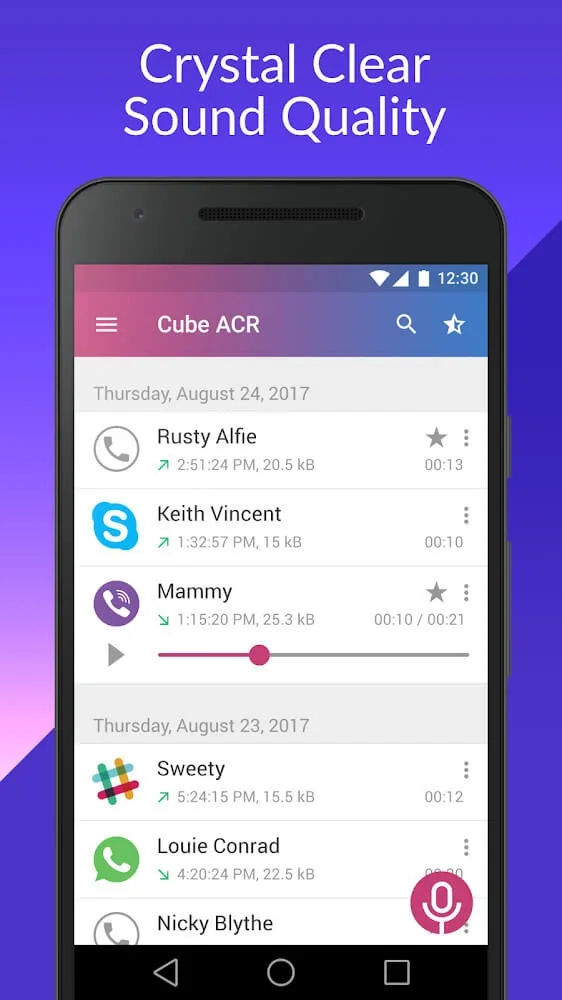
Crystal Clear Audio Capture: The application excels at delivering high-quality audio recordings, making every conversation reviewable with clarity. Whether you’re conducting business calls, important interviews, or simply wish to remember details from a personal chat, the tool ensures that voices are distinct and background noise is minimized. This allows users to accurately recall information, verify agreements, or relive cherished moments without ambiguity.
Intuitive Call Management: Navigating your recorded calls is made exceptionally simple through this platform. Users can easily browse, play back, and organize their recordings directly within the app’s interface. Imagine needing to reference a specific detail from a past conversation; the intuitive design allows for quick retrieval, saving valuable time and effort in locating the exact audio file you need.
Flexible Recording Options: The experience offers versatile recording capabilities tailored to user preferences. You have the flexibility to record all calls automatically or selectively choose which conversations to capture. This control is particularly useful for privacy concerns or when managing storage space, empowering you to decide what truly matters to be documented and stored on your device.
Seamless User Experience: Designed with the user in mind, the app provides a smooth and straightforward experience from installation to daily use. Its clean interface ensures that even first-time users can quickly understand its functionalities and start recording calls without any technical hurdles. This commitment to ease of use makes the application a reliable companion for anyone needing to capture their phone interactions effortlessly.
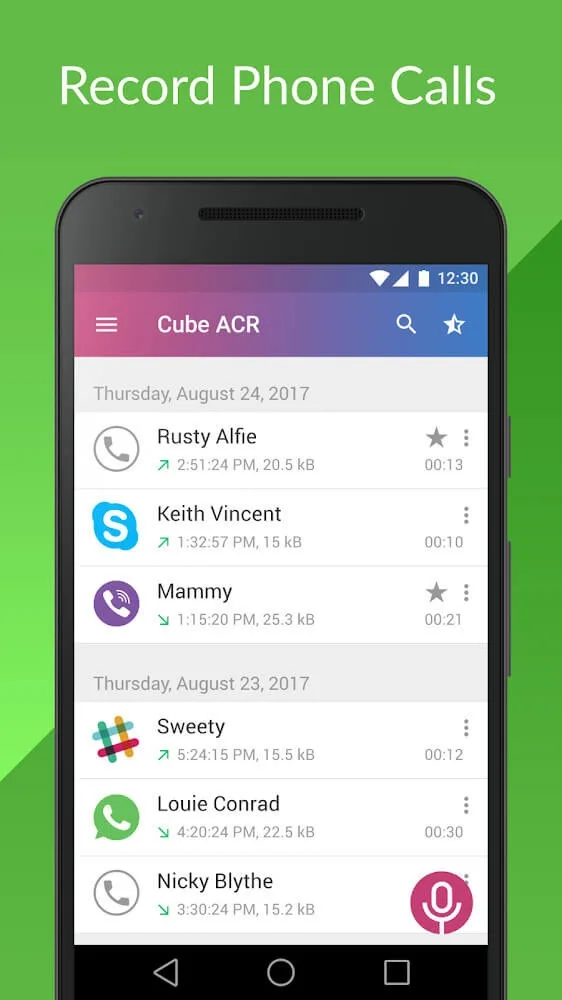
Functions of Call Recorder - Cube ACR:
When using Call Recorder - Cube ACR, users can freely record a few conversations on the phone in the most accessible and convenient way. Moreover, the sounds are recorded very clearly. Each sentence is expressed very authentically, just like you are talking to each other in real life. In addition, it also has a highly convenient function that will automatically record every call specifically. The time and content between the conversation will be recorded most accurately.
Using this application, you can create a list of phone numbers that you want to record. Just be on the completed list. Every time that number calls you, all the stories in that call are automatically saved. What’s more, you can also create your exclusion list. This list will contain contacts that you do not want to record calls with them. Would you please apply the right way to use this application easier?
If you want to record the calls you like according to your wishes, not stereotypes, there is Cube ACR. In this application, there is a manual recording function. You press the call record button to make the process of recording a phone call with any character straightforward. All critical content and information are carefully stored in the phone’s memory. This method will be more convenient and flexible, helping you keep the stories you talk to others confidential, using the recording method only when it’s most needed.
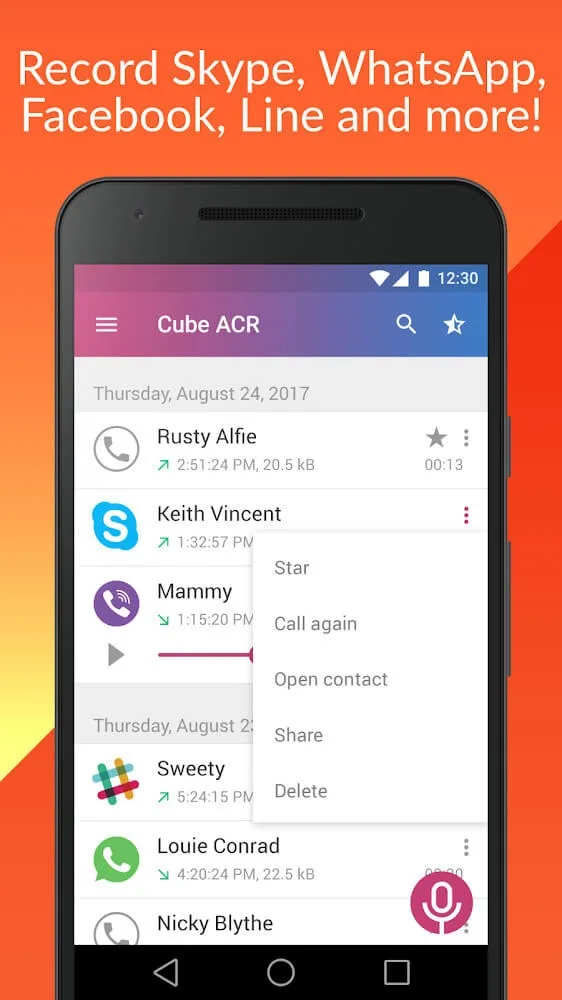
You can replay calls in this app. There will be a system to manage all your conversations closely and carefully. You are allowed to select and listen to them again, or you can also delete unnecessary recordings.
User Reviews of Call Recorder - Cube ACR:
I just don't know how I'd get along without this app. I always had a tremendous memory, I could remember things in a short period of time. however as the years are getting on, I deal in a very detailed-oriented business. at times so many details coming in at once, I might forget one or two. however not with this app. I can go back when I'm doing the work and put down every little detail. I know my clients probably think I'm remarkable. you cannot beat this app for the world it does you good.
This app has become incredibly useful in my day-to-day life. I use it to keep records of meetings, interviews, and important conversations so I can go back and catch details I may have missed. Sometimes you don't get another chance to ask for clarification, and having a reliable record helps tremendously. It has become a genuinely useful part of my daily workflow and organization.
this is the best app I have found to record phone calls. It has been a god-send for my child custody case. I downloaded several other apps before I found this one. All of the other apps were confusing and difficult to figure out. Cube ACR is by far the easiest to use. I love how it can automatically record your calls and you can easily save them and email them to yourself. The recordings are always very clear when you play them back and ot keeps all of the data (date & time). Thank you!!!
This is the ONLY application I've been successfully using on quite a few Android phones for years (including Samsung Galaxy S23 Ultra and also other brands) to record my (sensitive and important) conversations. There were some issues with configuring the application, but when I "figured it out", it worked ALWAYS without complications or unexpected problems when I needed it. I can't speak for anyone else, but I can only recommend to give it at least a try.
FAQs of Call Recorder - Cube ACR:
Can I use the Call Recorder - Cube ACR as a Viber call recorder?
Yes, you can. The Call Recorder - Cube ACR widget is activated and starts recording the Viber call automatically when it’s initiated.
Why is my premium subscription made on Google Play Store not activated?
Our subscriptions are connected to your Play Store account. Please make sure that you’re installing Cube ACR call recorder from Google Play Store using the account you’ve purchased the paid subscription. This account should be used as the default on your device. If you checked your account and it seems OK, please try to reinstall the app.
The recordings quality is very low?
Make sure you have set the correct audio source for the phone calls: ‘voice communication (software)’ ( Android 9)/ 'voice recognition (software)' (Android 10-14).Make sure battery optimization is disabled: go to the Cube ACR app menu > miscellaneous settings > go to battery optimization. Open the list of ‘all apps’. Find Cube ACR and disable battery optimization for it.Next, try increasing phone recording auto delay to 5 seconds, and setting the recording clarity to the max.
I've deleted a recording. Can you bring it back?
No. Call Recorder - Cube ACR does not have access to the recording on your device, nor do we have any copies. We recommend you back up your recordings in the cloud from time to time.
How can I download the recording to my computer?
Simply connect your phone to your PC via a USB cable and navigate to the Call Recorder - Cube ACR folder with the recordings to copy them. Alternatively, you can send your recording to the cloud storage of your choice.
Summary:
Finally, Call Recorder - Cube ACR has a recordings tab where you'll find all previous recordings. You can give a name to your files to access what you're trying to find faster. Share audio tracks with anyone and erase them for good with just a click. Listen to recordings as often as you want and never lose another important conversation thanks to Call Recorder - Cube ACR.








