
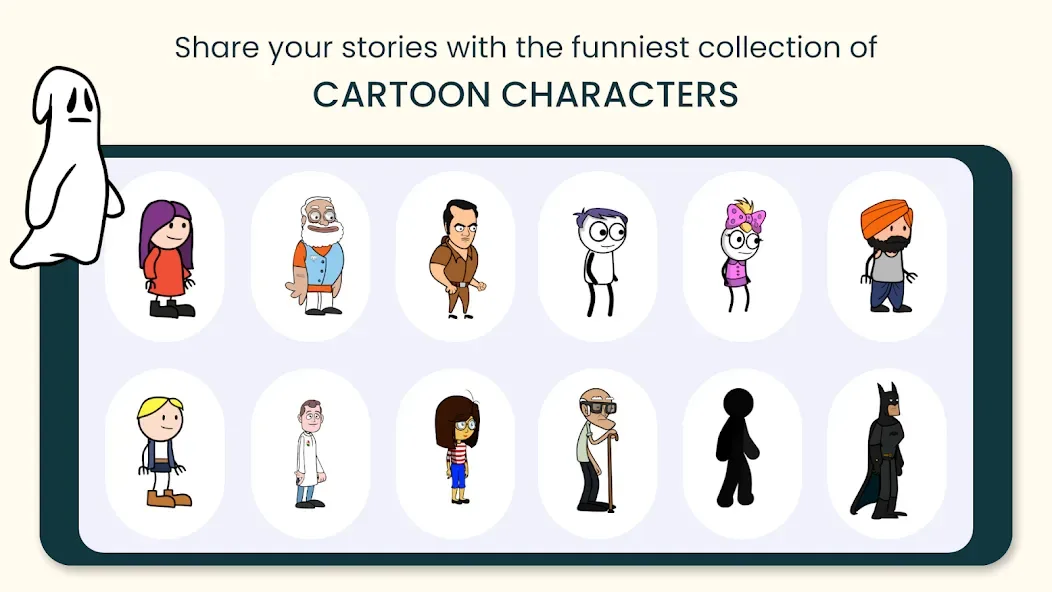
Tween Craft is a powerful media creation tool. Users can create animations without drawing anything. Preset characters and backgrounds are available. Users can customize their avatars, clothing, and even unique combinations. Animation features include changing facial expressions, movement, and body parts. Users can record their own dialogue and transform it into a cartoon style. GIFs can be added, along with visual and audio effects. Cartoon bubbles can be used in the animations. One-click sharing to popular media platforms is possible. Videos can be exported in any desired format.
Features
NO DRAWING OR ANIMATING: To create a cartoon video with Tweencraft all you need is a story, idea, joke.
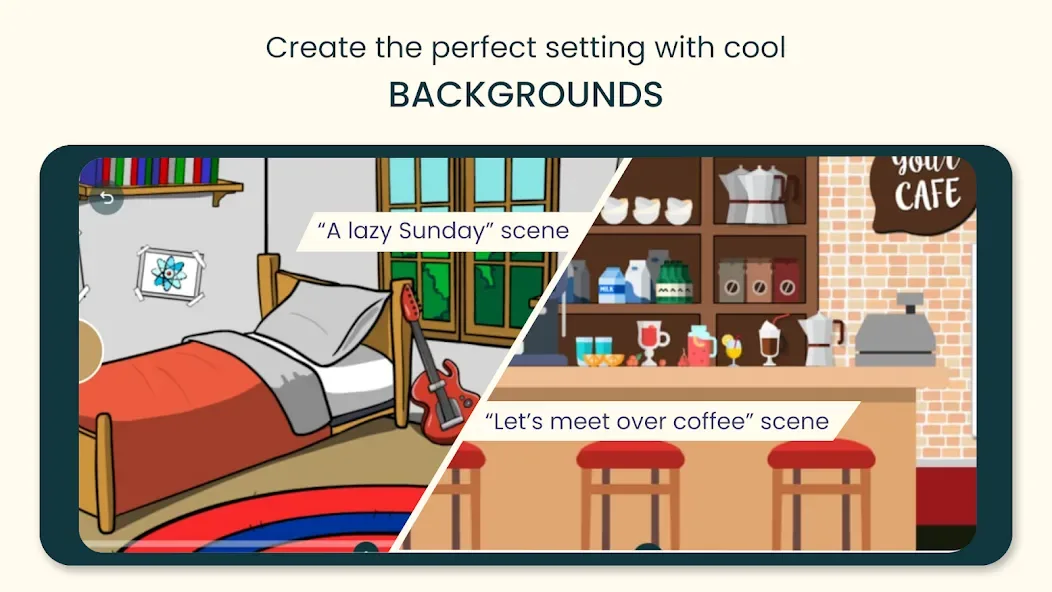
PREMADE CHARACTERS AND BACKGROUNDS: many characters, backgrounds are provided within the app. You can select any of them.
CUSTOMIZE YOUR CHARACTER: Personalize your avatar with tons of items. From trending clothing, hairstyles, and jackets to an absurd combination, express yourself in any way you can imagine.
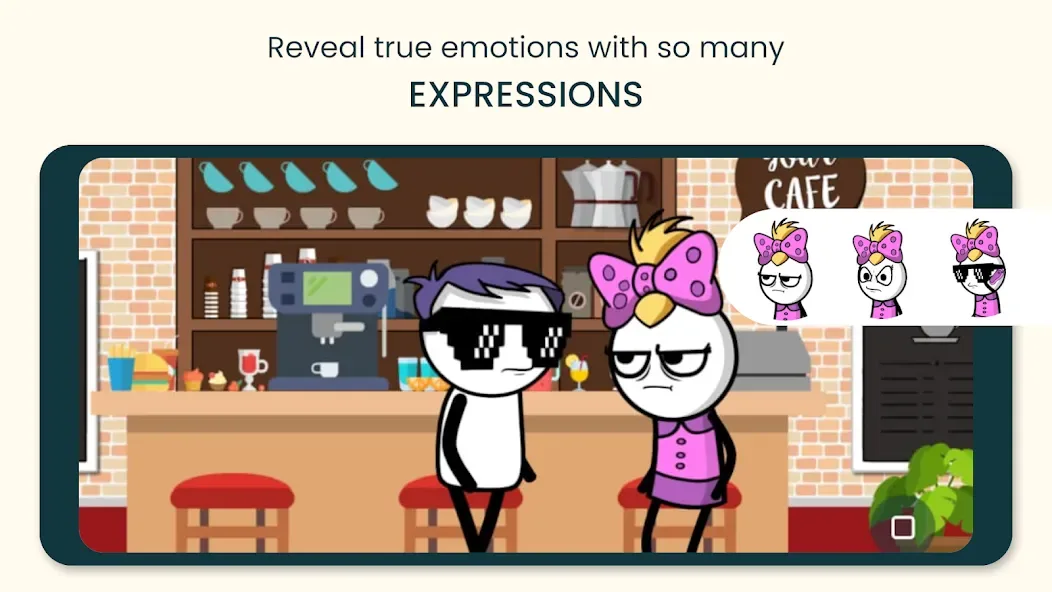
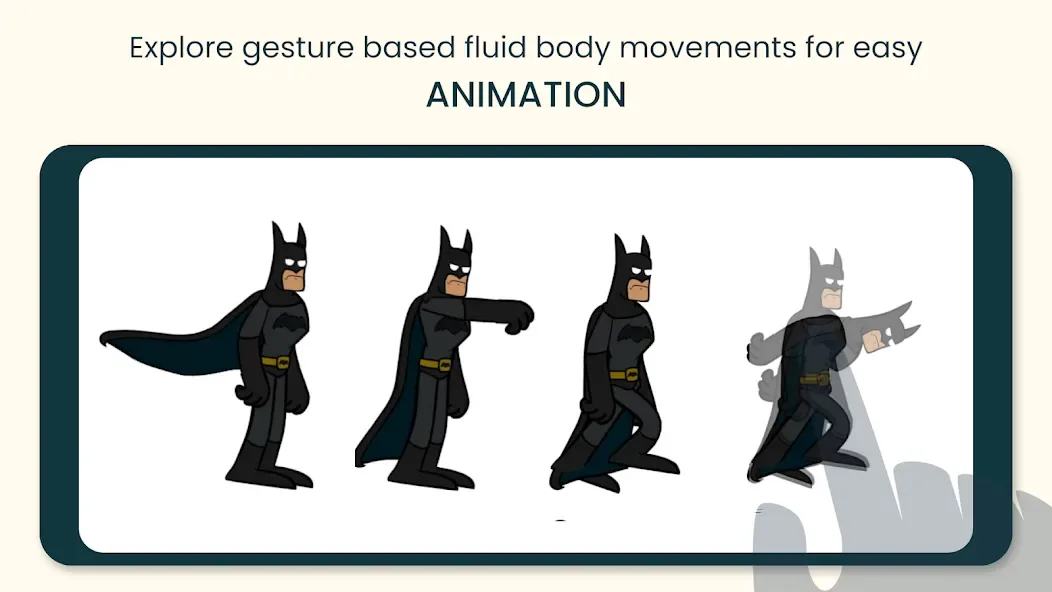
ANIMATE IT: You can change or move character's body parts, change expression, zoom, pan, change speed, and that's super easy.
RECORD YOUR DIALOGUES: You can record your own dialogue, Tweencraft animation app automatically makes your voice cartoony. You can change the voice, pitch and tempo.
ADD IMAGES AND GIFS : You can import your own images and gifs.
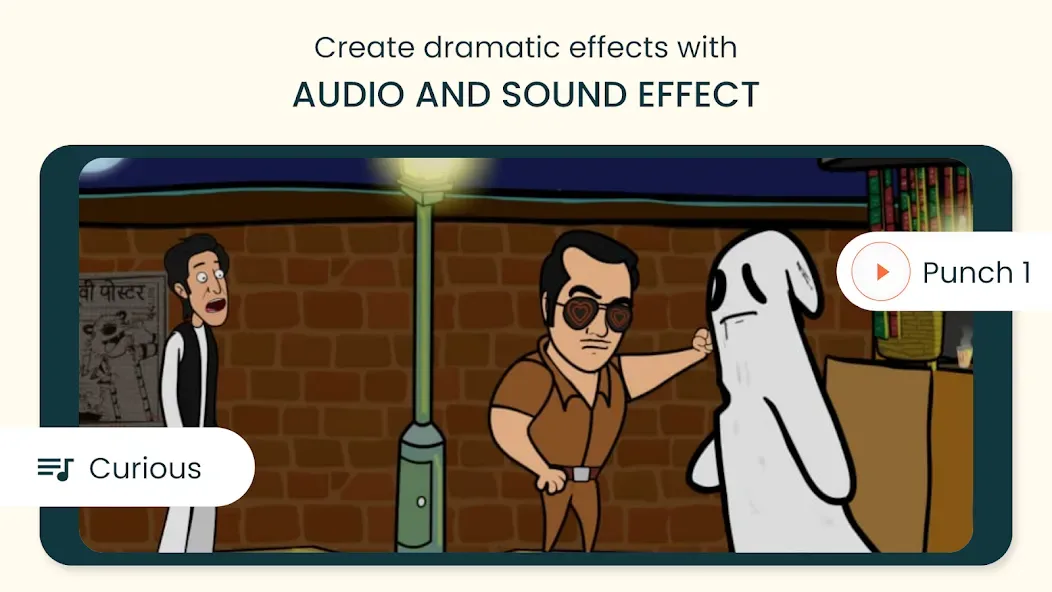
VFX AND AFX: Add inbuilt visual and audio effects.
COMIC BUBBLES: You can use the comic text bubble in the video.
SHARE VIDEOS TO WORLD: Once you have created your video using our cartoon video creator you can share it on youtube, tiktok , whatsapp or within Tweencraft with our Tweencraft community. Tweencraft is a vibrant community of creative people.
Advantages and disadvantages
Pros
Creates 2D character animation without manual drawing
Touch controls simplify gestures, expressions, and dialogue timing
Includes voice modification, visual effects, and audio effects
Exports projects as videos or GIFs
Cons
Many characters, backgrounds, and customization items require payment
Limited free assets can make multiple projects feel repetitive
How to Use
Pick a Character. You can choose any character from the wide selection available in the app.
Customize the Character. After selecting a character, you can customize it to your liking. You can change its features, clothes, and hairstyle.
Animate the Character. You can animate the character by adding various motions.
Export the Video. Once you are done animating, you can export the video in any format you want.
User comments
This app is really good! Yes, It's greedy, but as someone who paid, it's an amazing app for beginners, just add more backgrounds like a playground, soccer field, grocery store and more. Overall a really good app!
Great app for creating animations for basically any type of videos. There is enough assets to work with as well. So much more easier than making animations on Adobe Animate, Flash. Disadvantage is that you can't edit a previous frame and characters cant go back to being normal after assigning an 'action'. But still, its a great app, Hands Down.
I love this app but I would like it if 1. I'm able to export my video to my phone storage 2. I can make objects in background to move or do something 3. The characters can change their outfits 4. Also more characters, emotions and behaviors like sleeping, feeling sick etc should be added 5. More backgrounds should be added. The app is great, keep it up. KUDOS
Summarize
TweenCraft is a free lifestyle app developed by Tweencraft. This mobile application provides access to various tools that allow you to create fantastic animation videos to showcase your creativity. Videos can be used for multiple purposes, including marketing, business-related functions, and education.








