

GarageBand is an excellent music production tool. This application boasts a wealth of features, including a complete sound library, instrument presets, and more, helping users to navigate this powerful recording application more efficiently and intelligently. With GarageBand, users can easily get started, quickly master its usage, and create professional-grade music. The application also provides a user-friendly interface, allowing both music novices and experienced musicians to unleash their creativity.
Click to load YouTube / 点击加载视频
YouTube ↗Highlights:
User-friendly interface: GarageBand has a user-friendly interface that makes it easy for beginners to navigate and use the software. The interface is visually appealing, and the controls are easy to understand and use.
It's free: GarageBand comes free with all Macs and iOS devices, which makes it accessible to a broad audience.
Versatility: GarageBand can be used for a wide range of music production tasks, including recording, editing, mixing, and mastering. It also has a vast library of pre-made loops and sounds, which can be used to create original music.
Compatibility: GarageBand is compatible with a variety of hardware and software, including third-party plugins and MIDI controllers.
Integration with Apple ecosystem: As an Apple product, GarageBand integrates seamlessly with other Apple software and services, such as iTunes and iCloud. This makes it easy for users to share their music across different Apple devices.
Features:
Live performance ideas with loops
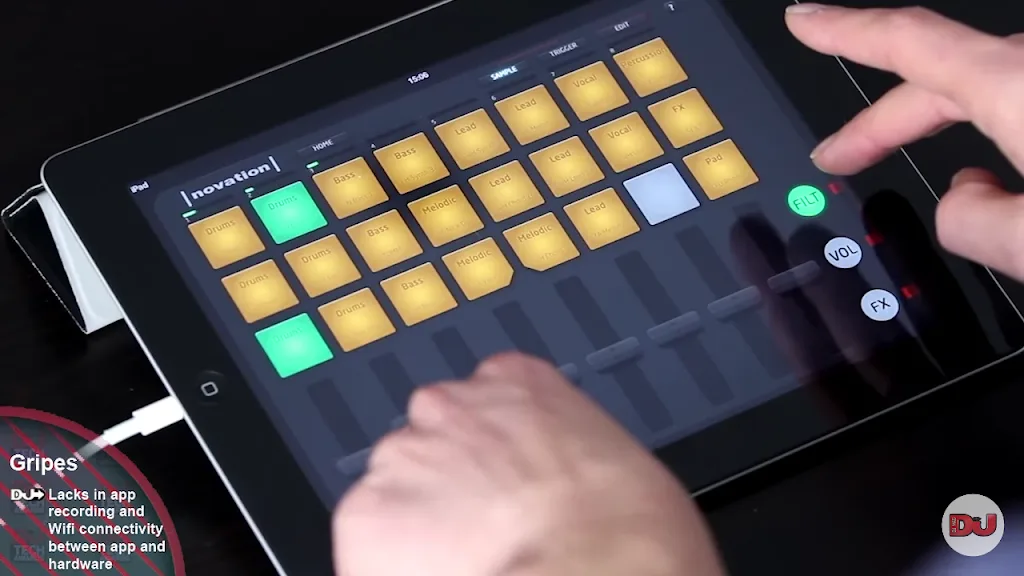
GarageBand provides a grid of loop cells that you can tap to build ideas in real time. You can record those ideas into a timeline and add simple performance effects for transitions. This lets you capture a clear structure before you commit to detailed editing.
Touch instruments and plugin support
You can play keyboards, synths, beat sequencers, and use the built in mic to capture vocals and instruments. GarageBand also supports Audio Unit Extensions, so compatible third party instruments and effects appear inside your projects. This makes it easier to expand your sound without leaving the app.
Virtual drummers for instant grooves
GarageBand includes realistic drummers that follow your arrangement and respond to feel controls. You adjust complexity, kit pieces, and fills to match your song. As a result, you can build a tight rhythm section fast without programming every hit.
Smart instruments for quick chords
Smart Strings, Smart Guitar, and Smart Bass use chord strips and automatic patterns. You select a key and style, then tap to create convincing parts even if you do not play those instruments. This helps you draft harmonic sections before recording final takes.
Multitrack recording and mixing tools
GarageBand records up to 32 tracks with multiple takes, so comping a clean performance is straightforward. You can shape tones with Visual EQ, saturation, and automation while monitoring levels in real time. Finally, you export mixes at 24 bit quality for use in other workflows.
Tips for Users:
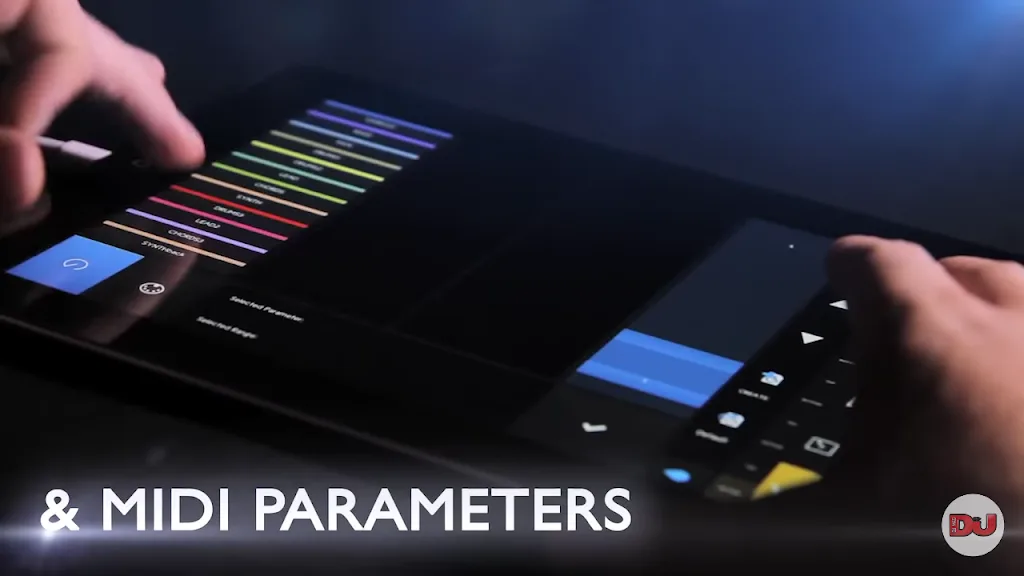
GarageBand covers the central stages of mobile music production: playing, recording, arranging, mixing, and editing. Its instrument selection includes guitars, drums, bass, and keyboards. A touchpad provides a convenient place to experiment with sounds, with a recording control positioned at the top for quickly saving a performance.
Genre-oriented packs provide another route into composition. Choices include Drummer, Chill Hip Hop, Future Bass, and Reggaeton Pop packs, giving newcomers a foundation instead of an empty project. Loops, patterns, scales, and grouped elements can also help turn short ideas into song sections. Support for recording multiple instruments at once is especially useful for arrangements that need more than a single melodic line.
This makes the app better at quick creation than its borrowed name might suggest. Someone with a rhythm or melody in mind can begin with a pack, play a part on the touchpad, record vocals, and assemble the pieces without moving to a desktop computer.
Pros & Cons:
Pros
Perfect for beginners
Users can choose different packs of genres to use
Can record multiple instruments at the same time
Create and edit mixes
Cons
Hides some useful controls for simplicity reasons
Conclusion:
Overall, Garageband is a good choice for any music enthusiast, sound artist, musician, and other people working in the industry. Also, it’s a lightweight app that doesn’t affect your mobile phone’s resources. Hence, you can use the app while other programs keep running in the background.








