

Xposed for Samsung is a tool for installing root access. It allows the Xposed framework to run smoothly on stock ROMs. This framework provides many modules that greatly assist users, such as WeChat red envelope grabbing, WeChat step counting, and automatic scripts for the game "Jump Jump." The software offers one-click installation, saving users the tedious steps of environment configuration and package import. This framework can quickly improve the overall performance of your device.
Features
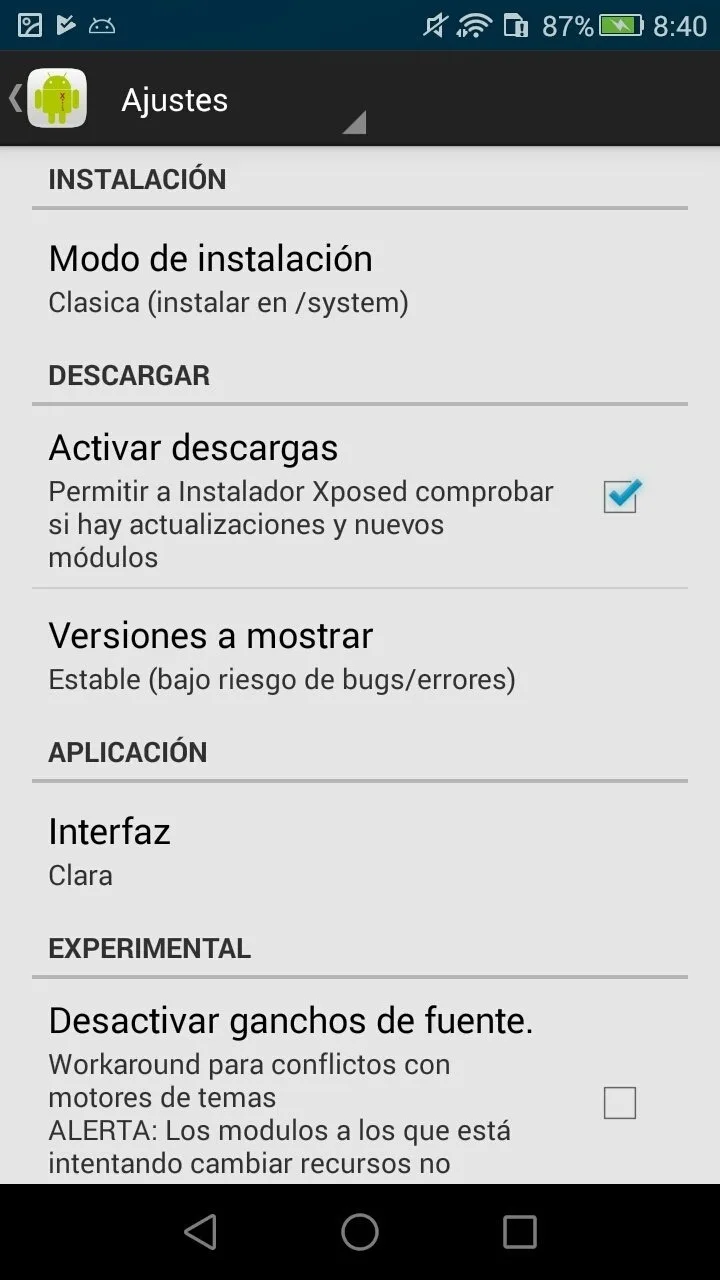
Ability to run on Stock ROM: Exposed Framework can smoothly run on stock ROM. It won’t affect the working of the current ROM in any way and can easily fit in it. The user needs to install the framework over the top of the OS. It is a boon for users who loves to use the stock ROM but needs some customizability access.
Easier to use: Due to the availability of different modules, the Xposed Framework is quite easy to use. The users can easily plug and play with the modules. It is a boon for users who loves to customize smartphones.
Cross-Device compatibility: The Xposed modules can run on any device having the Xposed framework installed. Irrespective of the Android version, device manufacturer, and build type, the Xposed Modules run flawlessly on the Framework compatible device.
Save-Time Efforts: Xposed Framework saves the time of the user in customizing the UI. It can quickly improve performance and enhances the overall device’s usability.
Advantages and disadvantages
Pros
Enhance the mobile device OS
Minimal impact on the OS
Provides simplified instructions
Modules with 100 different options
Cons
Could break the mobile OS if not careful
Could lead to data breach
How to Use
Open the Xposed Installer app
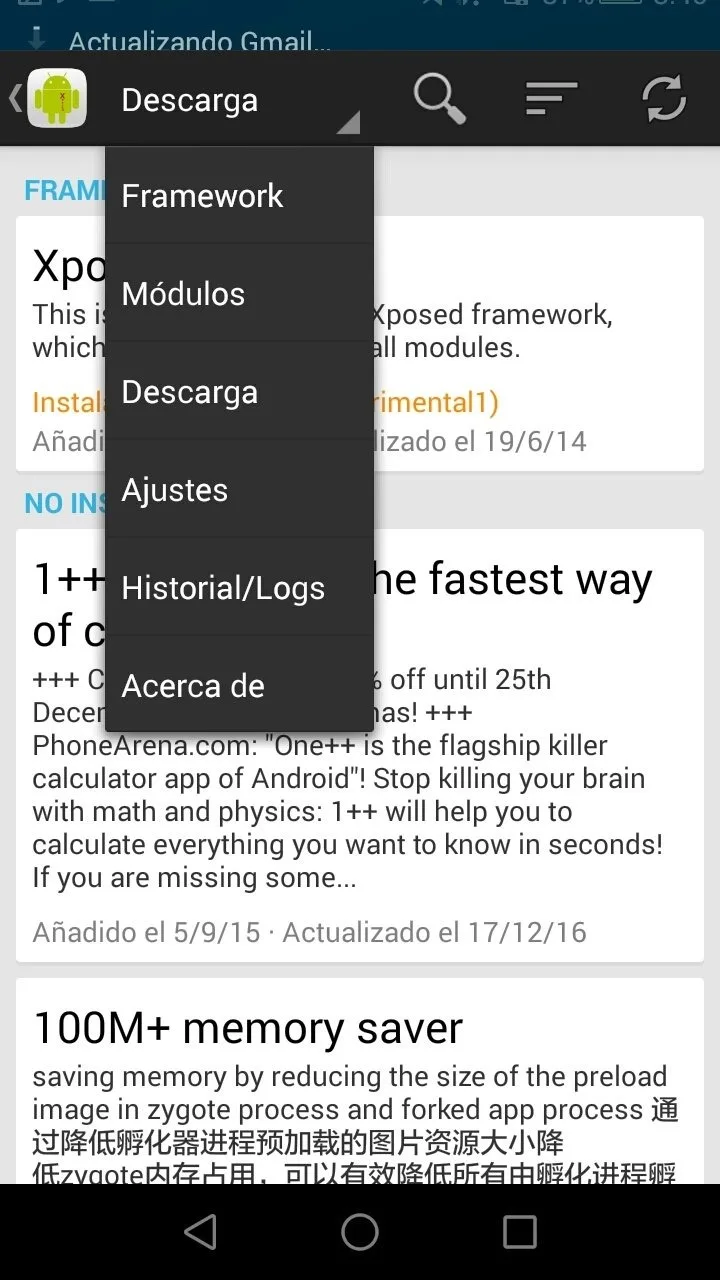
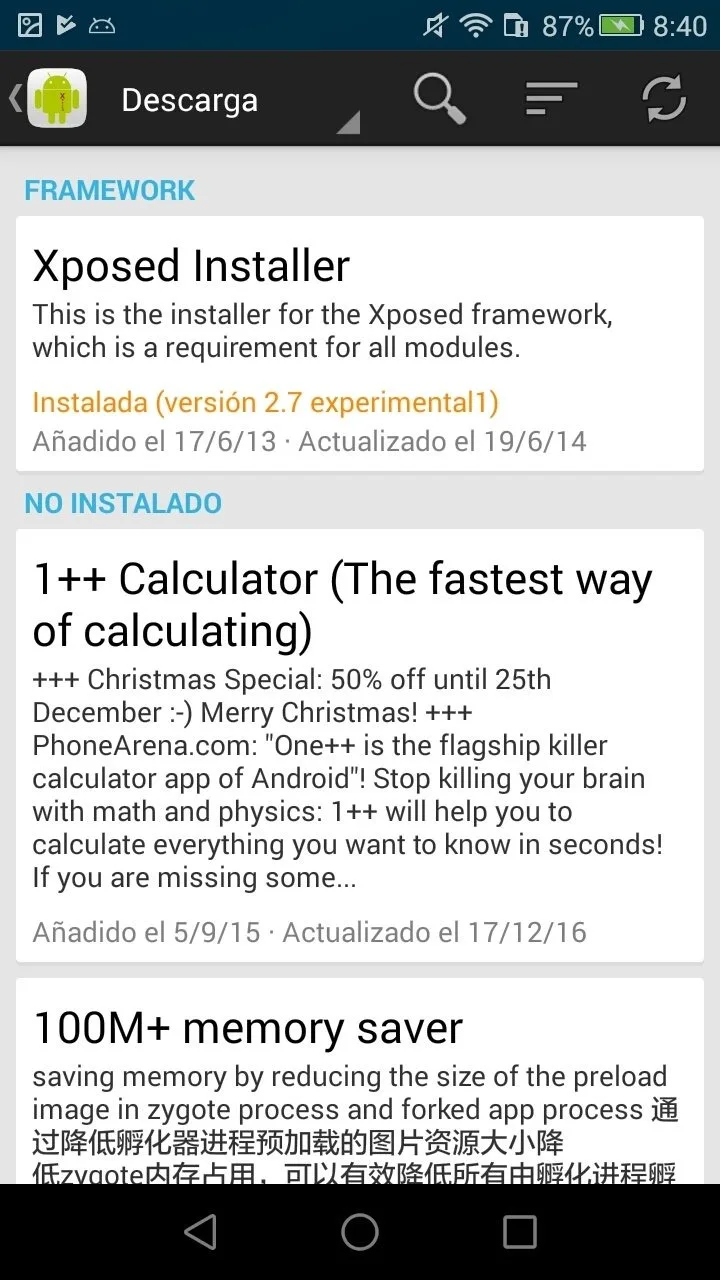
Open the menu and navigate to the Download section
You can browse the wide selection of modules here
Select the module you want to install
Swipe over to the version tab and tap Download for the version you want
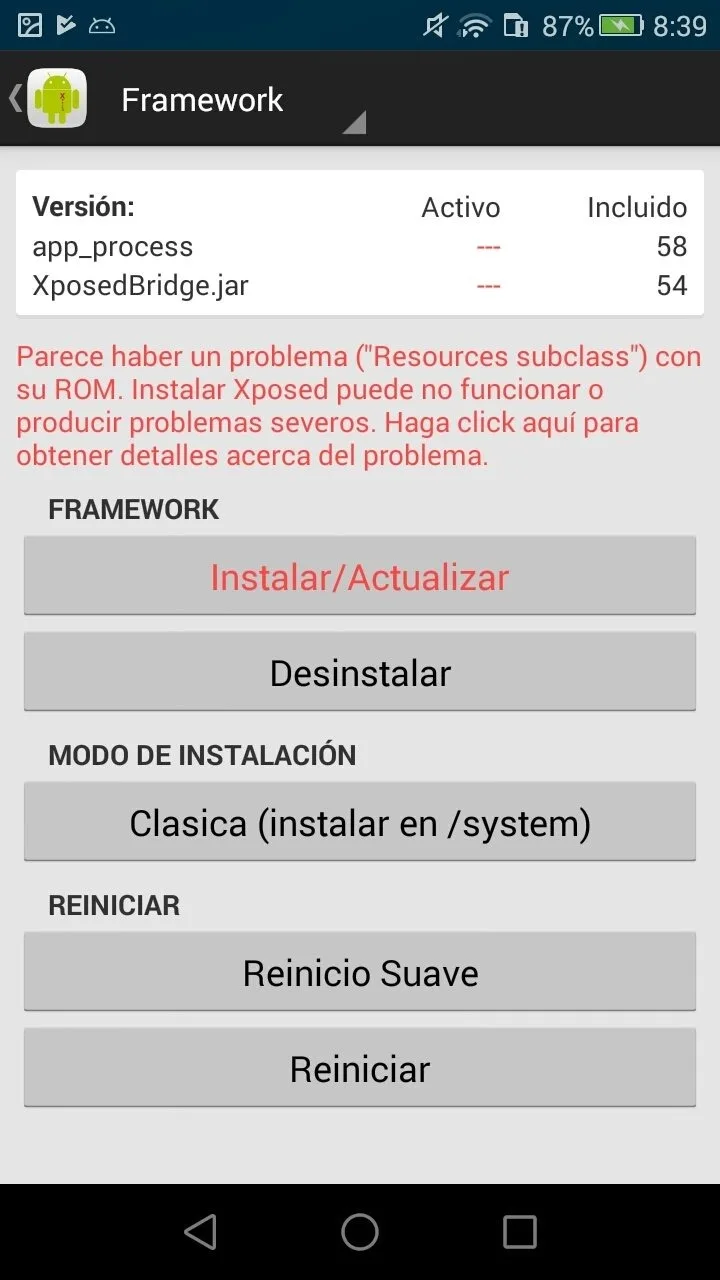
Open the menu again and go to Modules
Activate the module you just downloaded and reboot
Summarize
Xposed for Samsung is an app that allows you to make small adjustments to your device's operating system. They're small enough that they'll continue working after you restart your device, but important enough to help you get the most out of any Android device.








