

Root Uninstaller is a rooting tool for Android devices. It can uninstall some system applications, helping users gain more storage space on their phones. The application can also be used on the SD card. It can quickly back up and hide applications. The user interface is simple and easy to use. It grants users superuser privileges. Whether the phone has root access will be displayed at the top of the screen.
Features
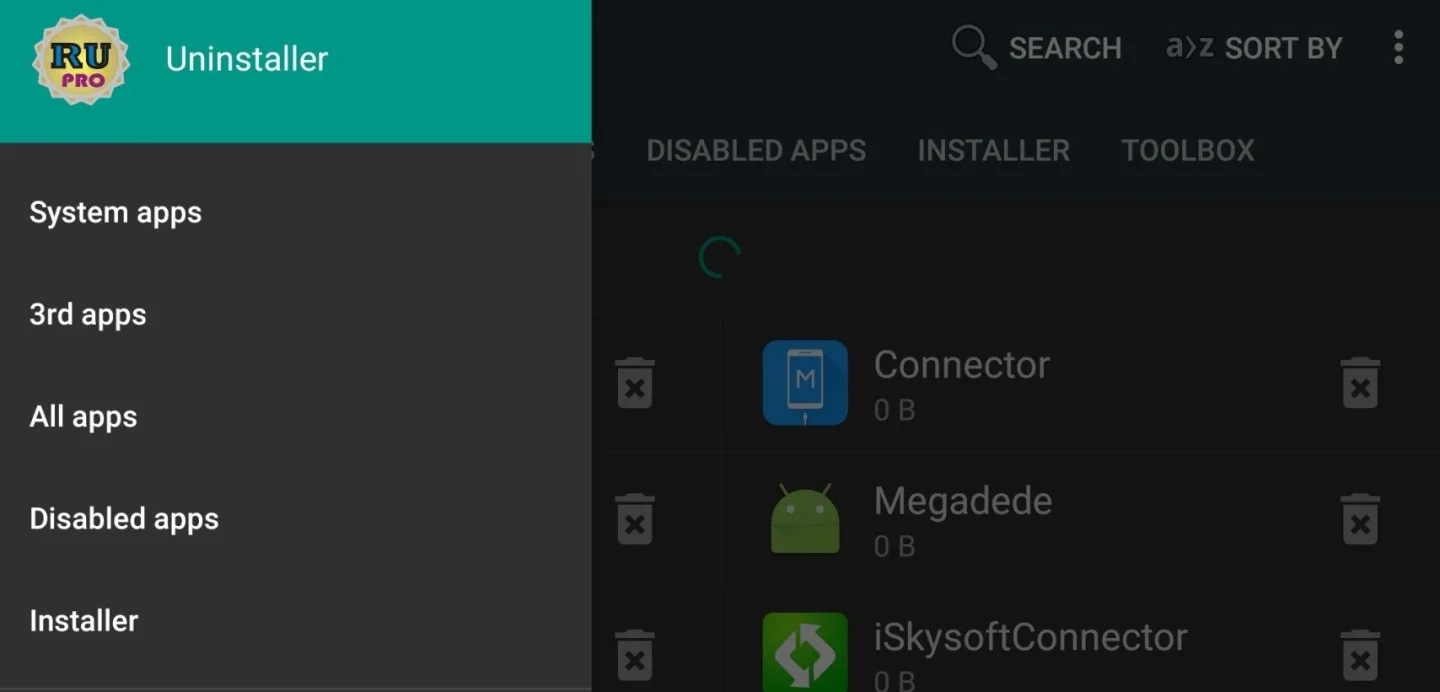
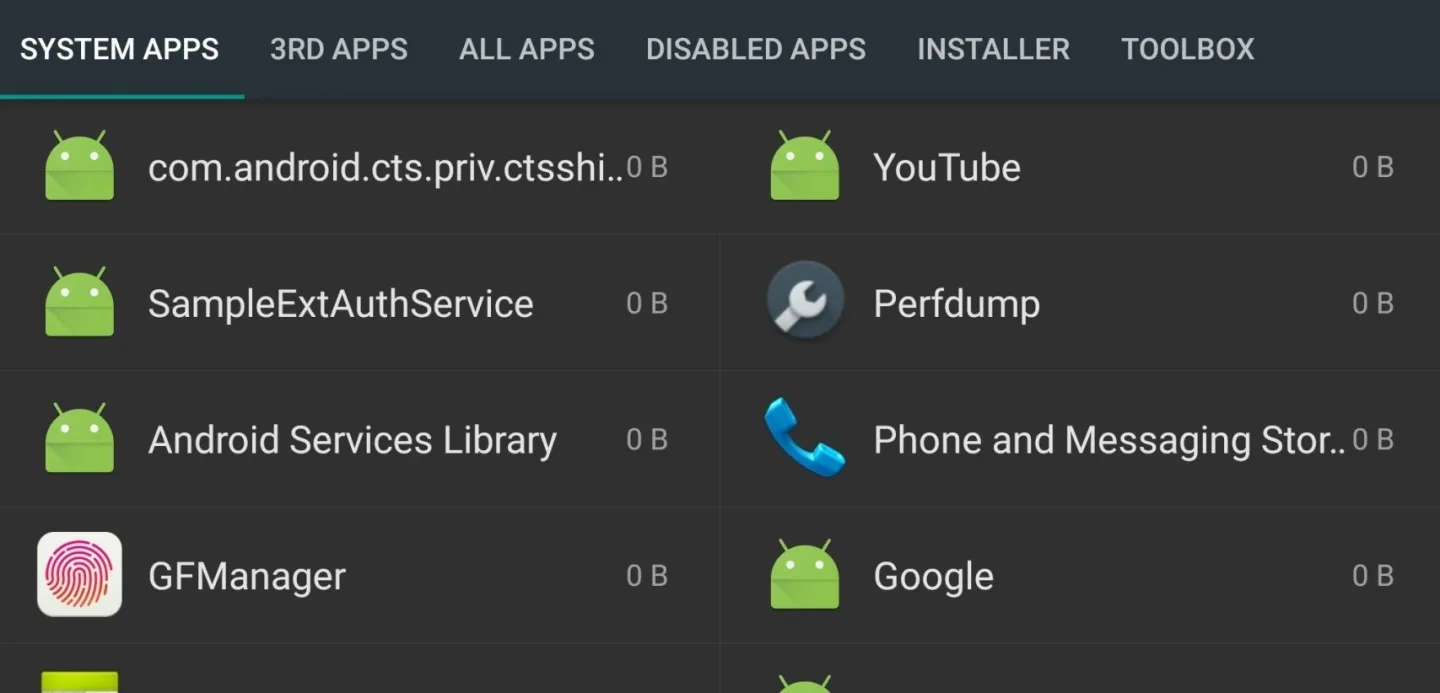
System App Remover:
Uninstall stubborn system apps that can’t normally be deleted.
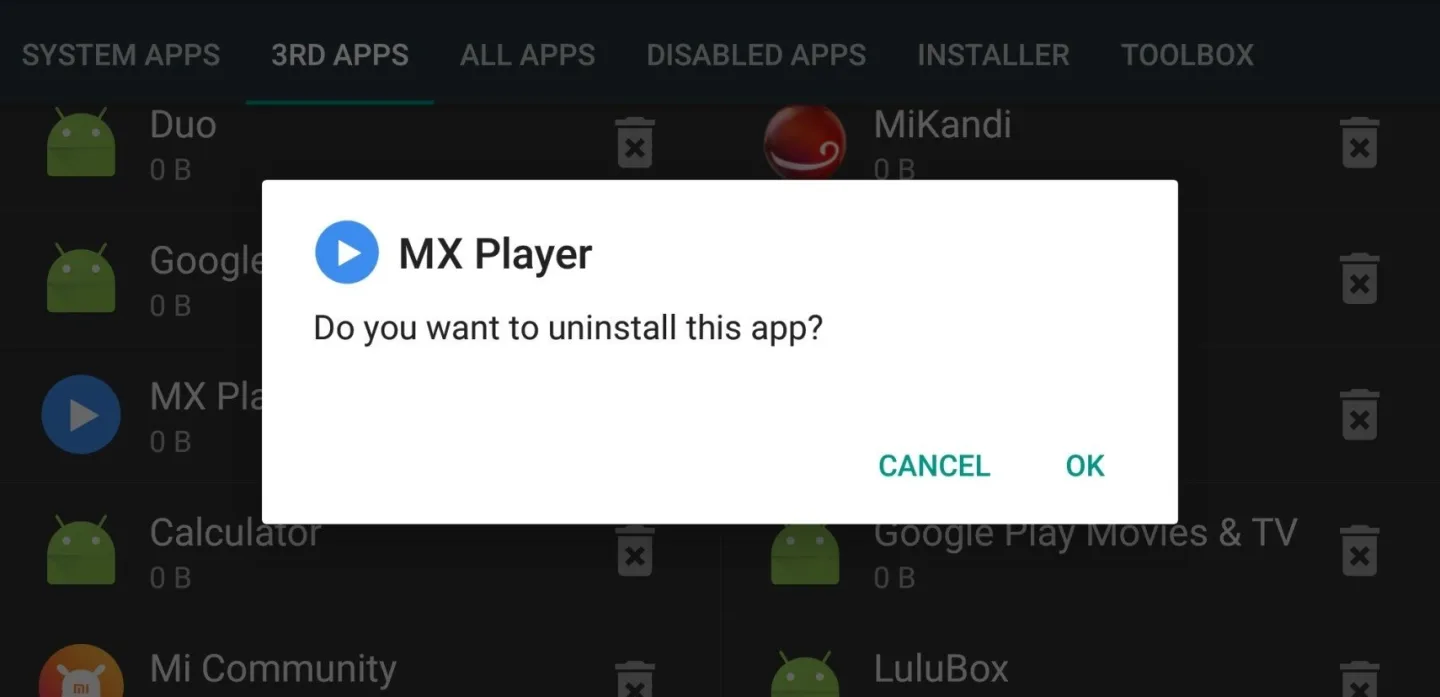
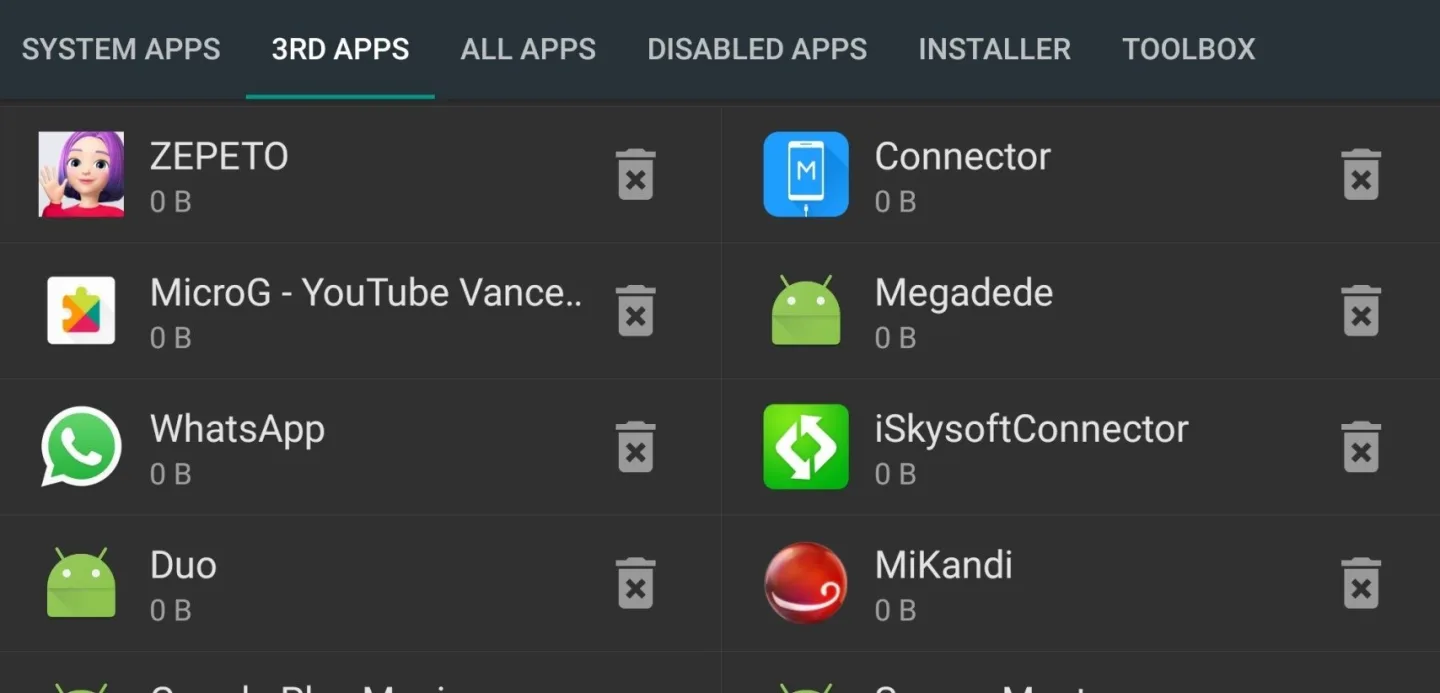
User App Uninstaller:
Easily remove downloaded apps you no longer need.
Move Apps:
Free up internal storage by moving apps to your SD card.
APK Management:
Scan, install, or delete APK files directly from your SD card.
Backup and Restore:
Backup your apps and restore them when needed.
Hide Apps:
Keep certain apps hidden for privacy or to declutter your app drawer.
FAQS
Question 1: Root Uninstaller is only for rooted Android phone?
Answer: Root Uninstaller is not necessary for you to root your Android phone to use this software. Check the following list to see what Root Uninstaller can do for you for non-root Android phone and rooted Android phone.
Question 2: Root Uninstaller is totally free to use?
Answer: It has both Free and Pro versions. The previous list shows the free version of this tool.
Question 1: Is this software easy for users with no prior experience to quickly get started?
Answer: Yes, even users with zero experience can quickly get started.
Advantages
Fast and Simple: The app is designed for speed and ease of use. Uninstalling an app takes just one click.
Versatile: You can remove system apps, backup favorites, or manage APK files.
Save Space: By removing unwanted apps and moving others to SD card, you can free up device storage.
Improve Performance: Getting rid of bloatware and unnecessary apps can make your device run smoother and faster.
How to Use
Step 1 Download, install and launch the Root Checker app on your Android. Tap "Agree" button if you receive "Disclaimer" pop-up.
Step 2 You will now see the main interface of the root check app, Tap the "Verify Root Access" button.
Step 3 You will be asked to provide the Superuser permission, tap the "Allow" button to provide so.
Step 3 If the app found root access on your phone, then you will have the following screen on your phone.
Summarize
Root Uninstaller is an app to uninstall (or freeze) any other app on your Android, even if it's installed by default or is a system app. That said, as the name indicates, you need a rooted device to use this feature.








