

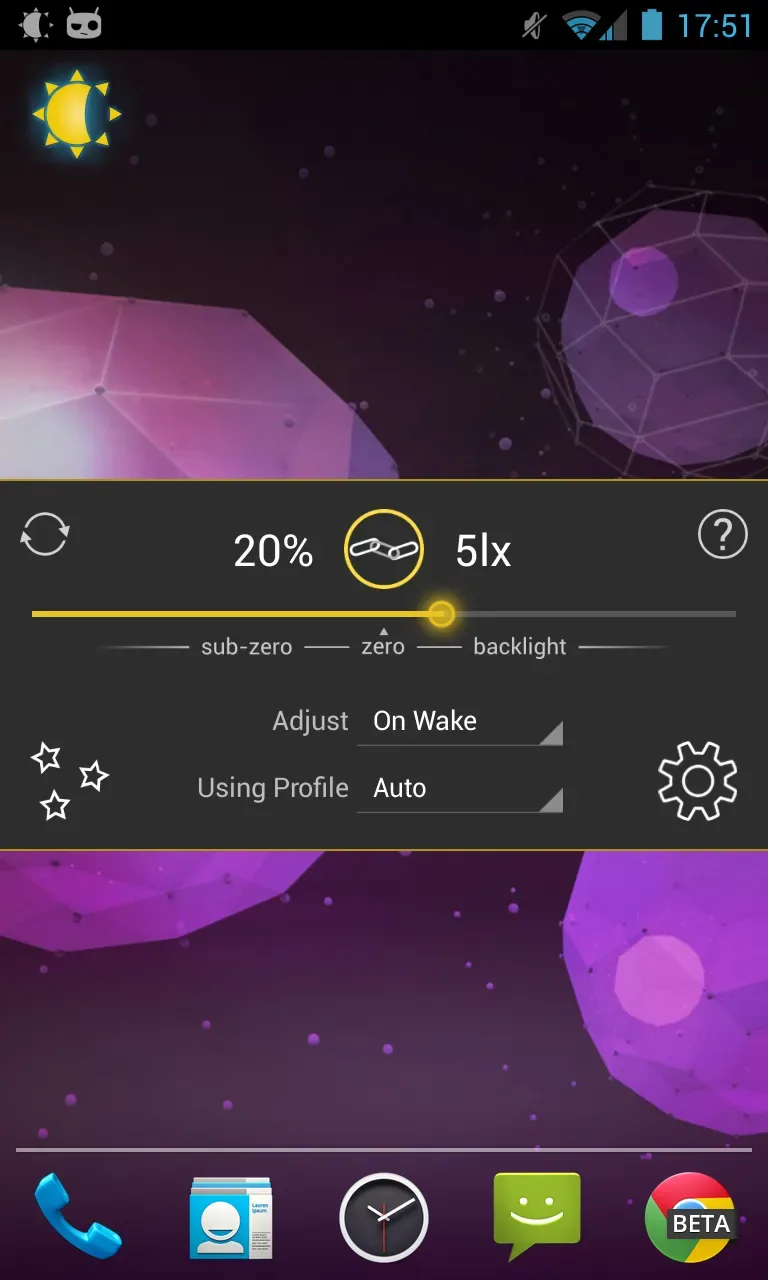
Lux Auto Brightness is a powerful third-party utility app. As one of the earliest custom auto-brightness solutions on Android, it allows users to easily calibrate their phone's light sensor and helps reduce eye strain. With Lux Auto Brightness, users benefit from stable, customizable auto-brightness adjustments that utilize the ambient light sensor or camera to detect surrounding light levels. Additionally, the app features automatic screen color temperature adjustment; if your phone's brightness is too high in a dark room, it helps conserve battery power and alleviate eye fatigue.
Highlights:
Custom auto brightness.
Sub-zero brightness to make reading in the dark significantly less irritating.
Battery efficient
Handy brightness widget
Option to use the camera to read in ambient light.
Power-user settings such as choice of interpolation, sensor debugging, and linked sample editing.
Backup to SD.
Gradual fade effect for backlight adjustments.
Features:
Various modes auto brightness
battery
widget
the Ability to edit filters for phones with inaccurate light sensors
the Effect of a gradual fade
Night mode, to change the colors of the display at night
Change the modes to your taste
FAQs:
Is Lux Auto Brightness free?
Lux Auto Brightness is a paid app. However, you can download this app for free from our website.
How do I install Lux Auto Brightness on Android?
Open Google Play on your Android phone or tablet, search for Lux Auto Brightness by Vito Cassisi or tap the Google Play button on this page, then tap Install. The app downloads and installs automatically.
Is Lux Auto Brightness safe to download?
Installing Lux Auto Brightness from Google Play is the safest option: you get the official version published by Vito Cassisi, verified by Google Play Protect, with automatic updates. Avoid APK files from unofficial third-party sites.
Conclusion:
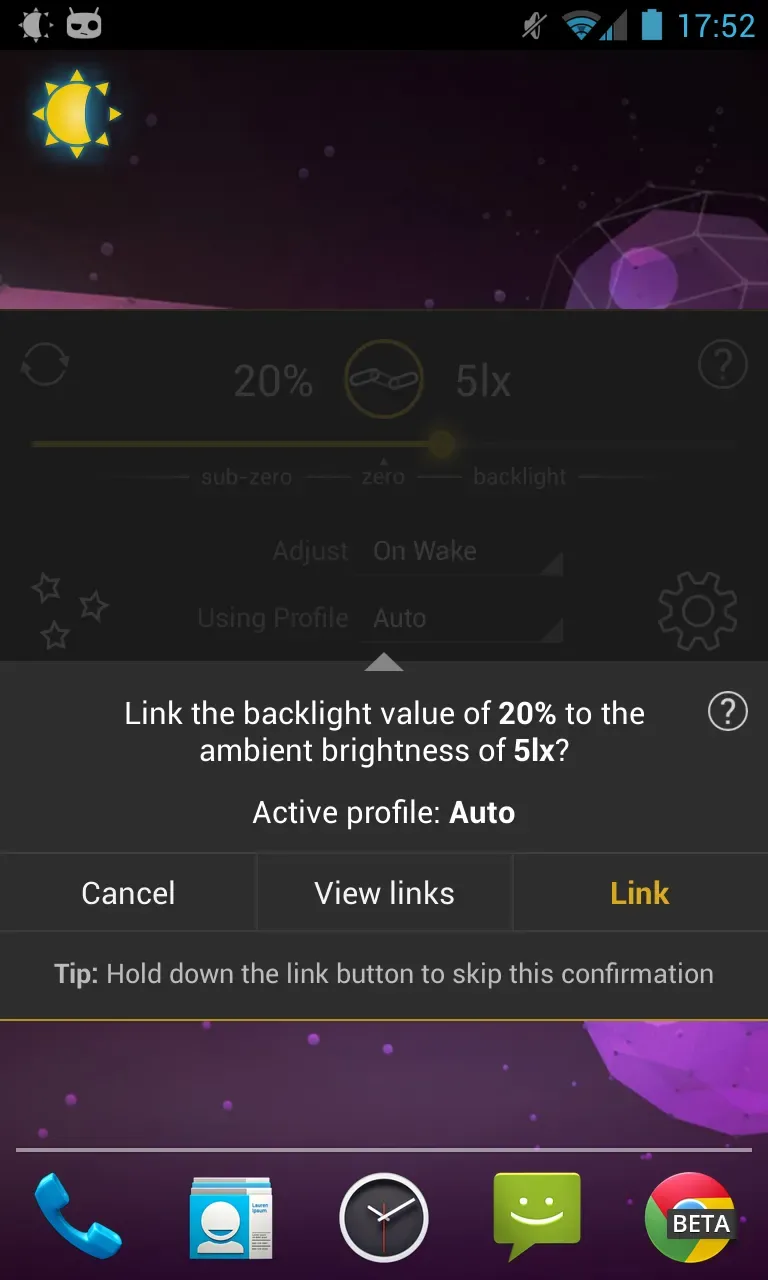
In Lux Auto Brightness's setup options you can customize the app however you want. Do you think the suggested brightness for a specific context is too high or too low? Just adjust it manually and link it to your current context so that every time you're in a similar situation, Lux will remember and use your configuration. Lux Auto Brightness is a very useful app that lets you enjoy your Android a little more. Not only will it make looking at your screen more comfortable, but it'll also help you save battery.








