Microsoft PowerPoint is an office application designed for Android devices, allowing users to create and edit presentations anytime, anywhere. You can add text, graphics, and shapes to your slides, access existing presentations from cloud storage, and connect to external displays—using cables or wireless projection technologies—to deliver your slideshow. It is an ideal tool for professionals presenting projects. You can enhance your presentation by inserting music tracks. The app is easy to use: simply log in, select an option to create a new blank presentation, add content and images, and save the finished file to cloud storage. It offers powerful features while remaining easy to pick up and use.
Features
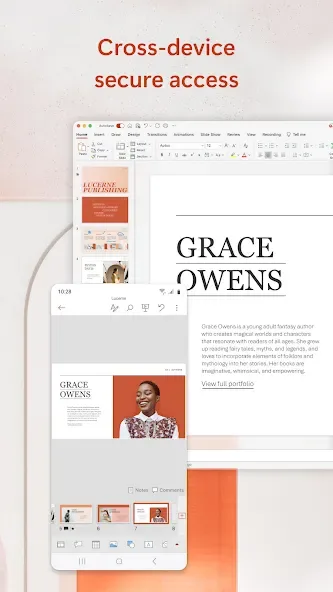
Create, edit and present PowerPoint presentations on the go.
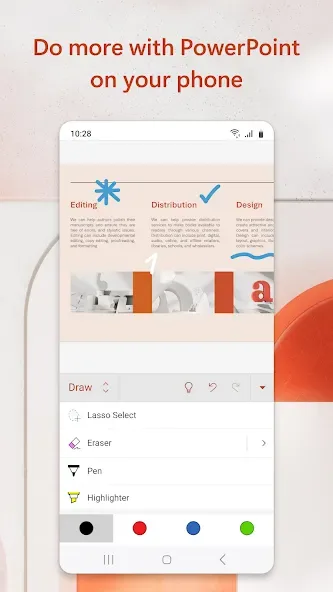
Add text, images and shapes to slides or create new ones from scratch.
Access your existing presentation files stored in OneDrive for Business or Dropbox accounts.
Use Presenter View to review speaker notes while presenting a slide show with an external display connected via HDMI/MHL cable or wireless casting technology like Miracast® & WiDi™.
Share documents directly through email as PDFs, PPTX file format attachments etc., Microsoft PowerPoint App.
Utilize SmartGuides which helps align objects quickly by snapping them into place when they are near other objects you’ve placed on the page.
Insert audio clips such as music tracks that can be played back during slideshow transitions between slides for added effect.
Advantages and disadvantages
Pros
Ideal for commuting presentation authors
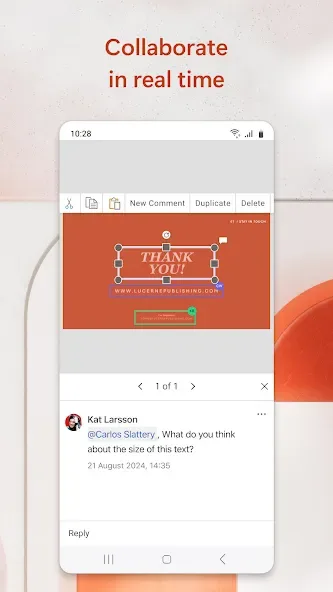
Includes collaborative features and cloud storage integration
Animations and transitions convey ideas efficiently
Create documents from scratch or edit existing presentations
Cons
A qualifying Microsoft 365 subscription is required to access all features
How to Use
Open Microsoft PowerPoint and sign in with your Microsoft account so you can access and save files in OneDrive.
From the Home tab, tap New to choose a template or a blank presentation, then name your file to begin editing.
Add content by typing text, inserting images or videos from your device, or recording a clip with your camera, then place charts and shapes as needed.
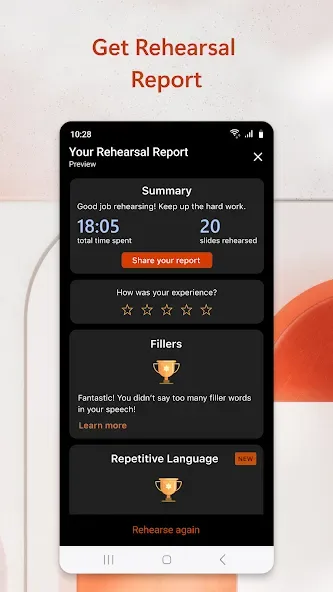
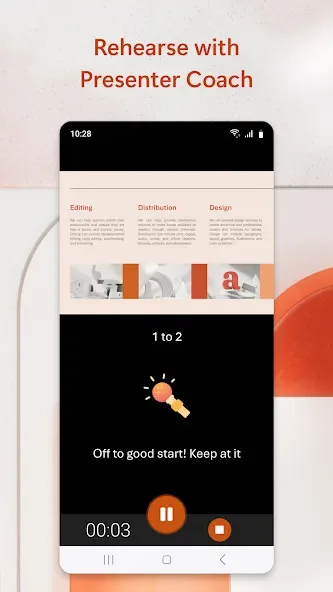
Next, review the slides and use presentation view to rehearse timing and transitions, and optionally try Presenter Coach for practice feedback.
Finally, tap Share to store the deck in OneDrive, set viewing or editing permissions。
User comments
I started using PowerPoint for an organization I volunteer for. It's simple to use, I haven't had any issues, and it's free for what I'm using it for. All I need is to review the PowerPoint to familiarize myself with that weeks classes. If you need anything other than that, I have no idea if it's free or not.
when I opened my attachment which is a huge file, I was asked whether I would use pdf or power point to open them. My friend who sent them did put in a link but I just gave PowerPoint a try. it opened straight away and because originally they are also PowerPoint so I found the attachments are so good.
Microsoft PowerPoint is handy when you need to review or make changes to a presentation on your phone. The familiar layout and editing tools make it easy to continue working away from your laptop
Summarize
Microsoft PowerPoint is part of the Microsoft Office suite and an essential tool to create slideshow presentations. This app is known for its ability to design visual and multimedia presentations, making it easy for users to create, edit, and share dynamic content on mobile devices. The Android version offers a rich and comprehensive experience that allows you to work on the go with professional templates, effects, and transitions while maintaining compatibility with the desktop version. If you need an app to create presentations or easily edit them, download the Microsoft PowerPoint APK for free.