AnyDesk Remote Desktop is a remote desktop application for Android devices that allows you to connect to computers running Windows, macOS, or Linux while on the go. It enables quick desktop access and facilitates remote assistance for others, all backed by robust security features. The app supports VPN configurations to establish secure, dedicated connections and offers various functions such as file transfer and remote printing. Users can set passwords and enable unattended access. Additionally, the user experience has been optimized to reduce pop-up notifications, and the app allows for the viewing of activity logs.
Features
Cross platform connections
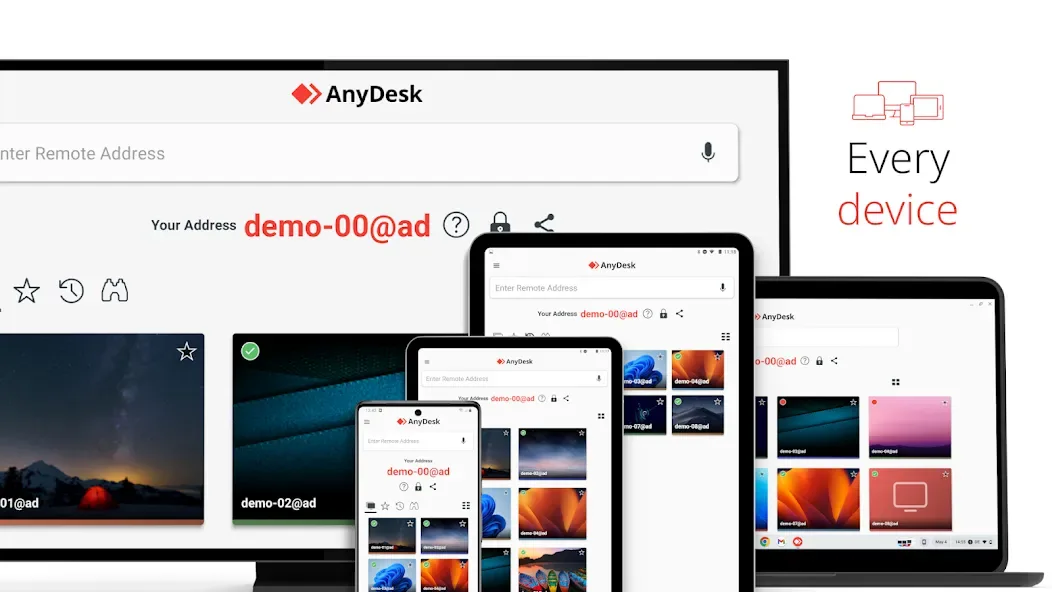
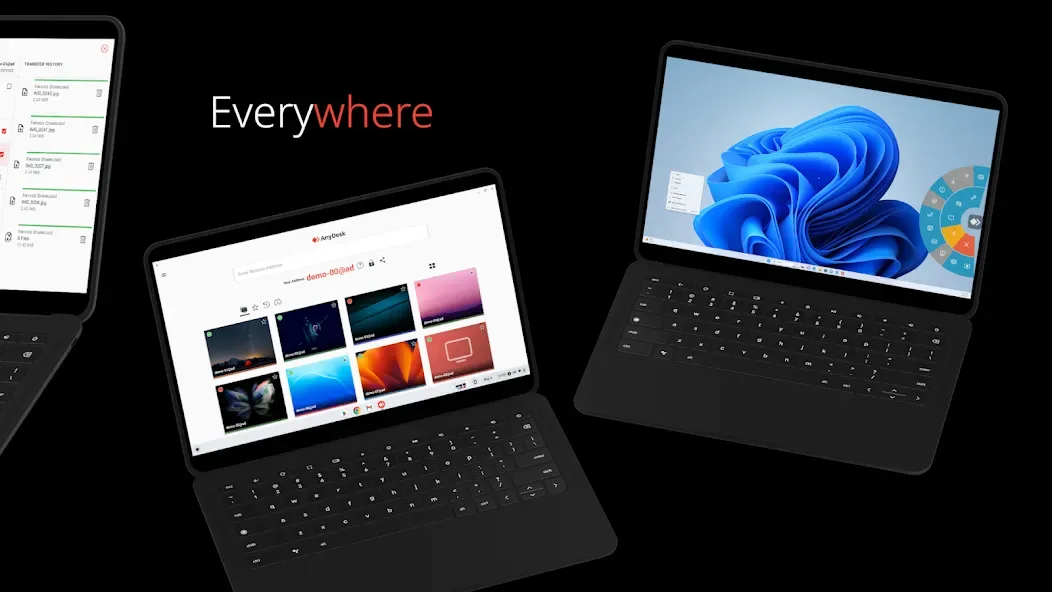
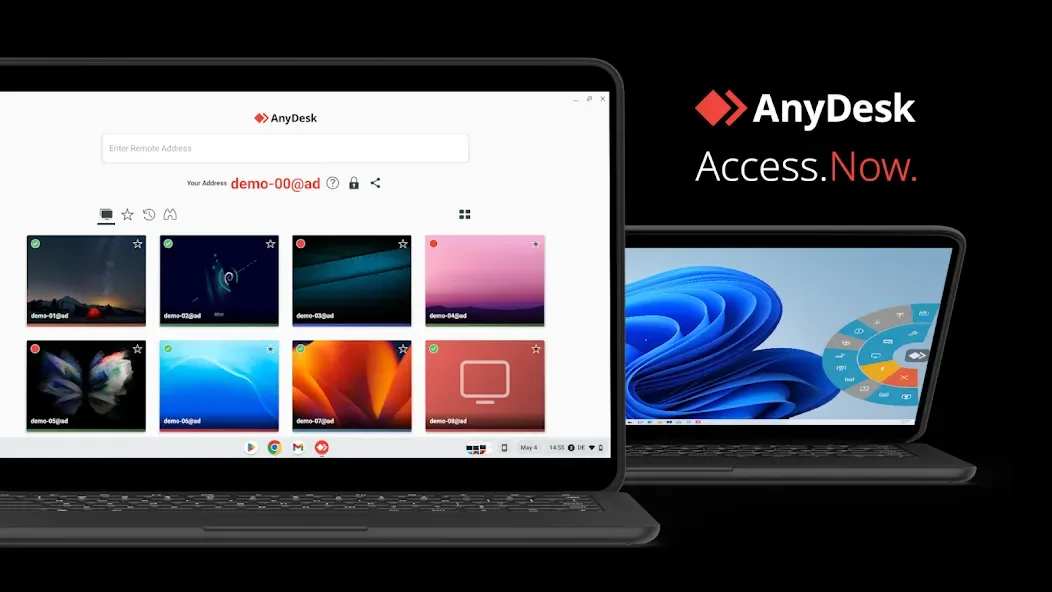
AnyDesk Remote Desktop lets you reach Windows, macOS, Linux, Android, and iOS from your phone or computer. You can view your desktop on mobile during travel or help someone fix a device from home. This flexibility fits mixed environments and keeps support moving even when people use different systems.
Strong security
AnyDesk Remote Desktop uses banking level encryption to protect sessions and files. You can set up optional VPN connections for private tunnels when policy requires extra isolation. Teams can deploy in the Cloud or On Premises to meet compliance and control needs.
Responsive sessions
AnyDesk Remote Desktop focuses on high frame rates and low latency, so the pointer feels natural and windows respond promptly. This helps during troubleshooting, screen sharing, and routine tasks where timing matters. You can switch between windows, type, and transfer data without long delays.
Built in tools that save time
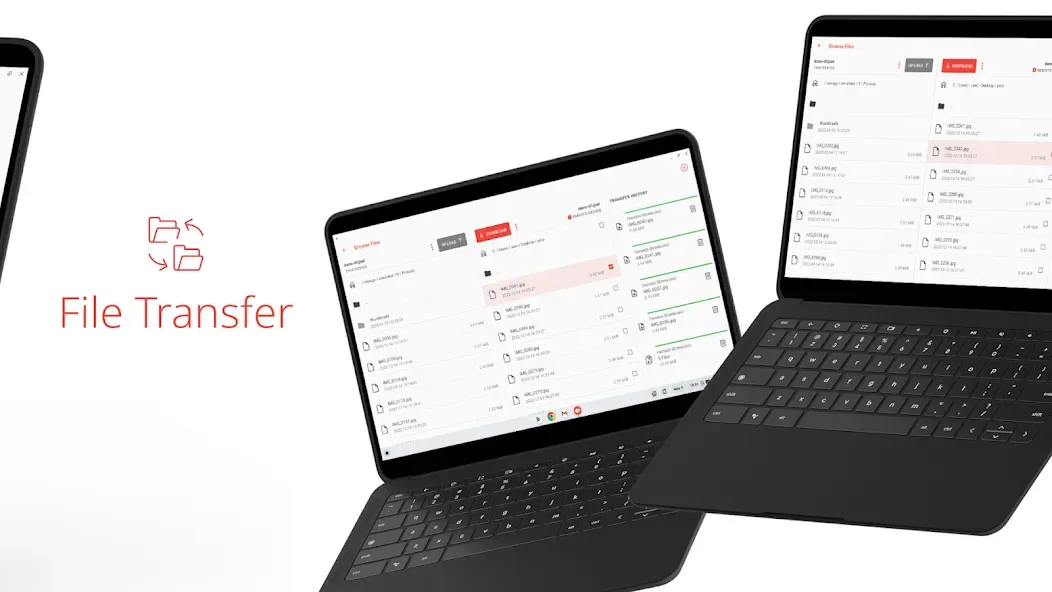
AnyDesk Remote Desktop includes File Transfer for moving documents, Remote Printing for sending pages to a local printer, and Wake On LAN for reaching sleeping devices. You can also connect through a VPN when your workflow needs a private route. These tools keep support and collaboration practical without extra software.
Unattended and interactive access
You can set a password to reach a device without someone on the other end, which is useful for managed PCs and always on systems. Interactive access is also available, so a person can accept and control permissions during a
Update Log
Improved UX with initial setup and reduced dialog popups on first start.
File manager can now be used within an outgoing remote control session.
Added drag and drop support in file manager on wide-screen devices.
The AnyDesk Remote Desktop trace file can now be viewed in-app.
Minor improvements.
Fixed Bugs
Fixed ad1 plugin not working on Amazon devices.
Fixed crash when changing IP addresses in VPN settings.
Minor UI/UX fixes.
Advantages
Outstanding performance
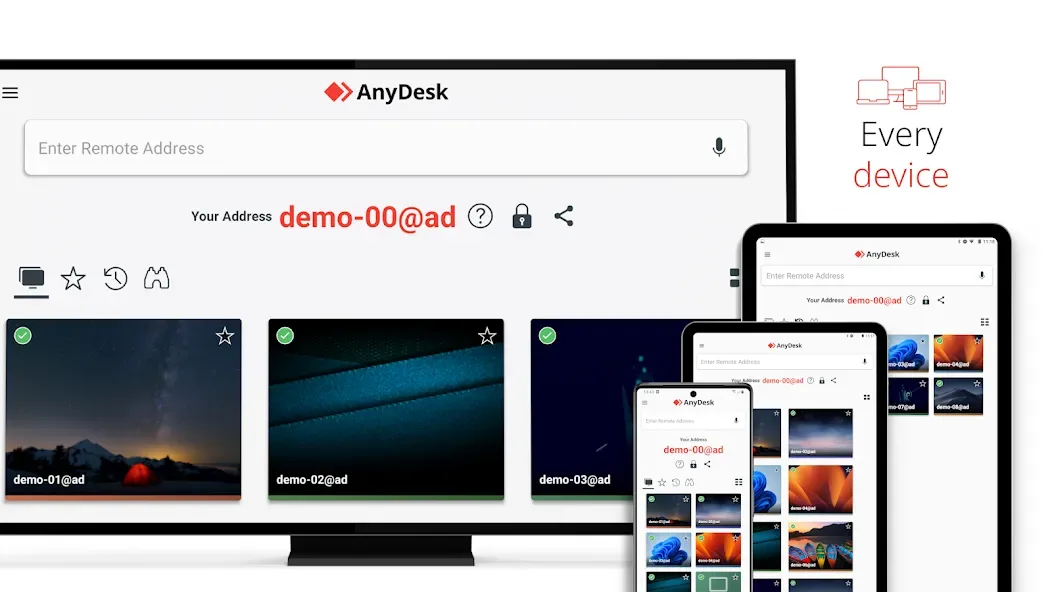
Every operating system, every device
Banking-standard encryption
High frame rates, low latency
In the Cloud or On-Premises
User comments
AnyDesk Remote Desktop is a fast and easy-to-use remote desktop application. It makes it simple to access and control another computer remotely, share screens, transfer files, and provide technical support. The connection feels smooth, and it works across Windows, macOS, Linux, Android, and iOS. I found the interface simple and convenient, especially for remote assistance and accessing a computer from another location. Security features such as permission controls, TLS 1.3 encryption, and two-factor authentica
Great for connecting to other devices remotely. It's reliable, fast, and doesn't destroy your battery life too badly. Of course, operating a computer from a phone will never not be a difficult pain, but this app does a great job reducing that were possible.
The app works flawlessly just like it's computer counterpart. I am able to operate my desktop device away from home to perform several tasks, and the same can be said about my mobile device. Sure, quality isn't the best thing and latency is questionable, but basic tasks such as retrieving a file, checking a message and whatnot can be done without any hassle at all. This app is the best for people who need to work with their desktop while away from home! (Works with USB-C keyboards for phones!)
Summarize
AnyDesk Remote Desktop is one of the most popular remote desktop apps that offers you a way to control your PC from your smartphone. With AnyDesk Remote Desktop, you can access files, programs, and settings from your desktop computer from anywhere, as long as both devices have an active and stable Internet connection.