

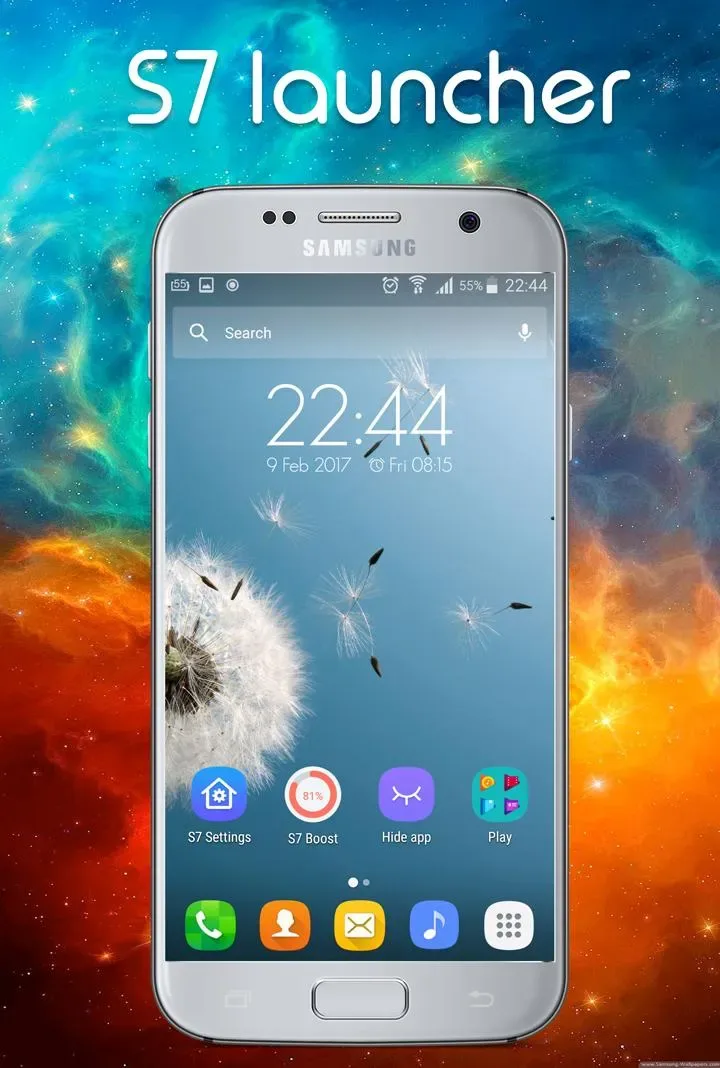
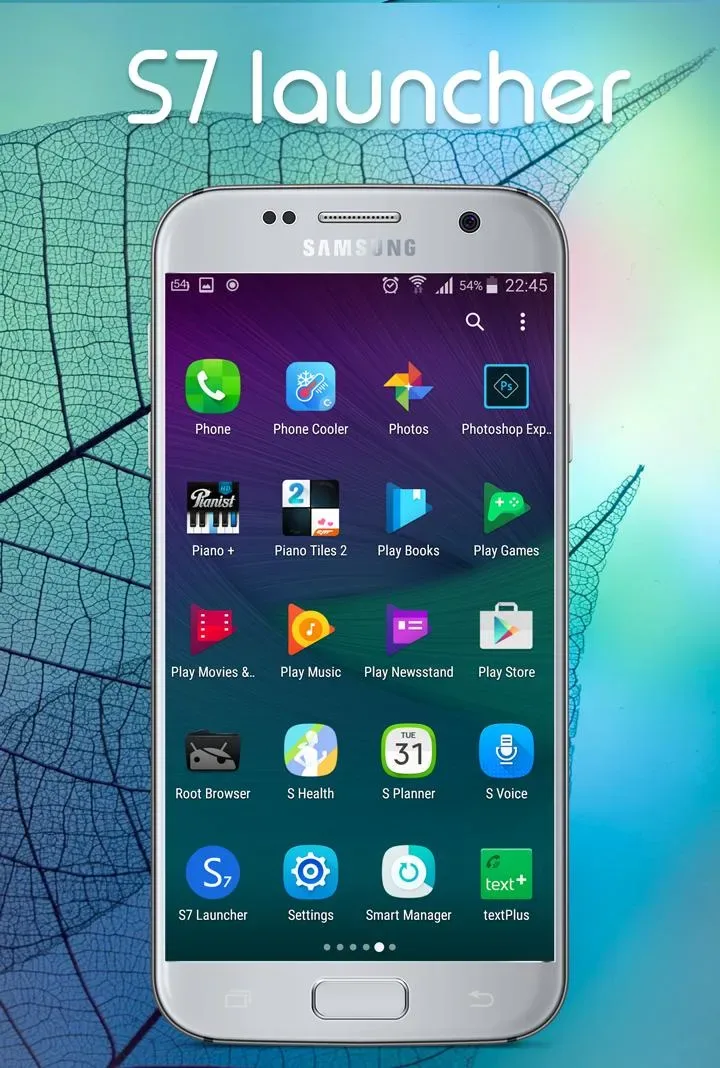
S7 Galaxy Launcher is an Android home screen replacement application. This software brings the Galaxy S7's TouchWiz-style home screen to your phone, allowing users to customize the layout of app icons and other elements to their liking. The application also features an efficient search function, along with organized app arrangement to help users quickly find apps. Furthermore, it adds gesture controls and a home screen return function for faster operation.
Features
Inspired by the Galaxy S7, the S7 Galaxy Launcher offers customization options.
It stays true to its core philosophy: providing a TouchWiz-like desktop interface with themes and customization features. Its overall design emphasizes visual control, allowing you to reshape your home screen experience without being confined to a single layout. If you love the Galaxy S7's design but want more control over the details, this launcher is for you.
Icon Themes and In-App Adjustments
A major highlight of this launcher is its support for icon themes, including those from Google Play. In addition to app themes, it allows you to resize icons and edit individual app icons, which is incredibly useful when you want to maintain a consistent look but need to fix occasional icons that don't match your settings.
App Drawer Organization and Search Tool
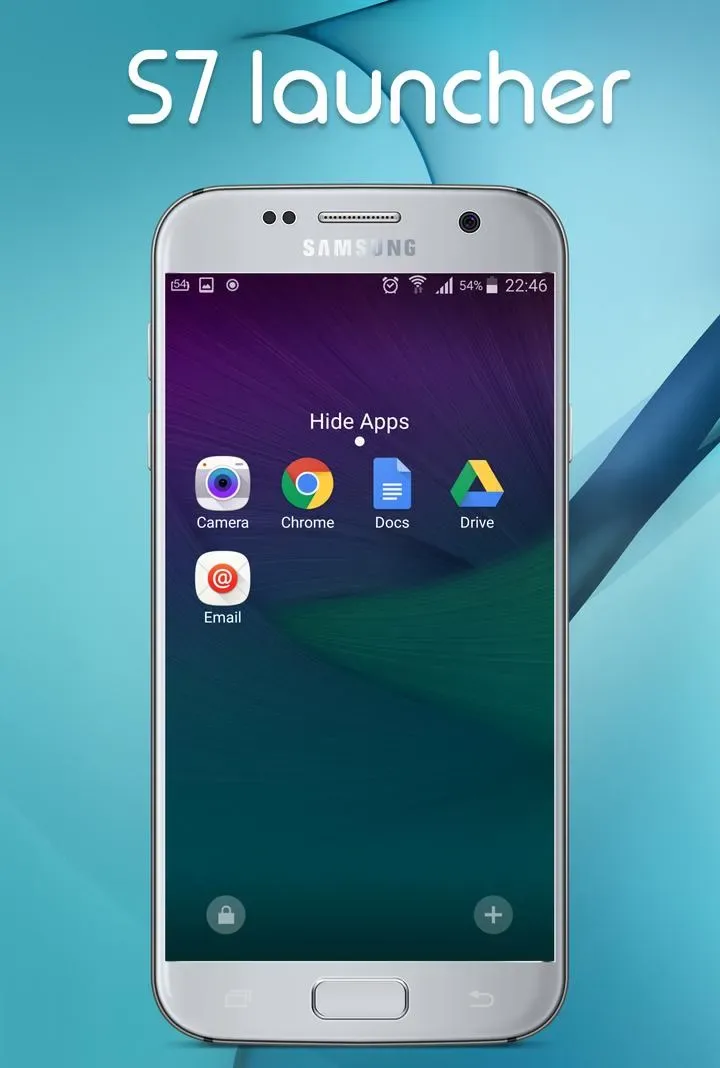
The S7 Galaxy Launcher prioritizes quick app finding. The app drawer uses an alphabetical list with fast scrolling and quick search for apps on your device and on Google Play. It also pins your most frequently used apps to the top for easier daily launches. To make the app layout clearer, it can also hide apps in the drawer and adjust the display of folder previews.
Navigation shortcuts via gestures
If you prefer fewer taps, the S7 Galaxy Launcher includes gesture controls such as swiping up and down, as well as the functionality of the home button and home screen key. These options are very useful when you want frequently used operations within easy reach but don't want to add more icons or widgets to the screen.
Function
Icon Themes: Supports thousands of icon themes from the Play Store.
Supports custom icon size and allows editing of individual app icons.
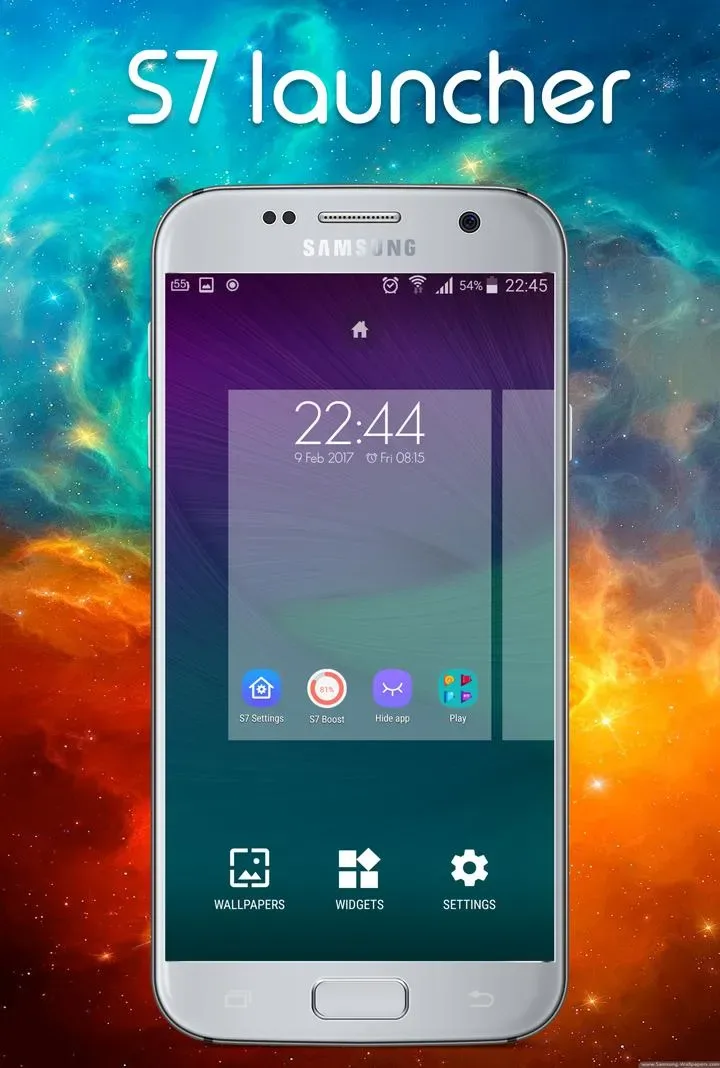
Personalization: Change the desktop grid, scrolling speed, infinite scrolling, show or hide the search bar, hide apps in the app drawer, customize folder previews, and many other options.
Quick Search: A-Z app list with fast scrolling and quick search for apps on your device and in the Play Store.
Frequently used apps are pinned to the top.
Gesture Controls: Supports swipe up, swipe down, and the home button.
Supports the home button.
Usage
Open Galaxy S7/S7 Edge Plus Themes and Launcher
Tap Apply Theme
Select any launcher
To change your wallpaper, follow these steps:
Open Galaxy S7/S7 Edge Themes and Launcher
Tap Apply Wallpaper
Pros and Cons
Pros:
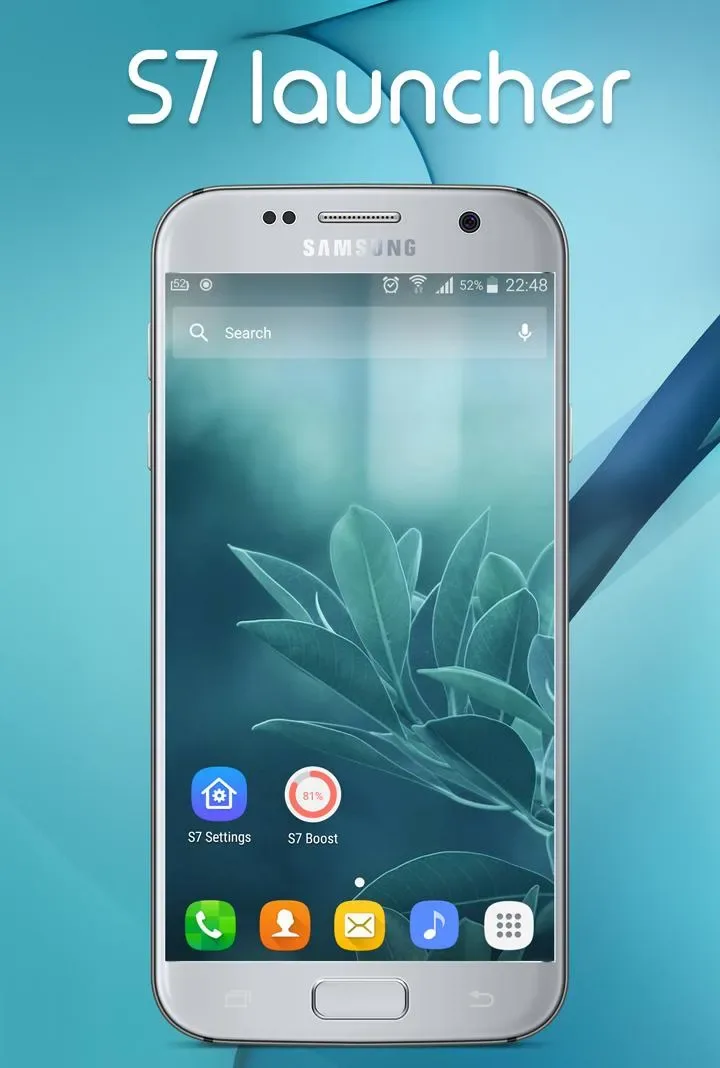
Galaxy S7-style TouchWiz launcher with themes and customization options.
Supports icon themes from Google Play, as well as icon resizing and in-app icon editing.
Powerful app discovery tools, including A-Z lists, fast scrolling, and quick search.
Practical organizational controls, such as hiding apps and customizing folder previews.
Supports swipe gestures and gestures from the home button or home screen key.
Cons:
Some controls are described vaguely (e.g., "and many other options"), so the full scope of customization isn't clearly defined.
Those who want a minimalist launcher might find its feature set a bit excessive.
Conclusion
S7 Galaxy Launcher is an Android home screen replacement app designed to recreate the TouchWiz desktop style of the Galaxy S7, while adding a wide range of customization tools, from icon themes to app drawer tweaks. It's perfect for those who want a Samsung-style layout and enjoy spending time fine-tuning the look and behavior of their home screen, icons, and app drawer.








