

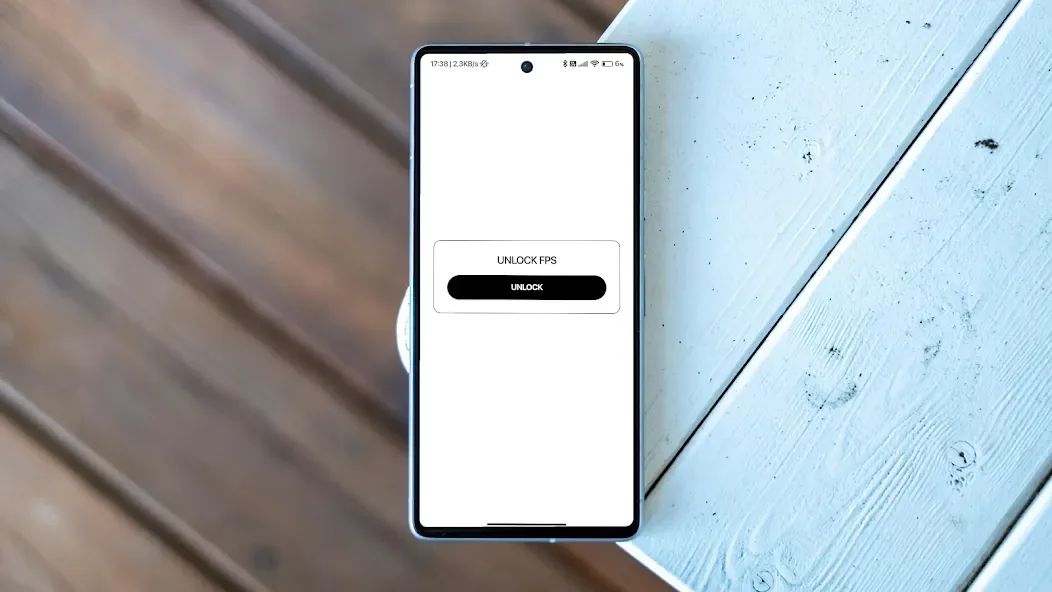
Unlock 120/144FPS booster is a frame rate booster for Android systems. Players can use this app to increase the frame rate in games. However, the effect depends on the user's device. This app closes unnecessary background resources, reducing unused CPU resources and freeing up other resources. It also adjusts screen brightness based on the user's surrounding environment to ensure eye health. It automatically adjusts the frame rate based on the user's phone's status, ensuring optimal performance.
Features
Unlock Higher Frame Rates
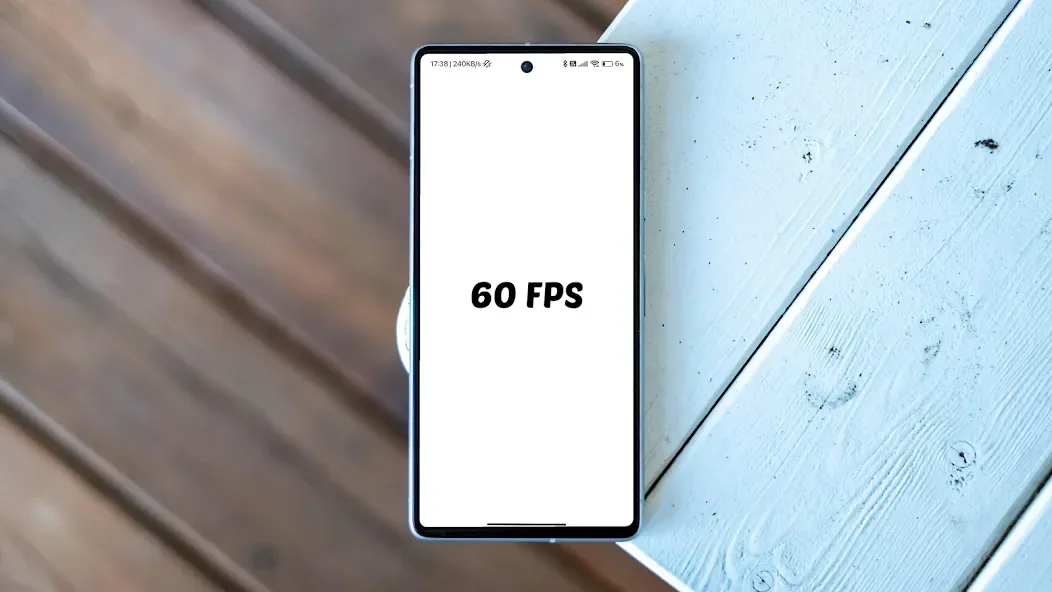
Unlock 120/144FPS booster can boost the frame rate in supported games to 60, 90, or 120 FPS. Availability depends on your device and the specific game version. This will result in smoother visuals when your monitor and game support higher refresh rates.
Graphics Preset Optimization
After setting the frame rate target, you can choose graphics presets such as HD, HDR, Ultra HD, 2K, or 4K. These options help you strike a balance between visual quality and performance based on your hardware configuration. Choosing a lower preset ensures stable frame rates in intense scenes.
Reduce Latency by Freeing Up Resources
To help games run smoothly, this app frees up memory and CPU resources. This reduces input lag and improves control responsiveness when there's a heavy background load. Actual results will vary depending on device conditions and other running applications.
Customize Visuals and Control Tuning
You can adjust shadows, brightness, effects, and sensitivity to suit your gaming style. Subtle changes in visual load can significantly improve game stability at high frame rates. These adjustment options allow you to quickly iterate through settings without delving into complex menus.
Safe Operation and Compatibility Tools
Unlock 120 FPS - This FPS booster doesn't require root access and doesn't modify game files. If settings don't work, the "Fix Issues" option guides you through common problems. Additionally, we provide a Shizuku method to help you apply changes across multiple devices while maintaining data integrity.
Usage
Install and open the application, then grant it the necessary permissions to manage settings required by your game.
Select your game on the main screen and confirm the accurate game version displayed in the list.
Choose the target frame rate you want to try. If unsure, start with 60 or 90 and gradually increase it based on stability.
Select a graphics preset and adjust options such as shadows, brightness, effects, or sensitivity to suit your device.
Tap "Apply". If the changes don't work in the game, use "Fix Issues" or follow the instructions within the app, then launch the game to test.
Pros and Cons
Pros:
Unlock high frame rates without root access
Full graphics optimization (HD/4K)
Reduced latency through memory/CPU optimization
Customizable visual effects and controls
Safe and easy to use without root access
Cons:
Not ranked; visibility may be lower compared to top-ranked competitors.
Conclusion
Unlock 120/144FPS booster This is a performance optimization tool for gamers, claiming to boost game frame rates to 120FPS and optimize game graphics, resulting in a smoother gaming experience and less stuttering. Try it now!








