
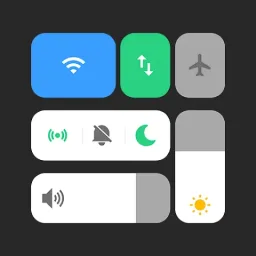
Vivo Style Control Center is a customization app designed for Android devices. It integrates various frequently used settings, notification management, and media controls into home screen widgets, allowing users to select styles that match their preferences and create a personalized look for their device. With Vivo Style Control Center, users can completely revamp their home screen interface—from wallpapers, layouts, and themes to font styles. Please note, however, that customizing the interface requires granting multiple permissions, so proceed with caution.
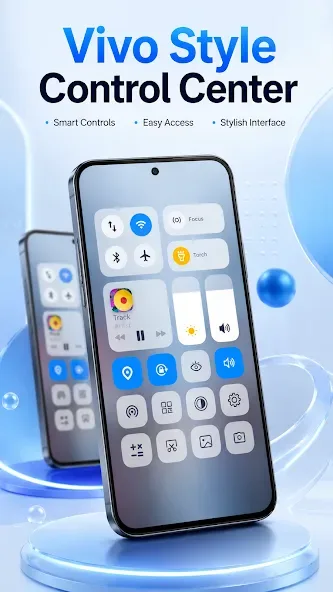
Features:
This app best suits Android owners who want a different quick-settings layout without changing their entire phone interface.
The 30 advertised controls should cover common adjustments, while lock-screen access to notifications and media playback makes the makeover more than a static theme.
It can also provide shortcuts for locking the phone, taking screenshots, and opening the power menu.
Bluetooth support covers earbuds and AirPods. That complements the media controls, although the developer provides little detail about how individual controls can be arranged or customized.
The visual presentation is the app’s main selling point, so complaints about its finish matter.
Some users report that the panel does not closely match the promotional images, citing sharp corners and a brightness icon that appears off-center.
Those reports may not reflect every phone, but they raise reasonable doubts about consistency across screen sizes and Android interfaces.
Pros & Cons:
Pros
Includes 30 advertised quick-setting controls
Adds lock-screen notifications and media controls
Provides screenshot, lock, and power-menu shortcuts
Cons
Reported volume-slider problem on Realme 8
Some users report visuals that differ from promotional images
Requires broad accessibility and notification access
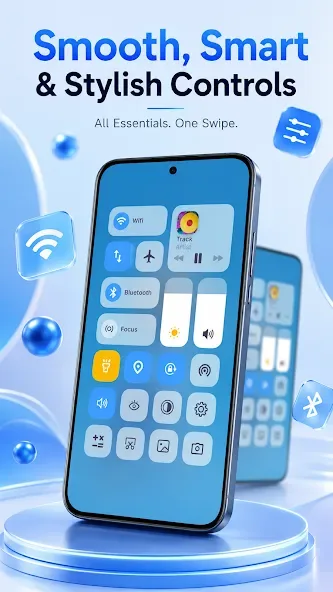
PERMISSION:
ACCESSIBILITY_SERVICE to display overlay window for lock screen also used to provide accessibility function like lock screen, take screen shot and show power menu of mobile.
READ_NOTIFICATION read notification to show media control or notifications on lock screen.
Bluetooth permission for earbuds and airpods, earbuds
Changelog:
What's new
New Personalize tab: give the control panel a new font, set ringtones, notification and alarm sounds, and save stickers to your gallery.
Changed a sound? Put your phone's original one back anytime from the Ringtones list.
Stability improvements and bug fixes.
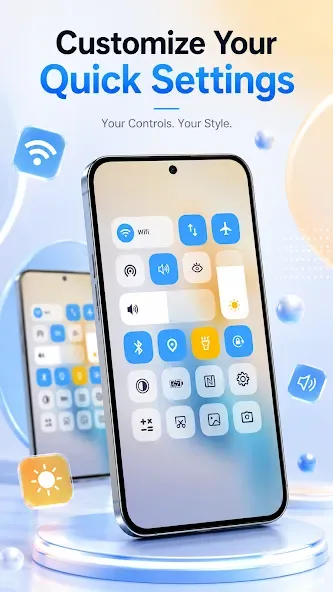
Conclusion:
Notification access enables on-screen alerts and media controls. Bluetooth permission supports pairing or battery checks for headphones, earbuds, or AirPods. Ideal for anyone who wants faster access and a cleaner interface without complex setup, this quick settings panel suits both new or older phones. Download the Vivo Style Control Center APK to personalize your notification shade and lock screen in minutes.








