
Color Widgets is a powerful widget-editing tool. This app features an elegant green theme and offers a convenient and intuitive way to operate, helping users easily edit their phone's home screen and create a unique personalized style. With Color Widgets, users can customize the content and theme of the widgets, set their favorite photos as photo widgets, and freely adjust the font and color. Furthermore, the app is regularly updated, providing a constant stream of useful tools to help you decorate your home screen exactly the way you like.
Highlights:
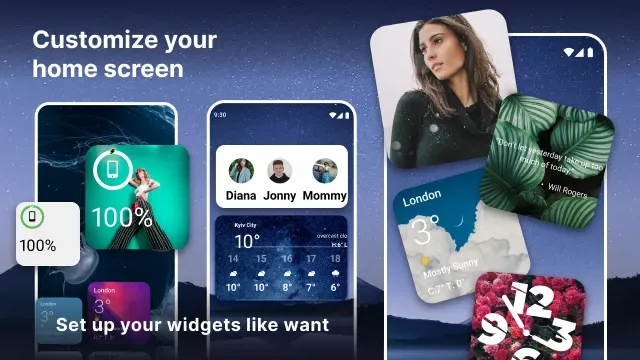
The widget catalog covers common home-screen needs: step and calorie counters, battery level, a calendar, a digital clock, motivational quotes, notes, weather, and world clocks. Widgets come in small, medium, and large sizes, with choices for fonts and color schemes. That range suits Android owners who enjoy coordinating their wallpaper, photos, and widgets but don't want to build a layout from scratch.
The iOS influence is obvious, and readers seeking a distinctly Android design may find that limiting. Still, the app gives its borrowed visual language a practical purpose. A battery indicator or world clock earns its space in a way that a purely decorative widget does not.
The Photo Widget is the most compelling part of the package. It places favorite pictures directly on the home screen and supports all three widget sizes, which helps with spacing around icons and other widgets. Users also report being able to alternate images rather than displaying only one photo. Combined with editable fonts and colors elsewhere in the app, this provides enough control to build a coherent layout without making every decision from a blank canvas.
Features:
Easily customize your widgets
The app offers a robust 'widgetsmith' tool that provides diverse widget options and themes to match different styles—whether it's a classic look or something entirely new. Showcase favorite images with the Photo Widget feature, changing them as often as desired.
Tons of different widgets for you to choose for
Delve into a suite of customizable widgets suitable for various needs. Keep track of daily steps and calories, monitor battery level, and stay up-to-date with a calendar and digital clock. Get inspired by daily motivational quotes, jot down notes, remain informed about the weather, and synchronize with world clocks in different time zones. Each widget can be tailored according to preferences, including size options—small, medium, and large—with a variety of fonts and color schemes available.
Unlock the Premium version for even more features
The premium version unlocks additional customization, adding a weather widget and a Color Clock with weather information, providing more ways to enhance the device. Regular updates ensure there's always something new to explore.
Your Android device has never looked this cool
With a seamless interface and the ability to run widgets in the background, this application assures an uninterrupted and enriching user experience. Elevate the phone's aesthetic by downloading it and embark on a journey of creative self-expression. Transform the home screen and celebrate the unique individuality of the device today.
Tips and Tricks:
HUNDREDS OF WIDGETS
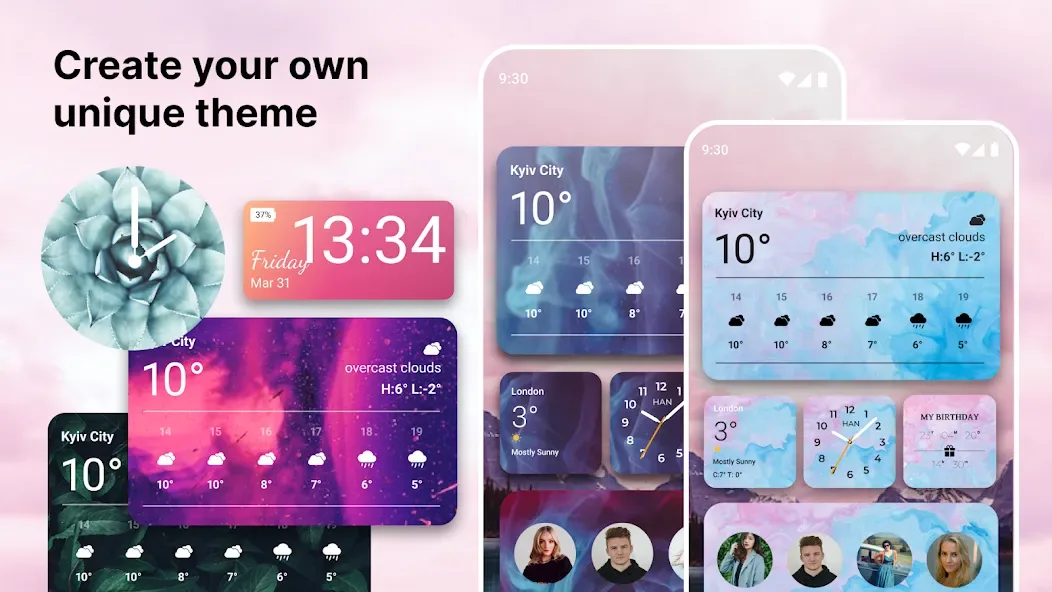
There are hundreds of design options to make your best possible widget.
DESIGN YOUR OWN WIDGET
With Color Widgets, you can freely edit the widgets font, theme color, or even the background color.
EASY SETUP
Get your favorite widget up and running in seconds. Seriously!
Pros & Cons:
Pros
Offers a wide range of useful widgets
Easy-to-use design
Many customization options
Large selection of themes
Cons
Battery percentage and time widgets can be out of sync
Final Words:
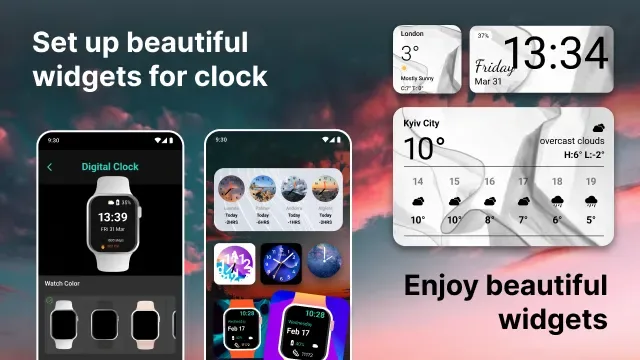
In addition to pre-designed widget, Color Widgets APK allows users to customize widget as desired, for perfectly personalized interfaces. In addition, the application also allows users to adjust the wallpaper, color, font. With the wallpaper section, there are many different color options for your background color, from monochrome colors such as blue, red, yellow, orange, white, black, pink or some other multi-color colors, you can also create new colors yourself through the provided color palette.








