
Prisma3D is a clean and intuitive 3D modeling and animation application. Designed for both beginners and experienced creators, it provides all the essential tools needed to bring your ideas to life, allowing you to craft detailed 3D models and fully unleash your creativity. With Prisma3D, you can sculpt objects, design characters, or build entire scenes—all through a suite of powerful tools housed within a streamlined, mobile-friendly interface. The app also supports a variety of export options, enabling you to save your models and animations in different file formats and share them across your social media platforms.
Click to load YouTube / 点击加载视频
YouTube ↗Benefits:
Create and select from 3D objects, 3D models, 3D lights and 3D cameras
Group and design multiple 3D models at once
Digital drawing, 3D sculpting
3D vector graphics editing
3D mesh creator
Design 3D textures and colors
Create 3D texts for 3D logos and 3D intros
Import export different 3D file formats from Maya, Blender, Cinema4D (.obj, .fbx, .gltf, .stl, .ply, …)
Tips and Tricks:
Start with Simple Projects: If you're new to 3D modeling, begin with smaller, simpler projects to familiarize yourself with the app’s interface and tools.
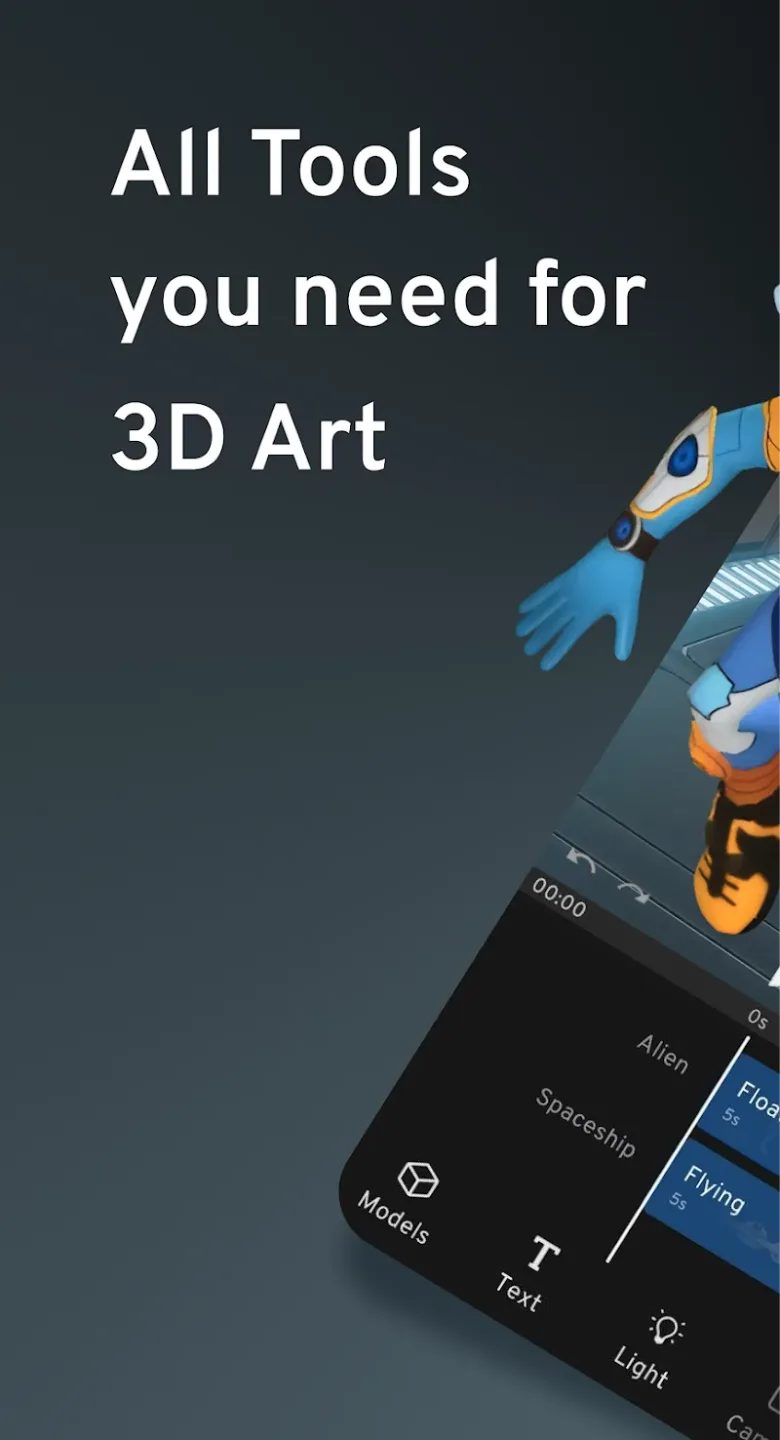
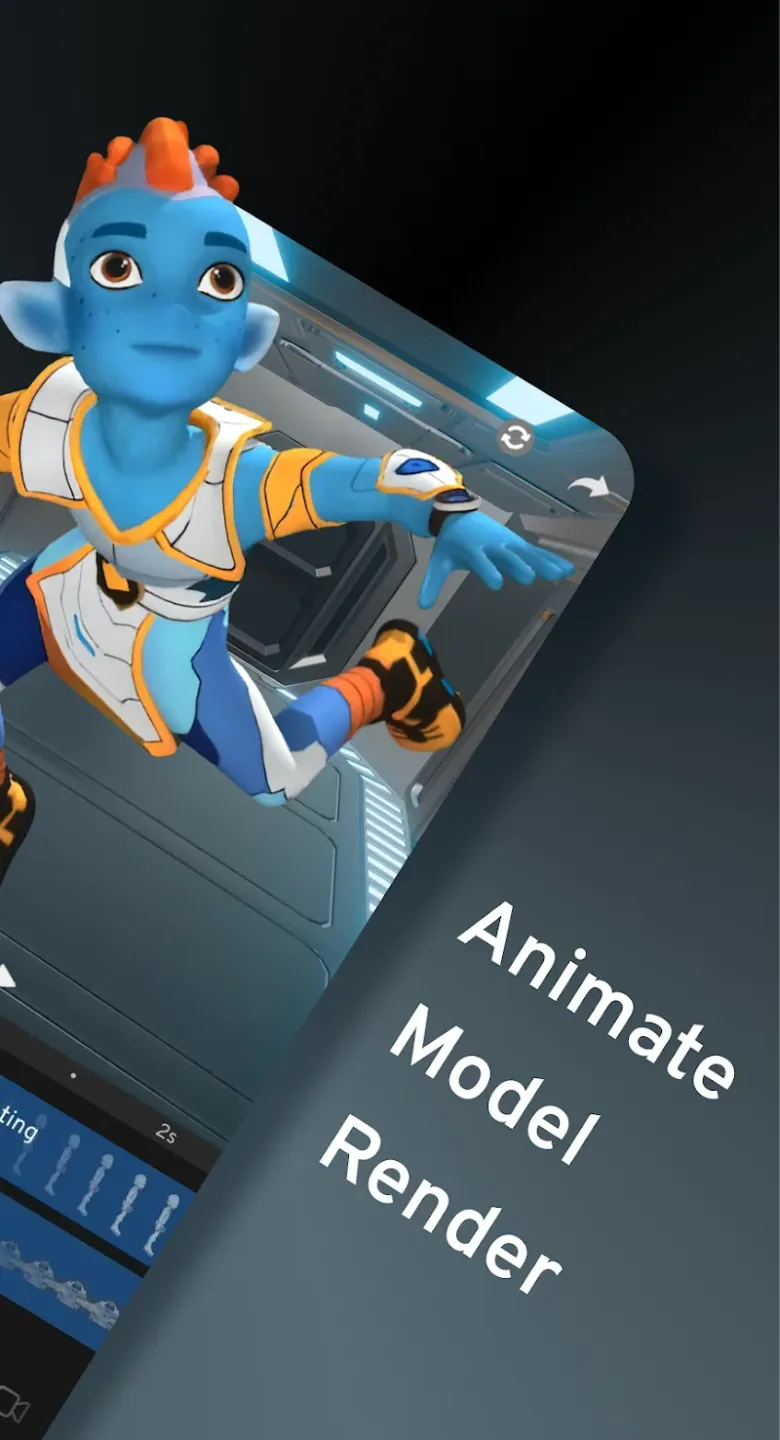
Experiment with Animations: Take advantage of the animation tools to practice animating basic objects, then gradually move on to more complex animations as your skills improve.
Use the Real-Time Preview: Regularly preview your models and animations in real-time to ensure they look as expected and to make adjustments quickly.
Explore Textures: Experiment with different textures and materials to add depth and realism to your models, giving them a more professional look.
Save and Organize Projects: Keep your projects organized by saving different versions of your models and animations, making it easier to revisit and make improvements later.
Pros & Cons:
Pros
End-to-end 3D pipeline on Android devices
Clean touch interface suited to quick edits
Broad import and export format support
1080p and up to 4K rendering options
Good for motion graphics and logo intros
Cons
Complex scenes may lag on older devices
Some early access features can be unstable
Changelog:
Hotfix: Lights, PRO subscription, project loading and more
Add videos to your project for special effects, reference, or compositing
Remove the background of videos using chroma keying
New models and animations for your videos
Move audio clips freely to change where they start
Improved modeling tools, extrude multiple faces easily
Fixed shadow rendering, reducing flickering
Final Words:
Prisma3D is an excellent choice for anyone looking to explore 3D modeling and animation on their mobile device. Its powerful set of tools, user-friendly interface, and real-time rendering capabilities make it ideal for both beginners and professionals who need a portable solution for their 3D design work. While it may not replace desktop 3D software for complex projects, Prisma3D is a valuable tool for quick sketches, prototypes, and mobile animation.








