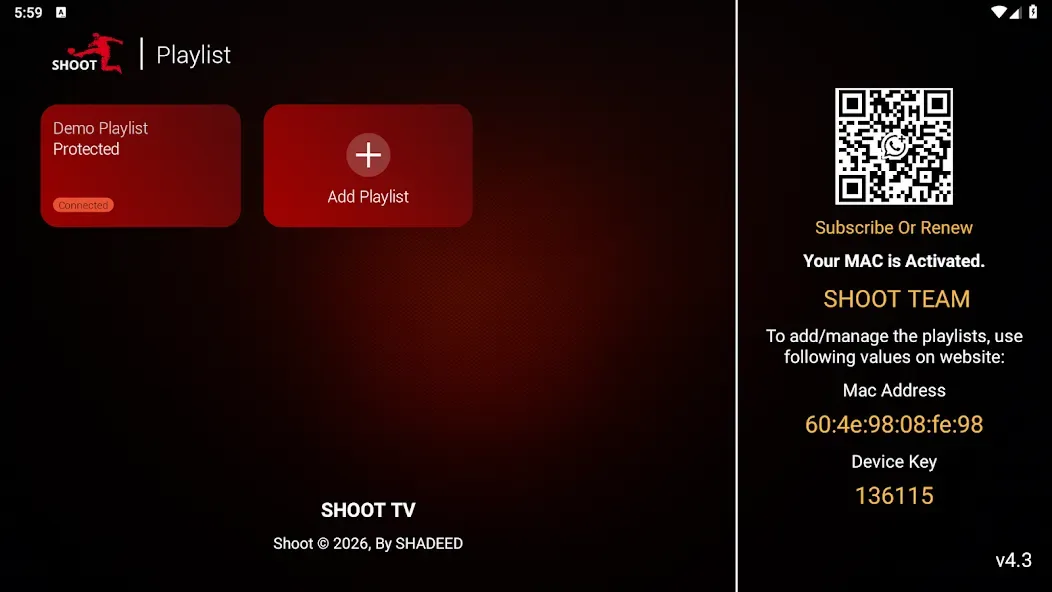
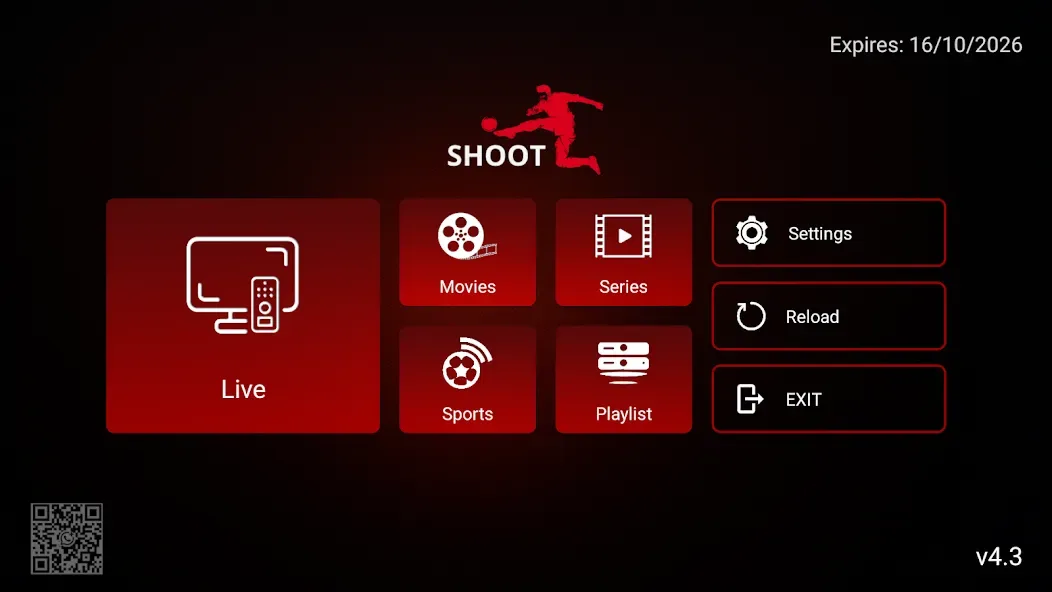
SHOOT TV is a video and media tool designed for the Android operating system. It allows users to stream their own live content, as well as watch movies, videos, and TV series. The app supports a wide range of services and includes a "catch-up" (replay) feature, enabling users to watch previously aired content. It also features an advanced search function, making it easy for users to find the content they want and add it to their favorites. Furthermore, the tool offers flexible casting options, catering to the diverse needs of different users.
Features
Play Your Own Live and On-Demand Content
Once you have installed the SHOOT TV APK and completed the setup, the app allows you to stream the channels, movies, and series you have added. You can use the "Continue Watching" feature to resume videos where you left off, and—provided your service provider supports it—use the "catch-up" (replay) feature to watch past programs.
Search and Program Guide
To help you find content quickly, the app includes an advanced, cross-category search function. It also supports an EPG (Electronic Program Guide) to display channel schedules, while a "Recently Added" section gathers all new content in one convenient place.
Viewing Options and Device Support
For a flexible viewing experience, you can cast content to your TV via Chromecast, switch languages on the fly, or open streams in an external player of your choice.
Controls and Utilities
To help manage access and performance, the app includes parental controls to lock specific sections, a built-in speed test to check your connection, and a recording feature (subject to permission from your content source).
Pros and Cons
Pros:
Compatible across various Android devices, including TVs, phones, and tablets.
Can be used for branding OTT services.
Supports access to local and external storage for offline playback.
Free to use.
Cons:
No documentation regarding remote control support.
No specific details provided about playlist or channel management features.
Not featured on any app rankings or charts.
FAQs
How long does it take to download SHOOT TV?
The SHOOT TV file size is 30.3 MB. Depending on your network speed, the download could take anywhere from a few seconds to a few minutes over a stable 4G, 5G, or Wi-Fi connection.
Why am I unable to download or install the app?
Common causes include insufficient storage space, an incompatible Android version, an unstable network connection, corrupted download files, or a lack of installation permissions.
What are the system requirements for SHOOT TV?
The latest version of SHOOT TV requires Android 5.0 or higher. If your device is running an earlier version of Android, please check whether a compatible older version of the app is available.
Conclusion
SHOOT TV is a comprehensive media player designed for Android TV, mobile phones, and tablets. It combines ease of use with customizable branding, making it well-suited for OTT services. Geared toward entertainment enthusiasts, it offers broad device compatibility and flexible cross-screen playback options. With over 10,000 total downloads—including 3,700 in the last 30 days alone—SHOOT TV provides users with a convenient media playback experience across multiple devices.