

Google Now Launcher is a launcher from Google that integrates the Google Now experience directly into your home screen. It displays relevant information—such as weather, traffic, or calendar updates—in a card-based format, allowing you to view key details without needing to open separate apps. The launcher includes a persistent search bar on your home screen, enabling quick access to information. It also supports hands-free voice search; simply say a specific wake-word to initiate a search or command without needing to touch your phone.
Click to load YouTube / 点击加载视频
YouTube ↗Features
Swipe to Access Google Now
Swipe right from the leftmost home screen to open Google Now. This view presents timely information via cards, letting you stay updated on important details without switching to other apps.
Search from Any Home Screen
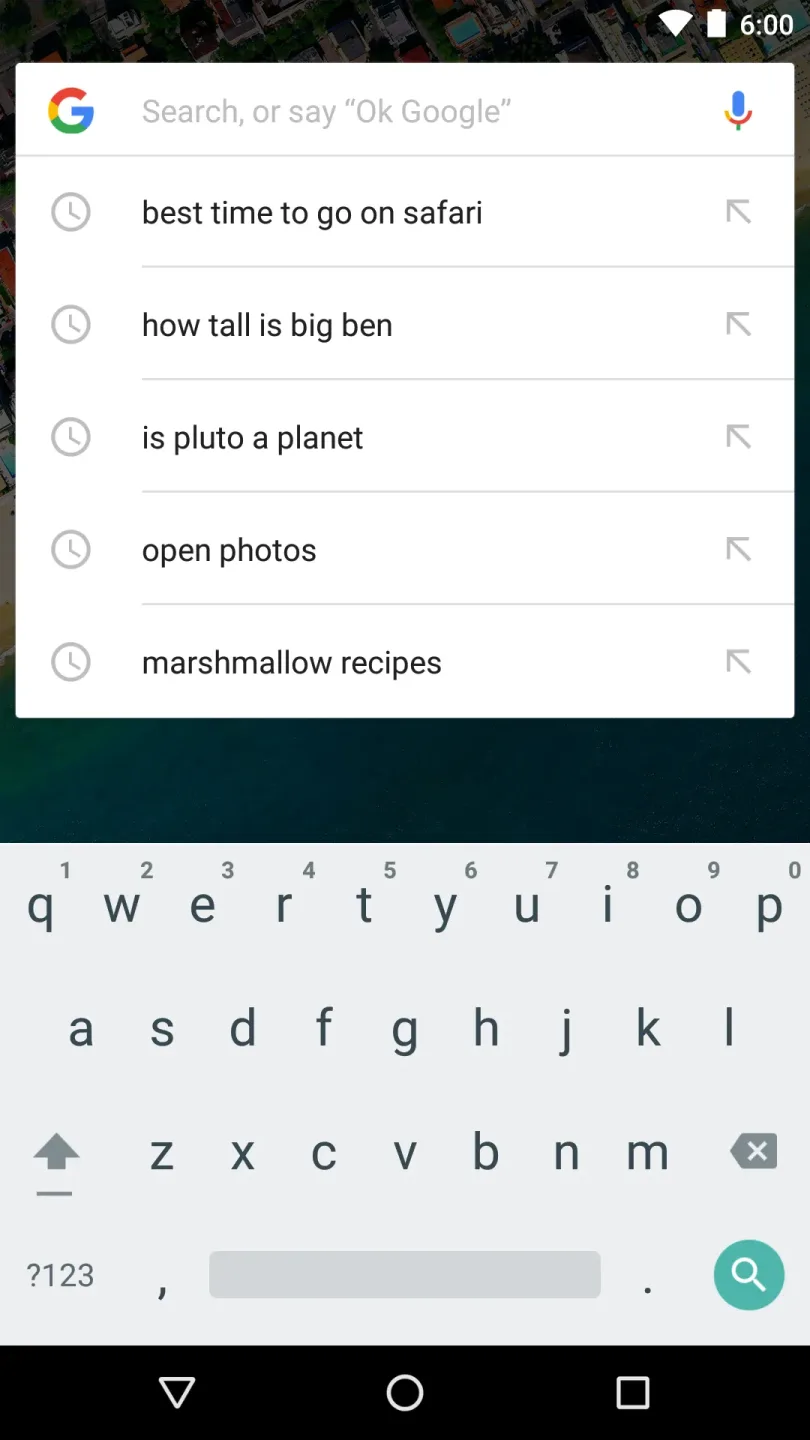
Google Now Launcher keeps a search bar on every home screen, making it easy to perform searches instantly—even while you are in the middle of other tasks.
Hands-Free Voice Commands
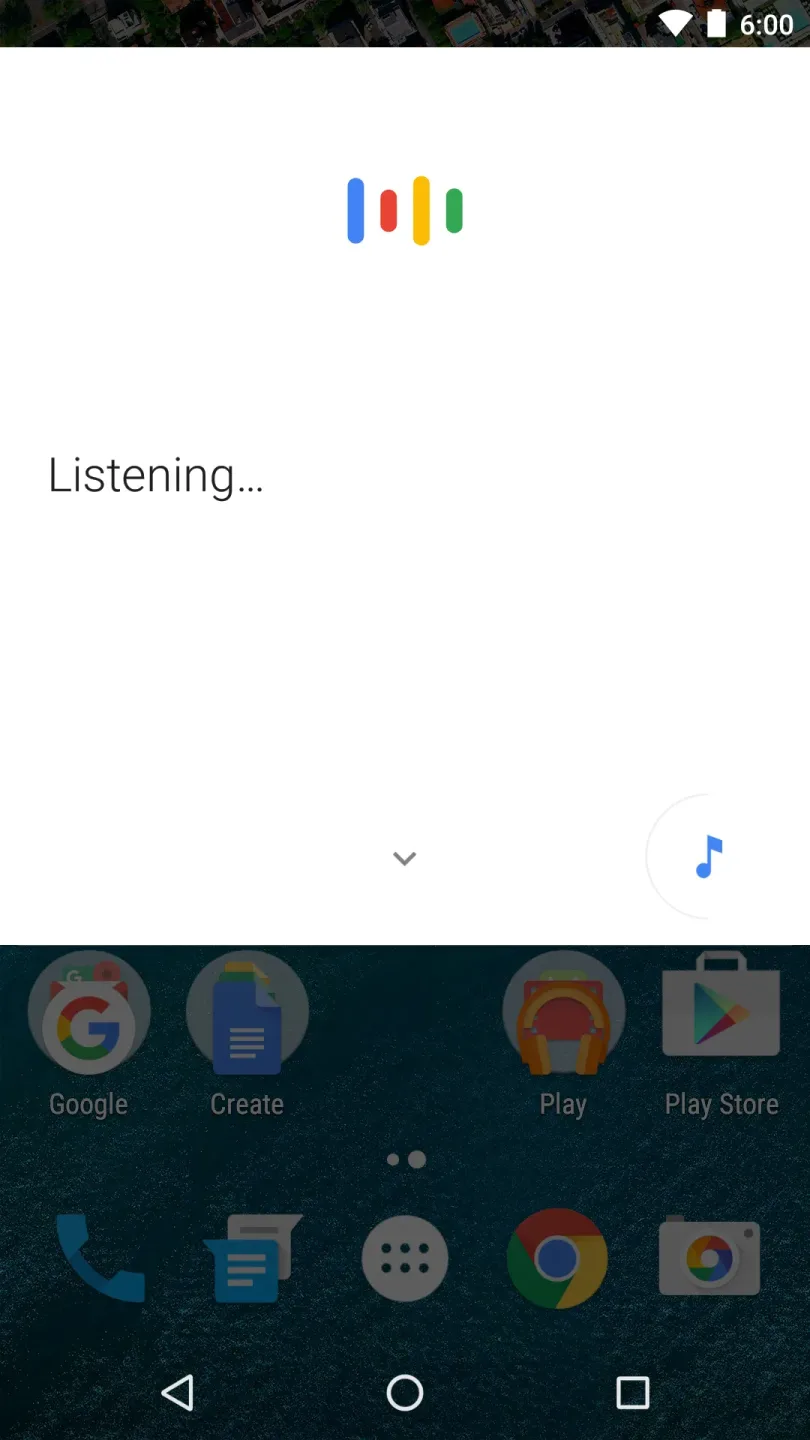
Say "Ok Google" to trigger a voice search or perform common actions—all without touching the screen:
Send a text message
Get directions
Play a song
A–Z App List and Suggestions
To help you find apps faster, Google Now Launcher provides an A–Z app list with quick-scroll and search capabilities. Additionally, "App Suggestions" places your most frequently used apps at the top, allowing you to access recent or relevant apps with fewer taps.
Usage
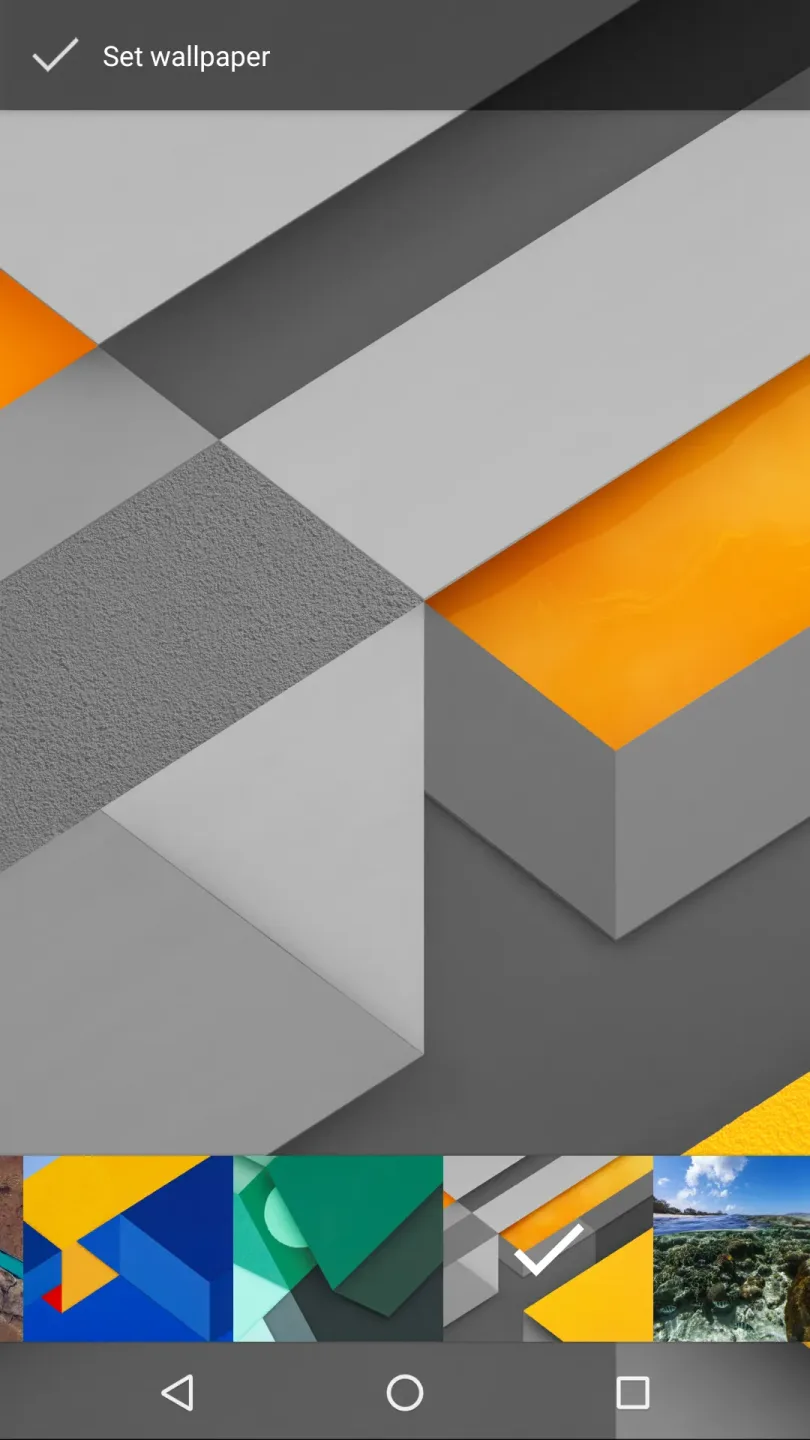
By changing the default launcher app on your phone, you can completely transform the look and feel of your Android device. This launcher displays all your apps neatly, using large, eye-catching icons. A search box is positioned at the top of the screen, and you also have the option to disable the feature that opens a feed when you swipe to the right.
Unlike Samsung Home—which is primarily designed for Galaxy devices—this launcher offers deeper integration with the Google search engine. You will also appreciate the variety of widgets available, including sub-widgets that display detailed information such as weather and travel updates. The home screen is clean and uncluttered, allowing you to add app shortcuts, organize apps into folders, or include widgets.
Tap on the transparent area to access the "Google Now" feed, then scroll down to view the relevant cards. Using Google Maps within the launcher makes navigation and related tasks significantly more convenient. To activate Google Now, simply swipe to the right from your home screen. You will then see a series of "Google Now" cards, displaying information tailored specifically to your interests and needs.
Pros and Cons
Pros:
Excellent integration with Google Now
Always-on voice search and commands
Quick access to wallpapers, widgets, and settings
Cons:
Less customizable compared to some other launchers
Conclusion
As an official launcher from Google, this is one of the most secure options for Android. It offers a clean home screen, an app drawer, and a straightforward way to navigate your phone. The launcher is intentionally minimalist, focusing only on the most essential and practical features. Many smartphone manufacturers provide their own slightly modified versions of the Android operating system, but this launcher offers a pure, streamlined experience. With the Google Now Launcher, however, you can switch to an official interface provided by Google. It is the only launcher that allows you to experience a "pure" Android system on your phone—meaning it retains the original home screen, app drawer, widgets, and app icons.








