

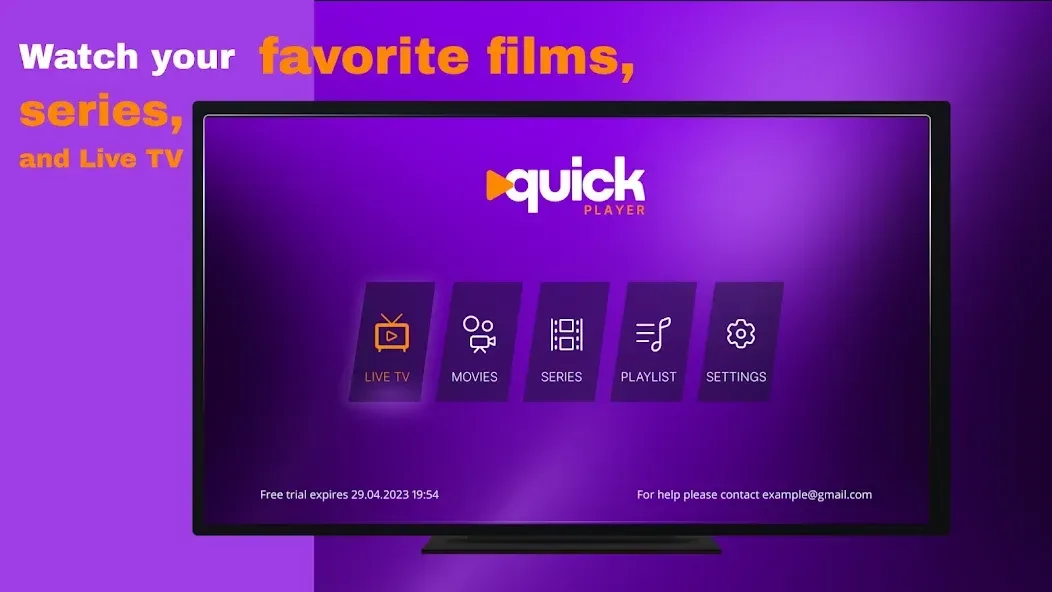
Quick Player is a video player designed for the Android operating system. It allows users to play videos quickly and provides access to various channels and live broadcast content. The app features a simple, intuitive interface with robust navigation, enabling users to find content quickly and easily. It supports a wide range of video file formats and allows for the inclusion of subtitle/caption (danmaku) files. Users can also customize the app’s theme and layout to suit their personal preferences.
Features
Activation and Playlist Upload
Quick Player can be set up with a simple activation process, after which you can upload playlists from your service provider. Once activated, you can import your own playlists to access live TV and on-demand content directly within the app. This approach keeps the application independent while giving you full control over the content displayed in your media library.
Fast Loading and Simple Navigation
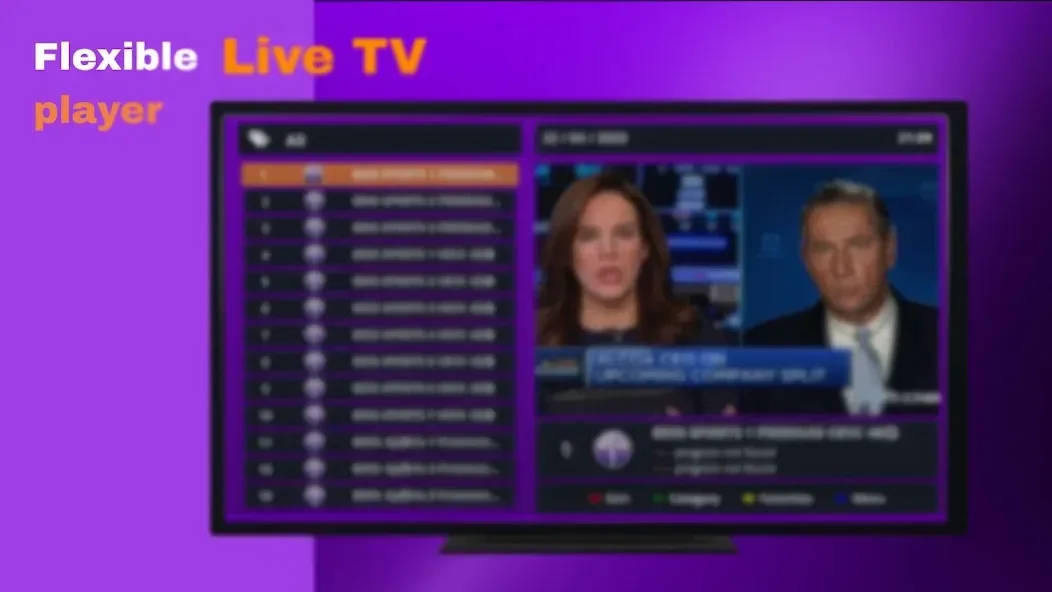
Quick Player is designed for rapid access to channels and programs, handling even extensive playlists with ease. The clear, straightforward layout allows for seamless switching between live TV and on-demand videos, ensuring that scrolling and navigating through different views remain smooth and responsive.
Unified Search Across All Sections
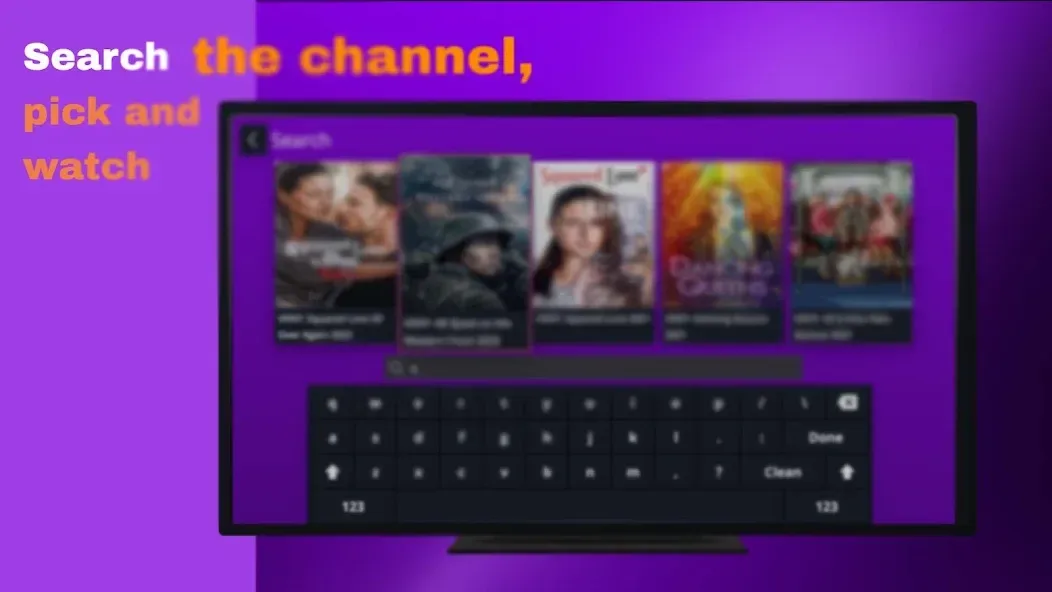
Perform a single search to find movies, TV series, or live TV channels all in one place. This unified search function eliminates the need to toggle between different menus; once you find what you’re looking for, you can start playback immediately without any extra steps.
Broad Media Format Compatibility
Quick Player supports a wide variety of media file formats, making it easy to set up diverse playlists. This extensive compatibility allows you to use your existing content without the need for file conversion. It also supports configurations from a wide range of service providers.
Compatible with Smart Devices
The app is designed to run on various smart devices, including Android TV and Amazon Fire Stick. Its interface is optimized for remote controls and large screens, while also performing smoothly on smartphones and tablets—making it highly convenient to switch between devices for your daily viewing.
Usage
Open Quick Player and navigate to the activation page. Follow the on-screen instructions to activate the app on your device.
Next, go to the "Upload Playlist" page. Follow the provided instructions to add the playlist you obtained from your service provider.
Wait for the playlist to finish loading. Use the search bar to quickly find channels, movies, or TV shows.
Select a result to begin playback. Use your remote control or touch controls to pause, resume, or switch between items.
Toggle between the live TV and on-demand video sections as needed. If you cannot find what you are looking for, return to the search bar and try different keywords.
Pros and Cons
Pros:
User-friendly and intuitive interface
Supports a wide range of video and audio formats
Includes basic editing tools for simple tasks
Optimized for quick media playback with minimal loading time
Lightweight and does not consume excessive system resources
Cons:
Lacks some of the advanced features found in more robust media players
May occasionally experience stability issues or bugs
FAQs
What file formats does Quick Player support?
Quick Player supports a variety of file formats, including MP3, MP4, AVI, MKV, FLAC, and more.
Can I customize the Quick Player interface?
Yes, Quick Player allows users to customize the interface using different themes and layouts.
Does Quick Player support subtitles?
Yes, Quick Player supports subtitles, allowing users to load subtitle files while watching videos.
Conclusion
Quick Player provides users with access to live TV channels, on-demand movies, TV shows, and a wealth of video content from various sources. The platform stands out for its convenience and flexibility, offering an extensive selection of channels and a wide array of on-demand options. Its user-friendly interface enhances the viewing experience, making it an ideal choice for those seeking a comprehensive television solution.








