

ZArchiver is an outstanding archive management utility that helps users easily manage application backups. With a simple and intuitive interface and easy-to-use features, it enables the creation of a wide range of archive types. The application presents a user-friendly, lightweight archive application that allows users to create and decompress password-protected archives. It supports creating and decompressing various file formats, giving your device easy access to file management services, saving storage space, and helping users efficiently handle file tasks. Users can directly edit archive files, bringing great convenience.
Click to load YouTube / 点击加载视频
YouTube ↗Excellent Features of ZArchiver
Create compressed files in various formats: ZIP, 7ZIP, XZ, TAR…
Decompress files with most existing compressed file extensions, including RAR, ZIP, EGG, and ALZ.
View the contents of compressed folders without decompressing.
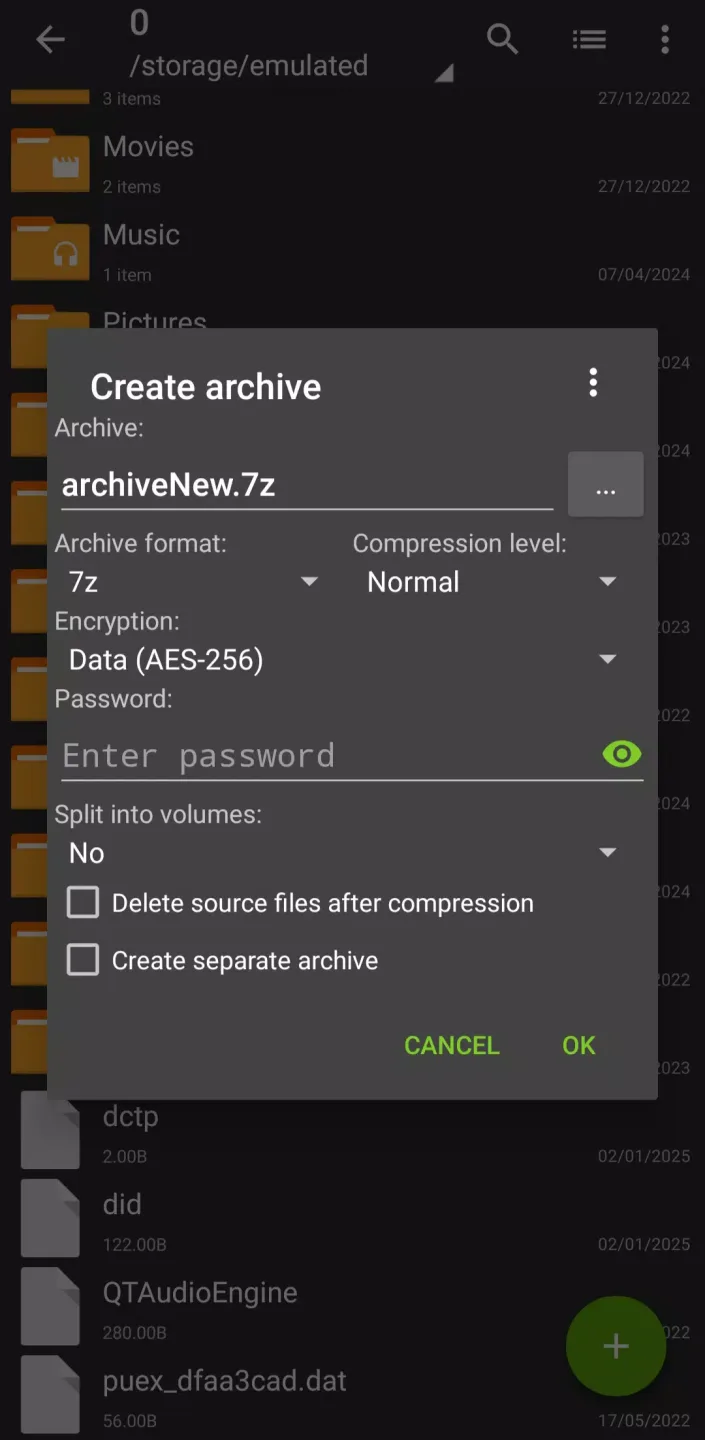
Create and decompress password-protected files (if available).
Create and decompress multi-part compressed files in 7Z and RAR formats.
Install APK and OBB files from backups.
Open compressed files, or open them via email applications.
Decompress split files in 7Z, ZIP, and RAR formats.
Partially decompress files.
It supports UTF-8/UTF-16, so symbols can be used in filenames.
Supports multiple views for folders and files.
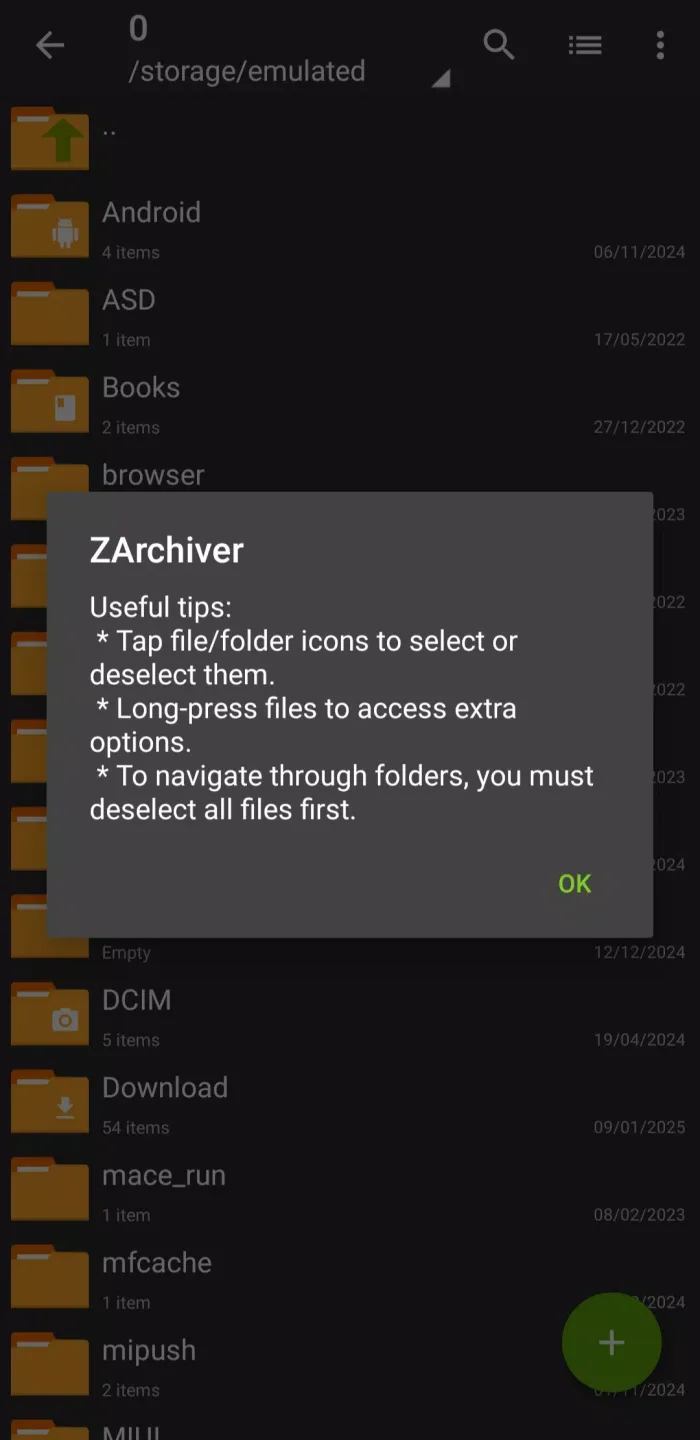
Amazing Highlights of ZArchiver
Another advantage of ZArchiver is its intuitive interface. Despite its powerful features, it's easy to use even for beginners. The clean layout ensures easy access to basic functions, while advanced options provide convenience for users who need them.
For users who prefer customization, ZArchiver offers a variety of settings options to create a personalized experience. From adjusting compression levels to choosing themes, the app allows users to customize it to their liking. Furthermore, its low resource consumption means it runs smoothly on most Android devices without slowing them down.
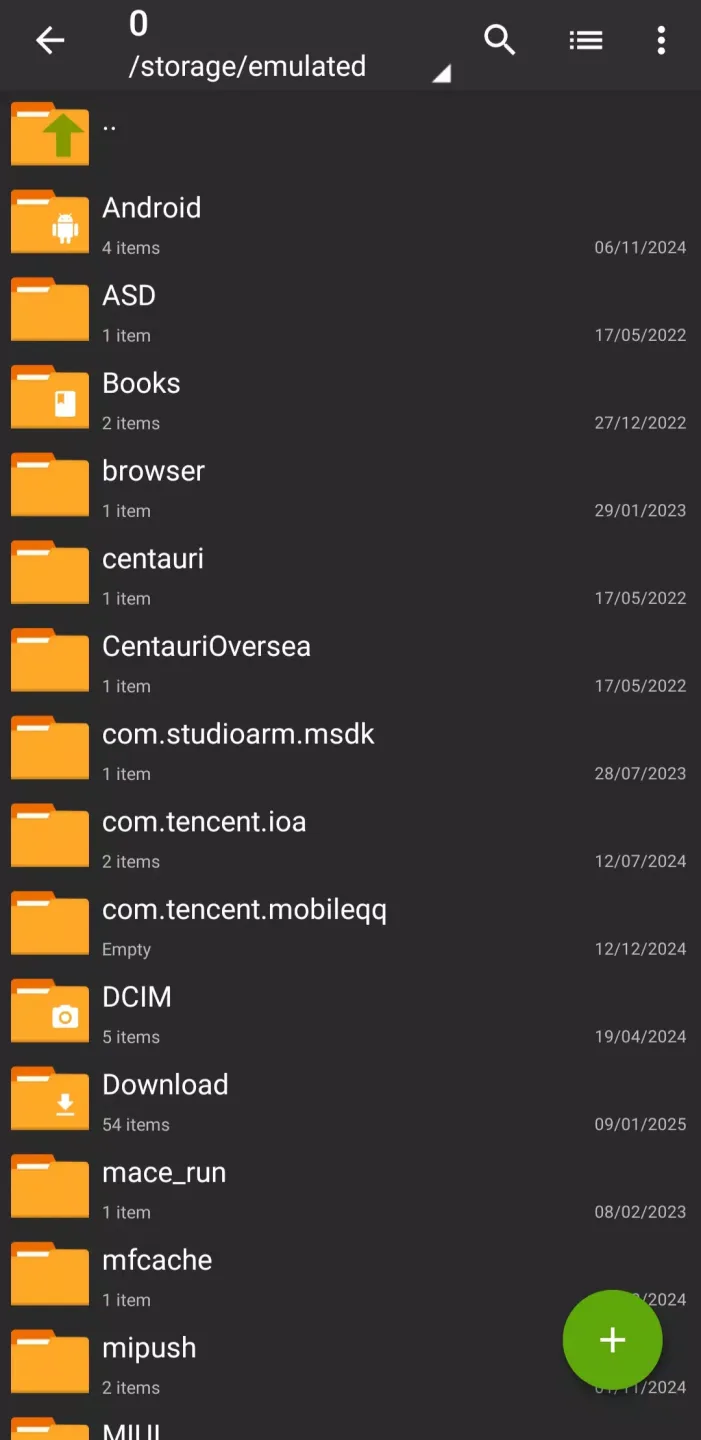
User's Comments of ZArchiver
This is a great app; it's been solid and reliable for the couple of years I've used it. I've only used it to archive photo files (unlike other methods, zipping files preserves their modification times). My only complaint is that, if you want to open a folder, you have to tap on it very lightly and quickly... otherwise the app assumes that you want to archive the folder. It would be nice to have a setting that lets you control how long a tap must be before the folder is archived.
The best file compression phone app I've found in terms of its overall functionality, UI and value (being that it's free without ads, with minor nonessential features unlocked for only a couple of dollars). Apps like this are becoming rarer, especially on the Play Store. What I like about this the most is the advanced niche compression options, that many standard desktop file compression apps don't have. It's especially useful if you have a rooted device and need said features to tinker.
Great! It took me a moment to understand that, to To compress multiple files, you don't just long-tap them to select them (the usual way), but you must first open the menu and tap "Multi-select" (maybe an example of developers thinking they must "reinvent the wheel?"). But the rest of the app is very well designed and easy to use. Well done!
Frequently Asked Questions of ZArchiver
What password?
Some compressed files may be encrypted and can only be opened with a password (do not use your phone's password!).
The program is not working properly?
Send me an email with a detailed description of the problem.
How to compress files?
Select all the files you want to compress by clicking the icon (to the left of the filename). Click the first selected file and then select "Compress" from the menu. Set the desired options and press the OK button.
How to decompress files?
Click the archive name and select the appropriate option ("Extract Here" or others).
Final Verdict
ZArchiver Donate APK is more than just an archiving application; it's a full-featured file management solution that combines powerful features, security, and ease of use. Whether you're creating password-protected archives or managing multipart files, it handles every task seamlessly.








