AutoCap – Automatic Video Captions and Subtitles is a free and paid subscription multimedia application. This powerful application utilizes advanced speech recognition technology to simplify the process of adding video captions. With AutoCap – Automatic Video Captions and Subtitles, you can quickly convert speech to on-screen text, analyze audio from various videos, and even enjoy automatic translation and the ability to modify text content as needed. Click to download and experience it now!
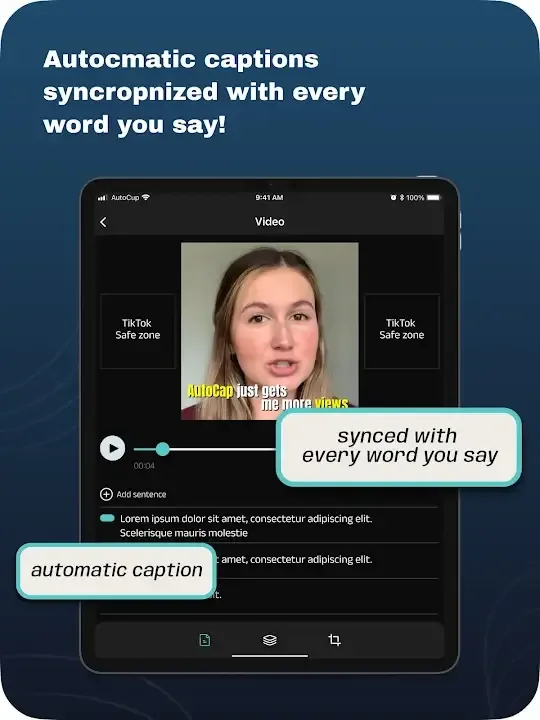
Features:
Automatically adding a caption as an animation;
Voice recognition and transcription to text;
Creating text titles to your video;
Subs;
Different types of file formats;
The ability to compress images;
No ads;
Quick recognition of the Russian language;
Editing subtitles;
Easy control;
Suitable for both beginners and professionals.
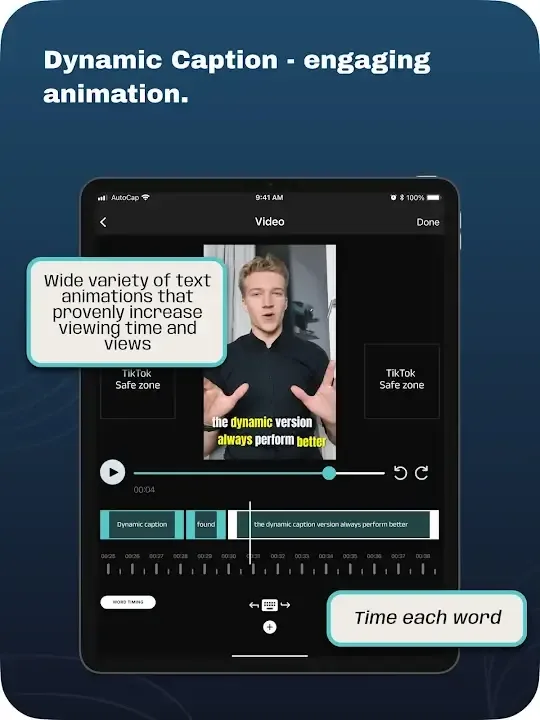
Benefits:
Social media reels and other video-sharing activities have evolved from being a mere trend to a perennial lifestyle. As video content creation has become an increasingly critical component of modern communication, it is essential to guarantee that comprehension and engagement of all viewers are satisfied. AutoCap - Automatic Video Cap's automatic caption feature makes it easy for viewers to understand, react, and participate in the video content they are consuming.
The app makes use of machine-learning algorithms and natural language processing to detect spoken words in the video and generate meaningful text as captions. These ensure that subtitles are search engine-friendly to maximize video visibility and engagement. It also incorporates motion graphic technology to produce captivating text animations comprehensible to all viewers. It can automate video subtitles for up to five minutes, with manual transcription available for any additional duration.
In terms of benefits, the app aims for inclusivity as it enhances accessibility for individuals with hearing disabilities. Additionally, captions aid viewers in comprehending videos more effectively when there is a high level of ambient noise. Subtitles can also be translated into various languages supported by Google. Keep in mind, though, that the speech can be mistranscribed, and the video quality might decline.
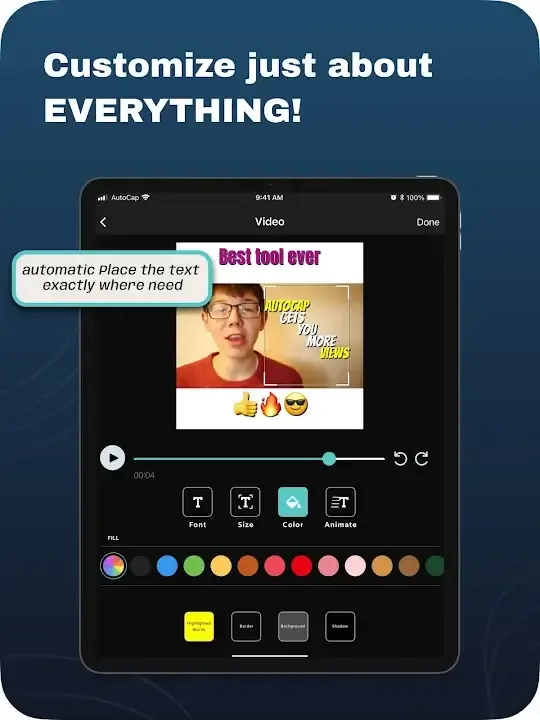
Pros & Cons:
Pros
Automatic transcription with support for multiple languages
Animated and customizable subtitle styles
Manual editing for improved accuracy
Enhances accessibility for a diverse audience
Easy sharing to major social media platforms
Cons
Automatic captions may require manual correction
Free version has limited features and watermarks
Five-minute limit for automated captioning
Conclusion:
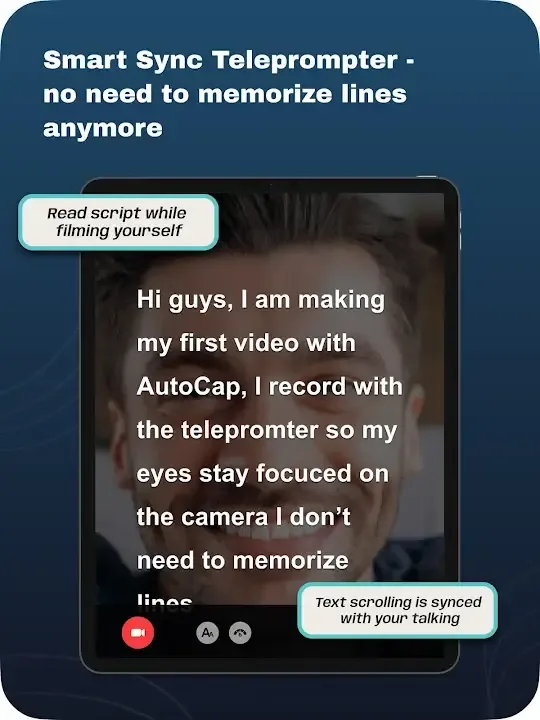
AutoCap Apk is a great tool for those who need to quickly capture and share videos. It allows users to easily record, edit, enhance and upload their video clips with just a few clicks of the mouse. The app also offers an array of features that make it easier for people to create professional-looking videos without any prior experience in filming or editing. Autocap makes creating high-quality content easy so anyone can be creative when capturing life’s moments on camera!