

AnyDesk is an outstanding remote desktop control utility that helps users complete important work tasks and other activities remotely in special circumstances. AnyDesk presents a powerful, easy-to-use, and user-friendly remote office tool, allowing you to handle urgent study, work, or life tasks promptly. AnyDesk supports practical advanced services such as remote printing, file transfer, and VPN connections to meet your flexible office needs.
Click to load YouTube / 点击加载视频
YouTube ↗Outstanding Function
If you need to leave home but still use your computer for work, this application allows you to carry it with you in the most convenient way. Most importantly, it's incredibly fast and runs smoothly without any lag.
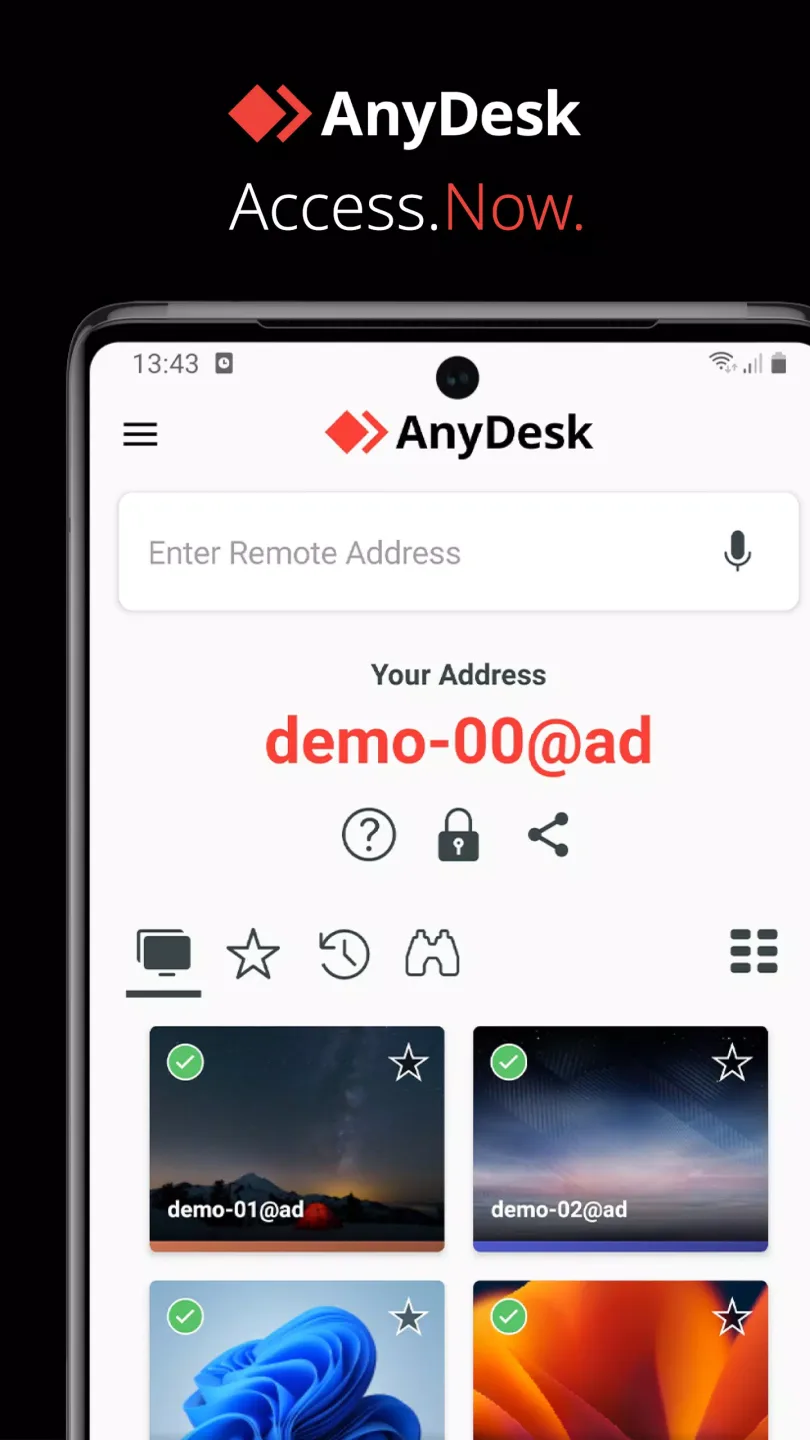
After downloading the application to your device, you first need to download the Windows version of AnyDesk and install it on the computer you want to control. After installation, you will see a connection icon on both devices. Then, open the Android version and enter the verification code displayed on your computer—in just a few seconds, you can control your computer.
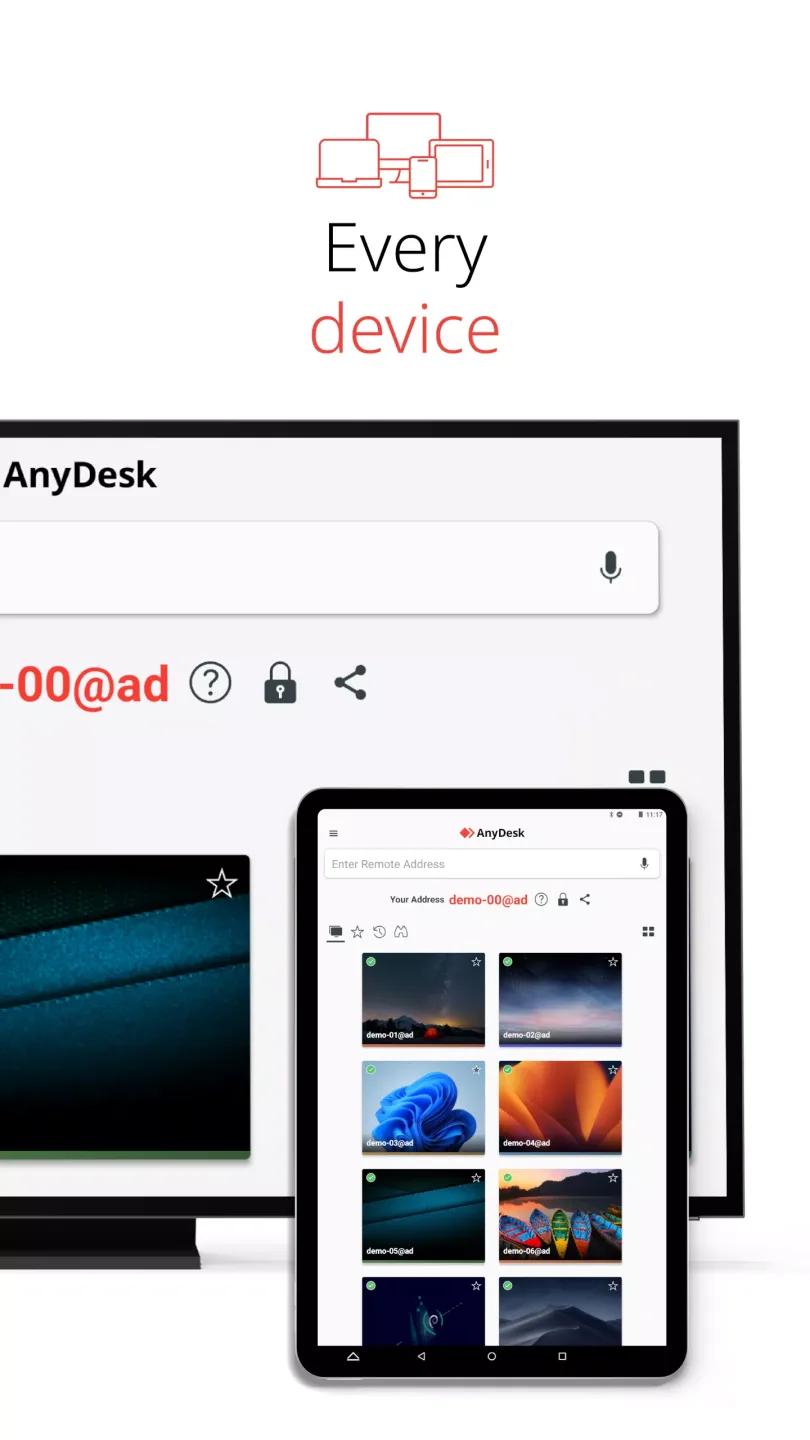
Wonderful Highlights
A major advantage of using AnyDesk is its ability to control your desktop computer in the most convenient way. It includes numerous powerful features that make it feel as if you're physically at your computer. Furthermore, it's incredibly fast, so you won't experience any lag or problems browsing folders or files on your desktop.
Another advantage is that you can remember login information and configure multiple computers to manage any number of machines you need. Switching sessions takes only two clicks, and closing a session takes only one. Don't forget to keep your desktop open for easy access and to close it at any time via AnyDesk.
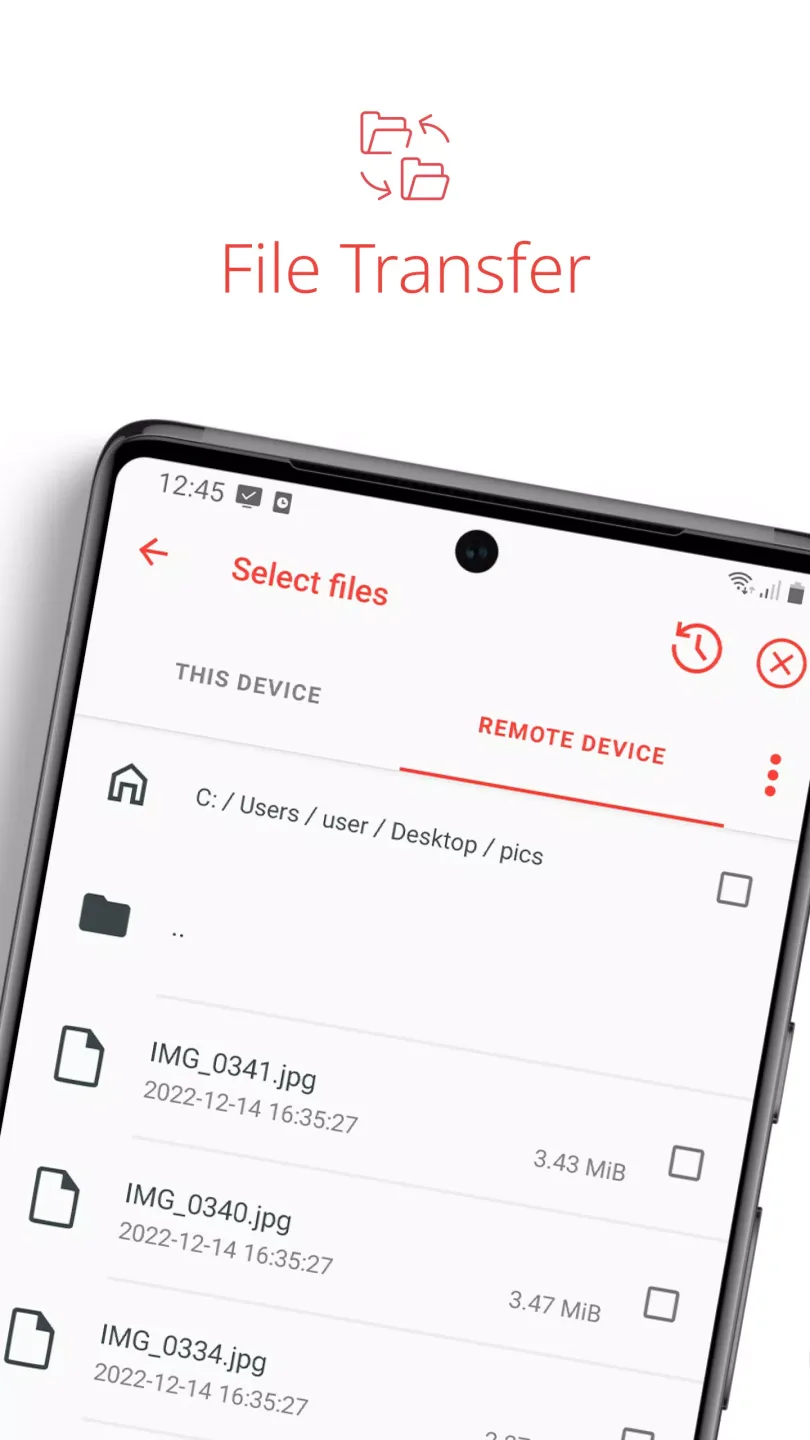
Excellent Benefits
File Transfer
Remote Printing
Wake-on-LAN
Connecting via VPN
Outstanding Performance
Per Operating System, Per Device
Bank-Standard Encryption
High Frame Rate, Low Latency
Cloud or On-Premise Deployment
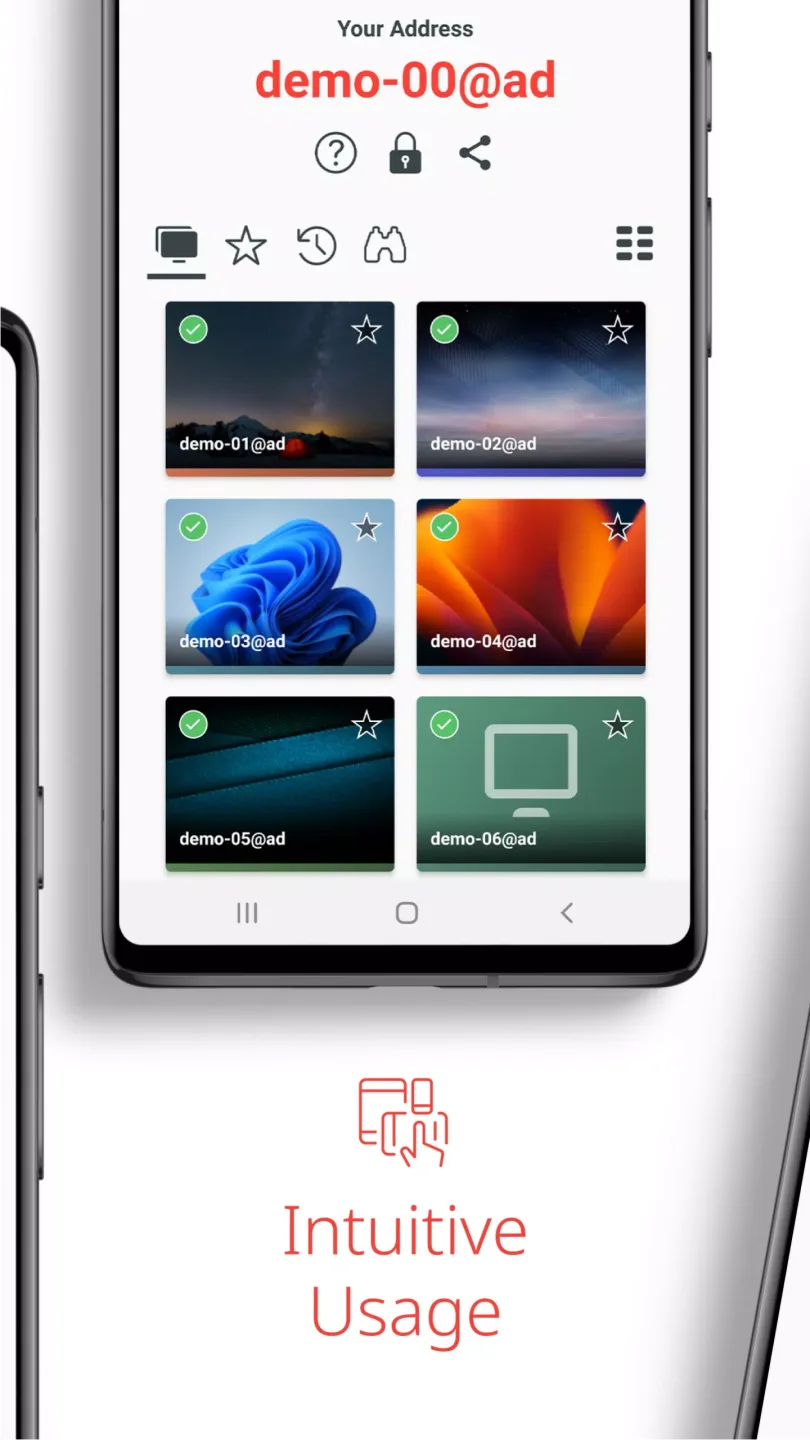
Helpful Steps
Install and launch AnyDesk on both devices.
Enter the AnyDesk-ID displayed on the remote device.
Confirm the access request on the remote device.
Done. You can now remotely control remote devices.
Conclusion
Whether you are an IT support professional, a work-from-home professional, or a student learning remotely, AnyDesk's remote desktop software provides solutions for securely and seamlessly connecting to remote devices.








