
SpeechTexter is a free tool application for Android devices. This powerful app aims to streamline note-taking by converting speech to text, helping users quickly record various notes and documents. With SpeechTexter, you can add various punctuation marks, common phrases, and application actions through its customizable list of voice commands. Users do not need to log in or register; simply tap the microphone button to start voice input. Its convenient features and user-friendly interface can help you save significant time and improve work efficiency.
Click to load YouTube / 点击加载视频
YouTube ↗Features:
Create text notes / sms / emails / tweets by using your voice
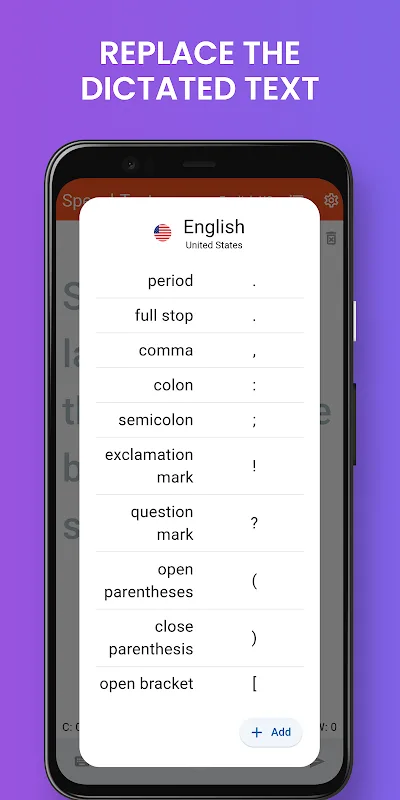
Dictionary (say “question mark” and app will replace it with “?”). You can add your own words (ex. “new line” > (ENTER key) and tap “save”)
Save the notes and share them later on social media and many messaging applications
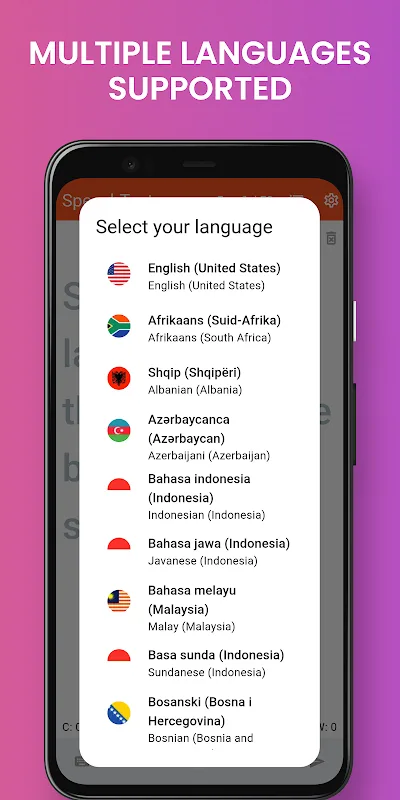
More than 60 languages supported
High accuracy of recognition, around 95% for the English language (in offline mode accuracy will be lower).
Benefits:
Interface and Usability
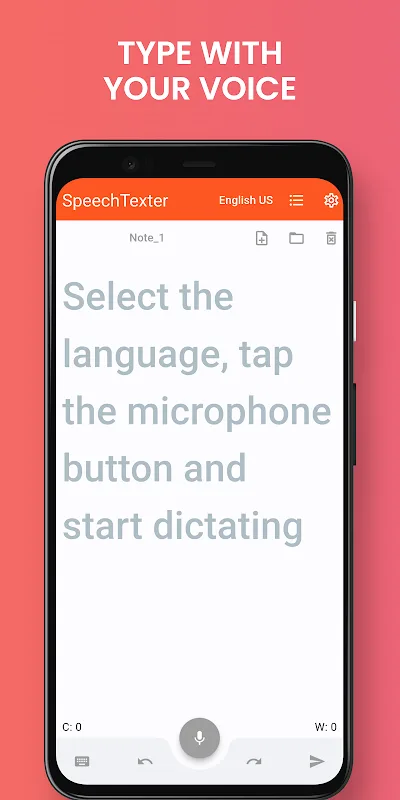
The app’s interface is clean and intuitive, making it suitable for users who value simplicity. Launching the app presents a clear pathway: select a language, tap the microphone, and begin dictating. Words appear on the screen in real-time, minimizing lag and reflecting spoken input promptly. Notably, the presence of the keyboard remains active during dictation, enabling immediate manual corrections and edits without disrupting speech recognition.
Speech Recognition and Languages
SpeechTexter relies on Google's advanced speech recognition engine, delivering high levels of accuracy with minimal setup. There is no requirement for user training; the app records voice input and transcribes it directly, supporting over 70 languages. This broad linguistic support ensures accessibility for a global user base. Accuracy may depend on internet connectivity and the surrounding noise environment, but, under optimal conditions, transcription performs exceptionally well.
Customization and Additional Tools
A significant feature is the customizable dictionary. Users can specify how certain spoken phrases are transcribed, such as converting “question mark” to “?” or switching “new paragraph” to a line break. This boosts productivity for dictation tasks and allows for tailored workflows. The integrated editor allows users to make modifications, add punctuation, and format the transcribed text seamlessly within the app.
File Handling and Export Options
SpeechTexter makes sharing content convenient, with options to send transcripts via email or social media, or export as text files. However, it currently lacks options for advanced file saving such as “Save As”, direct DOC export, or choosing custom file locations and filenames. Users looking for deeper file management may find this limiting.
Pros & Cons:
Pros
Highly accurate speech recognition with no training required
Supports over 70 languages
Customizable dictionary for efficient dictation
Simple interface with simultaneous keyboard and microphone use
Integrated text editing and easy sharing options
Cons
No option to remove ads with a purchase
Lacks advanced file saving features such as “Save As” or DOC export
Internet connection required for speech-to-text functionality
Limited file management options
Conclusion:
SpeechTexter is an innovative voice-to-text app that empowers users to effortlessly convert their spoken words into written text. With features like continuous speech recognition, custom dictionary, text notes creation, multilingual support, high recognition accuracy, and user-friendly interface, this app is essential for anyone seeking a convenient and efficient writing tool. Download the app now and experience the power of speech-to-text technology at your fingertips.








