

PPSSPP - PSP emulator is a unique and practical PSP game emulation tool, allowing users to enjoy a vast library of classic retro games and revel in the fun of arcade games. PPSSPP - PSP emulator presents a stable and open-source game console emulator for gamers, offering a free and active community and support for multiple platforms. PPSSPP - PSP emulator provides excellent high-definition rendering and magnification capabilities, allowing users to create save files at any time and restore them quickly. PPSSPP - PSP emulator boasts a wealth of customizable adjustment options, providing players with a flexible gaming experience.
Click to load YouTube / 点击加载视频
YouTube ↗Wonderful Features of PPSSPP - PSP emulator
High-Definition Rendering and Magnification
PPSSPP can enhance the internal resolution, making PSP games appear sharper on modern screens. You can choose the rendering ratio to match your device and display size. Therefore, 3D models and textures appear sharper than on the original hardware.
Advanced Graphics Controls
In addition, PPSSPP includes options such as texture scaling, anisotropic filtering, and post-processing shaders. You can adjust colors, brightness, and visual effects to match each game. These adjustments help balance image quality and performance.
Save and Restore at Any Time
PPSSPP allows you to create saves at any time and restore them in seconds. You can quickly retry difficult levels or pause long games. Regular in-game save functionality also works perfectly.
Flexible Input and Layout
PPSSPP also offers a customizable touch interface with adjustable size, transparency, and position. You can connect a Bluetooth controller or keyboard to use physical buttons. The app maps commonly used PSP buttons and allows for personalized settings for each game.
Extensive Game Compatibility
It runs most games in the PSP game library, with performance depending on your device's capabilities. Many games run at full speed with the right settings. You can adjust frame rate, resolution, and buffering time to find smooth settings.
Open Source and Active Development
Finally, the app is licensed under the GPL and benefits from ongoing community testing. Fixes and improvements are constantly being made to enhance compatibility and stability. You can download PPSSPP updates to keep up with the latest changes.
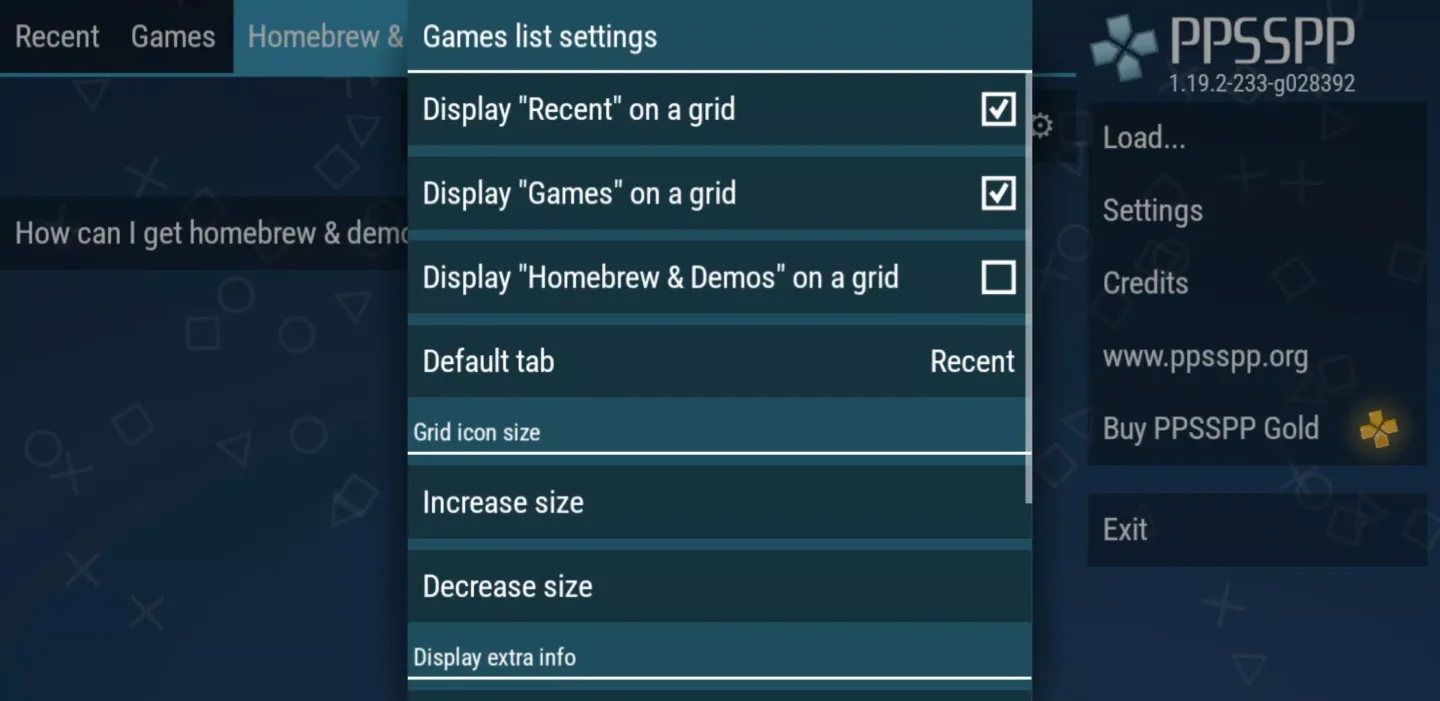
Fantastic Characteristics of PPSSPP - PSP emulator
Game Files and Their Legality in PPSSPP
PPSSPP does not contain games and does not download copyrighted content. Please convert your own PSP disc to ISO or CSO format on your computer and then copy it to your device. Place the game disc in the /PSP/GAME directory so that the PPSSPP app can find them on its first scan.
PPSSPP Gold vs. Free Version
PPSSPP and PPSSPP Gold offer the same emulator functionality. The difference between the Free and Gold versions is that PPSSPP Gold supports project development, while the Free version offers all the same features.
Cross-Platform Support and Saving in PPSSPP
PPSSPP runs on Android and desktop systems, achieving cross-device compatibility. You can transfer save data between your PSP and PPSSPP to preserve your game progress. Simply copy your PSP's save folder to the correct directory on your phone to continue playing without starting over.
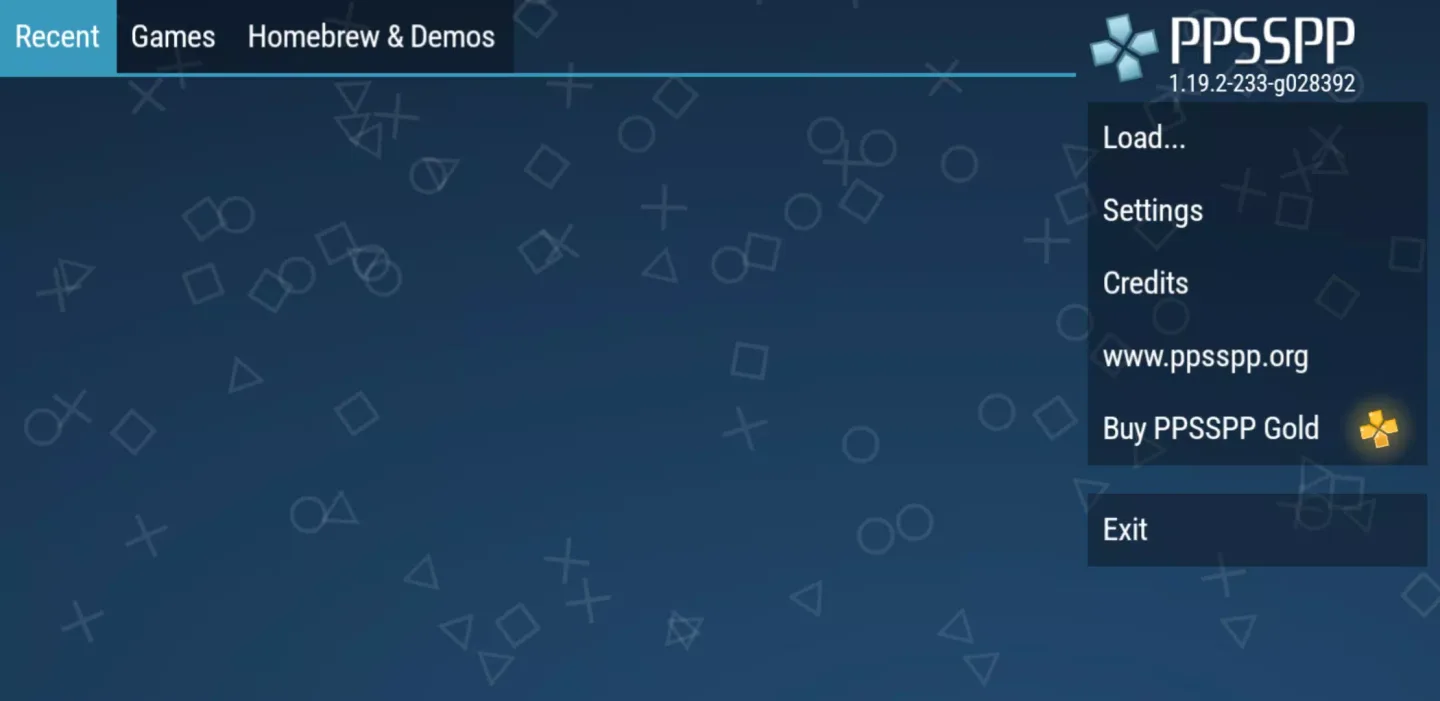
Frequently Asked Questions of PPSSPP - PSP emulator
Does PPSSPP include PSP games? No, PPSSPP itself doesn't contain any games. It only emulates the PSP system. You need to use a PSP disc that you've converted to ISO or CSO format yourself, or a legal homebrew game, and place it in the /PSP/GAME directory.
Where should I put the PSP ISO or CSO file in the PPSSPP emulator on my Android system?
Place the game folder and ISO file in the /PSP/GAME directory of your device's storage. PPSSPP will scan that location and display the game in the game library interface.
How do I use my actual PSP save data in PPSSPP?
Copy the save data from your PSP memory stick (usually located in the /PSP/SAVEDATA folder) to the same path on your phone. PPSSPP will read these saves, allowing you to continue from where you left off.
User's Comments of PPSSPP - PSP emulator
I've seen people debating over the best emulator for a certain console, but I've never seen anyone preferring anything but PPSSPP for PSP emulation. It is THAT good. Be it control customization, graphical improvements, post processing filters, advanced options, stability, performance or accuracy, PPSSPP is unparalleled in every single aspect. This is undoubtedly the "Definitive" emulator for PSP. A true GOAT if I've ever seen one...
This PSP emulator totally surprised me. It runs games really well, and the visuals are way sharper than they used to be. The controls are customizable, so you can move things around until it feels just right. It also has quick saves, which makes every game a lot less stressful. Sometimes you might need to tweak a setting here or there, but once it’s set up, it’s smooth sailing.
So it turns out that when you have less than 1.7GB of spare Internal storage space Tekken 6 will slow down. I freed up about 3GB of space and it's working smoothly now. Best emulator to play with! PSP games have never been so much fun with this emu, kudos to the developers! Rarely has bugs, but FMVs play smoothly! You should make a PS2 emulator; all I've seen so far are for 64-bit architectures, no armv7 (32-bit). Using a mid-tier phone.
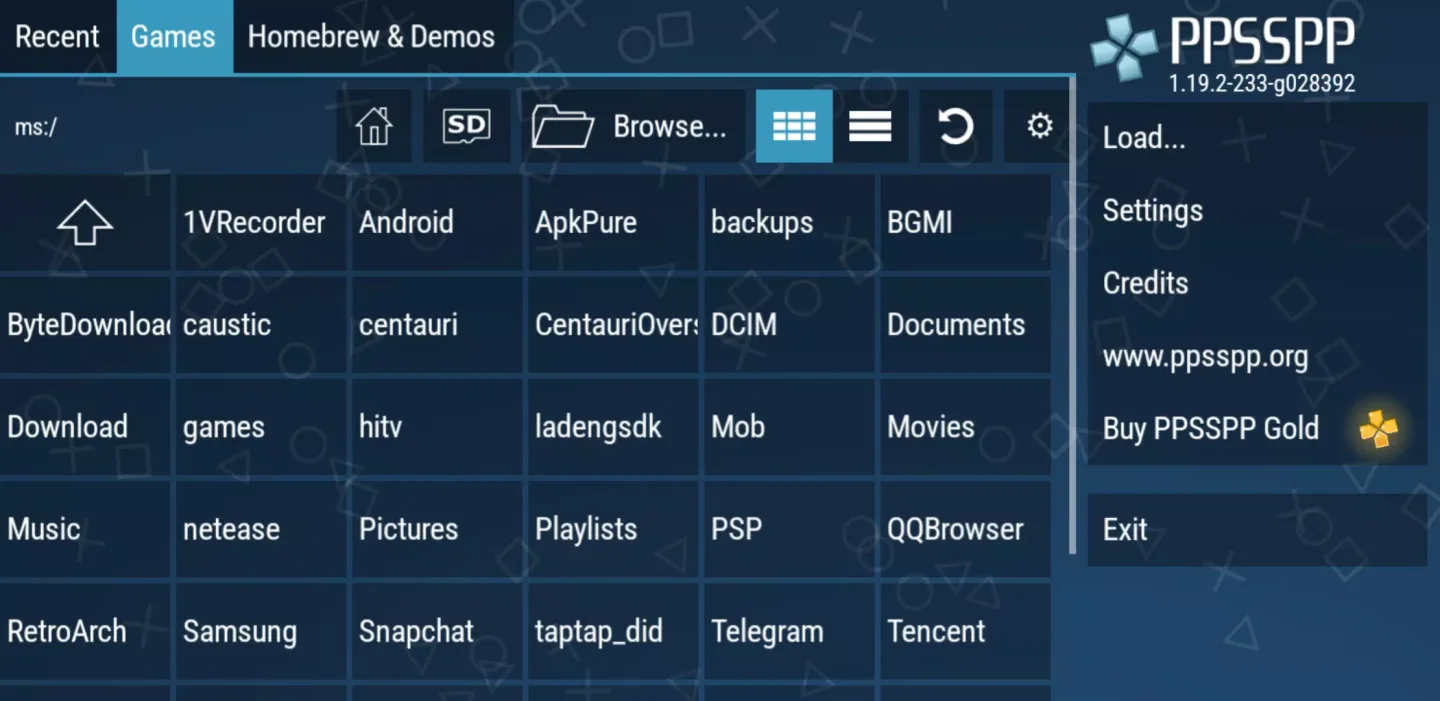
Conclusion
Download the PPSSPP APK to play almost all PSP games on your Android device. Even better, you can not only run all the games mentioned above smoothly but also enjoy better graphics than the original console versions. Undoubtedly, this is one of the best emulators you can find, with a game library containing many classic titles.








