
Clean Clock Widget is a minimalist and aesthetically pleasing theme widget application. It offers a wide variety of clock widgets, allowing you to choose date colors or even customize them for a personalized display. With Clean Clock Widget, users can select preset colors or create custom colors to match their personal style. This feature adds a personalization element, enabling the clock to seamlessly integrate with the overall theme of your device. Despite its high degree of customization, Clean Clock Widget still consumes minimal device resources, ensuring optimal performance without excessive battery drain.
Features:
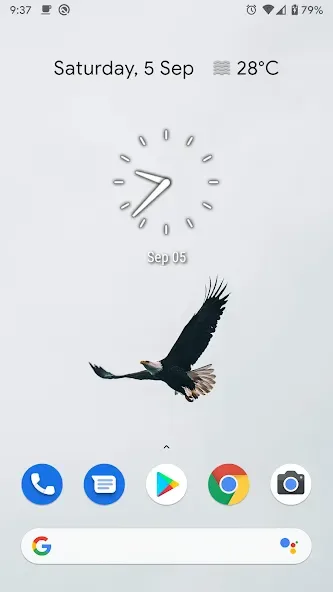
Impeccable Minimalist Design: Clean Clock Widget offers a visually stunning and clutter-free timepiece that stands out on your home screen.
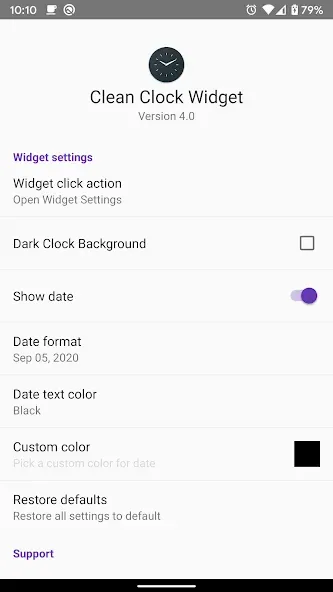
Extensive Customization Options: Choose from a range of colors for the date, opt for a custom color, hide the date if desired, and select from various date formats for the 2x2 widget size.
Functional Convenience: Tap the widget to access settings, alarm clock, or calendar applications swiftly and effortlessly, enhancing your daily digital interactions.
Lightweight and Efficient: With a minimal footprint, the widget ensures smooth and seamless device performance without draining battery life excessively.
Benefits:
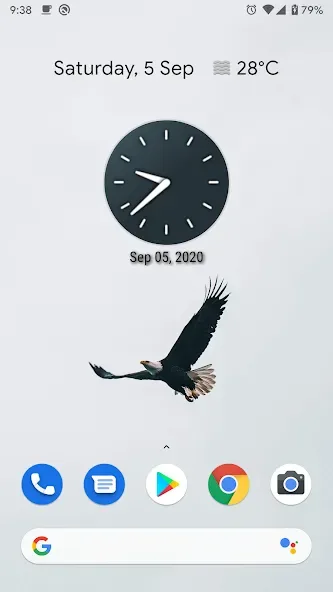
Choose between different colors for date
Custom color also available
Show/Hide Date
Different Date Formats (Not available in widget size 1x1)
Tap on widget to open Widget-Settings/Alarm Clock/Calendar
Tips for Users:
Experiment with Color: Test out different color combinations for the date to find the perfect match for your wallpaper or overall theme.
Use the Tap Feature: Make use of the tap functionality to effortlessly access the widget settings, alarm clock, or calendar for added convenience.
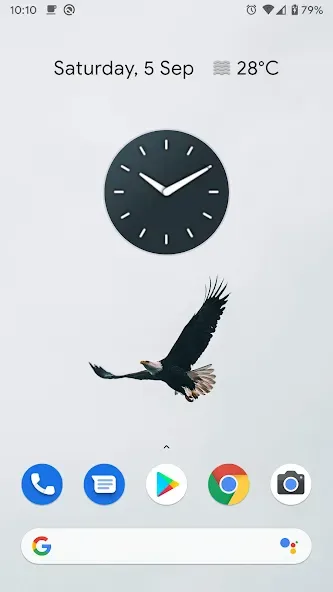
Personalize Your Display: Play around with showing or hiding the date and selecting different date formats for the 2x2 widget to create a unique home screen aesthetic.
Conclusion:
In conclusion, Clean Clock Widget provides a range of features that cater to users seeking a customizable clock display on their Android devices. From various widget sizes and color options to the ability to show or hide the date, the app offers practical solutions for personalizing the home screen. As users explore the app's functionalities, they will find that it not only enhances their device's appearance but also provides essential time management tools.








